How it works
- Drop your images.
- Set a target size or choose a quality level.
- Check the preview and download.
Why use it
- Target size search finds the best quality that fits your limit.
- Live side by side preview of before and after.
- Smaller PNG files through palette reduction and OxiPNG.
- Batch with a ZIP download.
Compressing images to a size limit: how the search works
How the target size works
Upload forms ask for a photo under 100 KB or 2 MB, not for a quality setting, so the default goal is a size. The compressor first tries the photo at quality 95; if that already fits, you get it. Otherwise it searches for the highest quality between 45 and 95 that stays under the limit. Only when even quality 45 is too big does it make the picture smaller in pixels and search again. Below about 45, JPG starts to show its 8 pixel blocks, and a smaller picture at a decent quality looks better than a full size one that is blocky.
We gave it six photos straight from cameras and phones:
| Photo | Original | Under 100 KB | Under 500 KB |
|---|---|---|---|
| Sunset | 2560 × 1920, 1.86 MB | Full size, quality 51 | Full size, quality 91 |
| Cat, soft background | 3872 × 2592, 2.62 MB | 3097 × 2073, quality 45 | Full size, quality 87 |
| Macaw feathers | 6000 × 4000, 1.87 MB | 2229 × 1486, quality 48 | 4933 × 3289, quality 59 |
| Coffee in knitted gloves | 6302 × 4789, 15.5 MB | 2115 × 1607, quality 48 | 5798 × 4406, quality 51 |
| Neon sign at night | 5654 × 3597, 22.8 MB | 1541 × 980, quality 45 | 4405 × 2803, quality 45 |
| Lake and forest | 6000 × 4000, 7.13 MB | 1241 × 827, quality 48 | 3319 × 2213, quality 46 |
What decides the result is how much detail a photo holds, not how big its file was. The smooth sunset fitted under 100 KB at full size, while the lake, full of leaves and ripples, had to drop to about 1,200 pixels wide. That is still more than a passport form or a profile picture needs. If a form asks for exact pixel dimensions as well, set them first with resize image.
The Quality goal
Choose Quality to compress by a setting instead of a size; the default is 80. At 80 the cat went from 2.62 MB to 361 KB and the coffee photo from 15.5 MB to 1.74 MB. The macaw did the opposite: its camera had already saved it compactly, and quality 80 made it 2.03 MB, larger than the 1.87 MB original. When that happens, the compressor keeps the original and tells you so. Which JPEG quality setting should you use shows what each step of the scale changes.
Choosing the format
- Each file's own, the default, keeps JPG as JPG and PNG as PNG, so nothing changes for whoever receives the file.
- WebP makes smaller files than JPG at the same look and opens in every current browser, but some forms and older programs refuse it.
- AVIF is smaller still on most photos and the slowest to encode. Use it for websites, not for forms.
- PNG suits screenshots, logos and graphics. With fewer colours and dithering, the compressor shrinks them a lot while keeping text sharp.
Lossless
The Lossless goal changes the file without changing the picture where the format allows it. PNG is repacked by OxiPNG and stays identical pixel for pixel; WebP uses its lossless mode. JPG cannot be repacked that way, so it is saved again at quality 95, which looks the same but is not bit for bit identical. Whenever a new file is written, the photo's metadata, including its location, is left out.
If something goes wrong
- It says it could not reach the target. The limit is very small for this picture. Raise the target, or choose a smaller longest side so the search starts from fewer pixels.
- It is slow. Each target search encodes the photo several times. Large camera photos took 7 to 65 seconds each in our test; capping the longest side at 2560 or 1920 pixels makes it much faster.
- Text in a screenshot looks smudged. Choose PNG as the format, or set a quality of 90 or more.
How we tested. Six CC0 photos from Unsplash via Wikimedia Commons, as published, between 1.9 and 22.8 MB. Each was compressed as JPG with the tool's own code in Chrome to 100, 200 and 500 KB targets, and at quality 80.
Popular ways to use this tool
Questions and answers
How do I compress an image to 100 KB?
Choose the target size mode, enter 100 KB and add your image. The tool searches for the highest quality that stays under the limit, and reduces dimensions only if it has to.
Is the compression lossless?
PNG optimization can be fully lossless. JPG and WebP are lossy, but the default settings are visually very close to the original.
Do my images leave my device?
No. Compression runs in WebAssembly inside your browser tab.
Related guides
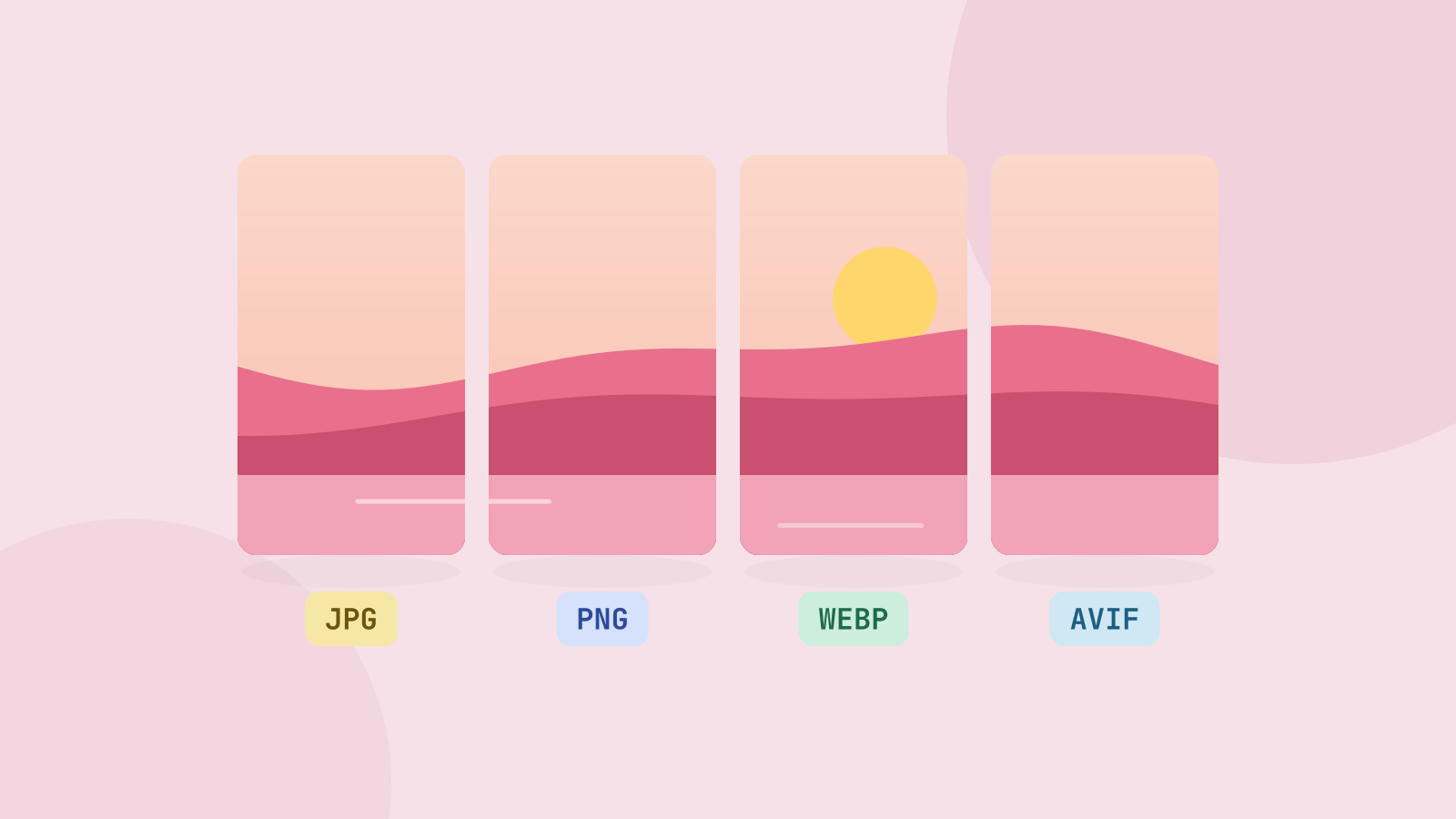
JPG, PNG, WebP or AVIF: which format to use
We saved six photos and a graphic in all four formats at the same visual quality and compared the sizes. The newer formats win on photos by a wide margin, but each format still has a job.
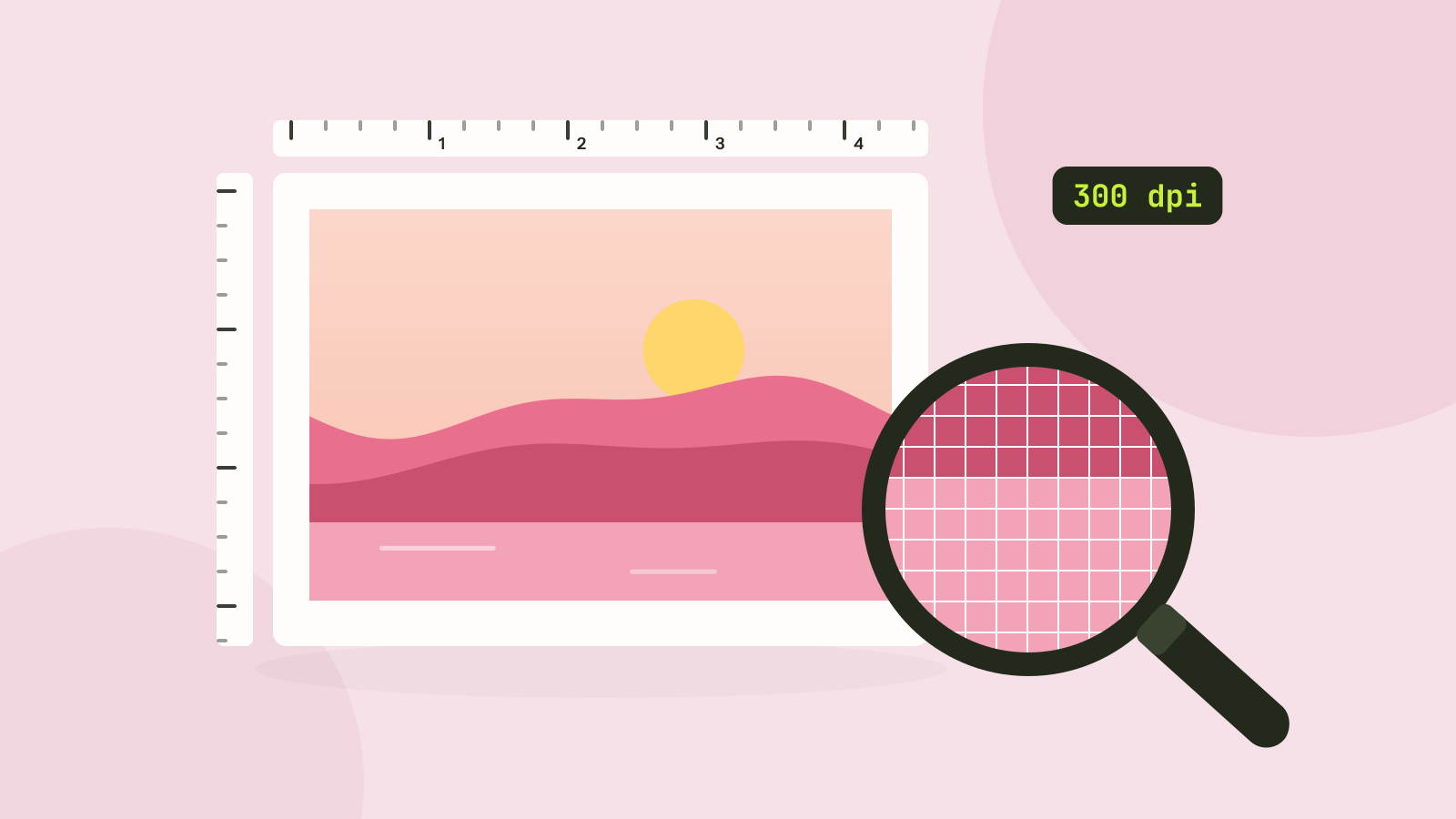
Pixels, DPI and file size: how big does a photo need to be?
Upload forms ask for 300 DPI, print shops for high resolution, and phones save 12 megapixel photos. We tested what the DPI number really does, how file size follows pixel count, and how many pixels each use actually needs.
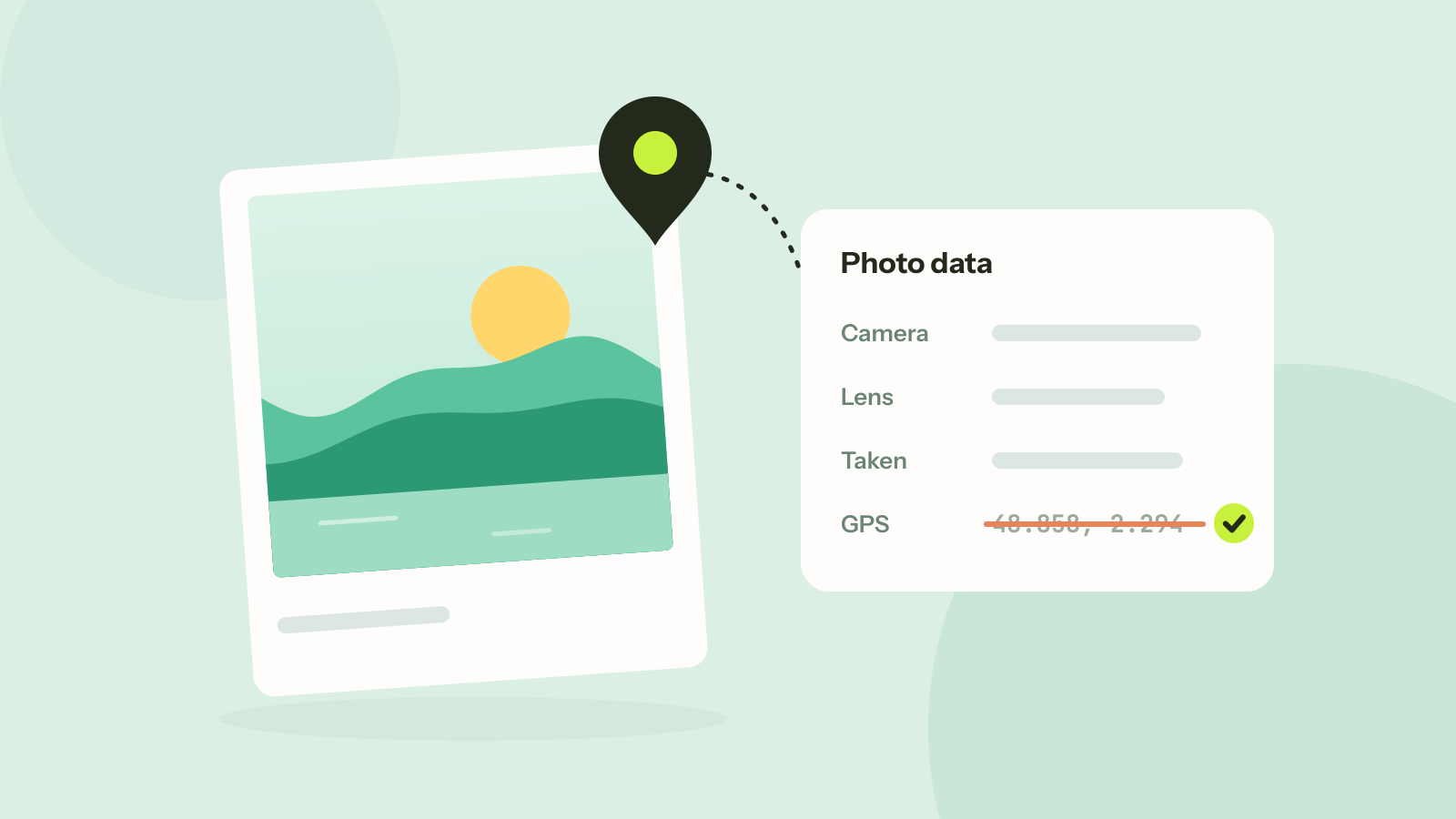
How to remove location and other metadata from photos
Every photo carries hidden data about the camera, the time and often the place. We read what nine published photos still gave away, added a location to show how precise it is, and checked that removing it leaves the picture untouched.