How it works
- Open your PDF.
- Drag boxes over content, or search for text and patterns.
- Redact and download the flattened PDF.
Why use it
- True redaction: redacted pages become images.
- Find and cover text, emails, phone numbers, card numbers and more.
- Choose 150, 200 or 300 DPI for redacted pages.
- Untouched pages stay as they are.
Redacting a PDF so the hidden text is really gone
Why a black box is not enough
Drawing a black rectangle over text in a PDF editor only covers it. The text is still in the file, underneath, and anyone can select it, copy it or search for it. Documents leaked this way are a recurring news story. In our own test, copying the text out of a statement with five details covered by boxes gave all five of them back. Scans are no safer once text recognition has added an invisible text layer: the layer keeps every word under the boxes.
This tool removes the text instead. Every page with a box on it is drawn as a picture with the boxes painted in, and that picture replaces the page. There is no text left underneath to recover. Our article on how to redact a PDF shows the test in detail.
Finding what to hide
Draw boxes by hand over anything on a page, including signatures, photos and handwriting. For text, type it into Text to find and every match in the document is marked at once, which is far safer than hunting through fifty pages by eye. Switch on Regular expression to find patterns rather than exact words:
| To find | Pattern |
|---|---|
| Email addresses | [\w.+-]+@[\w-]+\.[\w.]+ |
| Any run of 8 or more digits, such as account numbers | \d{8,} |
| Card numbers written in groups of four | \d{4}[ -]\d{4}[ -]\d{4}[ -]\d{4} |
| A name in any capitalisation | the name, with Match case off |
Check the marks before you save: search only finds text the PDF really contains. Scanned pages, text inside pictures and handwriting need boxes drawn by hand.
Sharpness and file size
Because redacted pages become pictures, two settings decide how they look. Sharpness sets the resolution: 150 dpi for a smaller file, 200 dpi balanced, 300 dpi for printing. Picture format is JPEG for smaller files or PNG for crisper text. Only pages with boxes are changed; every other page is copied exactly as it was, with its text still searchable.
The redacted pages lose their selectable text, links and bookmarks, which is the price of removing what was under the boxes. If the rest of the page must stay searchable, run the finished file through image to text to add a new text layer: the redacted words are gone from the picture, so they cannot come back.
Do not forget the hidden places
- Title and author: PDF readers show them in the document properties, and they often hold a client's name. They are removed by default.
- The file name: rename the file before sending it if the name says what was hidden.
- Other copies: redact the document you send, and keep the original somewhere safe and separate.
If something goes wrong
- Search finds nothing in a scan. Scanned pages have no text to search. Draw boxes by hand.
- The regular expression shows an error. Check the pattern, or switch Regular expression off and search for the plain text.
- The file grew a lot. Redacted pages are pictures. Choose 150 dpi and JPEG, or redact fewer pages.
Questions and answers
Can redacted text be recovered?
No. The redacted pages contain only an image with black boxes, so no text remains underneath.
What happens to the rest of the document?
Pages without redactions are copied unchanged. Redacted pages lose their selectable text, bookmarks and links.
Are boxes placed exactly over search matches?
Positions are estimated from the text layer and widened a little for safety. Check each one on the page before you save.
Related guides
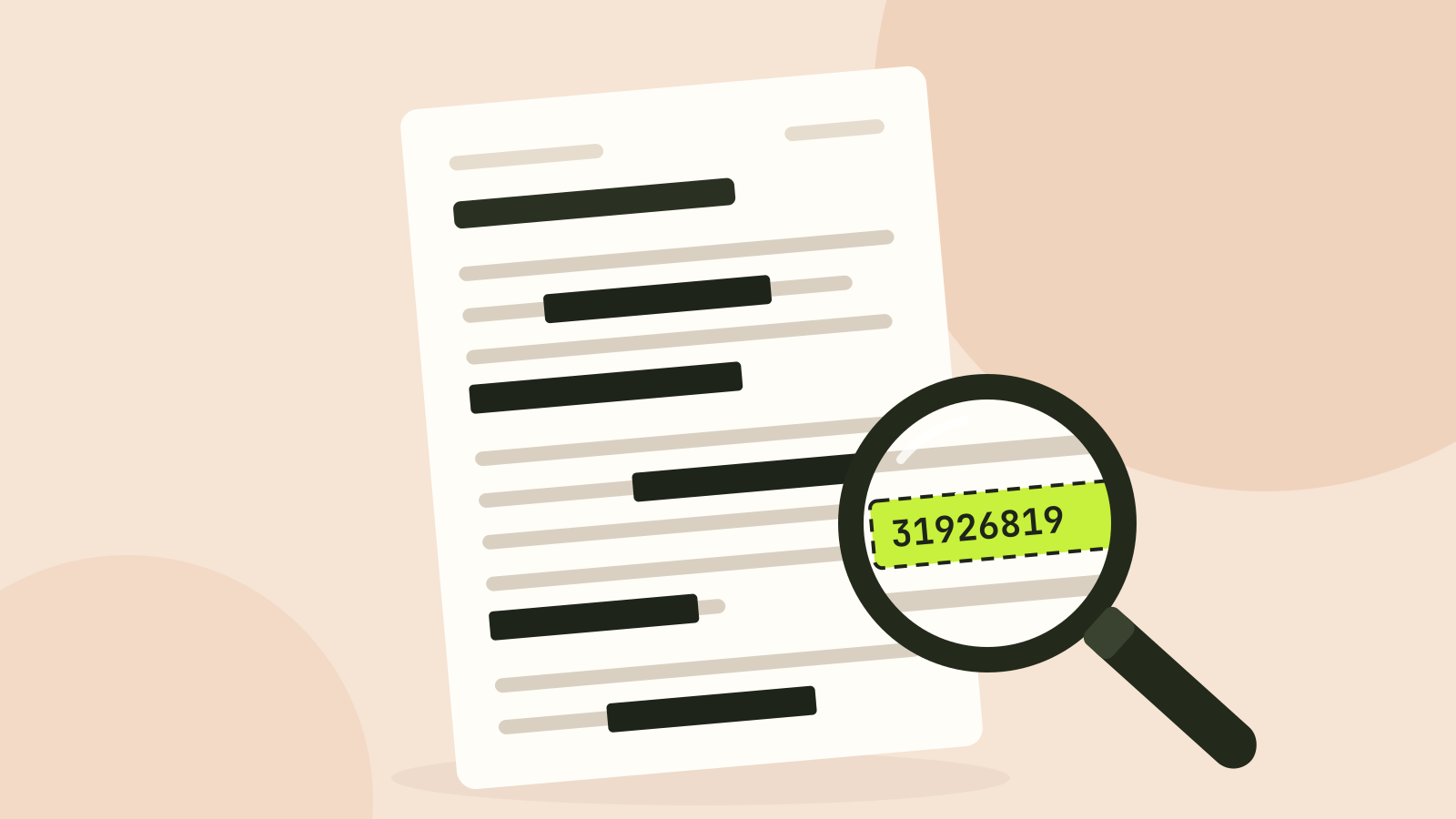
How to redact a PDF properly
We hid the private details in a statement four different ways, then tried to get them back. Black boxes and a scanned copy gave up every detail. Only one method left nothing behind.
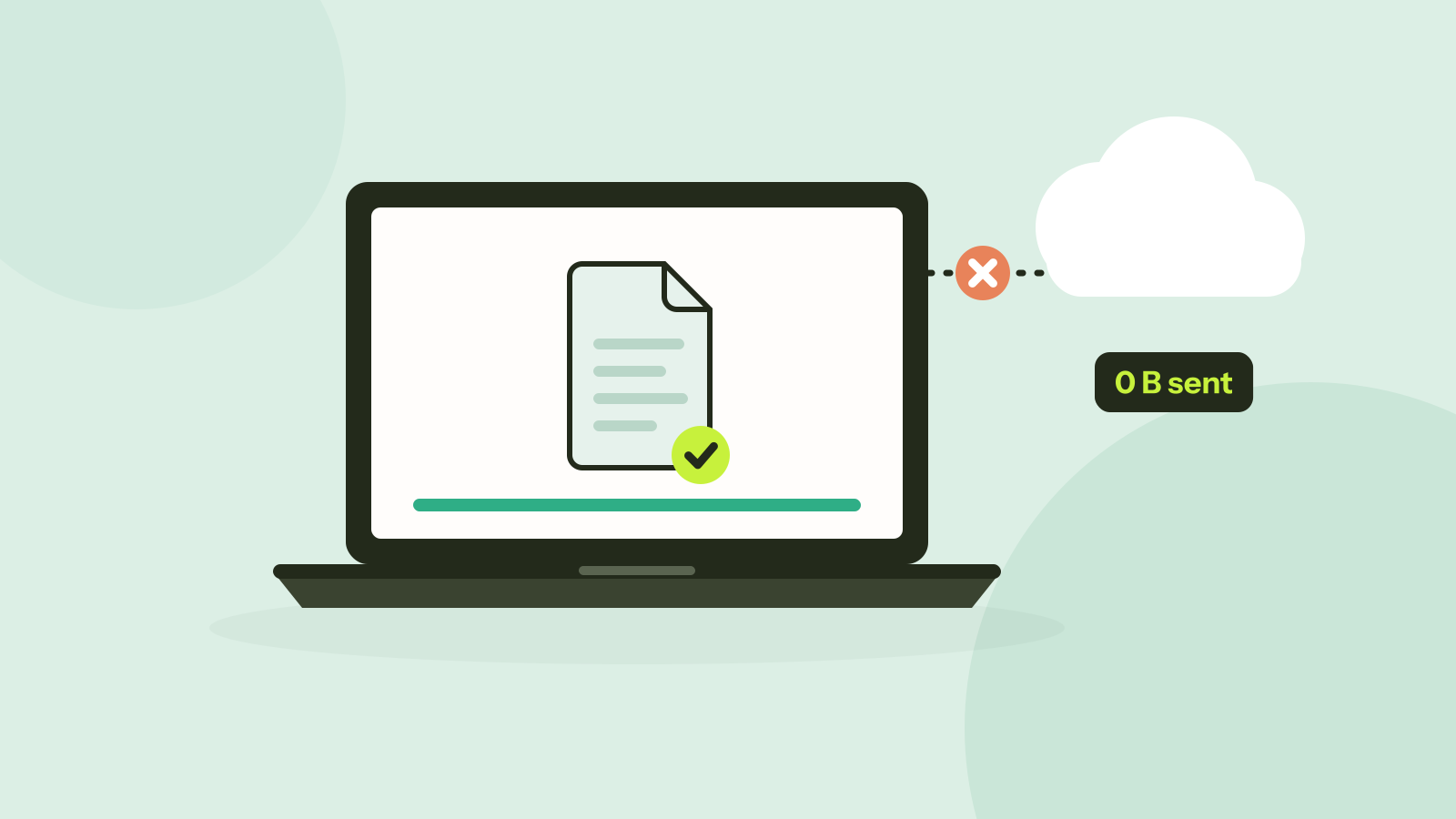
Do online converters upload your files?
Most online converters send your file to a server; some do the work in your browser instead. Here is how to tell which kind a site is in about a minute, and what every request looked like when we converted a photo on our own site.