How it works
- Drop your audio files.
- Choose the target format and quality.
- Download the converted files or a ZIP.
Why use it
- MP3, WAV, OGG, FLAC and M4A.
- Bitrate, sample rate and channel controls.
- Batch with a ZIP download.
- Runs on your device.
Converting audio: formats, bitrates, sample rates and channels
Lossy and lossless formats
Audio formats come in two families. Lossy formats, MP3, AAC in M4A files and Opus in OGG files, throw away sounds the ear is unlikely to notice and make files around a tenth of the original. Lossless formats, WAV and FLAC, keep every sample exactly: WAV stores them as they are, FLAC packs them to roughly half the size and unpacks them perfectly.
| Format | Kind | Size per minute, stereo | Best for |
|---|---|---|---|
| MP3, 192 kbps | Lossy | 1.4 MB | Playing anywhere, including old devices |
| M4A (AAC), 192 kbps | Lossy | 1.4 MB | Phones and Apple devices, a little better than MP3 |
| OGG (Opus), 128 kbps | Lossy | 0.9 MB | Smallest files for the quality, web and games |
| FLAC, 16 bit | Lossless | About 5 MB | Archiving music without loss |
| WAV, 16 bit | Lossless | 10.1 MB | Editing in audio programs |
Converting can only lose, never gain
Converting from a lossy format to a lossless one does not bring back what was thrown away: an MP3 turned into WAV is a much larger file that sounds exactly like the MP3. Converting between lossy formats loses a little more each time, so convert from the best source you have, and keep lossless originals of anything you may want to convert again later.
The settings
- Bitrate, for lossy formats: 192 kbps suits music for most listeners, 128 kbps is plenty for speech and podcasts, 256 to 320 for music you care about. Opus sounds good at lower rates than MP3, so its choices start lower.
- Bit depth, for lossless formats: 16 bit is CD quality and enough for listening; 24 bit and 32 bit float give room for further editing and mixing.
- Sample rate: keep the original unless a device or program asks for a specific one, such as 44.1 kHz for CD audio or 48 kHz for video. Lower rates such as 22.05 kHz shrink speech recordings further, at a cost in clarity.
- Channels: mono halves a lossless file and suits a single voice; stereo keeps left and right apart.
Speed
Encoding runs on your own device and is quick: in our tests a 40 second recording took under a second as MP3 and about 0.4 seconds as M4A. Several files are processed in turn and download together as a ZIP.
If something goes wrong
- It says the browser cannot decode the file. Some formats, such as AC-3 or files from old dictation devices, cannot be read by browsers. Try another browser, or a desktop converter.
- The converted file sounds no better than before. Converting cannot add quality the source did not have.
- The file is larger than the original. It was converted to a lossless format or to a higher bitrate. Choose a lossy format at the bitrate of the source or lower.
How we tested. Lossy sizes are bitrate times length, confirmed by encoding a 39.6 second recording with this tool in Chrome. WAV is 44,100 samples a second, 2 bytes each, on 2 channels.
Popular ways to use this tool
Questions and answers
How do I convert WAV to MP3?
Drop the WAV, choose MP3 and a bitrate such as 192 kbps, and convert.
Which format is best?
MP3 and M4A are small and widely supported, FLAC is lossless and compressed, and WAV is uncompressed.
Is there a file size limit?
No fixed limit. Large files depend on device memory.
Related guides
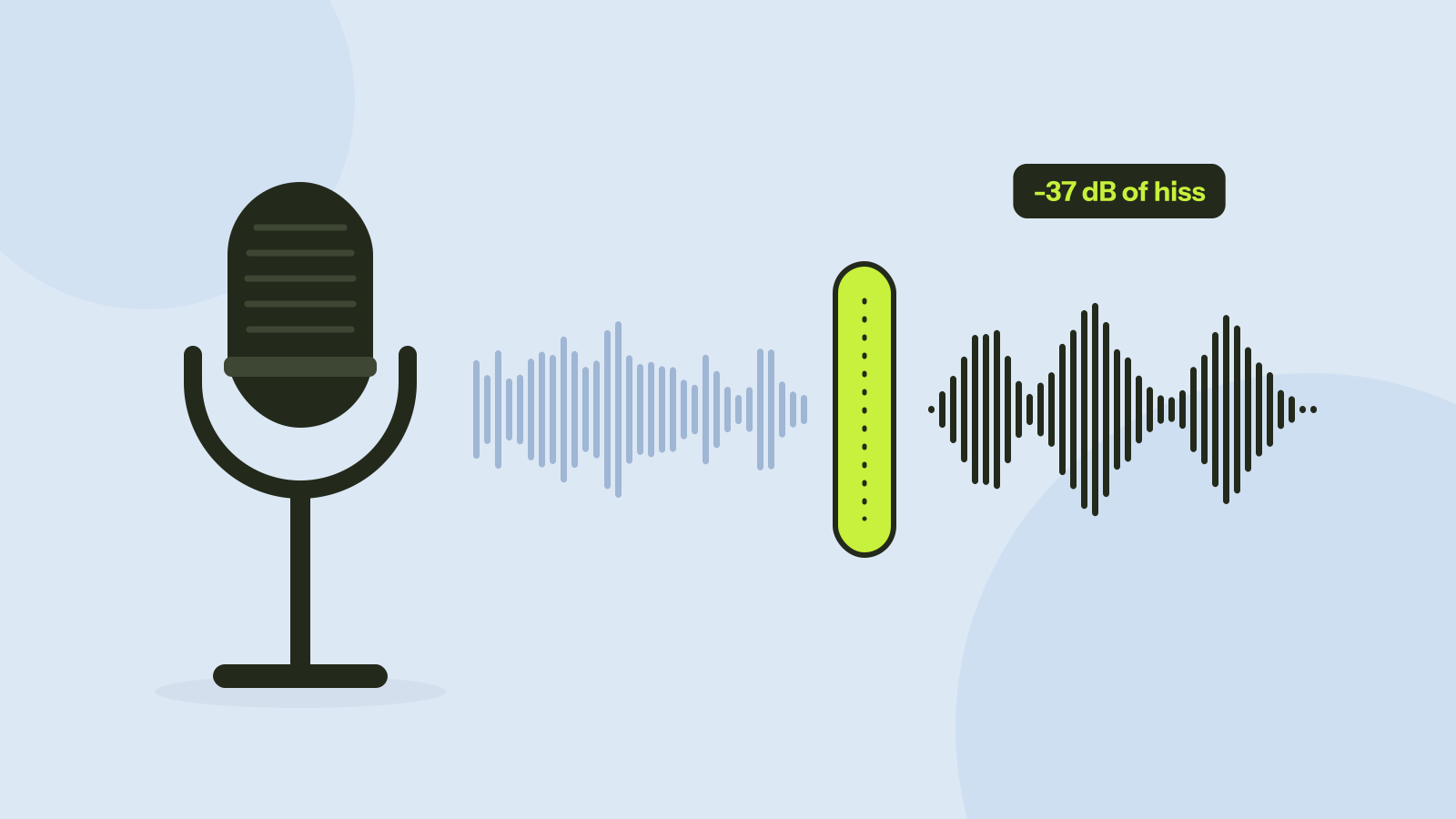
Removing background noise from audio: what works
We mixed five kinds of noise into real recordings of people speaking and cleaned them with a small neural network that runs in the browser. Steady noise almost disappeared. Sudden sounds and music were another story.
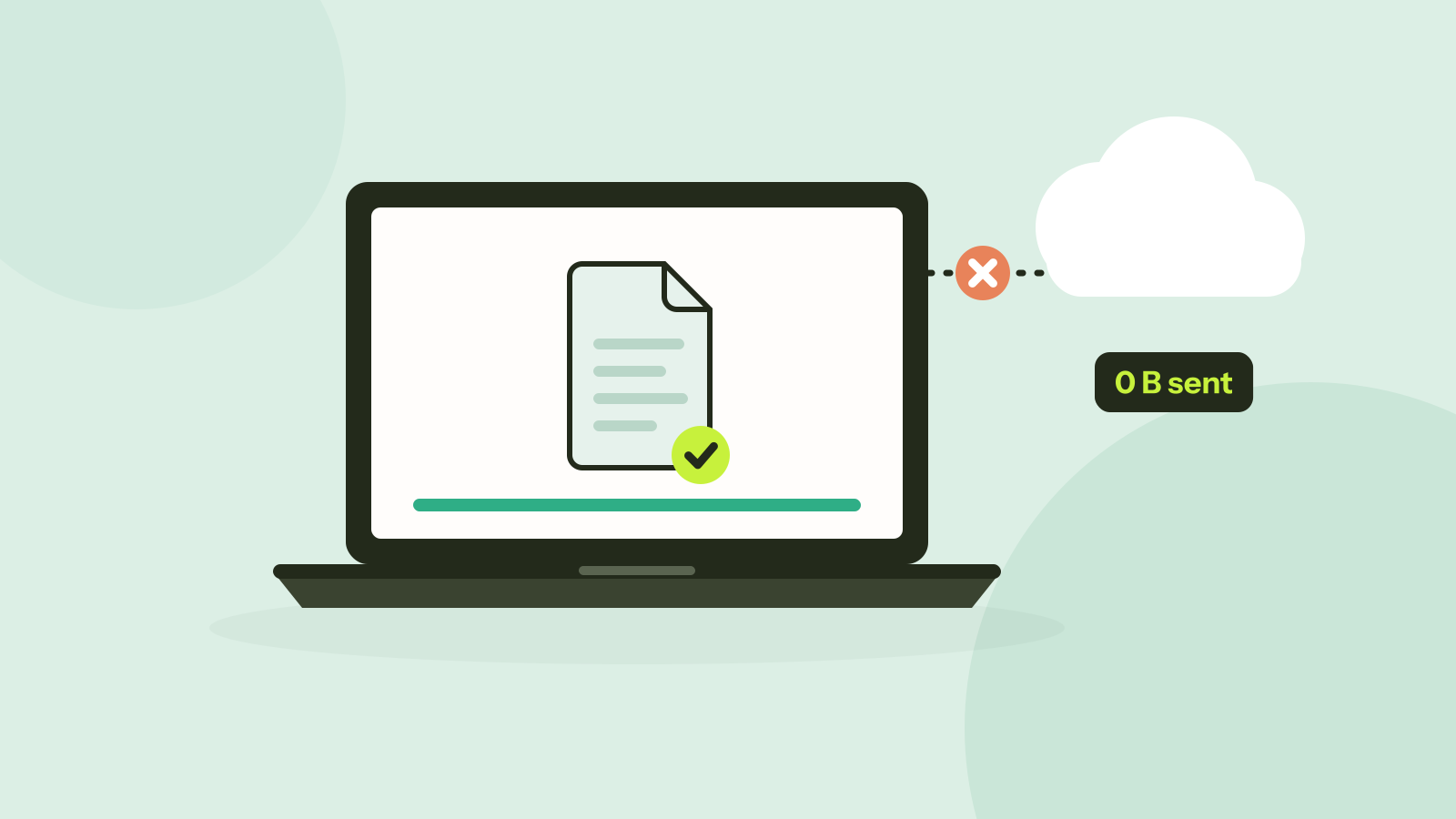
Do online converters upload your files?
Most online converters send your file to a server; some do the work in your browser instead. Here is how to tell which kind a site is in about a minute, and what every request looked like when we converted a photo on our own site.