How it works
- Paste your data or open a file.
- Choose the input and output formats.
- Copy or download the converted data.
Why use it
- JSON, CSV, YAML and XML in any direction.
- Delimiter, header and quoting options.
- Nested data is handled sensibly.
- Local processing, no upload.
Converting between JSON, CSV, YAML and XML
Four formats, two shapes
JSON, YAML and XML are trees: values can hold lists and other objects, nested as deep as needed. CSV is a flat table: rows and columns, nothing inside a cell but text. Converting between the tree formats keeps everything. Converting a tree into CSV has to flatten it, and that is where the choices are.
| Format | Shape | Typical use |
|---|---|---|
| JSON | Tree | APIs, web apps, configuration |
| YAML | Tree | Configuration files people edit by hand, CI pipelines, Kubernetes |
| XML | Tree with attributes | Older APIs, feeds, office and banking formats |
| CSV | Flat table | Spreadsheets, databases, data exports |
From JSON to CSV
The converter expects a list of objects, one per row, such as an API response with an array of users. A single top level key holding that list, as in {"users": [...]}, is unwrapped automatically. Each key becomes a column; with Flatten nested data into columns on, a nested object becomes several columns named by their path:
{"name": "Ada", "address": {"city": "London"}, "tags": ["math", "code"]}

name,address.city,tags[0],tags[1]
Ada,London,math,code
With flattening off, nested values are written into one cell as JSON text, which keeps them intact but is harder to read in a spreadsheet. Rows with different keys still line up: every key that appears anywhere becomes a column, empty where a row has no value.
From CSV back to JSON
- First row is a header uses the first row for key names; off, rows become plain lists.
- Detect numbers and booleans turns
42into a number andtrueinto a boolean instead of text. Switch it off for codes that must keep leading zeros, such as postal codes and phone numbers. - Rebuild nested objects from dotted headers turns
address.citycolumns back into nested objects, reversing the flattening above. - Delimiter is detected automatically: commas, semicolons as Excel writes them in much of Europe, tabs or pipes.
XML specifics
XML has attributes as well as elements. With Treat @_ keys as attributes on, keys starting with @_ become attributes, so {"item": {"@_id": "7", "name": "Pen"}} becomes <item id="7"><name>Pen</name></item>, and reading XML gives the same shape back. Set the name of the Root element that wraps the document when converting to XML.
Many files at once
Switch to Files to convert a batch, for example a folder of JSON exports to CSV, with the same settings for all. For spreadsheets, Excel to CSV reads and writes XLSX files, and the CSV viewer opens large CSVs to sort and filter. Our comparison of CSV, Excel and JSON measures how the formats differ in size and speed.
If something goes wrong
- Leading zeros disappear. Detect numbers is on. Switch it off for that file.
- Accents look wrong when the CSV is opened in Excel. Excel guesses the encoding. Use Data, From Text/CSV and choose UTF-8, or open the file through the CSV viewer.
- Hundreds of columns appear. The JSON has long arrays inside each row, and every item becomes a column. Switch flattening off to keep each array in one cell.
Popular ways to use this tool
Questions and answers
How do I convert JSON to CSV?
Paste a JSON array of objects, choose CSV as the output, and the keys become the header row.
What happens to nested objects?
They are flattened with dotted column names or kept as JSON text, depending on the option you choose.
Is there a size limit?
No fixed limit. Very large inputs depend on your device memory.
Related guides
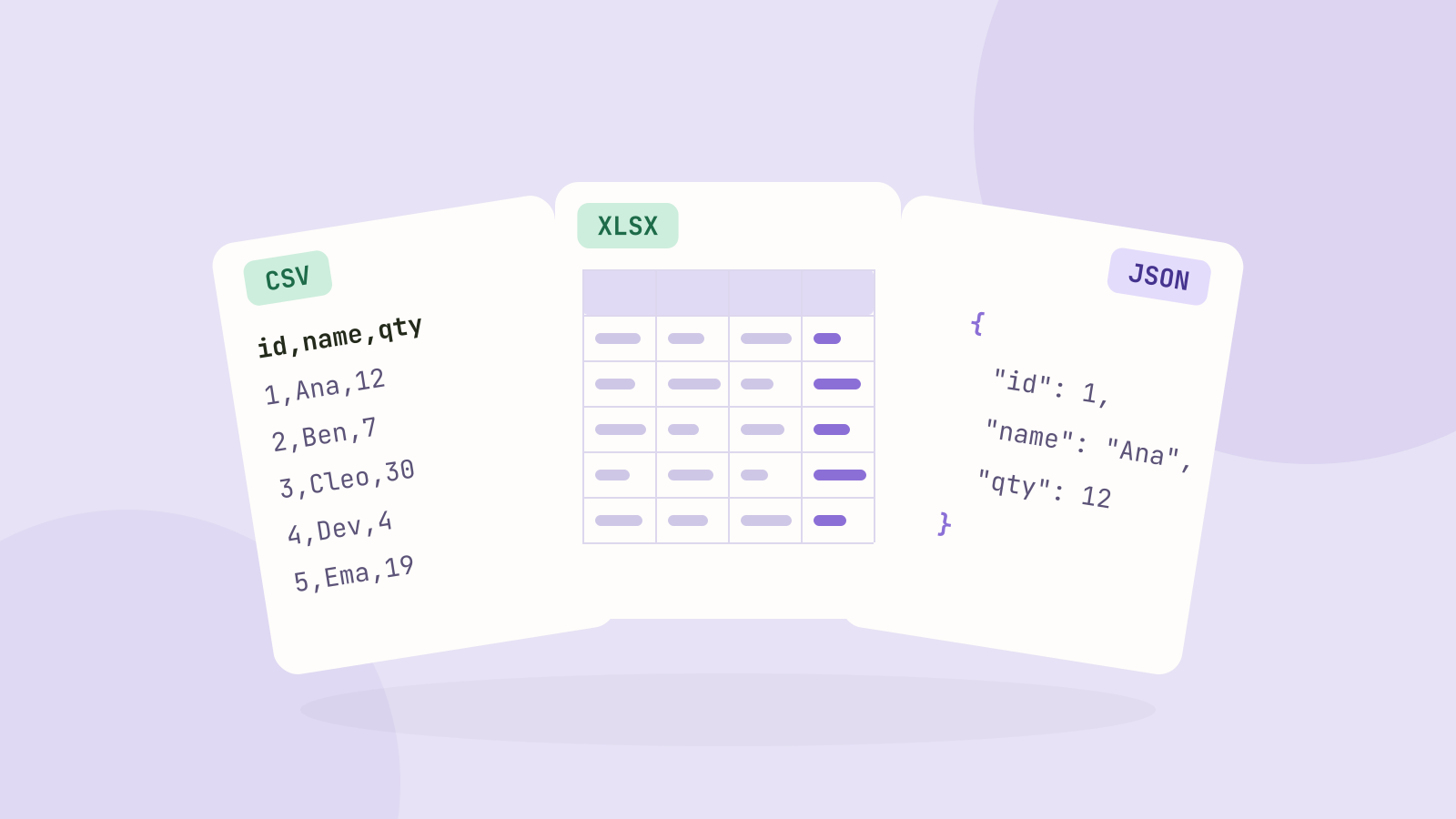
CSV, Excel or JSON: which format for your data?
We saved the same 100,000 row table as CSV, as an Excel workbook and as JSON, then compared the sizes, how fast each one reads in code, and what goes wrong with dates, leading zeros and long numbers.