How it works
- Drop your PDF files.
- Keep text is on by default. Choose the picture resolution and the JPEG quality.
- Download the compressed PDFs.
Why use it
- Text, links and forms stay selectable and searchable.
- Pictures resized to 72 to 300 DPI at the size they are shown.
- Keeps the original when it is already smaller.
- Batch with a ZIP download.
Compressing a PDF: what shrinks and what stays
Where the size of a PDF comes from
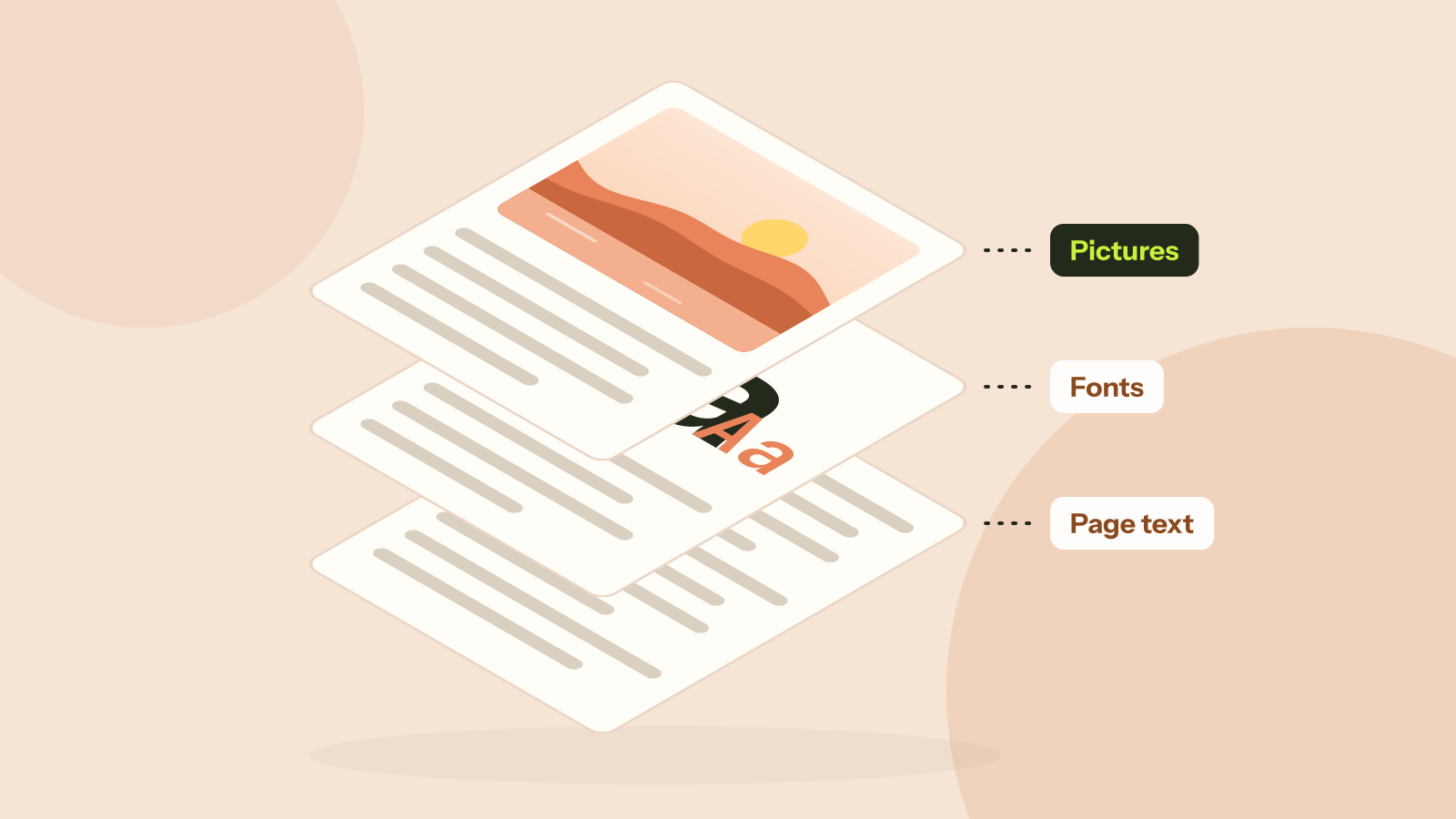
Text costs almost nothing in a PDF: a page of words is a few kilobytes. The size comes from pictures, such as photos pasted in straight from a camera or pages scanned in colour, and sometimes from fonts embedded in full. A compressor can only do something about the first. That is why one PDF shrinks by 99 percent and another hardly moves.
Keep text: shrinking only the pictures
The default method finds every picture in the file and works out how large the page actually shows it. A 6,000 pixel photo printed 16 centimetres wide has about 950 pixels per inch, far more than any screen or office printer can use, so it is resampled to the resolution you choose and saved again as JPEG. Charts and graphics with few colours stay lossless, so their edges stay clean.
It also packs uncompressed data, drops data only the program that made the PDF reads, and removes objects that nothing in the file uses. Pictures it cannot handle safely, such as CMYK print images, masks and JPEG 2000, are left exactly as they were, and a picture is only replaced when the new one is clearly smaller. We ran it on three documents:
| Document | Original | 96 DPI | 150 DPI | 220 DPI | Flattened |
|---|---|---|---|---|---|
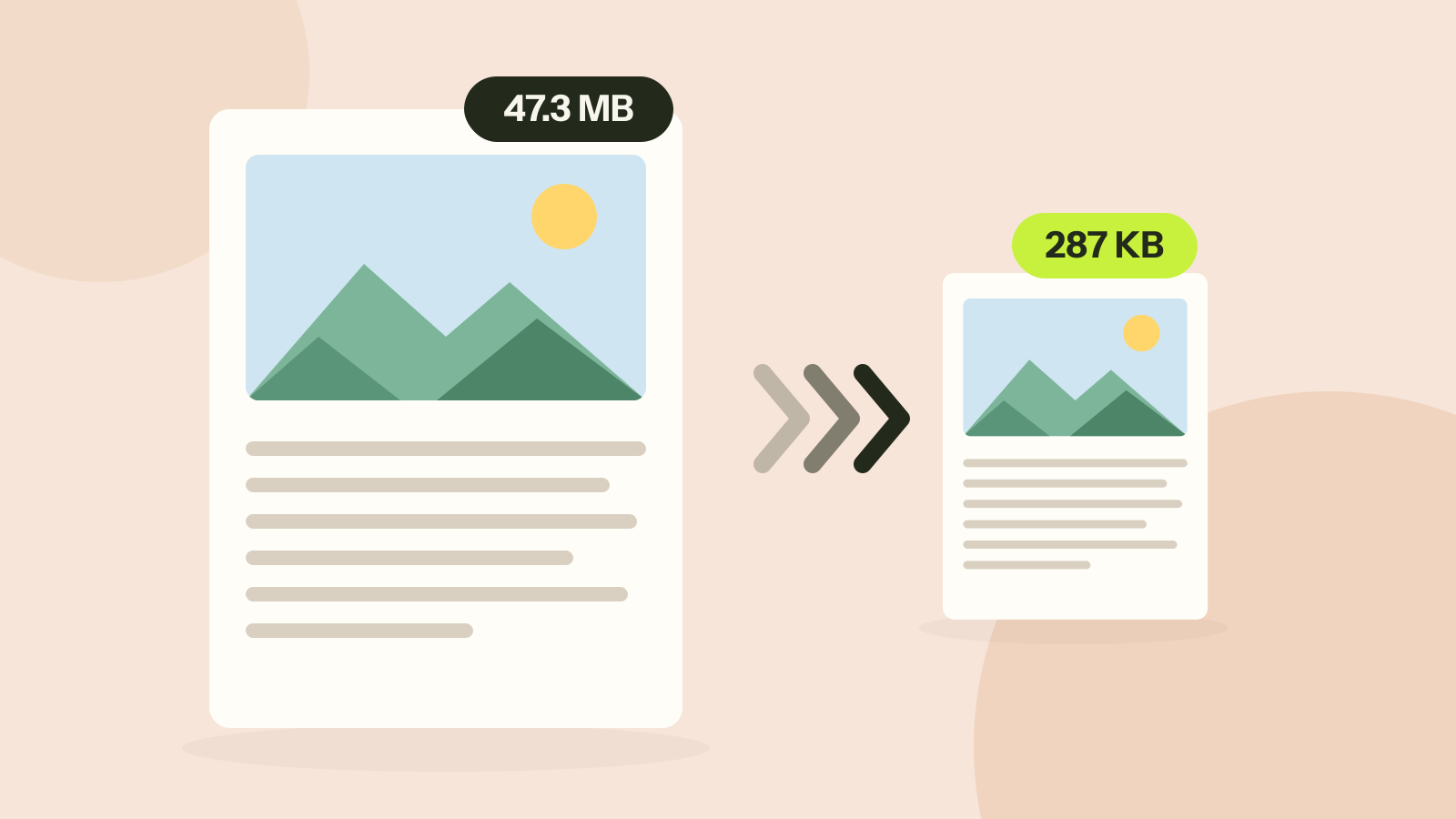
| Brochure with 4 camera photos | 47.3 MB | 126 KB | 287 KB | 785 KB | 1.5 MB |
| Scan, 10 pages | 9.4 MB | 975 KB | 2.24 MB | 4.4 MB | 2.75 MB |
| Report, text only | 745 KB | 745 KB | 745 KB | 745 KB | 3.6 MB |
Every word in the brochure and the report stayed selectable and searchable with Keep text. The report has no pictures, so there was nothing to shrink and the tool returned it unchanged.
Choosing the resolution
The presets name what the file is for: Screen at 72 DPI, Small at 110, Balanced at 150, Sharp at 200 and Print-ready at 300. On our scan, 150 and 220 DPI read as well as the 300 DPI original. At 96 DPI the text was still readable on screen, but the letters started to break up and would print badly. Balanced suits email, reading on screen and office printers; use Print-ready only for a print shop.
Grayscale does less than people expect: on our scan of black text on grey paper it saved 3 percent at 150 DPI, because a page that is nearly grey already holds little colour.
Flatten pages, and when not to use it
Flattening draws every page as a picture and builds a new PDF from those pictures. It is a strong squeeze for scans, whose pages are pictures already, and a way to make a file that is hard to edit. Everywhere else it backfires: the brochure came out five times larger than with Keep text, and the text report grew from 745 KB to 3.6 MB, with its text no longer searchable. Keep the original when you flatten.
If the PDF barely shrinks
- It has few or no pictures. Text and drawings are already compact. There is nothing to remove without changing the document.
- Its fonts are embedded in full. In our report, two fonts made up 89 percent of the file. Exporting it again from the original document, embedding only the characters used, usually fixes that. Why is my PDF so big shows how to find out.
- Its pictures are already small or in an unusual format. They are left as they are on purpose.
- It is protected with a password. Open it with unlock PDF first, if you have the right to.
How we tested. Three PDFs made for the test: an 8 page brochure with four camera photos between 5,654 and 6,302 pixels wide, a 10 page colour scan at 300 dpi, and an 11 page text report exported from Word. Compressed with this tool in Chrome; text checked with pdf.js before and after.
Questions and answers
Will text stay selectable?
Yes. Keep text, the default, only changes the pictures. Flatten pages turns every page into an image instead, which squeezes scans harder but leaves text that can no longer be selected.
Which setting gives the smallest file?
A lower resolution and a lower JPEG quality. 100 to 150 DPI is plenty for reading on screen, and grayscale helps with scans of text.
Are my documents uploaded?
No, everything is processed on your device.
Related guides
How to compress a PDF without losing quality
Compressors either shrink the pictures inside a PDF or turn every page into a picture. We ran both on three kinds of documents. One method took a 47 MB brochure to 287 KB with every word intact; the other made a text report five times larger.
Why is my PDF so big?
Two PDFs with the same number of pages can differ in size a thousand times. We took five real kinds of PDF apart and measured what fills them: photos, scans, fonts or drawings. Each cause has its own fix.