How it works
- Choose Create a ZIP or Open an archive.
- Add your files, or drop an archive.
- Download the ZIP, or save the selected files.
Why use it
- Add whole folders and keep their structure.
- Compression level from store only to maximum.
- Opens ZIP, RAR, 7z, TAR, TAR.GZ and GZ.
- Saves straight to a folder in Chrome and Edge.
Making ZIP files and opening ZIP, RAR, 7z and TAR archives
Making a ZIP
Drop files or choose a whole folder, and its subfolders are kept inside the archive. Pick a compression level: Normal suits almost everything; Maximum squeezes text a little more at the cost of time; Fast and Store only are for files that do not compress, where trying would only waste time.
How much a ZIP saves depends entirely on what is inside. In our tests, photos, videos and PDFs shrank by about 1 percent or less, because they are already compressed. Text, spreadsheets exported as CSV, code and logs shrink a lot: a 5 MB data export became a quarter of its size. Zipping a folder of photos is still useful to send many files as one, just not to make them smaller; for that, compress image or compress PDF do the real work.
Opening archives
Drop a ZIP, RAR, 7z, TAR or GZ file, or a less common one such as XZ, ISO or CAB, and its contents are listed with names, folders and sizes, without extracting anything yet. Filter the list by name, tick the files you want, and save them. In Chrome and Edge they can be written straight into a folder you choose, with the folder structure kept; other browsers pack the selection into a ZIP. Single files can be saved one at a time.
This matters most for RAR and 7z, which Windows and macOS do not always open without extra software. Here they open in the browser, nothing to install.
Password protected archives
A ZIP protected with the classic ZIP password asks for it, and the files are decrypted on your device. ZIPs encrypted with AES, and encrypted RAR and 7z archives, cannot be opened here yet; 7-Zip on a computer opens them. Nothing here can find a password you do not know. ZIP files made here are not password protected: ZIP's own encryption is either weak or poorly supported. To send something secret, encrypt it with encrypt text, or protect a PDF with protect PDF.
ZIP, 7z or RAR
| Format | Strength | Weakness |
|---|---|---|
| ZIP | Opens everywhere, built into Windows and macOS | Weaker compression on text and data |
| 7z | Best compression on text and data in our test | Needs extra software on many computers; slow on large files |
| RAR | Good compression, fast, recovery records | Made by paid software; opening needs a separate program |
For sending files to other people, ZIP is the safe choice: everyone can open it without asking how. ZIP, 7z or RAR has the measurements behind the table.
If something goes wrong
- It says the password is wrong. Check capital letters and the keyboard layout.
- A file in the list cannot be extracted. The archive is damaged or was cut short when downloaded. Download it again.
Popular ways to use this tool
Questions and answers
Can it open RAR or 7z files?
Yes. RAR 4, RAR 5 and 7z archives open here, and you can save their files or repack them as a ZIP.
What about passwords?
A ZIP locked with the classic ZIP password opens once you type it. ZIPs locked with AES and encrypted RAR or 7z archives cannot be opened yet, and ZIPs made here have no password.
Are my files uploaded?
No.
Related guides
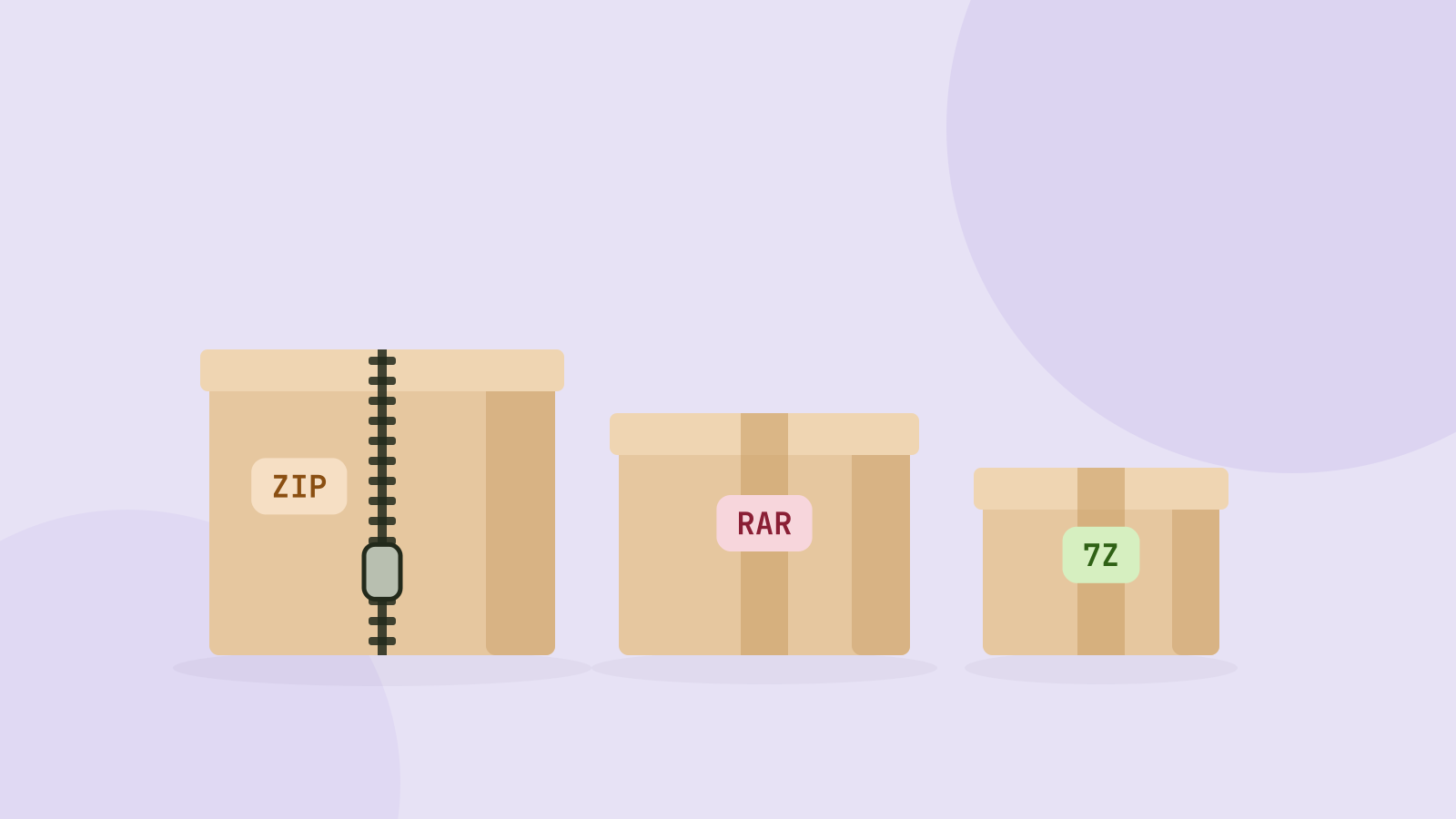
ZIP, 7z or RAR: which archive format is best?
We packed the same folders of photos, videos, documents and data into ZIP, 7z and RAR archives and measured size and speed. The winner depends almost entirely on what is inside.