How it works
- Drop an unencrypted .7z archive.
- Inspect the listed paths and file sizes in your browser.
- Extract to a local folder, grab single files or download a ZIP.
Why use it
- LZMA, LZMA2, PPMd and BZip2.
- Save files, a folder or a ZIP.
- No 7-Zip needed.
- Private.
Open 7z files online: extract 7-Zip archives privately
Why .7z archives require a dedicated extractor
The .7z format built by 7-Zip consistently wins compression benchmarks on text, source code, CSV exports and software installers thanks to LZMA and LZMA2 algorithms. The downside is compatibility: macOS Finder and older operating systems often refuse to open .7z files without installing third-party software.
Dropping a .7z file here unpacks the archive index inside your browser tab via libarchive WebAssembly so you can browse every subfolder and save only what you need.
Supported 7z compression methods and outputs
| Feature | Behavior in browser | Notes |
|---|---|---|
| LZMA & LZMA2 codecs | Fully decoded locally | Handles standard and solid 7z archives |
| PPMd & BZip2 codecs | Fully decoded locally | Common on text-heavy backups and older packs |
| Folder export | Direct disk write in Chrome & Edge | Preserves nested subdirectories cleanly |
| Download as ZIP | Repacks selection into .zip | Ideal for sharing onward via RAR to ZIP |
Because solid .7z blocks group multiple similar files together before compressing, decompressing one entry sometimes reads the surrounding solid block in memory, though filtering keeps your saved downloads uncluttered.
Comparing 7z against ZIP and RAR
- 7z shrinks data better than ZIP: Our measurements in ZIP vs 7z vs RAR show
.7zdelivers the tightest output on CSVs, JSON dumps and logs, at the cost of slower compression and missing built-in OS support. - Share back in universal ZIP: If you extracted files from a
.7zfor a colleague on iPhone or a locked Windows desktop, export the selection as a.zipor repack cleanly with RAR to ZIP. - Encrypted 7z archives: Password-protected
.7zfiles use strong AES-256 header and stream encryption that cannot currently be unlocked in the browser extractor; open those with the desktop 7-Zip utility.
Private browser extraction and more archive tools
Because .7z archives commonly hold full software releases, accounting folders and personal backups, uploading them to unknown web extractors introduces real security risks. Running libarchive WebAssembly directly inside your browser keeps every single byte on your computer and prevents extracting junk files you never wanted. Use the exact same engine to extract RAR files, inspect .tar.gz, .bz2 or .xz packages via unzip files, or bundle loose folders cleanly for sharing with zip files. Remember that media files like JPEGs or MP4s barely shrink inside any archive; shrink those beforehand using compress image or compress PDF.
If something goes wrong
- The 7z archive asks for a password or fails immediately. Encrypted
.7zarchives (including header-encrypted archives where even filenames are hidden) are not decoded in the browser yet. - A multi-hundred-megabyte solid 7z takes several seconds. Solid LZMA2 blocks require heavy CPU decompression inside WebAssembly; wait for the progress bar rather than refreshing the tab.
- Need to send confidential files securely? Extract first, then lock individual documents with protect PDF or encrypt text.
Questions and answers
Can it open encrypted 7z files?
Not yet. 7z archives protected with a password cannot be read here.
Is my archive uploaded?
No. It is read in your browser.
Related guides
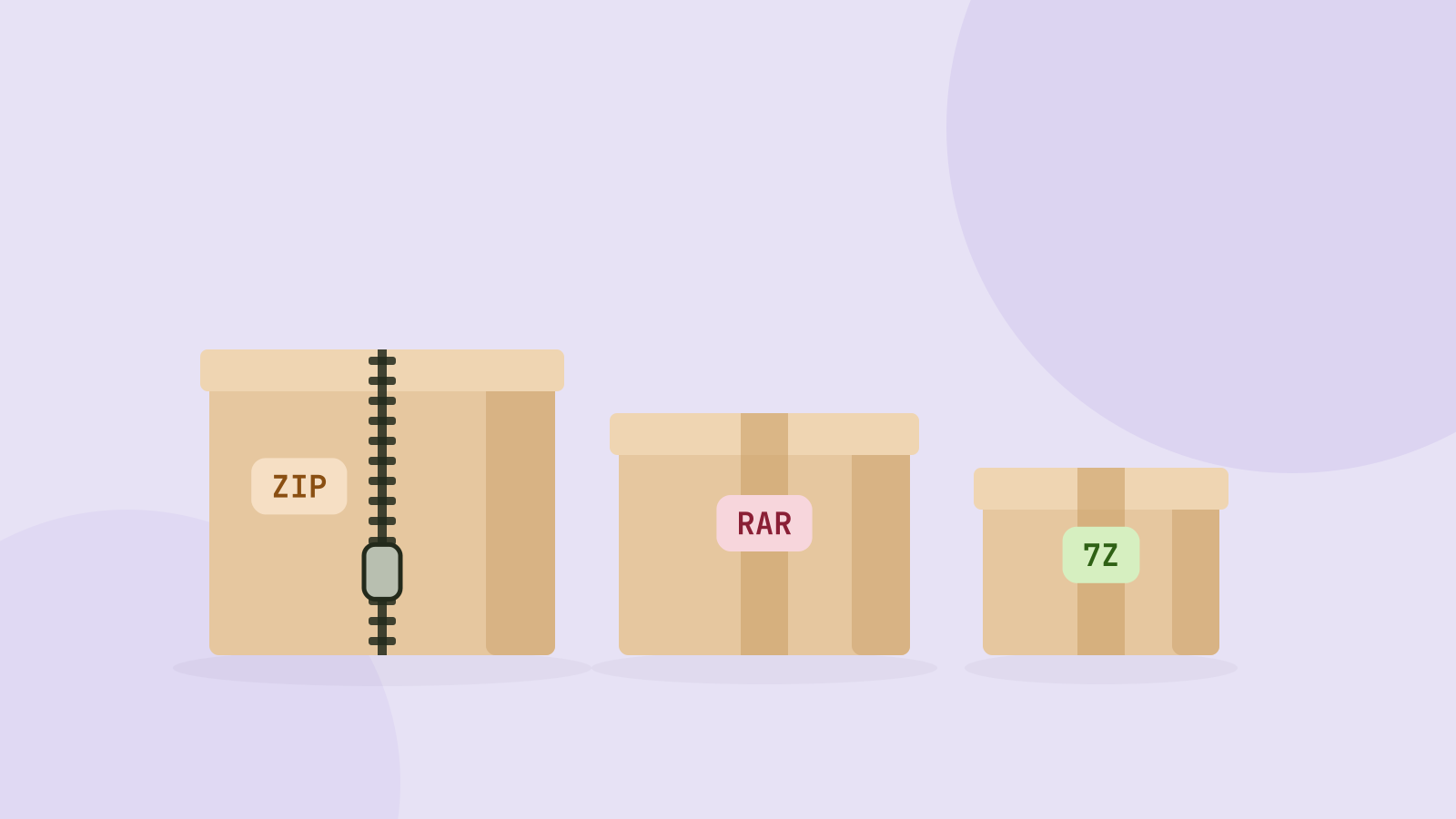
ZIP, 7z or RAR: which archive format is best?
We packed the same folders of photos, videos, documents and data into ZIP, 7z and RAR archives and measured size and speed. The winner depends almost entirely on what is inside.