How it works
- Drop your HEIC or HEIF photos.
- Choose the JPG quality and size.
- Download the JPGs, or a ZIP for a batch.
Why use it
- Reads HEIC and HEIF from iPhone and Android.
- Keeps orientation.
- Converts in bulk with a ZIP download.
- Works offline once the page has loaded.
HEIC to JPG: converting iPhone photos the right way
Why iPhone photos are HEIC
Since 2017, iPhones save photos as HEIC by default, under the camera setting called High Efficiency. HEIC uses the compression of modern video, so a photo takes much less space than the same photo as JPG, which matters on a phone that holds thousands of them.
The catch is everywhere else. Windows often needs an extra extension from the Microsoft Store before it opens HEIC, many websites and upload forms refuse it, and older editors and print services cannot read it. JPG works in all of them, which is why converting is so common.
What the converter does
Each photo is decoded on your device by libheif, the open source HEIF library, compiled to run in the browser. The converter then turns the picture the right way up, using the rotation stored in the file, and encodes it with MozJPEG at the quality you choose. A Live Photo is a HEIC still with a separate short video; the still is what gets converted. A whole export from your camera roll can be dropped at once, and the JPGs download together as a ZIP.
The camera details, the date and the location stored in the HEIC are not copied into the JPG. That is usually what you want when you share a photo; if you need them, keep the HEIC original as well.
Choosing the quality
The default, 90, gives a JPG that looks the same as the HEIC at normal viewing size. The JPG will usually be larger than the HEIC, since JPG is the older and less efficient format. For photos you send by email or upload to a form with a size limit, 80 is a good choice: on our test photos it gave files about half the size of 90. Our article on JPEG quality settings shows what each step costs and saves.
Every conversion between lossy formats loses a little, so convert each photo once, from the HEIC original, rather than converting a converted copy again. For editing, HEIC to PNG keeps the decoded picture without any further loss.
Making the photos smaller as you convert
An iPhone photo is 4,000 to 5,700 pixels wide, far more than a screen shows. The longest side setting caps photos at 3840, 2560, 1920, 1280 or 800 pixels and never enlarges smaller ones. At 1920 pixels a photo still fills a full HD screen, and the file is a fraction of the size. For a strict size limit such as 200 KB, use compress image, which also reads HEIC.
Stop the phone making HEIC files
- Save new photos as JPG: in the iPhone settings, open Camera, then Formats, and choose Most Compatible. Photos then take more space on the phone.
- Convert automatically when copying to a computer: in the settings, open Photos and set Transfer to Mac or PC to Automatic. Photos copied over a cable arrive as JPG.
If something goes wrong
- A file is refused. It may be a HEIC with an unusual layout, or not a HEIC at all. Try the image converter, which reads every common format.
- Conversion is slow. HEIC decoding is heavy work done on your own device. Large batches take a while on older phones; a computer is faster.
Questions and answers
Why can I not open HEIC on Windows?
HEIC is a newer format that needs a codec Windows does not include by default. Converting to JPG solves it.
Are Live Photos supported?
The still image is converted. The short video part is not included.
Is it safe to convert personal photos?
Yes. The photos never leave your device.
Related guides
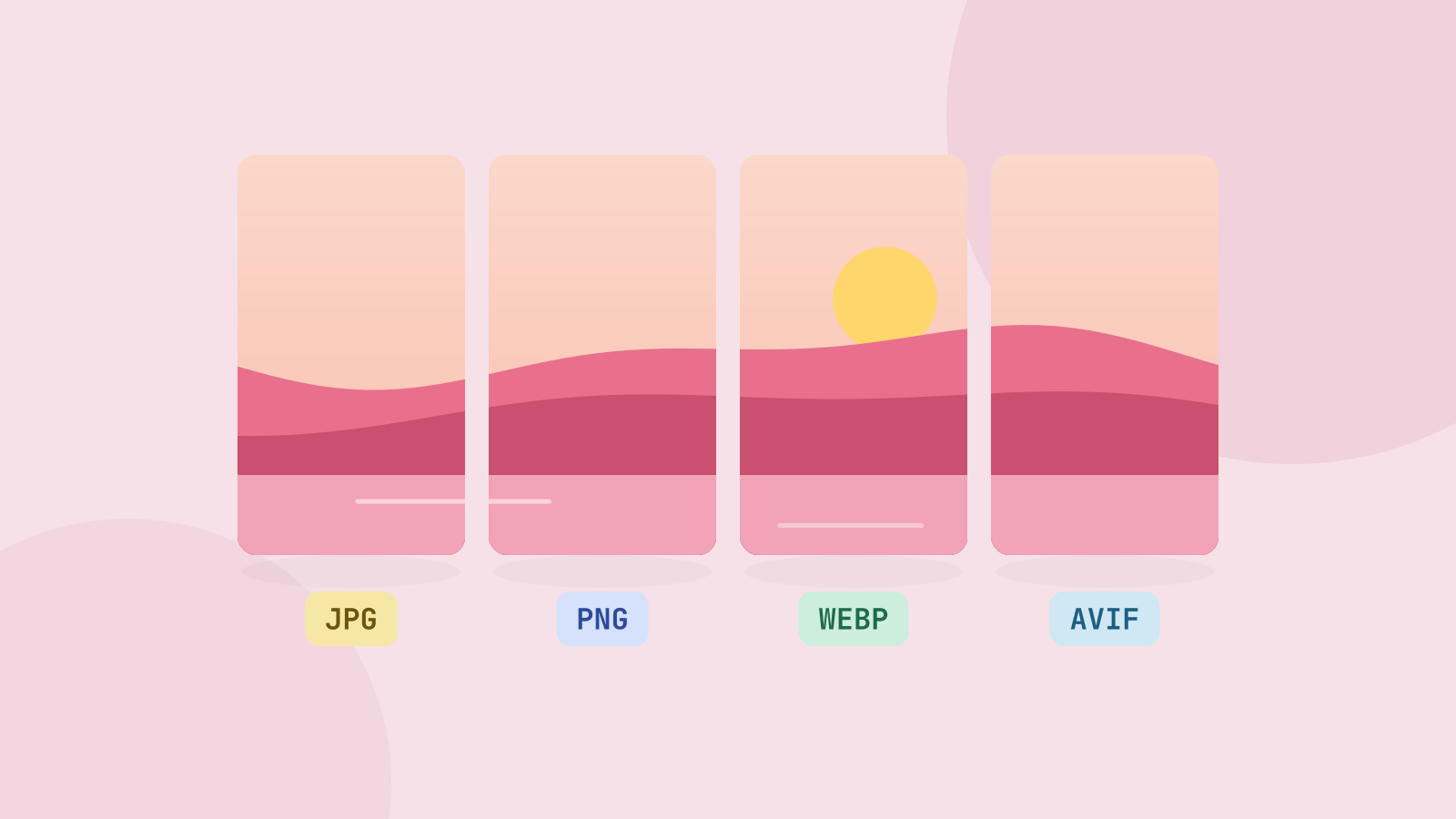
JPG, PNG, WebP or AVIF: which format to use
We saved six photos and a graphic in all four formats at the same visual quality and compared the sizes. The newer formats win on photos by a wide margin, but each format still has a job.
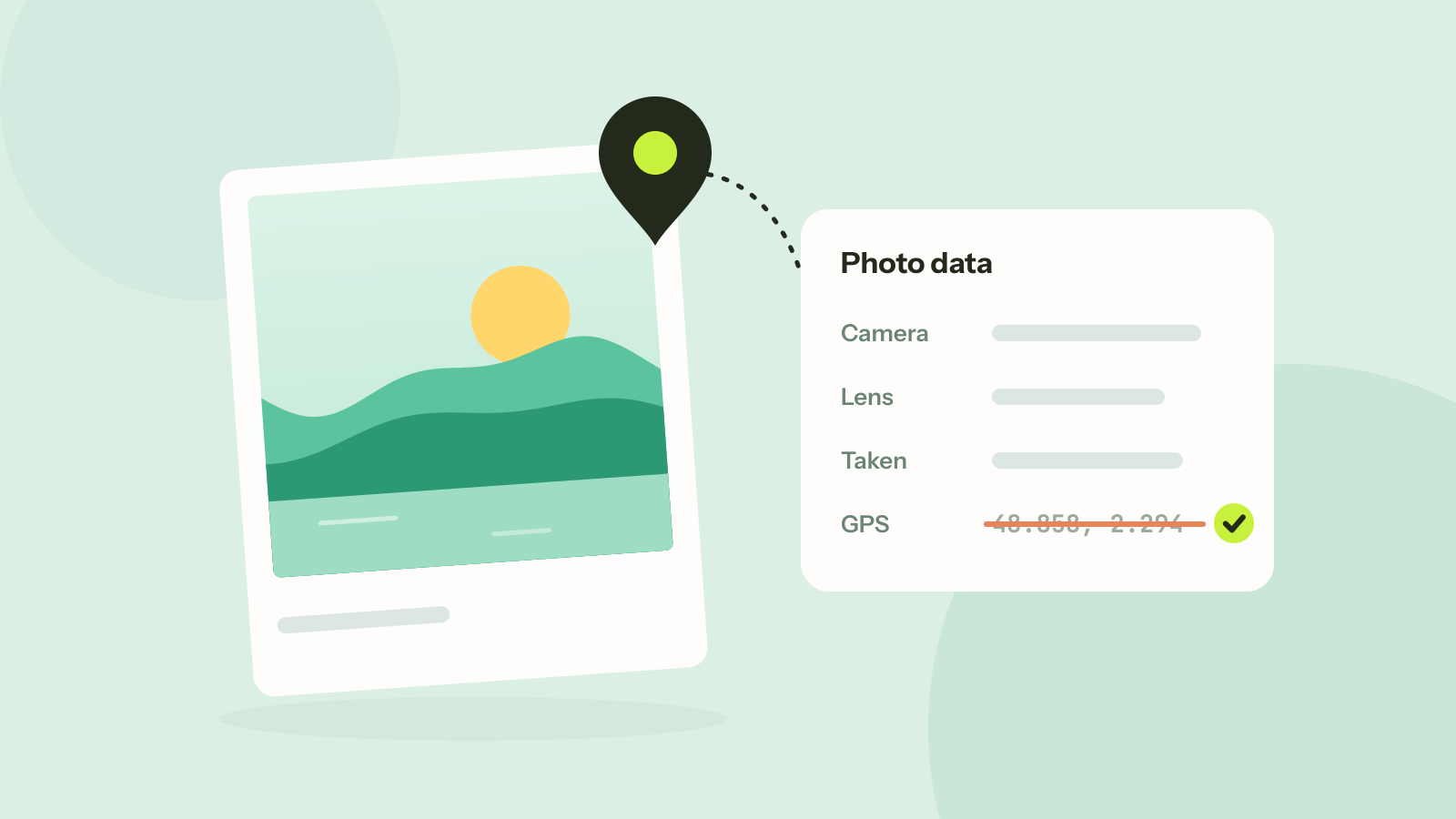
How to remove location and other metadata from photos
Every photo carries hidden data about the camera, the time and often the place. We read what nine published photos still gave away, added a location to show how precise it is, and checked that removing it leaves the picture untouched.
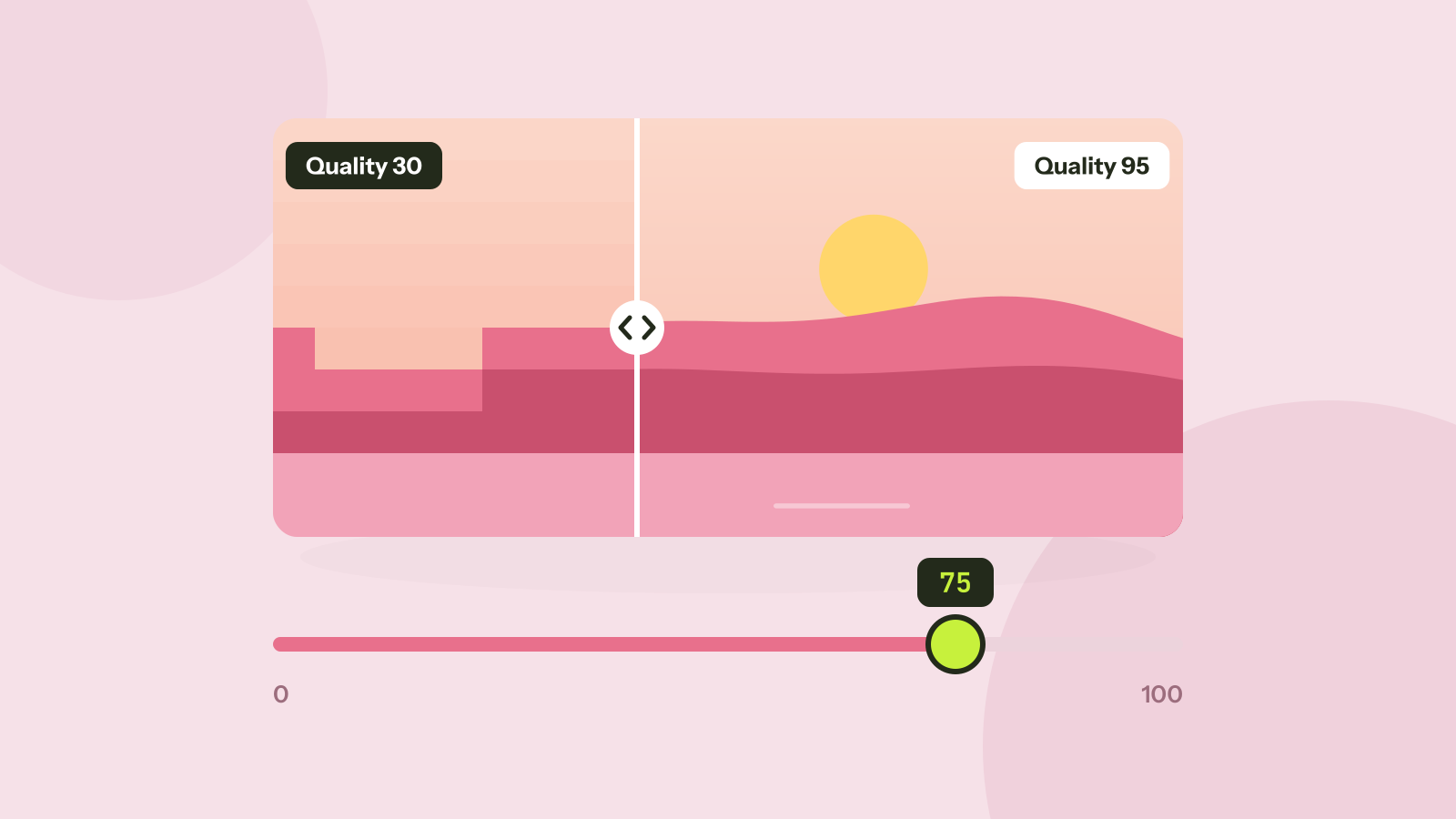
Which JPEG quality setting should you use?
Every program that saves JPEG asks for a quality from 0 to 100, and the trade between size and quality is far from linear. We saved six photos at twelve settings and measured what each step changes.