How it works
- Drop a PDF and see its pages.
- Select pages, or choose a split method.
- Download the PDF or ZIP.
Why use it
- Visual page picker with odd, even and invert shortcuts.
- Range syntax such as 1-3, 5, 8-.
- Split every N pages or into single pages.
- Runs offline in your browser.
Splitting a PDF: four ways, and why the parts can grow
Four ways to split
- Extract copies the pages you choose into one new PDF, in the order you type them, so
5, 1-3puts page 5 first. - Ranges makes one PDF for each range:
1-3, 4-10, 11-gives three files. - Every N pages cuts the document into equal parts, such as chapters of 10 pages. The last part holds whatever is left.
- Each page makes one PDF per page and delivers them all in one ZIP.
The files are named after the original and their pages, such as report-pages-1-3.pdf or report-page-07.pdf, so they sort in page order.
Choosing pages
Click pages in the preview to select them, or type them. Commas separate parts, a dash makes a range, 8- runs from page 8 to the end, and last means the final page. A backwards range such as 5-3 is read as 3 to 5. The buttons above the preview select all, odd, even or none, or invert the selection, which is the quick way to split the front and back pages of a two sided scan.
Why the parts can add up to more than the original
A PDF keeps one copy of each font and picture and lets every page point to it. When pages are split into separate files, each file needs its own copy of everything its pages use. Usually that costs little. With fonts embedded in full, it can multiply the size:
| Document | Original | One page | All pages split |
|---|---|---|---|
| Report, fonts embedded in full | 745 KB | about 700 KB | 7.5 MB |
| Same report, fonts embedded as subsets | 46.6 KB | 5.0 to 5.4 KB | 52.5 KB |
| Brochure with 4 camera photos | 47.3 MB | 3.4 KB to 22.8 MB | 47.3 MB |
| Scan, 10 pages | 9.4 MB | 885 KB to 1.0 MB | 9.4 MB |
Pictures belong to the pages they appear on, so a brochure or a scan splits cleanly: a page of text weighs a few kilobytes and a page with photos carries its photos. If a part has to be small, run it through compress PDF, which shrinks pictures. Fonts embedded in full are better fixed at the source, by exporting the document again; why is my PDF so big explains how to spot them.
What is kept
Pages are copied, not redrawn. Text stays selectable and searchable, pictures keep their quality, and each page keeps its size and rotation. Bookmarks and form fields belong to the document rather than to its pages, so they are not carried into the parts. To remove a few pages and keep everything else in one file, delete PDF pages is the quicker route, and merge PDF puts parts back together.
If something goes wrong
- It says a part is not a page range. Use numbers, commas and dashes only, such as
1-3, 5, 8-. - It says a page is outside the document. The file has fewer pages than the range asks for; the hint under the box shows how many it has.
- It says the PDF is password protected. It is locked against opening. Unlock it first with unlock PDF, if you have the right to.
How we tested. Four PDFs made for the test: an 11 page report exported from Word with its fonts embedded in full, the same report exported with font subsets, an 8 page brochure with four camera photos, and a 10 page scan at 300 dpi. Split page by page with the code of this tool in Chrome.
Questions and answers
How do I extract pages 3 to 5?
Choose the extract mode and type 3-5, or click those pages in the picker, then download.
Can I split into many files at once?
Yes. Ranges, every N pages and each page modes produce several PDFs, delivered together as a ZIP.
Does splitting change the quality?
No. Pages are copied as they are, without re-rendering.
Related guides
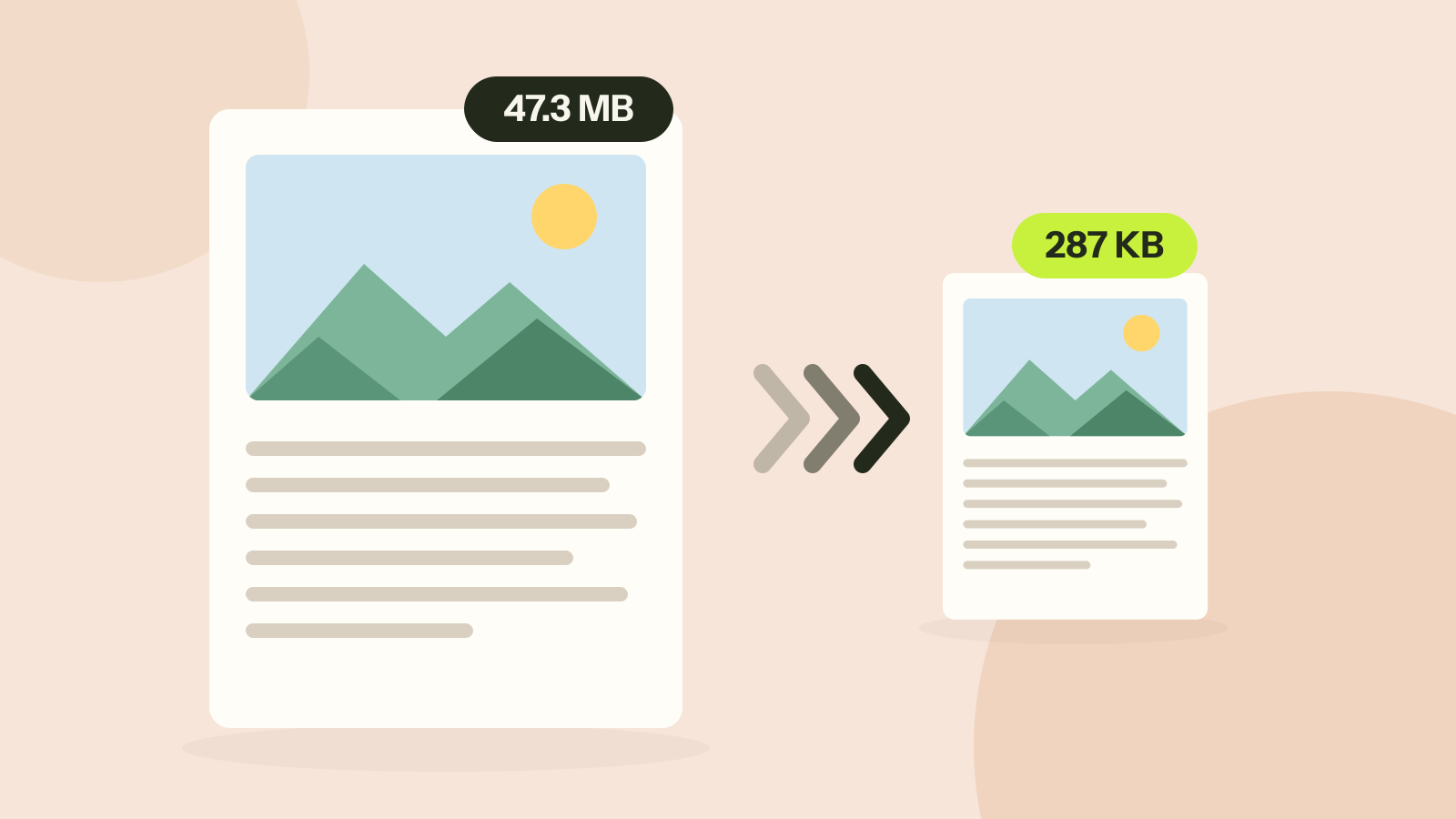
How to compress a PDF without losing quality
Compressors either shrink the pictures inside a PDF or turn every page into a picture. We ran both on three kinds of documents. One method took a 47 MB brochure to 287 KB with every word intact; the other made a text report five times larger.
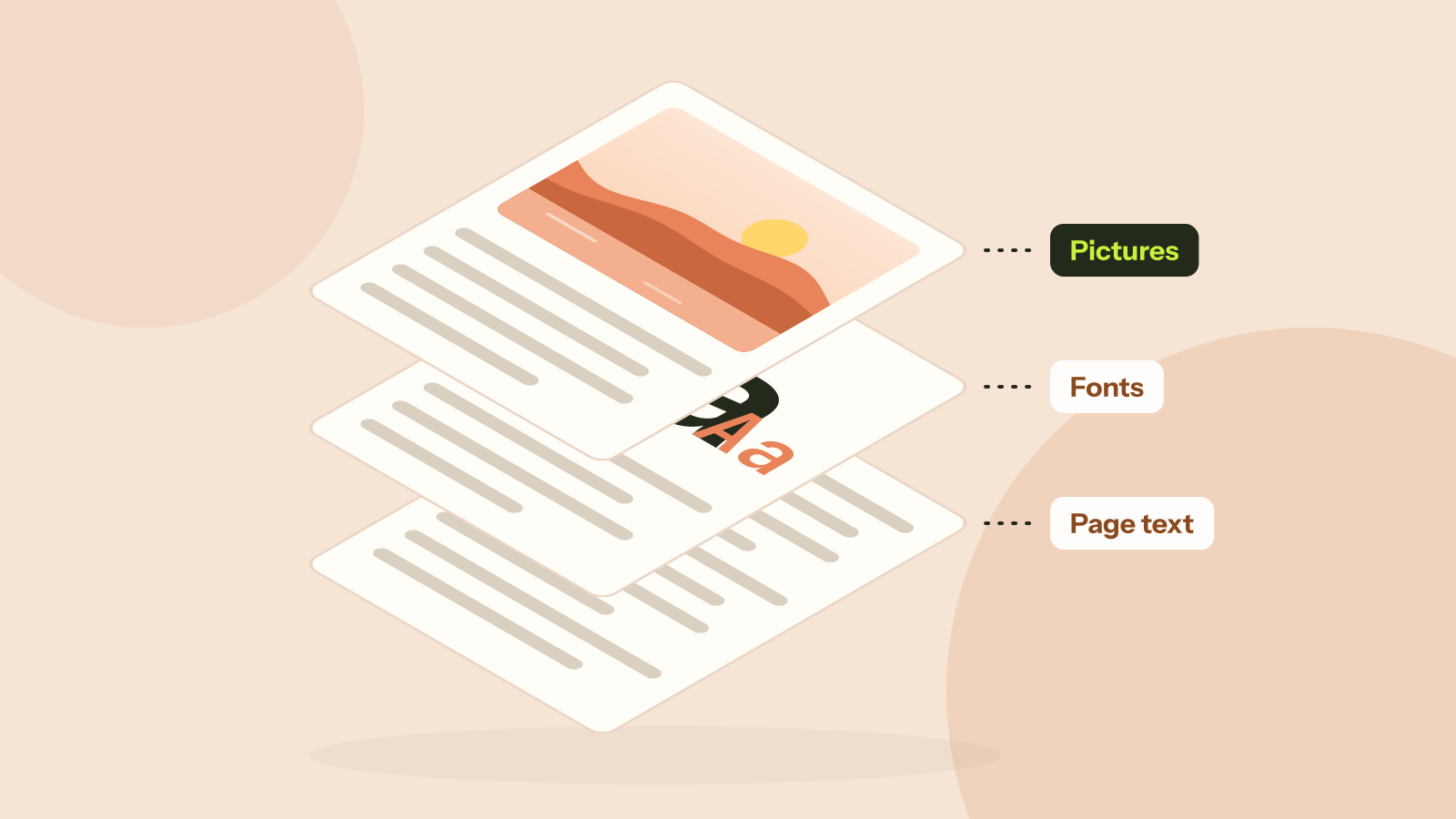
Why is my PDF so big?
Two PDFs with the same number of pages can differ in size a thousand times. We took five real kinds of PDF apart and measured what fills them: photos, scans, fonts or drawings. Each cause has its own fix.