Why is my PDF so big?
Two PDFs with the same number of pages can differ in size a thousand times. We took five real kinds of PDF apart and measured what fills them: photos, scans, fonts or drawings. Each cause has its own fix.
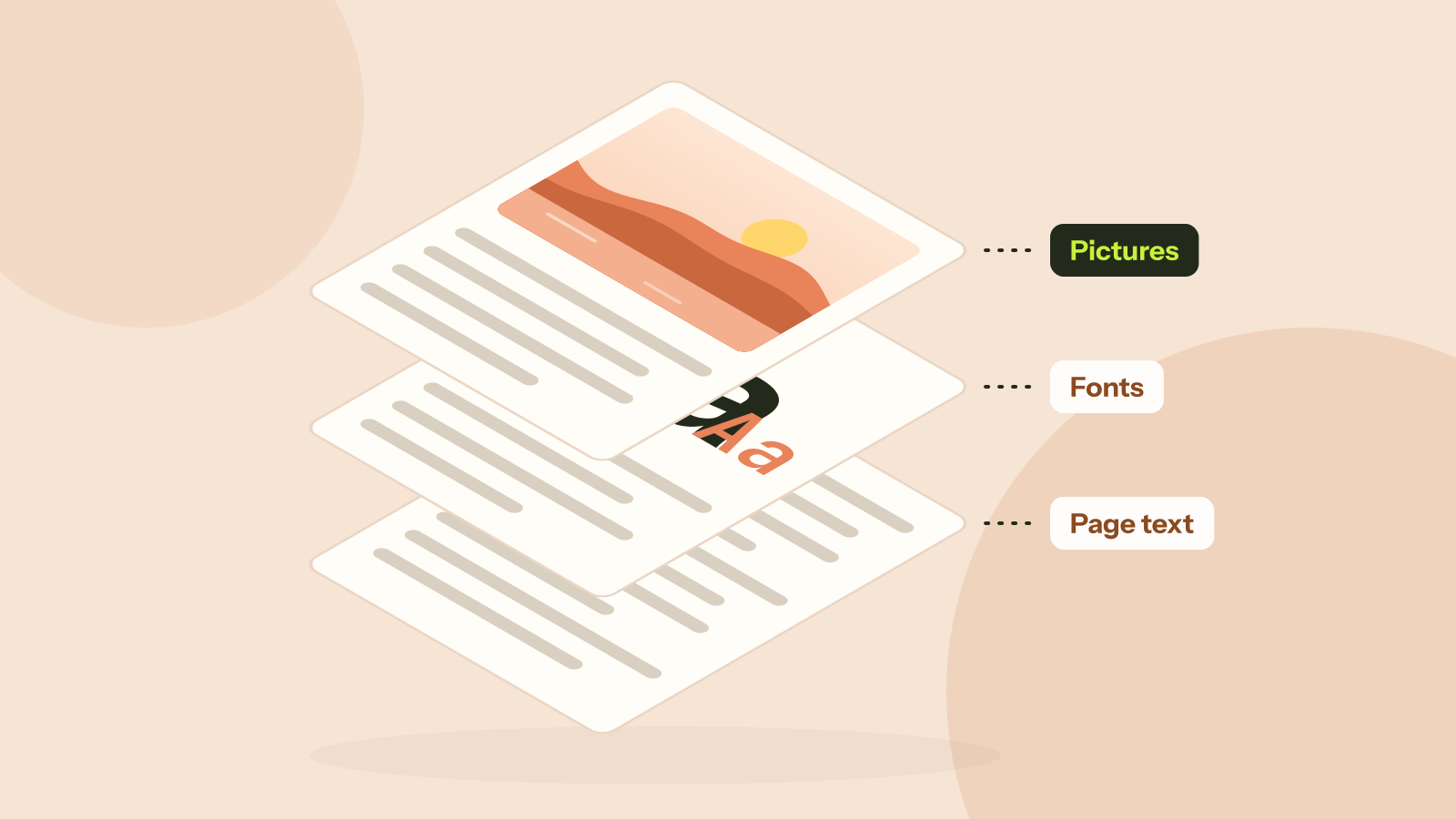
Two PDFs with the same number of pages can differ in size by a factor of a thousand. Our largest test file weighed 5.9 MB per page and our smallest less than 5 KB per page, and both were ordinary documents. The difference is always in what the file carries, and you can usually tell which kind of file you have in a few seconds.
What is inside a PDF
A PDF is a container. For each page it stores a list of drawing instructions (put this text here in this font, draw a line there, place this picture) and the things those instructions use: fonts and pictures. Everything else, such as the page list, bookmarks and the index at the end of the file, is usually small.
We wrote a short script that goes through every object in a PDF and adds up the bytes of each kind, then ran it on five files.
| File | Size | Pages | Pictures | Fonts | Page content | Everything else |
|---|---|---|---|---|---|---|
| Brochure with camera photos | 47.3 MB | 8 | 99.96% | 0% | 0.02% | 0.02% |
| Scanned report | 9.4 MB | 10 | 99.9% | 0% | 0.01% | 0.05% |
| Report, fonts embedded in full | 745 KB | 11 | 0% | 89.3% | 4.8% | 5.9% |
| Same report, standard fonts | 47 KB | 10 | 0% | 0% | 66.3% | 33.7% |
| Research paper with charts | 993 KB | 14 | 9.8% | 9.3% | 49.1% | 31.7% |
Cause 1: photos at camera resolution
The brochure is 8 pages of text with four photos, each pasted in straight from a camera. That is what happens when you drag a photo into most document editors: the program keeps every pixel, even when the photo is shown the size of a postcard.
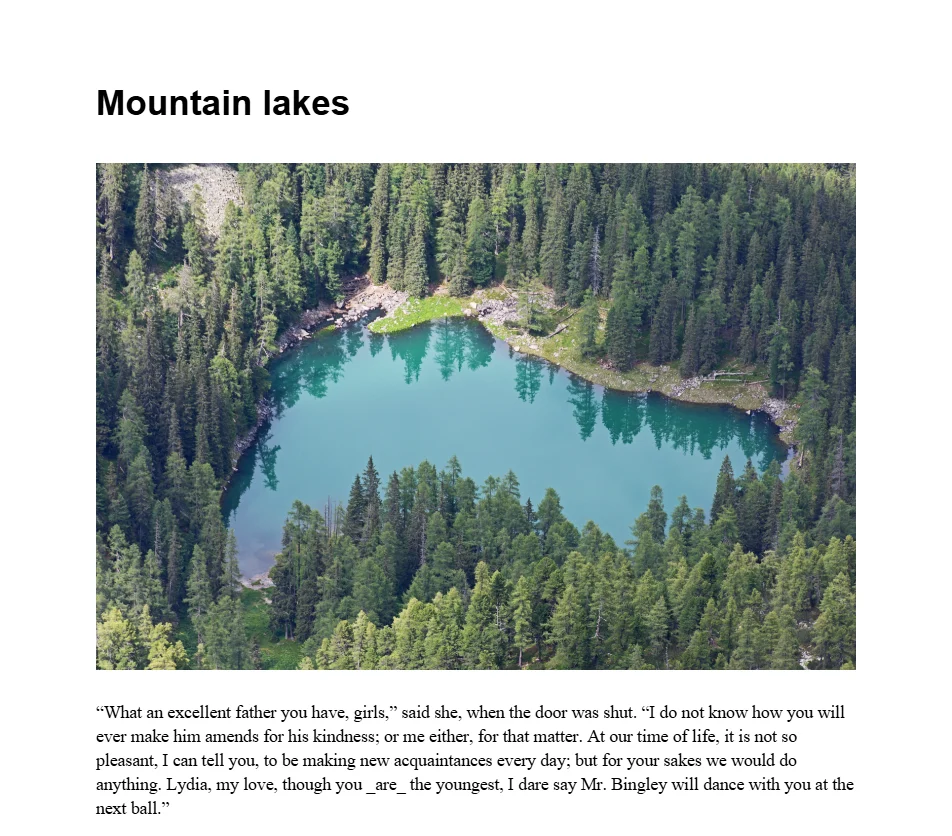
The lake and the macaw have the same number of pixels and still differ almost four times in size. How much the camera compressed a photo, and how much fine detail and noise it holds, matter as much as its dimensions.
Each photo is shown 6.6 inches wide. At 150 pixels per inch, plenty for a screen or an office printer, that is about 1,000 pixels across. The photos had about 6,000, so they carried 36 times more pixels than the page can show. Resampled to 150 dpi with our PDF compressor, the four photos took less than 280 KB together, and the whole brochure went from 47.3 MB to 287 KB.
Cause 2: scans
A scanned document has no text at all, only one picture per page. Our scan of a 10 page report, at 300 dpi in colour, came to 9.4 MB, or 961 KB per page. The same report saved as a normal PDF was 47 KB, about 200 times smaller, because text is stored as characters rather than as millions of pixels.
Most scanners and scanning apps default to 300 dpi, which is right for archives and print but more than a screen needs. Reduced to 150 dpi, the scan was 2.2 MB and the text read just as well. There are close-ups of each setting in our compression test. If you scan documents often, setting the scanner to 150 or 200 dpi saves the step.
A scan also cannot be searched or copied from. If you need the words, OCR reads them and adds an invisible text layer, so the pages look the same but the text can be selected.
Cause 3: fonts embedded in full
The report is 11 pages of plain text with headings and no pictures, and it is still 745 KB. 89 percent of that is two fonts, Georgia for the text and Arial Bold for the headings, embedded in full. A font file holds every character it supports, often thousands of them for dozens of languages. Arial Bold on Windows 11 is a 967 KB file on its own, and here it draws a handful of headings.
Same text and layout. With standard fonts the report also fits on 10 pages instead of 11, since Times is narrower than Georgia.
Most programs avoid this by embedding a subset: only the characters the document uses. A subset is usually a few dozen kilobytes. When a PDF that is only text is unexpectedly large, the fonts were probably embedded whole.
A compressor cannot fix this without changing how the text looks, which is why ours leaves fonts alone. The fix is at the source: export the document again with font subsetting on (the default in Word, LibreOffice and the print to PDF of web browsers), or choose a standard font.
Cause 4: drawings and hidden extras
Our fifth file is a 14 page research paper with charts and diagrams, the one Mozilla uses as the demo for pdf.js. It is the most balanced of the five: 49 percent page content, mostly the drawing instructions for its charts, 10 percent pictures, 9 percent fonts and the rest structure. At 993 KB it is a well made PDF, and there is little any tool could remove.
Vector drawings are usually small, but there are exceptions. Maps, building plans and charts with hundreds of thousands of points can make page content the biggest part of a file. If a file like that is too big, a simpler export from the program that made it usually works better than a compressor.
A few other things add weight without showing on any page:
- Edits saved on top of the file. PDF allows a program to append changes to the end of a file instead of rewriting it, so every earlier version stays inside. Saving a fresh copy, or running the file through a tool that rewrites it, drops them.
- Attachments. A PDF can carry other files, such as spreadsheets or source documents, listed in the attachments panel of the viewer.
- The same picture stored many times. A logo on every page should be stored once, but some programs store a copy for each page.
How to tell what is in your PDF
You do not need a script. Three quick checks narrow it down:
- Divide the size by the number of pages. A few dozen KB per page is normal for text. Several hundred KB or more per page means pictures or scans.
- Try to select a sentence. If you cannot, every page is a picture: a scan or a flattened file.
- Zoom in to 400 percent on a photo. If it stays sharp far beyond what the page needs, the photos are at full resolution, and compressing them will help a lot.
If the size per page is small and the text selects normally, the file is probably fine as it is. If it is still too big for an upload limit, splitting it into parts is often the only real option.
What to do about each cause
| Cause | Sign | Fix |
|---|---|---|
| Photos at full resolution | Hundreds of KB or more per page, text selects | Compress with Keep text at 150 dpi |
| Scans | Text cannot be selected | Compress at 150 dpi, or scan at a lower resolution |
| Fonts embedded in full | Only text, yet more than 50 KB per page | Export again from the source with font subsetting |
| Heavy drawings | Pages draw slowly when you scroll | A simpler export from the program that made it |
| A long document | Normal size per page, many pages | Split it or remove pages you do not need |
Questions and answers
Why is my PDF so large when it has only a few pages?
Almost always because of pictures: photos inserted at camera resolution or pages scanned at high resolution. In our test, four camera photos made an 8 page brochure 47.3 MB.
How big should a PDF page be?
In our tests a page of text took 5 KB with standard fonts, a page of a research paper with charts about 70 KB, and a page scanned at 150 dpi about 225 KB. Several MB per page means something is stored at a much higher resolution than it needs.
Does a PDF get bigger every time I save it?
It can. Some programs append changes to the end of the file instead of rewriting it, so earlier versions stay inside. Saving a fresh copy removes them.
Can I see what takes the space in a PDF?
Adobe Acrobat Pro has a space audit in its PDF Optimizer. Without it, the size per page and whether the text can be selected tell you most of what you need.
Tools in this article
More from the blog
How to redact a PDF properly
We hid the private details in a statement four different ways, then tried to get them back. Black boxes and a scanned copy gave up every detail. Only one method left nothing behind.
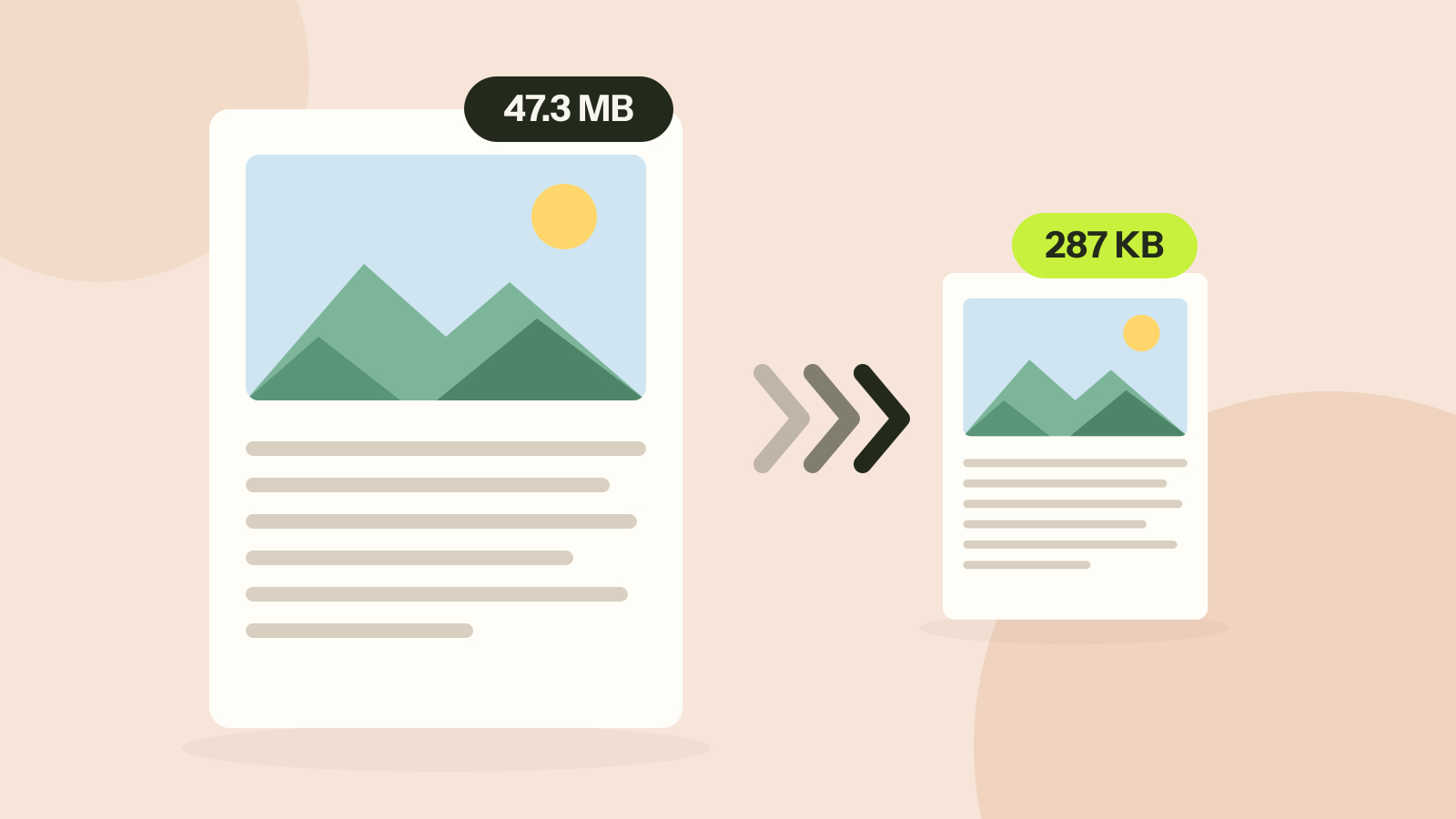
How to compress a PDF without losing quality
Compressors either shrink the pictures inside a PDF or turn every page into a picture. We ran both on three kinds of documents. One method took a 47 MB brochure to 287 KB with every word intact; the other made a text report five times larger.
JPG, PNG, WebP or AVIF: which format to use
We saved six photos and a graphic in all four formats at the same visual quality and compared the sizes. The newer formats win on photos by a wide margin, but each format still has a job.