JPG, PNG, WebP or AVIF: which format to use
We saved six photos and a graphic in all four formats at the same visual quality and compared the sizes. The newer formats win on photos by a wide margin, but each format still has a job.
Four image formats cover almost everything on the web and on phones today: JPEG, PNG, WebP and AVIF. The usual advice ("use WebP, it is smaller") is true but vague. How much smaller, on which pictures, and is AVIF worth the extra step? We encoded the same six photos in every format and measured both file size and how close each result stays to the original.
How the test works
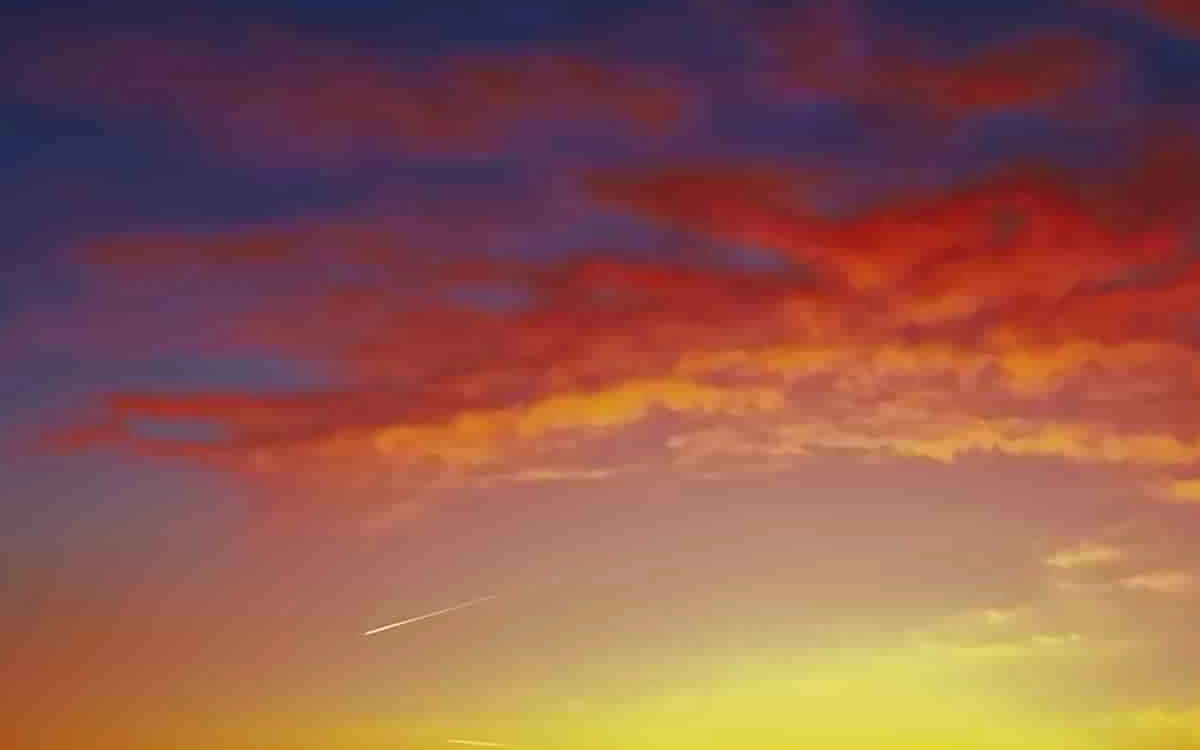
We used six photos of different kinds: a long-haired cat with a soft background, a lake surrounded by forest, a cup of coffee held in knitted gloves, a neon sign at night, a macaw with fine feathers and a sunset with smooth gradients. Each was scaled to 2048 pixels wide, a common size for web pages, and encoded with the same encoders and settings our image compressor uses: MozJPEG, libwebp and libavif.
Comparing formats at the same quality setting is misleading, because "quality 75" means something different in each encoder. Instead, for every photo and format we searched for the lowest setting that keeps the result at the same SSIM score, a standard measure of how similar two images look to people, from 0 to 1. We used two levels: 0.98, which is hard to tell from the original at normal viewing size, and 0.95, where a careful eye starts to notice softness or blocks.
Results at high quality
The same six photos at 2048 pixels wide, each format at the setting that reaches the same visual similarity to the original.
At high quality, WebP needed 45 percent less space than JPEG and AVIF 51 percent less. PNG, which stores every pixel exactly, took five times as much as JPEG.
The totals hide a wide spread between photos:
| Photo | JPEG | WebP | AVIF | AVIF saves |
|---|---|---|---|---|
| Cat, soft background | 78 KB | 68 KB | 67 KB | 14% |
| Coffee in knitted gloves | 226 KB | 179 KB | 204 KB | 10% |
| Sunset | 97 KB | 78 KB | 51 KB | 47% |
| Lake and forest | 1,024 KB | 626 KB | 523 KB | 49% |
| Neon sign at night | 759 KB | 342 KB | 350 KB | 54% |
| Macaw feathers | 1,406 KB | 690 KB | 555 KB | 61% |
Photos with lots of fine, sharp detail, such as feathers, foliage and lit signs, gained the most. To keep that detail at high quality, JPEG had to go to a quality setting between 90 and 98, where its files grow quickly. Soft photos with smooth backgrounds compress well in every format, so the newer ones have less room to improve. On the coffee photo, the knitted texture actually suited WebP better than AVIF.
Results when files must be small
At the lower level, SSIM 0.95, the six photos totalled 1,011 KB as JPEG, 844 KB as WebP and 683 KB as AVIF: 17 and 32 percent less than JPEG. The differences shrink in percentage, but what you see at a given size changes more, because JPEG fails in a more visible way. Here is the macaw's head with each file limited to the same 100 KB for the whole photo:
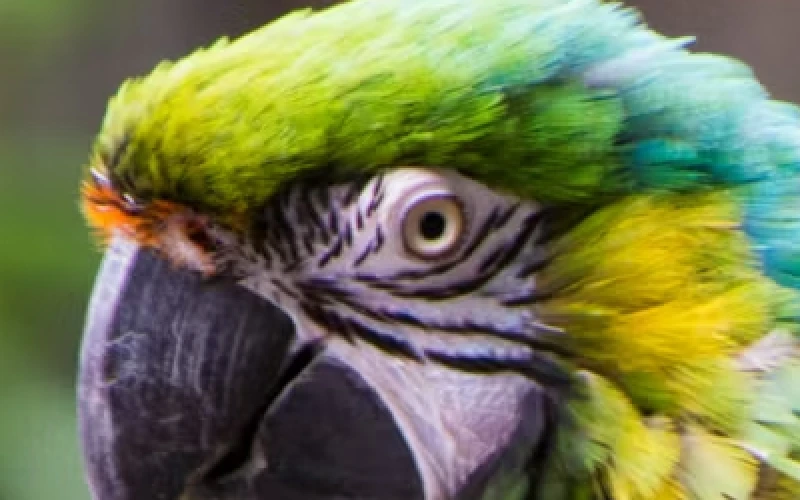
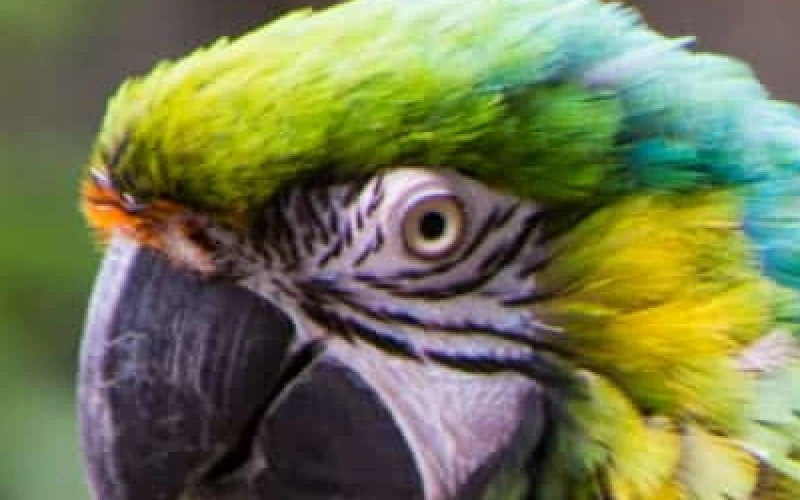
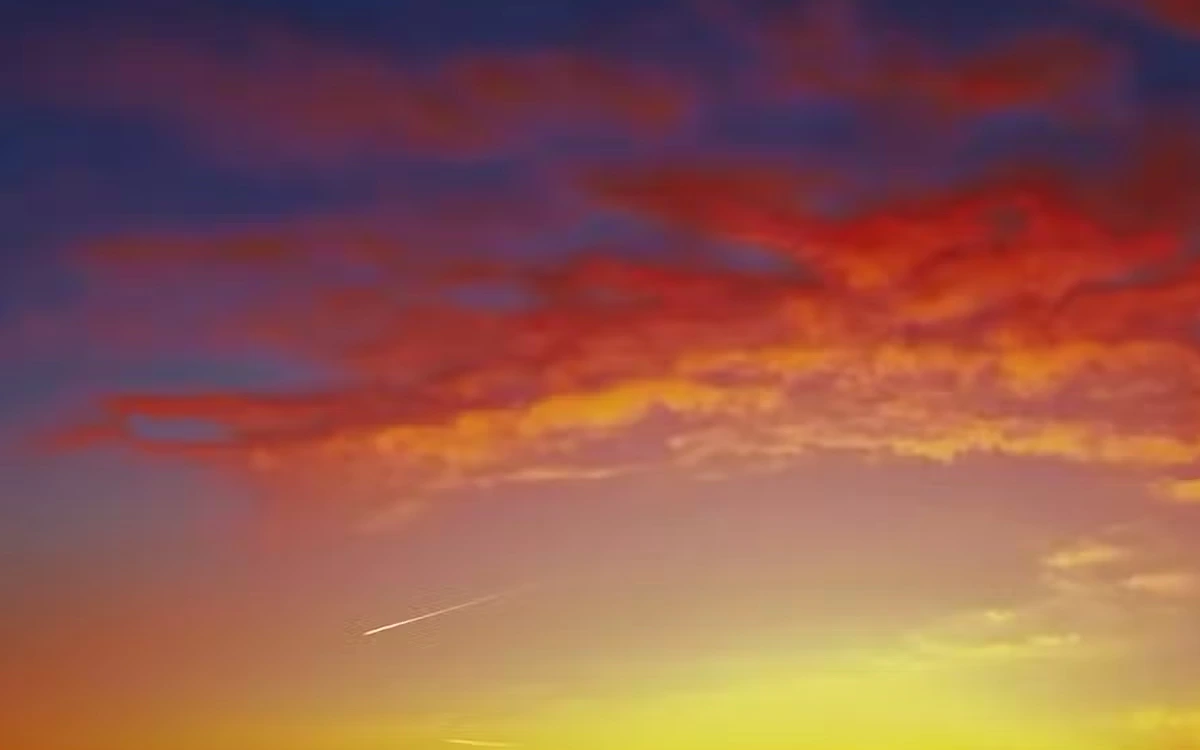
Smooth gradients show the same pattern. On the sunset limited to about 39 KB, JPEG's blocks appear in the sky, WebP softens them, and AVIF keeps the colour transitions almost intact (SSIM 0.939, 0.956 and 0.974):
Screenshots and graphics are different
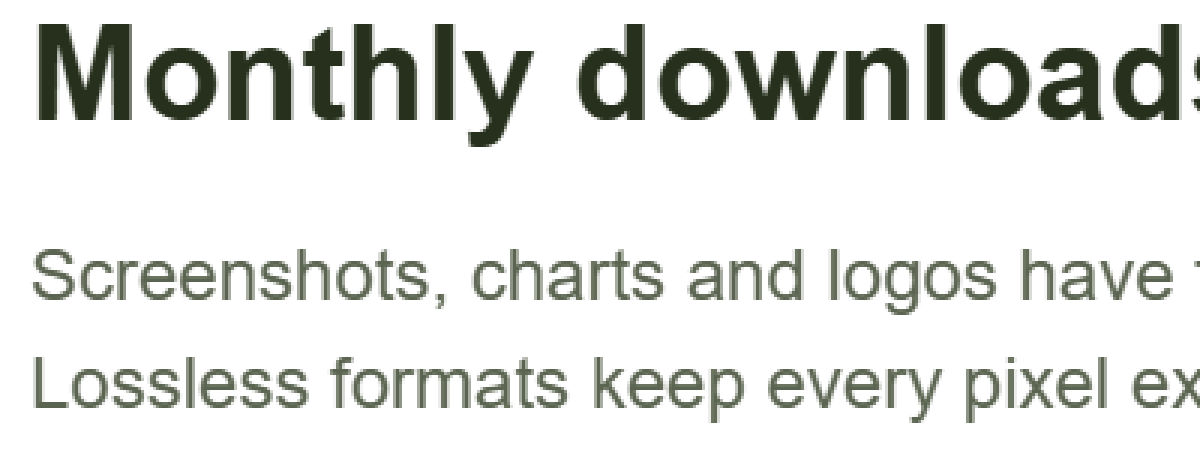
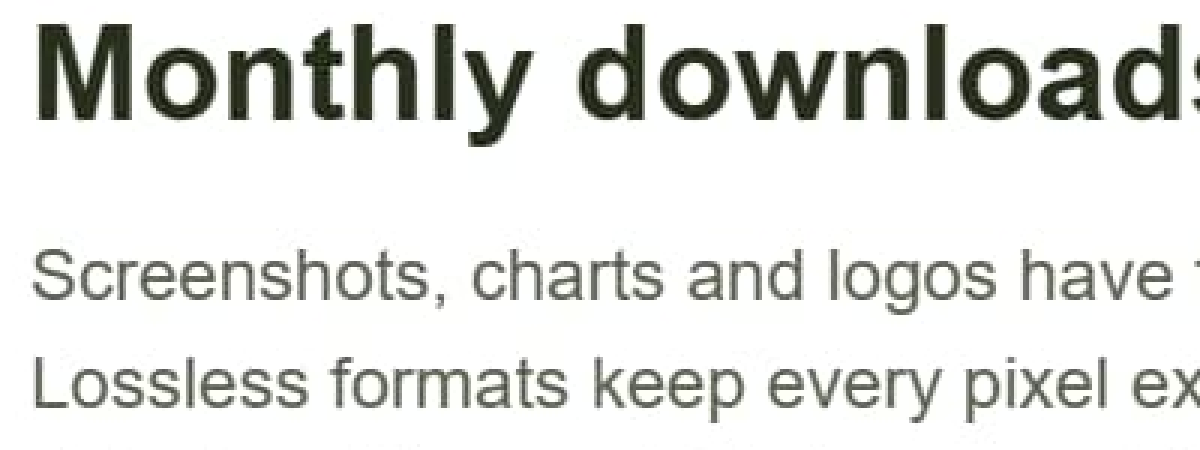
Photos are the case lossy formats were designed for. Screenshots, charts, diagrams and logos have large flat areas and sharp text, and there the picture changes. We drew a simple chart with text, 1600 by 1000 pixels, and saved it in each format:
| Format | Size | Exact copy? |
|---|---|---|
| PNG | 43.5 KB | Yes |
| JPEG, quality 75 | 42.5 KB | No, halos around text |
| JPEG, quality 90 | 75.9 KB | No |
| WebP, quality 75 | 23.6 KB | No |
| AVIF, quality 60 | 18.8 KB | No |
For this kind of image, PNG is as small as a JPEG and keeps every pixel exactly, so JPEG has nothing to offer. WebP and AVIF are smaller still, but they soften the edges of text slightly, which matters for screenshots that people need to read.
Speed and compatibility
Encoding cost differs too. At default settings in the browser, a 2048 pixel photo took about 0.5 seconds as WebP, 0.6 seconds as JPEG with MozJPEG's extra optimisation and 1.3 seconds as AVIF, using libavif's faster speed setting. For a batch of a few hundred photos that is minutes, not hours, but AVIF is clearly the slowest to make.
Every current version of Chrome, Edge, Firefox and Safari shows WebP and AVIF, so for websites both are safe today, with a JPEG fallback only if you serve very old devices. Outside the browser the picture is mixed. Email clients, print shops, older photo editors, government upload forms and many messaging apps still expect JPEG or PNG. When a photo leaves your website, JPEG remains the format nobody refuses.
Which format to use
- Photos on a website: AVIF or WebP. AVIF gave the smallest files in our test; WebP was close and faster to encode.
- Photos you send, print or upload elsewhere: JPEG at quality 75 to 85, which every program accepts. See what JPEG quality settings really change.
- Screenshots, charts, logos and anything with text: PNG, or WebP if size matters more than exact pixels.
- Images with transparency: PNG, WebP or AVIF. JPEG has no transparency at all.
- Photos you will edit again: keep an untouched original, ideally the camera file or a PNG, and export a compressed copy for each use.
You can try all of this on your own pictures with the image compressor, which encodes JPEG, WebP, AVIF and PNG in your browser and shows the size before you download, or convert in bulk with the image converter. Nothing is uploaded.
Questions and answers
Is WebP better than JPEG?
For photos, yes. In our test WebP produced files 45 percent smaller than JPEG at the same high visual quality, and 17 percent smaller at a lower quality level. JPEG still wins on compatibility outside web browsers.
Is AVIF better than WebP?
Usually, but not always. AVIF was smaller on four of our six photos and on the total, with the biggest gains on detailed photos and smooth gradients. It is also the slowest format to encode.
Why is my PNG photo so large?
PNG is lossless: it keeps every pixel exactly, so it cannot discard the fine detail that lossy formats throw away unnoticed. For photos it was five times the size of a high quality JPEG in our test.
Does converting a JPEG to PNG improve quality?
No. The detail lost when the JPEG was made cannot come back. The PNG will be a much larger copy of the same picture.
Tools in this article
More from the blog
Pixels, DPI and file size: how big does a photo need to be?
Upload forms ask for 300 DPI, print shops for high resolution, and phones save 12 megapixel photos. We tested what the DPI number really does, how file size follows pixel count, and how many pixels each use actually needs.
SVG vs PNG: which to use for logos, icons and illustrations
SVG stores shapes and PNG stores pixels, and that decides which one fits a job. We measured five SVGs of very different complexity against PNG copies at four sizes, and traced a logo, a seal and a photo back to SVG.
Which JPEG quality setting should you use?
Every program that saves JPEG asks for a quality from 0 to 100, and the trade between size and quality is far from linear. We saved six photos at twelve settings and measured what each step changes.