How it works
- Drop a CSV or TSV file.
- Search, sort, filter and hide columns.
- Export the current view as CSV, TSV or JSON.
Why use it
- Handles hundreds of megabytes and millions of rows.
- Delimiter and encoding auto detection.
- Filters with conditions and regular expressions.
- Column summaries and a row inspector.
Opening large CSV files: search, filter, sort and export
Why not just open it in Excel
Excel stops at 1,048,576 rows and quietly drops the rest, changes values it thinks it recognises, such as turning long numbers into scientific notation, removing leading zeros and turning codes into dates, and can be slow with large files. Text editors show the raw commas, which is hard to read. This viewer opens the file as it is: it reads it in a background worker and draws only the rows on screen, so a file of hundreds of megabytes and millions of rows scrolls smoothly, and nothing is changed.
Finding the rows you need
The search box looks in every column at once. For more precise questions, add filters, each on one column, and they all apply together:
| Condition | Example |
|---|---|
| contains, does not contain | email contains "@gmail.com" |
| equals, does not equal, starts with, ends with | country equals "FR" |
| is greater than, is at least, is less than, is at most | amount is greater than 1000 |
| is empty, is not empty | phone is empty, to find missing data |
| matches regex | code matches ^[A-Z]{2}\d{4}$ |
The count of matching rows updates as you type. Number comparisons treat the column as numbers, so 100 is more than 9, which a plain text comparison gets wrong.
Understanding the columns
Each column header shows whether it holds numbers or text. Click a header to sort; numbers sort as numbers and blank cells always go to the bottom. The summary button on a column shows how many cells are filled and empty, and for numbers the minimum, maximum, mean, median and sum, or the most frequent values for text. Click a row to see all its values in a list, and copy it as JSON. Hide the columns you do not need; with many columns, a search box finds them by name.
Encoding and delimiters
CSV files have no standard way to say how they were written. The viewer detects the delimiter, comma, semicolon, tab or pipe, and the text encoding automatically. If accented letters come out as odd symbols, the guess was wrong: choose the encoding by hand, such as Windows-1252 for files from older Western European software, Windows-1251 for Cyrillic or Shift JIS for Japanese.
Exporting a smaller file
Export writes only the rows that match your search and filters, and only the columns still visible, as CSV, TSV or JSON. It is a quick way to cut a large export down to what a colleague or a script needs. To turn the result into an Excel workbook, use Excel to CSV, which converts both ways; for other conversions, the data converter handles JSON, YAML and XML. CSV, Excel or JSON compares the formats.
If something goes wrong
- All the data is in one column. The delimiter was guessed wrong. Choose it by hand.
- Letters look garbled. Choose the text encoding by hand.
- No rows match. Check the filters; every filter must be true for a row to show. Clear search and filters resets them.
Questions and answers
How big a file can it open?
Files of hundreds of megabytes open fine, up to about 480 MB, depending on device memory.
Can I fix a garbled encoding?
Yes. Pick another text encoding such as Windows-1252 and the file is re-read.
Is my data uploaded?
No, it is parsed on your device.
Related guides
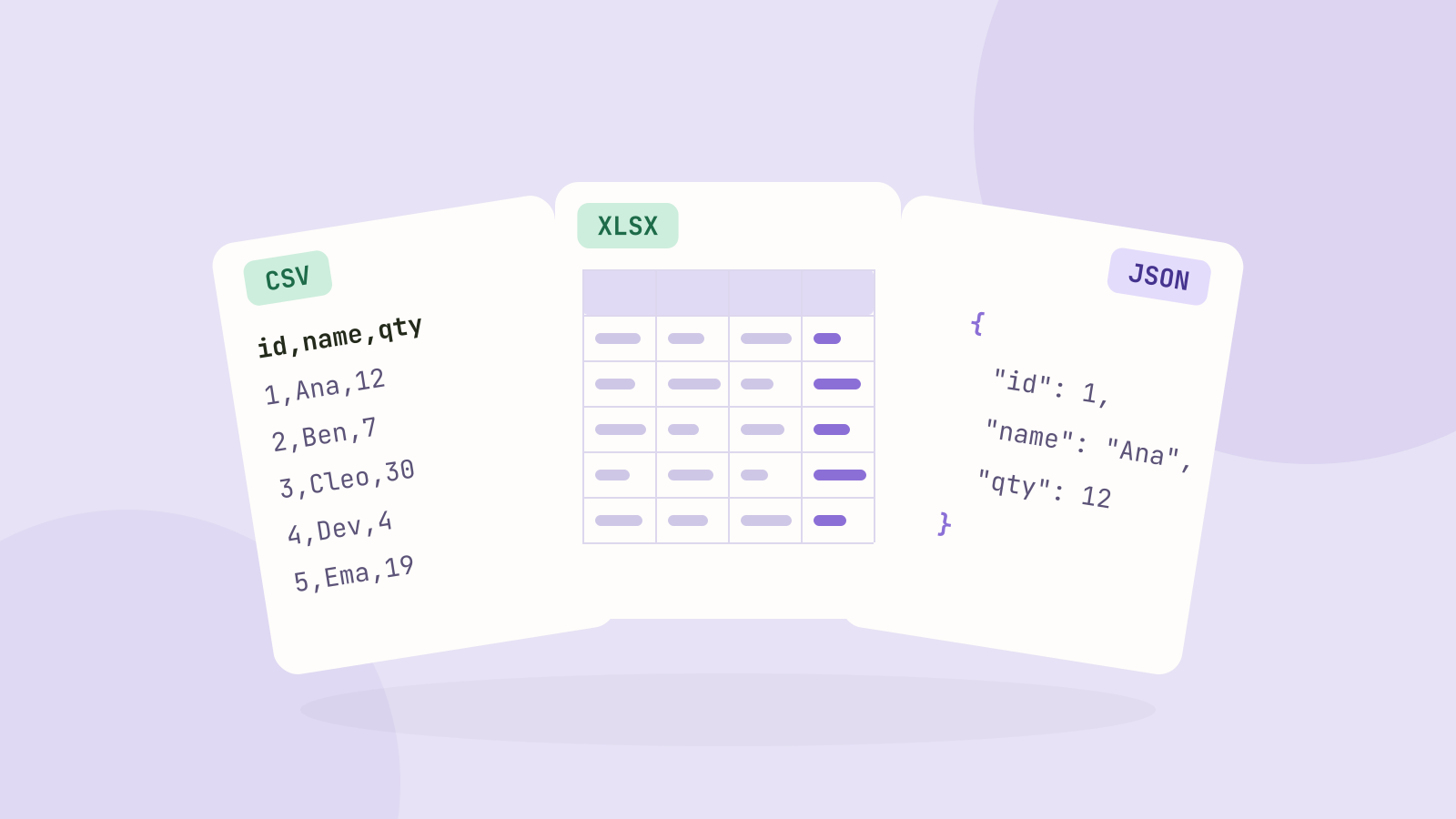
CSV, Excel or JSON: which format for your data?
We saved the same 100,000 row table as CSV, as an Excel workbook and as JSON, then compared the sizes, how fast each one reads in code, and what goes wrong with dates, leading zeros and long numbers.