How it works
- Drop your photos.
- Review what each file contains.
- Choose what to keep, then download the clean copies.
Why use it
- Shows GPS, device, lens, software and date fields before you strip.
- Lossless for JPG, PNG and WebP.
- Optionally keeps the color profile and rotation.
- Batch with a ZIP download.
Removing EXIF data without touching the photo
What a photo carries
Cameras and phones write a block of facts into every photo: the make and model, the lens, the exposure, the date and time to the second, the software that edited it, often a serial number and the owner's name, and on phones with location turned on, where it was taken. When you drop a photo here, the line under it shows what it carries before anything is changed, with the location, device, dates, author and serial number picked out.
In nine photos we downloaded from a public photo site, every one still had the camera model, the date and the editing software, eight had the camera's serial number and three a person's name. The serial number is the same in every photo from one camera, so it can link pictures posted under different names. The full results are in how to remove location and other metadata from photos.
How the cleaning works
A JPG file is a row of blocks: metadata first, then the picture. The remover copies the file block by block and leaves out the metadata blocks, so the picture itself is never decoded or saved again. It then checks that the result still opens. What is removed and kept, by format:
- JPG: EXIF, XMP and IPTC data, maker notes, comments and the small preview pictures cameras embed are removed. The picture data, the JFIF header and the colour profile are kept.
- PNG: text chunks and EXIF are removed. Everything needed to show the picture, such as transparency, gamma, colour and animation, is kept.
- WebP: the EXIF and XMP chunks are removed and the header updated to match.
We cleaned all nine photos and compared the picture data before and after: it was identical, byte for byte, in every file. Each file lost between 9 and 38 KB, the size of what was removed.
Colour profile and rotation
Two small pieces of metadata change how a photo looks, so they are kept unless you switch them off. The colour profile tells programs how to show the colours; without it, photos from cameras set to a wide colour space can look dull. It describes colours, not people. The rotation tells programs which way up the photo goes. Removing everything else would remove it too, so the remover writes back a tiny block with that one value, and portrait photos stay upright.
HEIC and AVIF photos
HEIC, the default format of iPhones, and AVIF cannot be cleaned block by block in the browser, so they are decoded and saved again without metadata. Choose the format for these: JPG at quality 95, which is visually the same and opens everywhere, PNG for an exact copy of the decoded pixels, or WebP. The photo is turned the right way up before saving, so it needs no rotation tag.
When metadata disappears anyway
Converting, resizing or compressing a photo with the other tools on this site also drops its metadata, because the picture is saved again from scratch. That changes the picture slightly, so use the remover when you only want the metadata gone. Most social networks remove metadata from photos you post, but email, cloud links and files sent as documents usually keep it.
If something looks wrong
- A photo is sideways after cleaning. Keep rotation was switched off. Clean the original again with it on.
- Colours look duller. Keep colour profile was switched off. Clean the original again with it on.
- It says the JPEG structure is damaged. The file does not follow the format closely enough to cut it safely. Convert it with the image converter, which saves a fresh copy without metadata.
- It says there is nothing to remove. The photo has no EXIF, XMP or IPTC data, as is common for screenshots and pictures that were already shared through a social network.
How we tested. Nine CC0 photos from Unsplash via Wikimedia Commons, as published. Each was cleaned with this tool in Chrome; the bytes from the start of the picture data to the end of the file were compared before and after.
Questions and answers
What is EXIF data?
EXIF is metadata stored inside image files. It can include GPS coordinates, camera model, lens, exposure settings and the date and time of capture.
Does removing it change the picture?
Not for JPG, PNG and WebP. The image data is copied byte for byte, and only the metadata segments are removed. The rotation tag can be kept so photos are not turned sideways.
Is the original file modified?
No. You get new cleaned copies and your originals stay as they are.
Related guides
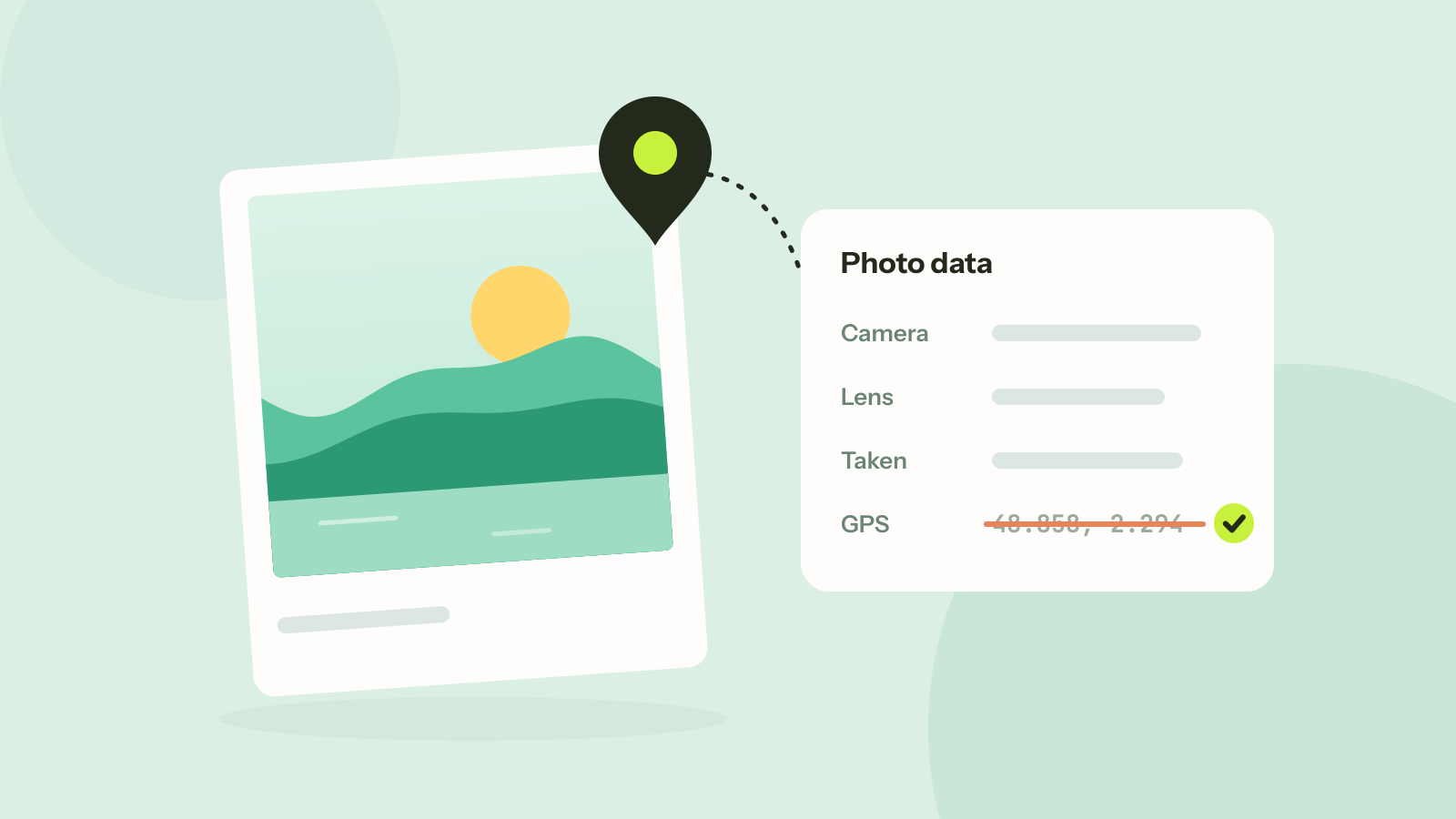
How to remove location and other metadata from photos
Every photo carries hidden data about the camera, the time and often the place. We read what nine published photos still gave away, added a location to show how precise it is, and checked that removing it leaves the picture untouched.
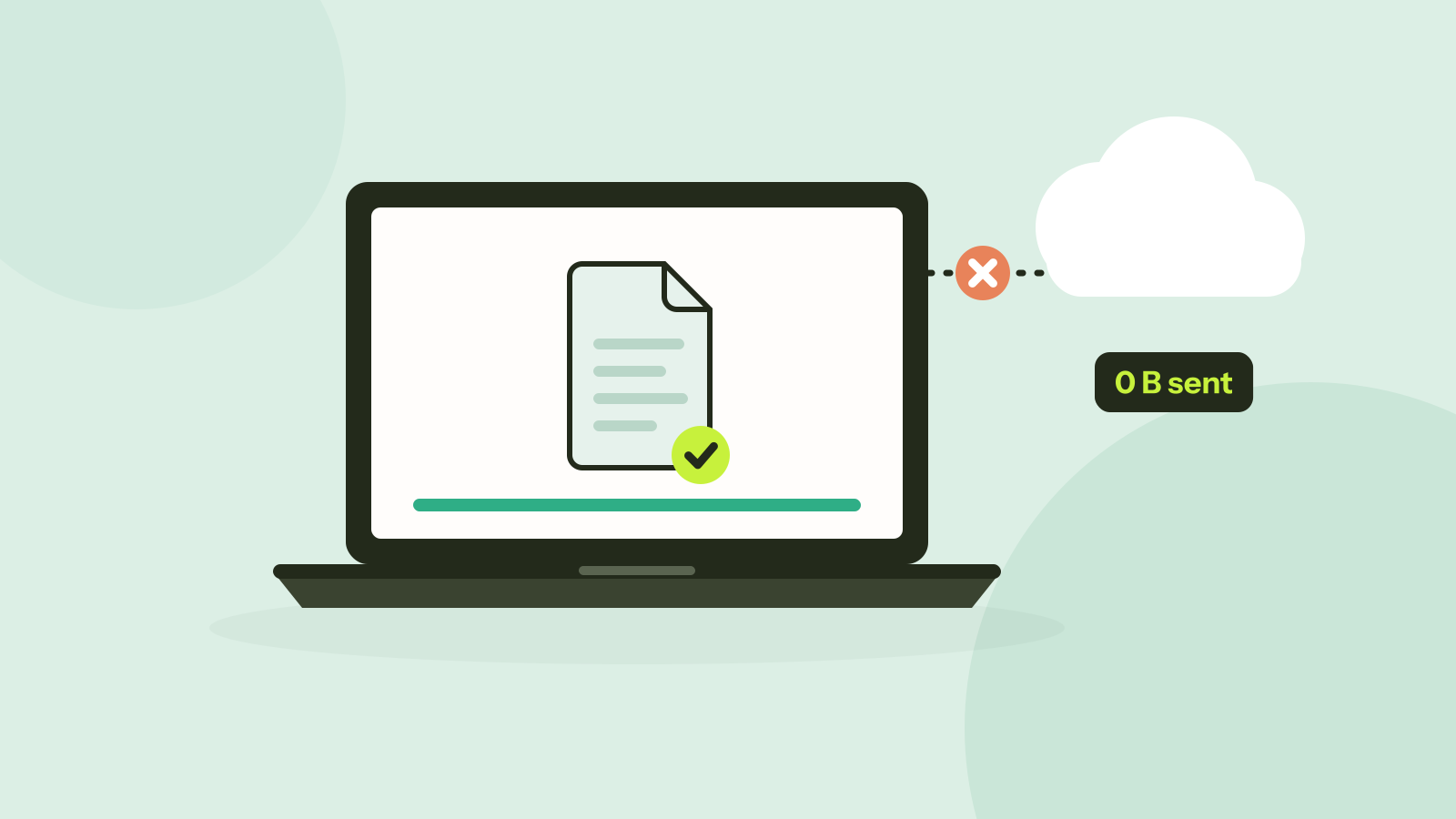
Do online converters upload your files?
Most online converters send your file to a server; some do the work in your browser instead. Here is how to tell which kind a site is in about a minute, and what every request looked like when we converted a photo on our own site.