Do online converters upload your files?
Most online converters send your file to a server; some do the work in your browser instead. Here is how to tell which kind a site is in about a minute, and what every request looked like when we converted a photo on our own site.
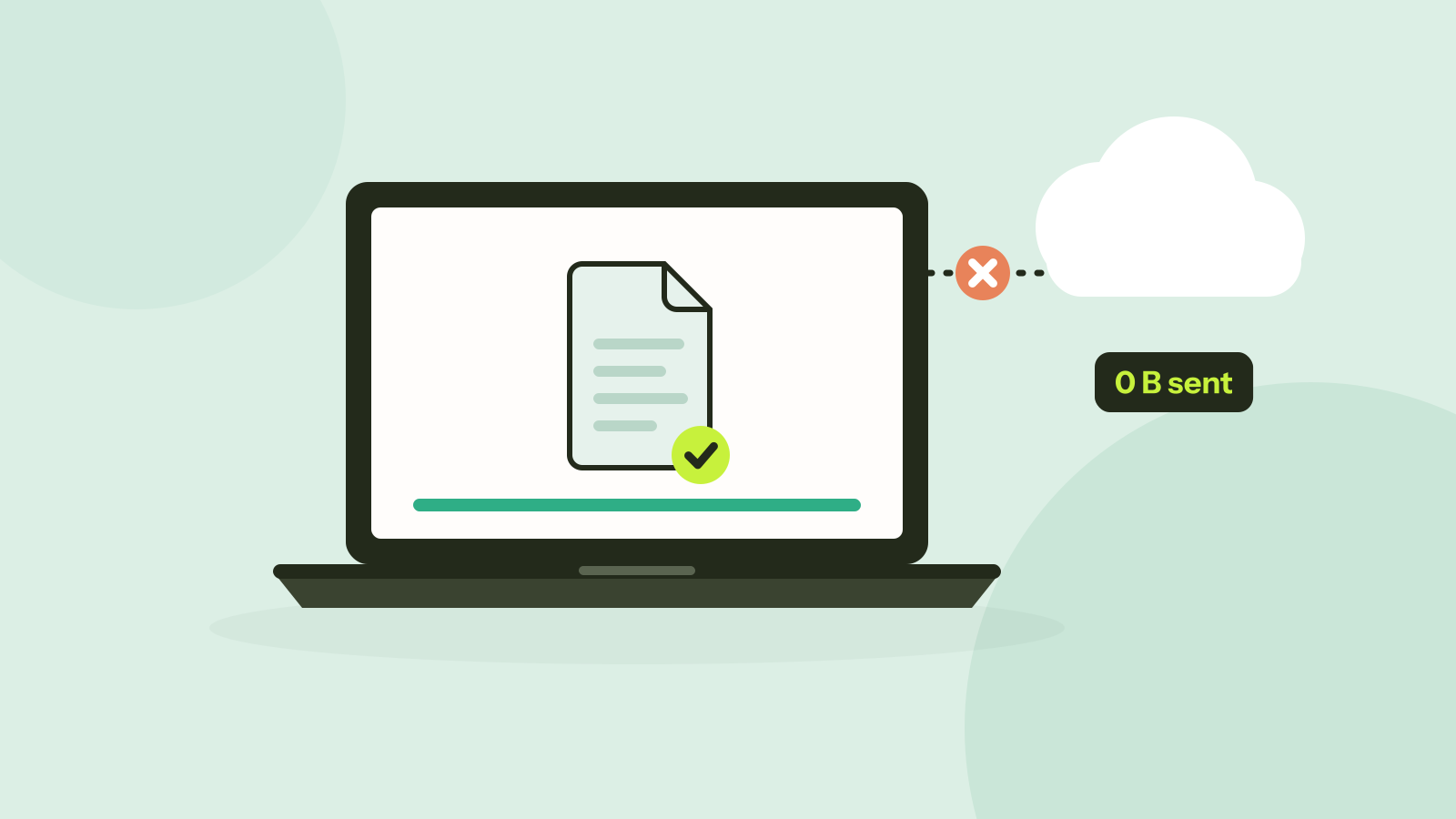
You drop a contract, a scan of your passport or a family photo into a free converter, and a moment later you download the result. What happened in between is usually invisible. Either the file travelled to a server you know nothing about, or the page did the work on your own computer. Here is how to find out for any site, and what we saw when we checked our own.
Two kinds of online converter
- Upload and convert. The page sends your file to the company's servers, converts it there and offers the result for download. This is how most converters work, because servers can run any software.
- Convert in the browser. The page downloads the converter itself, compiled to WebAssembly or using the browser's own video, image and graphics engines, and runs it on your device. The file is read from your disk into the page and never sent anywhere.
The second kind became practical only in the last few years, as browsers gained fast WebAssembly, access to hardware video encoders and the graphics card. Tooloat is built that way, and so are a growing number of other tools.
Why it matters
An uploaded file is a copy on someone else's computer. Many upload-based services promise to delete files after one to 24 hours, and many of them surely do, but you cannot check. In the meantime the copy can sit in backups and logs, be handled by the service's hosting and storage providers in other countries, and be exposed if the service is breached. For a meme that does not matter. For an ID card, a medical letter or a contract under a confidentiality agreement, it may.
Policies also differ in what they allow. Some services reserve the right to use uploaded content to improve their products. That is worth knowing before you upload, and easy to miss in a long privacy policy.
How to check any site in a minute
Watch the network
- On a computer, open the converter in Chrome, Edge or Firefox and press F12 (Cmd + Option + I on a Mac). Open the Network tab.
- Click the clear button so the list is empty, then convert a test file, ideally a large one, so its upload is easy to spot.
- Look at the Method column, or filter by Fetch/XHR. Downloads of code and pictures use GET. Uploads use POST or PUT.
- Click any POST or PUT request and open its Payload tab. If you see your file's name, or a request whose size is close to your file's, it was uploaded.
Go offline
Load the converter and run it once with a harmless test file, so the page has downloaded everything it needs. Then disconnect: turn on airplane mode, unplug the cable, or pick Offline in the throttling menu of the Network tab. Convert again. If it still works, the page cannot be sending your file anywhere. If it fails, that does not prove an upload, since some tools fetch extra code for some files, but it is a reason to check the network.
What we saw on our own site
We opened the image compressor on tooloat.com in a fresh browser tab, added a 7.6 MB PNG and compressed it to fit 500 KB. It came out at 480 KB. These are all the requests the tab made, from opening the page to downloading the result:
| Method | What was requested | Why |
|---|---|---|
| GET | The page /compress-image | Opening the page |
| GET | 2 font files, 1 stylesheet, 13 script files | The page's design and code, including the compressor |
| GET | i18n.json | The list of languages |
| GET | codecs.worker (twice) | The image encoders, started in a background thread |
| blob: | 3 local addresses | The photo and the result, read and shown inside the page |
Our pages also show a counter in the top bar, "Files: 0 B sent". It wraps the functions a page can use to send data, such as fetch, XMLHttpRequest, sendBeacon and WebSocket, and adds up the bytes of every request body. It stayed at zero for the whole test. Clicking it shows the details, including what Google's ad code sends to its own servers, which is counted separately from the tools.
You do not have to take a counter on our page on trust, which is the point of the steps above. The Network tab of your browser sees everything the page sends, whatever the page itself claims.
Things to keep in mind
- In-browser tools still download code. The first visit fetches the converter, and some tools fetch extra engines of several megabytes. That is data coming to you, not going out.
- One site can mix both. A preview may be made in the browser while the full conversion runs on a server, or one tool on a site may upload while another does not. Check the tool you use.
- Browser extensions can read pages. An extension with access to all sites can see files you open in a web page, whatever the site does. Use a private window without extensions for sensitive files.
- Phones are harder to check. Mobile browsers have no Network tab. Check on a computer, or use the offline test.
Questions and answers
Are online file converters safe?
It depends on the kind. Converters that upload your file give a copy to their operator, which matters for private documents. Converters that work in the browser keep the file on your device. You can tell them apart with the Network tab of your browser.
How long do online converters keep my files?
Policies of upload-based services commonly promise deletion after one to 24 hours, but you cannot verify it. A converter that works in the browser never receives the file in the first place.
Can a website read files on my computer?
Only the files you choose to open with it, by picking or dropping them. It cannot browse your disk.
How do I know a converter works offline?
Load it, run it once with a test file, disconnect from the internet and run it again. If it still works, nothing is being sent.
Tools in this article
More from the blog
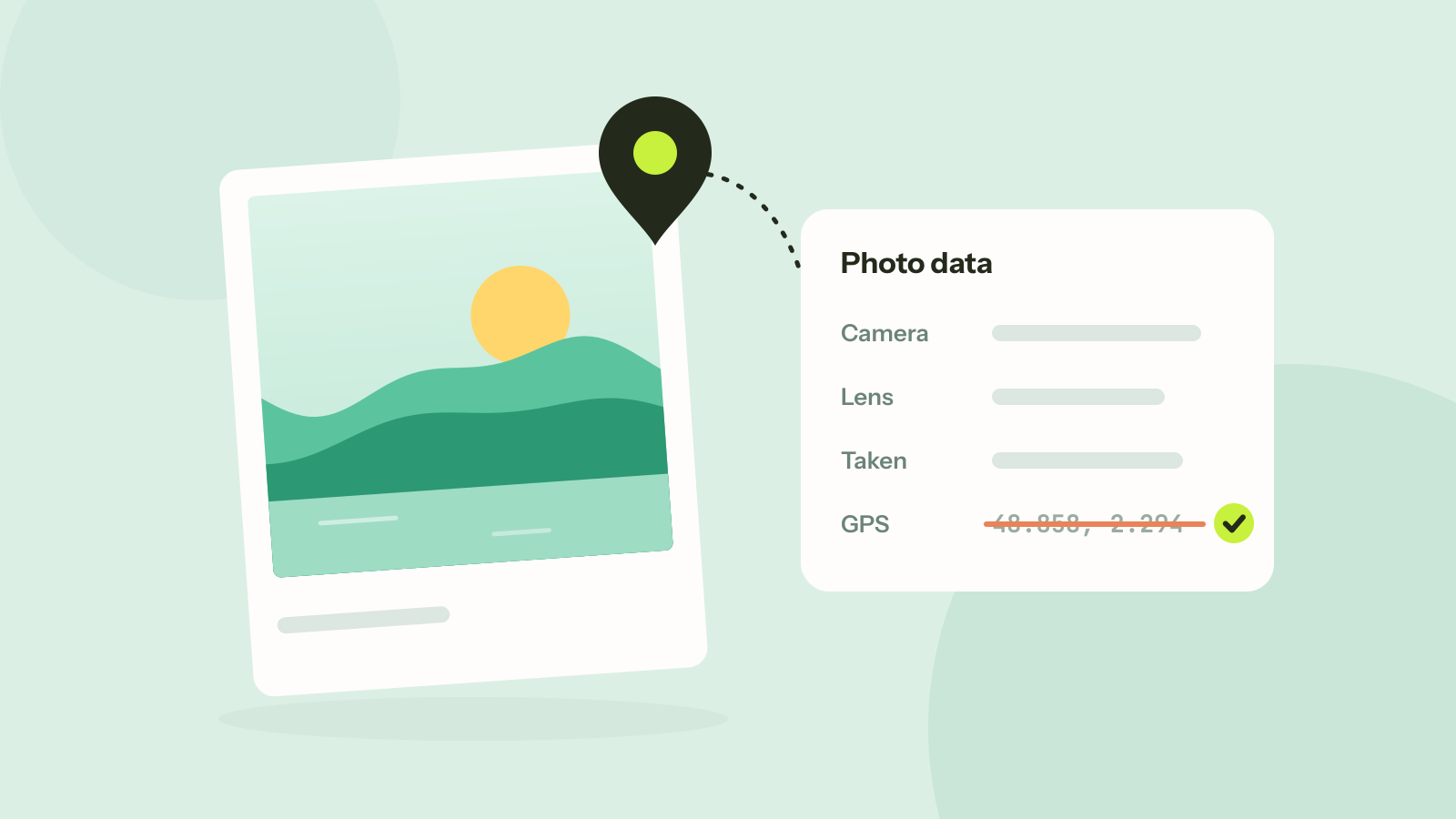
How to remove location and other metadata from photos
Every photo carries hidden data about the camera, the time and often the place. We read what nine published photos still gave away, added a location to show how precise it is, and checked that removing it leaves the picture untouched.

How long does it take to crack a password?
Password strength is about how many passwords could have been chosen, not how complicated one looks. We worked out how long common kinds of passwords hold out against a modern graphics card, and why the ones people invent fall first.
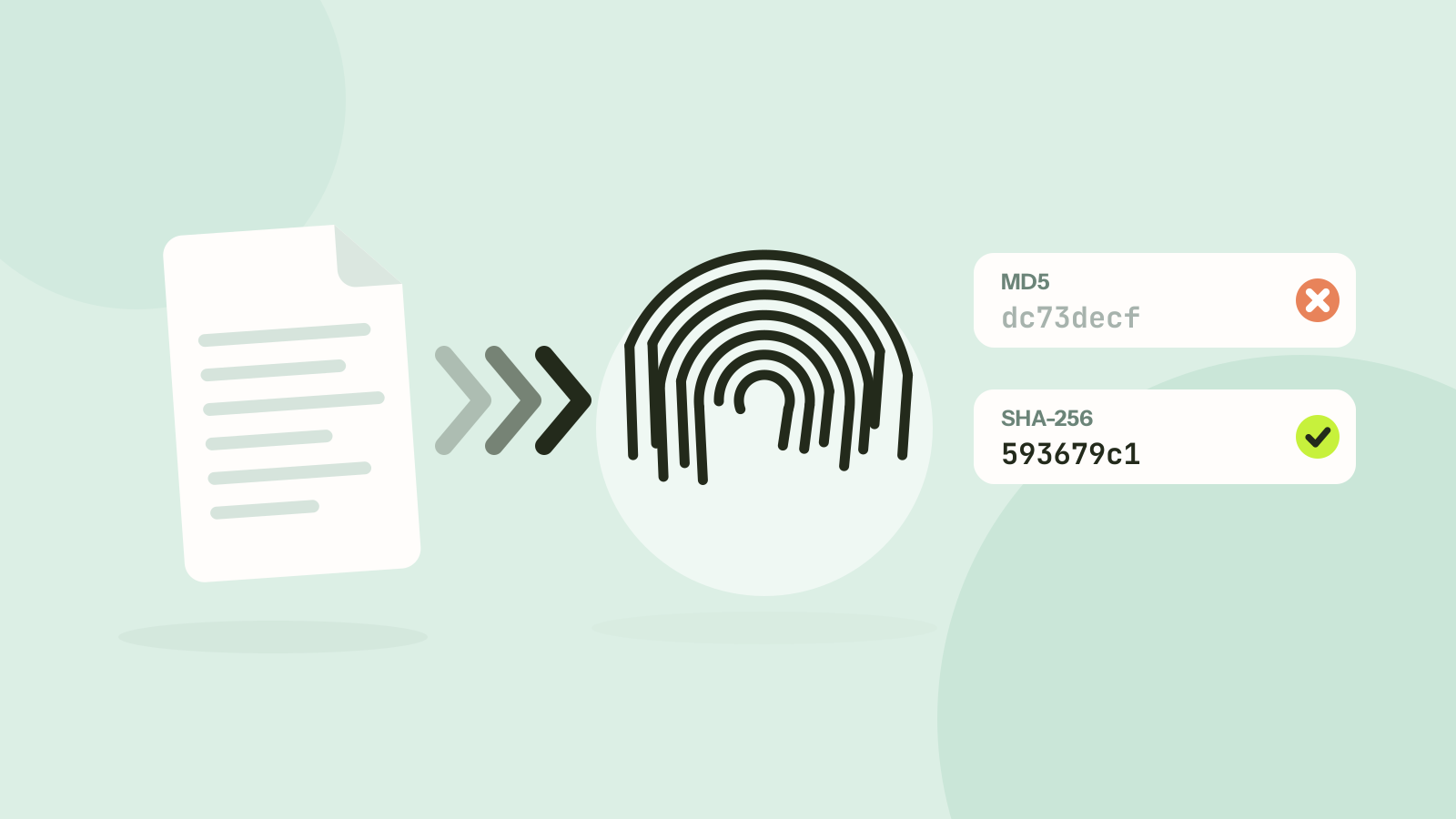
MD5 vs SHA-256: which hash should you use?
MD5 and SHA-256 both turn a file into a short fingerprint, but only one of them can still be trusted when someone might be trying to fool you. We timed seven hash functions and looked at what "broken" really means.