How it works
- Drop your images.
- Choose pixels, percent or a preset, and how to fit.
- Download the resized images or a ZIP.
Why use it
- Presets for Instagram, YouTube, X, LinkedIn, passports and print.
- Fit inside, fill and crop, or stretch.
- Optional target file size in KB.
- Halving steps keep detail crisp on big reductions.
Resizing images: pixels, shapes and file size
Three ways to give the size
- Pixels: type a width, a height, or both. With one side filled in and the other left at 0, the other follows the shape of the photo, so nothing is squeezed. With both, the two numbers form a box, and the next setting decides how the photo fits it.
- Percent: from 5 to 200 percent of the original, the same for every photo in a batch.
- Presets: sizes that sites and forms ask for, such as an Instagram post (1080 × 1080), a YouTube thumbnail (1280 × 720), a link preview image (1200 × 630), a US passport photo (600 × 600) or an A4 page at 300 dpi.
When the photo is a different shape
A 3:2 camera photo does not fit a square without a decision. Fit inside keeps the whole photo and fills the empty bands with a colour, or leaves them transparent for PNG and WebP. Fill and crop covers the whole box and trims the overflow equally from both sides, which is what profile pictures and thumbnails usually want; check that nothing important sits near the edges. Stretch forces the exact size by distorting the photo, which people notice on faces. To choose exactly what is cut, crop first with crop image, then resize.
How much smaller the file gets
File size follows the number of pixels, and the number of pixels follows the square of the width. A photo at half the width has a quarter of the pixels. We saved the same photo at seven widths as JPG at quality 80:
| Width | Megapixels | File size |
|---|---|---|
| 4288 px | 12.2 | 802 KB |
| 3000 px | 6.0 | 404 KB |
| 2048 px | 2.8 | 219 KB |
| 1600 px | 1.7 | 152 KB |
| 1080 px | 0.8 | 84 KB |
| 800 px | 0.4 | 53 KB |
| 400 px | 0.1 | 19 KB |
For screens, 1920 pixels wide fills a full HD monitor and 1080 a phone. For printing, multiply the print size in inches by 300. The DPI number stored in a file changes nothing about the picture itself, as pixels, DPI and file size shows.
Quality of the resizing
Large reductions are done in halving steps, each with high quality smoothing, which keeps fine detail such as hair and text crisp instead of turning it to shimmering noise. Never enlarge keeps photos that are already smaller than the target at their own size. Enlarging can only stretch the pixels that are there; to add believable detail to a small photo, use the AI image upscaler.
Format, quality and size limits
By default each photo keeps its format, at quality 90 for JPG, WebP and AVIF; PNG stays lossless. For a form with a size limit, fill in Target file size: the resizer then searches for the best quality under that size, and makes the picture smaller still only if quality alone cannot get there. To reach a size without choosing dimensions at all, compress image works out both for you.
If something goes wrong
- Faces look wide or thin. Stretch is selected. Use Fit inside or Fill and crop.
- A head or a logo was cut off. Fill and crop trims from the centre. Crop the photo yourself first, or use Fit inside.
- It says the size is too large for a browser to draw. Browsers cap a picture at about 268 million pixels. Choose a smaller size.
How we tested. One CC0 photo, 4288 by 2848 pixels, scaled in Chrome with high quality smoothing and saved with the MozJPEG encoder of this site at quality 80.
Popular ways to use this tool
Questions and answers
How do I resize an image to under 100 KB?
Set a target file size of 100 KB. The tool lowers the quality, and the dimensions if needed, until the result fits.
Will resizing stretch my photo?
Not unless you choose Stretch. Fit inside keeps the whole picture, and Fill and crop trims the edges.
Are my images uploaded?
No, resizing runs in your browser.
Related guides
Pixels, DPI and file size: how big does a photo need to be?
Upload forms ask for 300 DPI, print shops for high resolution, and phones save 12 megapixel photos. We tested what the DPI number really does, how file size follows pixel count, and how many pixels each use actually needs.
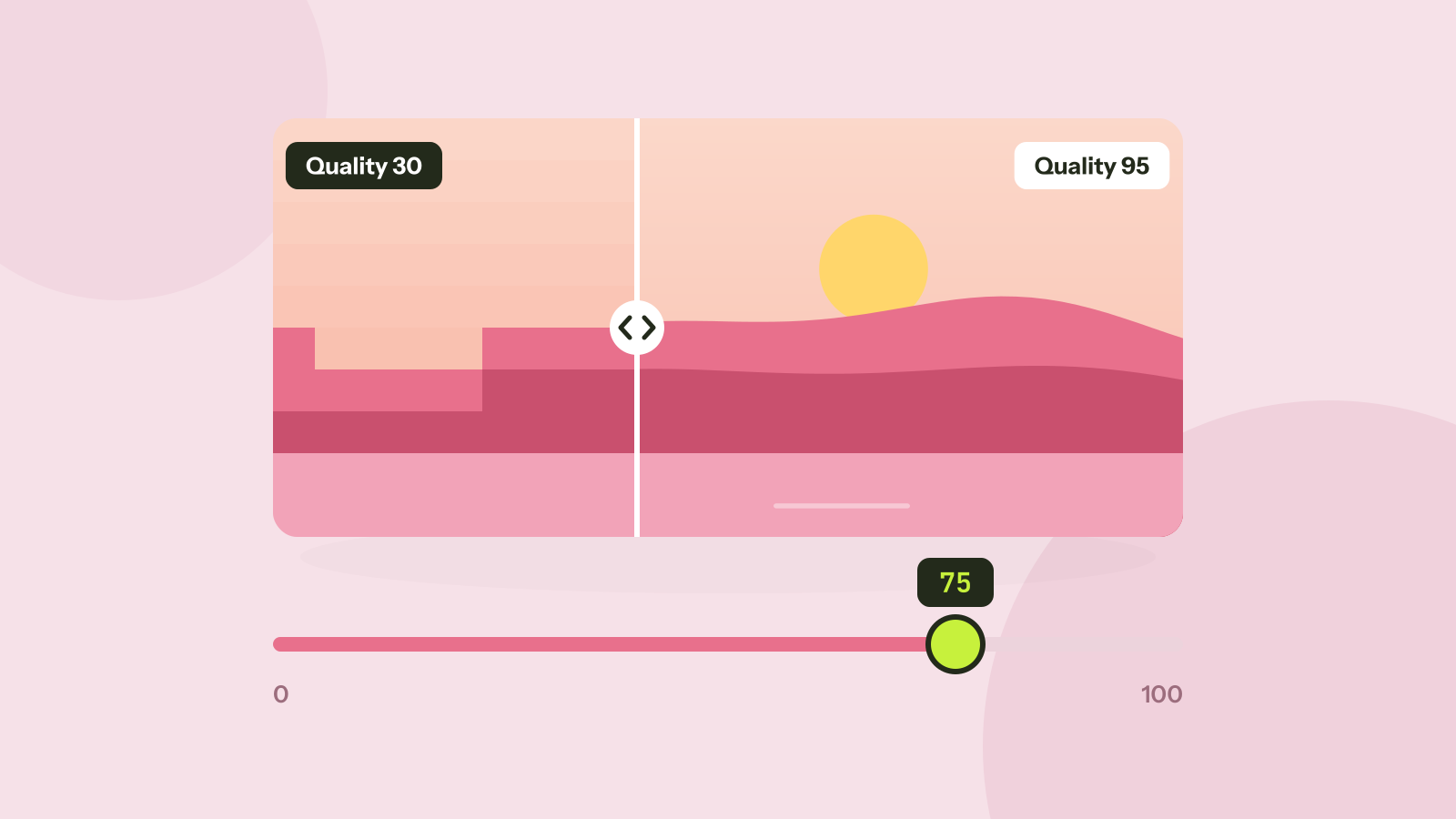
Which JPEG quality setting should you use?
Every program that saves JPEG asks for a quality from 0 to 100, and the trade between size and quality is far from linear. We saved six photos at twelve settings and measured what each step changes.