How it works
- Drop your images.
- Drag the crop box and set rotation or flips.
- Export the batch as JPG, PNG or WebP.
Why use it
- Free crop or fixed ratios such as 1:1, 4:5, 16:9 and 9:16.
- Straighten by a few degrees, rotate by 90, mirror.
- The same relative crop for every image.
- Choose output format, quality and longest side.
Cropping, straightening and turning photos
Choosing the shape first
Most crops are made for a place with a fixed shape, so pick the ratio before you drag. The frame then keeps that shape however you move or resize it:
| Ratio | Typical use |
|---|---|
| 1:1 | Profile pictures, Instagram posts, product thumbnails |
| 4:5 | Portrait posts on Instagram, which fill more of a phone screen |
| 9:16 | Stories, Reels, TikTok and phone wallpapers |
| 16:9 | YouTube thumbnails, presentations, desktop wallpapers |
| 3:2 | Prints at 4 × 6 inches and most camera photos |
| 4:3 | Phone photos as taken, tablets and older slides |
Free lets you draw any rectangle, Original keeps the photo's own shape while you trim the edges, and two numbers of your own, such as 5:7, cover print sizes the list does not have.
Moving the frame precisely
Drag inside the frame to move it and drag its edges or corners to resize it. With the frame selected, the arrow keys move it in small steps, which helps line up an edge exactly. The size of the result in pixels is shown as you go, so you can see whether a tight crop still has enough pixels for its use: a 1080 pixel square for Instagram needs a crop at least 1080 pixels wide.
Straightening and turning
A horizon that tilts by two degrees looks wrong at once. The straighten slider turns the photo in half degree steps up to 45 degrees either way, and the crop stays inside the turned picture, so no empty corners appear. The quarter turn buttons fix photos that open sideways, and flip and mirror reverse the picture, for a selfie that came out mirrored or a scan placed upside down.
Cropping many images at once
The crop, the turns and the flips are stored as proportions of the picture, not as pixels, and applied to every image in the list. That suits a series shot from a tripod or scanned on the same flatbed: set the crop once and the whole batch follows. Select another row to check how the crop sits on that image before you save. Images with different subjects usually need cropping one at a time.
Size and format of the result
Cropping removes pixels, so the file shrinks with the area you cut. The longest side setting can make the result smaller still, from 4096 down to 720 pixels. Images keep their format, PNG and WebP as they are and the rest as JPG at 92 percent, and saved files carry no camera metadata. To bring a crop to an exact pixel size such as 1080 by 1080, follow up with resize image; to fit a file size limit, use compress image.
If something goes wrong
- The crop is in the wrong place on some images in a batch. The images differ in subject or framing. Crop them one at a time.
- The result is smaller than needed. The crop is too tight for the photo's resolution. Use a larger part of the photo, or a photo with more pixels.
- A transparent background turned white. The output is JPG, which has no transparency. Choose PNG or WebP.
Questions and answers
Can I crop many images the same way?
Yes. The crop, rotation and flips are stored as proportions, so they apply to every image, even ones with different sizes.
Does cropping lower quality?
Only the JPG or WebP encoding step does, and you control its quality. PNG output is lossless.
Are my images uploaded?
No, cropping happens in your browser.
Related guides
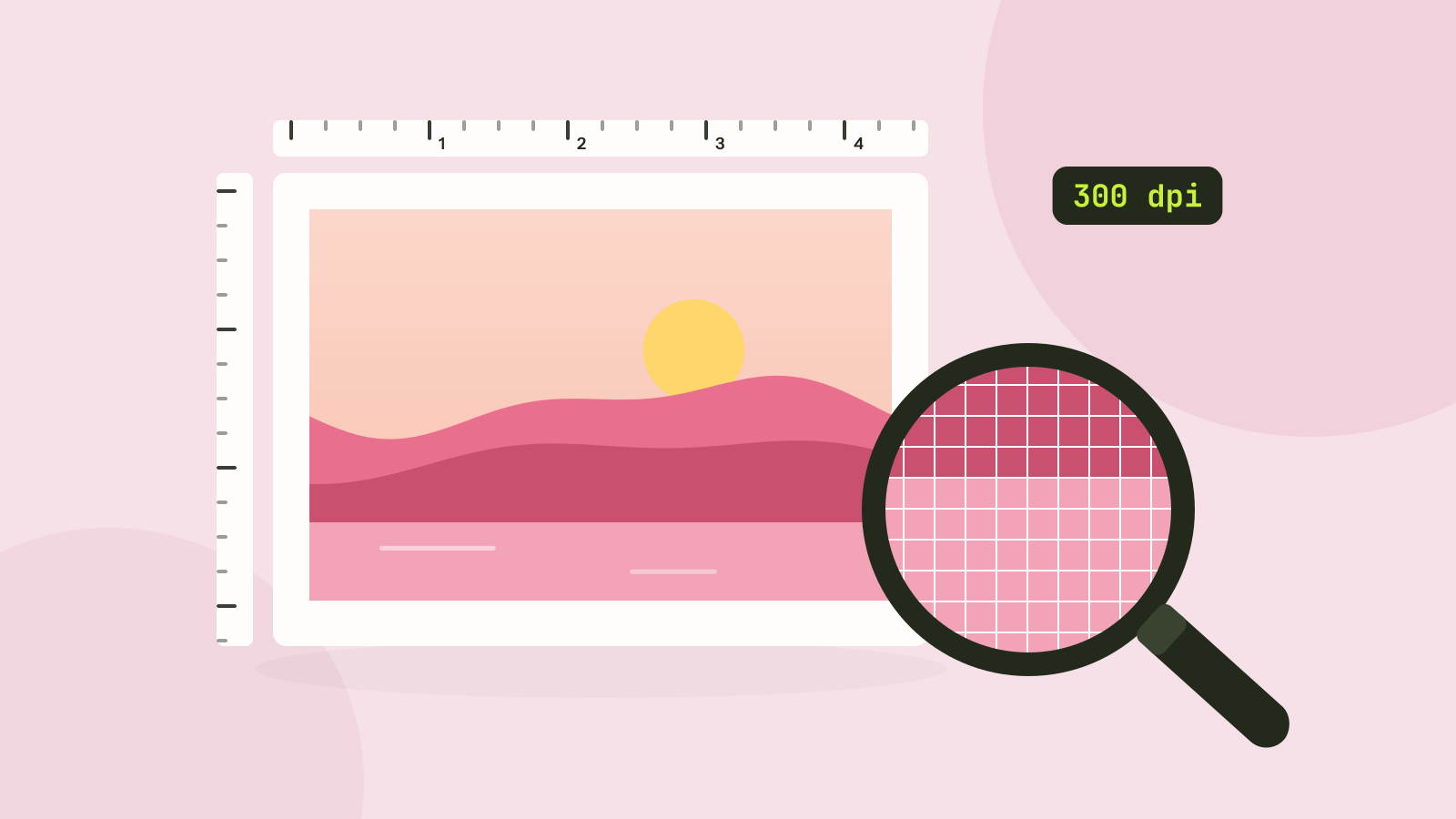
Pixels, DPI and file size: how big does a photo need to be?
Upload forms ask for 300 DPI, print shops for high resolution, and phones save 12 megapixel photos. We tested what the DPI number really does, how file size follows pixel count, and how many pixels each use actually needs.