How it works
- Choose what the code holds and fill it in.
- Pick a style, colors and an optional logo.
- Download the code as SVG or PNG.
Why use it
- Link, Wi-Fi, vCard, email, SMS, phone and location.
- Rounded, dotted and classy styles with gradients.
- Vector SVG for print, PNG up to 4096 pixels.
- Bulk mode makes many codes as a ZIP.
Making a QR code that scans every time
What a code can hold
A QR code stores its content in the pattern itself. Scanning it does not contact us or anyone else, which is why a code made here keeps working even if this site disappears. Besides links and plain text, the generator writes the standard formats phones understand:
- Wi-Fi: the network name, password and security type. Phones offer to join the network without typing the password.
- Contact: a vCard with name, phone, email, address and more. Phones offer to save it.
- Email and SMS: open a new message with the address or number, and the text, already filled in.
- Phone: offers to call the number. Location: opens the place in the map app.
Some QR services make dynamic codes instead, which point to their own server and redirect from there. You can change where they lead later, but they stop working when the service or the subscription ends.
Shorter content means larger squares
The more the code holds, the more squares, called modules, it needs. Printed at the same width, more modules means smaller ones, and small modules are what make codes fail on rough paper, at a distance or in poor light. At the default error correction:
| Content | Characters | Grid |
|---|---|---|
| Short link | 19 | 25 × 25 |
| Wi-Fi login | 61 | 33 × 33 |
| Link with tracking codes | 89 | 41 × 41 |
| Contact card | 202 | 57 × 57 |
The preview shows how many bytes the code holds. If you can, use a short link rather than a long one full of tracking codes: it is the single biggest gain in reliability.
Error correction and logos
Error correction adds spare data that lets a reader rebuild a damaged code. Medium suits screens and clean prints; Quartile suits posters, packaging and anything with a logo; High makes the code much denser, so keep it for short content. In our tests, codes survived less damage than the textbook 7, 15, 25 and 30 percent: covering the centre, a High code failed between 15 and 20 percent. The details are in QR code error correction.
A logo works by covering part of the code on purpose. When you add one, the generator raises error correction to Quartile if it was lower, clears the modules behind the logo unless you switch that off, and lets you set the logo size from 10 to 40 percent. Every combination we tested, up to the largest logo, still scanned.
Style without breaking it
Rounded dots, shaped corners, colours and gradients all scan, as long as the code keeps strong contrast. The generator warns when the contrast between code and background falls below 3 to 1, and when the code is lighter than its background, which some scanners cannot read. Keep the quiet zone, the blank border around the code: scanners use it to find the edges. A transparent background is useful on a coloured surface, as long as the surface is light.
SVG or PNG, and how big to print
SVG is drawn from shapes, so it stays perfectly sharp at any size: use it for print and design programs. PNG is a picture, 1024 pixels by default and up to 4096; use it for documents, slides and websites. A common rule for print is a width of at least a tenth of the scanning distance: 3 cm for a table card read from 30 cm, 30 cm for a poster read from 3 metres.
If a code does not scan
- Too much content. Shorten it, or lower the error correction if there is no logo.
- Weak contrast or a light code on a dark background. Use dark modules on a light background.
- No border. Raise the quiet zone, and leave white space around the code when you place it in a design.
- Printed too small. Print it larger, or make the content shorter so each module grows.
Test a code before you print many copies: try two different phones, at the real distance. The QR code reader reads codes from pictures and the camera, also in your browser.
How we tested. Grid sizes are those of the smallest QR code that holds each content at error correction level M. Damage tests covered the centre of each code with a growing white square until the reader of the QR code reader tool failed.
Questions and answers
Do these QR codes expire?
No. The data is stored in the code itself, so it works forever and there is no tracking or redirect.
Will a logo stop the code from scanning?
Error correction is raised automatically when you add a logo. Keep the logo below about a quarter of the width and test the code before printing.
Is my data uploaded?
No, the code is drawn in your browser.
Related guides
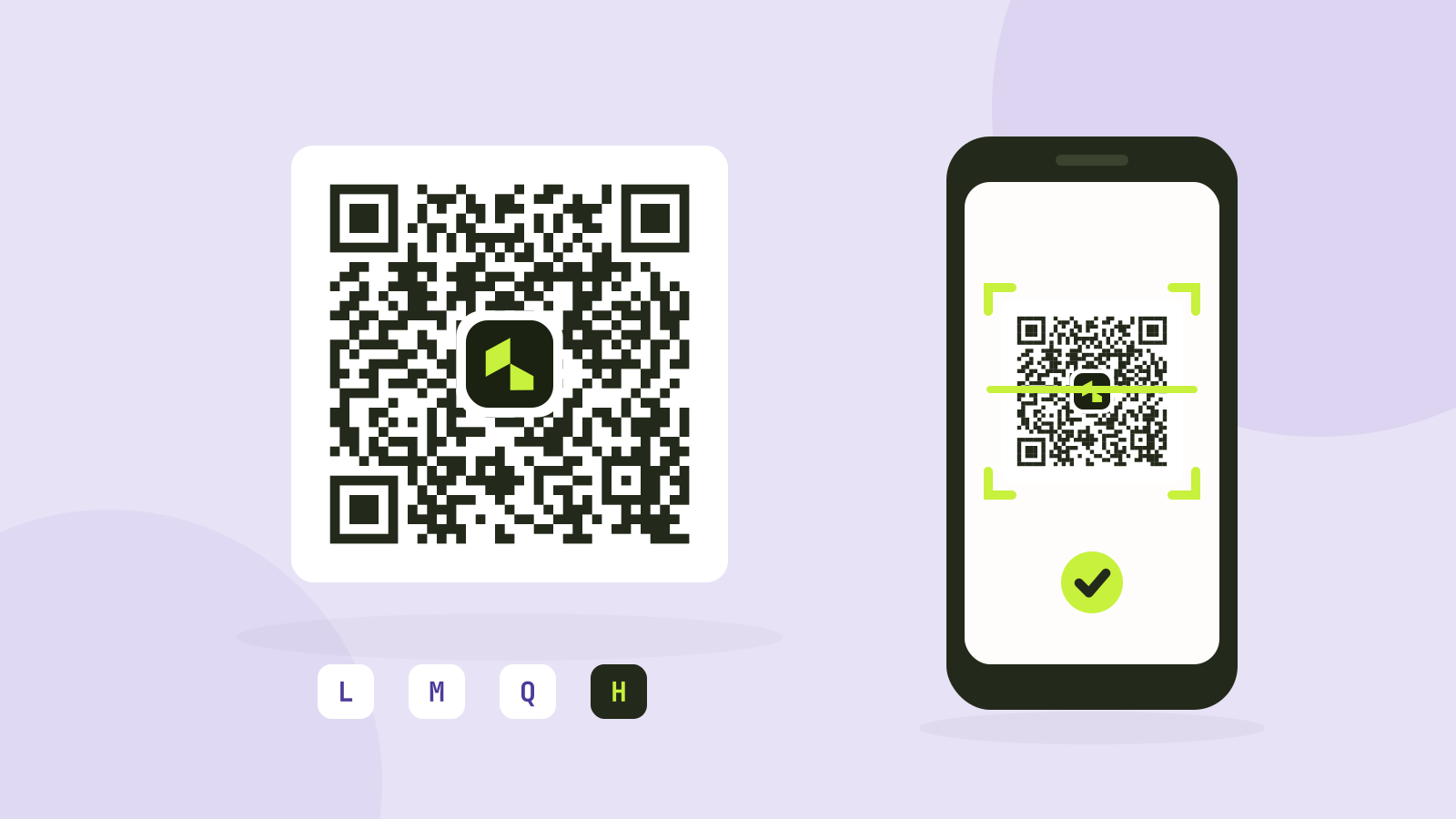
QR code error correction and size: L, M, Q and H tested
Higher error correction lets a QR code survive damage, but it also makes the code denser. We generated codes for four common kinds of content at every level and covered them bit by bit until they stopped scanning.