How it works
- Drop an image, paste one, or start the camera.
- Read the decoded content.
- Copy it, or open a link if you trust it.
Why use it
- Image files, pasting and live camera scanning.
- Explains Wi-Fi, vCard, email, SMS, location and links.
- Warns about unusual links and secrets.
- Optionally reads other barcodes as well.
Reading QR codes from pictures and the camera
Reading a code you cannot scan with a phone
A QR code on your own screen, in a screenshot, in a PDF or in an email cannot be pointed at with the phone that shows it. Take a screenshot, paste it here, and the code is read from the picture. Every code in the picture is found and listed, which helps with sheets of labels or a page with several codes.
With Try harder on, the reader also tries inverted codes (light on dark) and rotated pictures, a little slower. Also read other barcodes adds the other common formats: Data Matrix on parcels and medicine, Aztec on tickets, PDF417 on ID cards and boarding passes, and EAN, UPC and Code 128 on products and shipping labels.
What the content means
A QR code holds text, and some text follows standard formats that phones act on. The reader recognises them and shows them in readable form:
- Links are shown in full before you open them, which is the safe way to check where a code leads.
- Wi-Fi codes show the network name, security type and password, handy to type the password on a laptop.
- Contacts (vCard), email, SMS, phone and map location codes show their fields.
The error correction level the code was made with is shown too, along with the raw text, which can be copied in one click.
Check before you open
Scam codes stuck over real ones on parking meters, restaurant tables and parcels are common, because a QR code hides where it leads until it is opened. Reading the code here shows the full address first. Look for a misspelled company name, an unexpected domain, or a link shortener in front of a payment page, and when in doubt, type the company's address yourself instead. Nothing is opened automatically.
Using the camera
Switch to the camera to scan printed codes live. Choose the camera on devices with several, switch on the torch where the device supports it, and choose whether scanning stops at the first code or keeps going for a batch. The camera image is processed in the page and never recorded or sent anywhere.
If a code will not read
- Too small or blurry. Crop the picture to the code, or take a sharper, closer photo. A code needs a few pixels per square to read.
- Light code on a dark background. Switch on Try harder.
- No quiet zone. Codes need a blank border; one printed flush against other graphics may not read.
- It is a barcode, not a QR code. Switch on Also read other barcodes.
To make a code, use the QR code generator; QR code error correction explains why some damaged codes still read and others do not.
Questions and answers
How do I scan a QR code from a screenshot?
Drop or paste the screenshot and the code is decoded automatically.
Is scanning with the camera private?
Yes. Frames are decoded on your device and are never recorded or sent.
Is it safe to open the link?
Check the address first. Links are never opened automatically.
Related guides
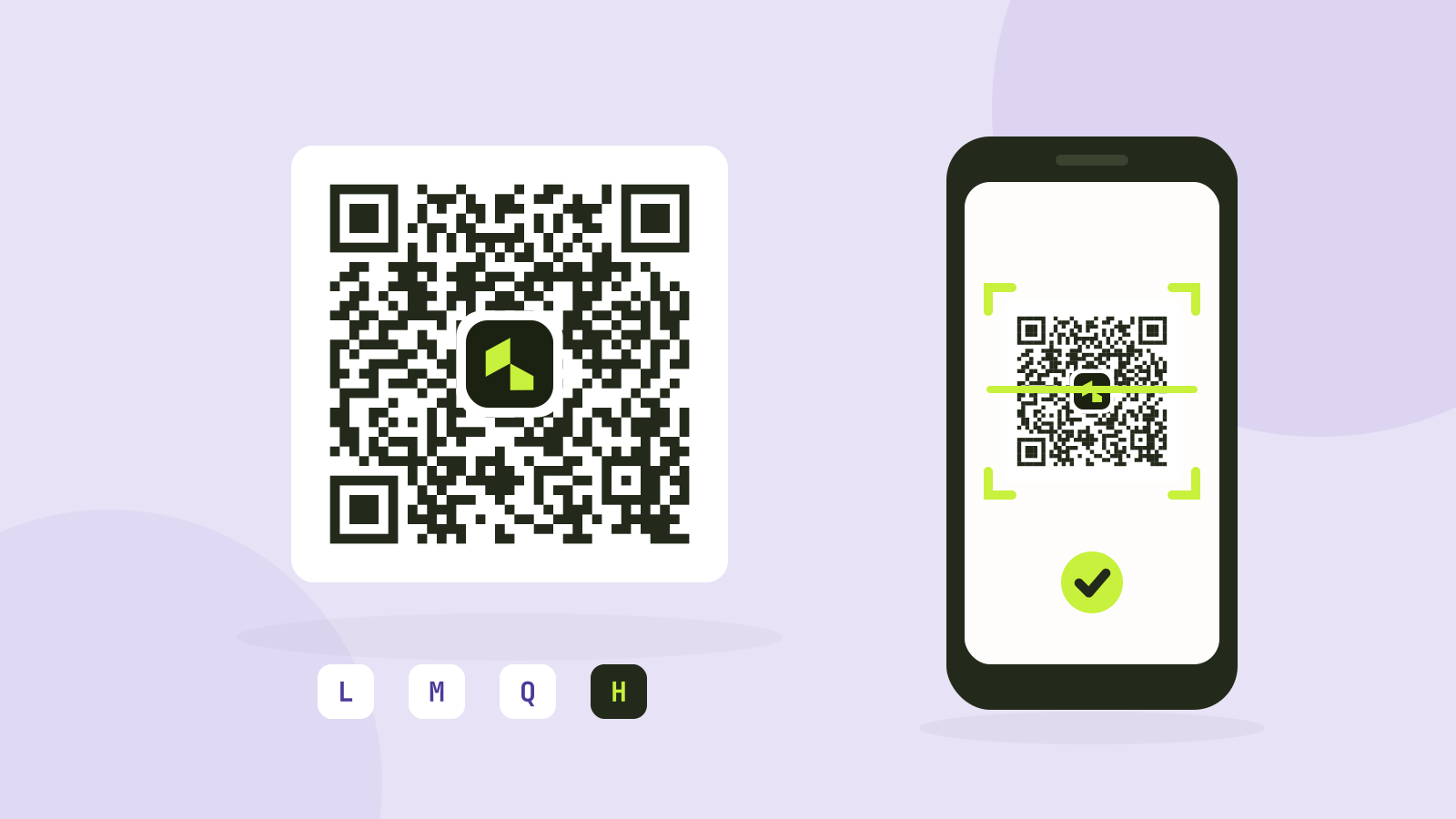
QR code error correction and size: L, M, Q and H tested
Higher error correction lets a QR code survive damage, but it also makes the code denser. We generated codes for four common kinds of content at every level and covered them bit by bit until they stopped scanning.