How it works
- Drop files, or switch to Text.
- Choose the algorithms.
- Copy the hashes, or paste a checksum to verify.
Why use it
- MD5, SHA-1, SHA-256, SHA-384, SHA-512, BLAKE3 and CRC-32.
- Streams large files in the background.
- Verifies against pasted hashes and checksum files.
- HMAC for text.
Checksums and hashes: verifying files and text
What a hash is for
A hash function turns any file or text into a short fingerprint of fixed length. The same input always gives the same hash, and the smallest change, one bit in a 4 GB file, gives a completely different one. That makes hashes the standard way to check that a download is complete and unaltered, that two files are identical, or that a backup still matches the original.
Software sites publish the SHA-256 of their downloads next to the link. Drop the downloaded file, paste the published checksum into Verify against a checksum, and the tool tells you whether they match. You can also paste a whole checksum file, the kind named SHA256SUMS, and every file in it is checked by name.
Which algorithm
| Algorithm | Length | Use it for |
|---|---|---|
| SHA-256 | 64 hex digits | Published checksums and anything security related; the usual choice |
| SHA-512 and SHA-384 | 128 and 96 | The same, with more margin; fast on 64 bit processors |
| BLAKE3 | 64 | Very fast modern hash, used by newer tools |
| MD5 | 32 | Matching old checksums and catching accidental corruption only |
| SHA-1 | 40 | Matching old checksums; collisions have been demonstrated |
| CRC-32 | 8 | Error detection in ZIP files and network data; not a security hash |
MD5 and SHA-1 are broken against deliberate tampering: with MD5, two different files with the same hash can be made in seconds. They still catch accidental damage, where nobody is trying to fool you. In our browser test, MD5 hashed a 512 MB file at 186 MB/s and SHA-256 at 104 MB/s; on real files the disk is often the slower part. MD5 vs SHA-256 has the details.
Hashing text and HMAC
Text is hashed as UTF-8 while you type, and the byte count is shown, since a hash depends on bytes, not characters: an accented letter or an emoji is several bytes. With an HMAC key, MD5 and the SHA family produce a keyed hash instead, which proves a message came from someone who knows the key. Webhooks from payment and messaging services are signed this way, so you can recompute a signature here to debug one.
Hashes are not for passwords
Fast hashes such as SHA-256 are the wrong tool for storing passwords: a graphics card can try billions of guesses a second against them. Password storage needs a deliberately slow function such as Argon2id or bcrypt, with a salt. To protect a message with a password, use encrypt text, which uses Argon2id and AES.
If something goes wrong
- The checksum does not match. Download the file again: a broken connection is the usual cause. If it still differs, the file is not the one the checksum belongs to.
- A hash of text does not match one made elsewhere. Check for a trailing new line or spaces, and the encoding; hashes are computed on exact bytes.
- It says files from the checksum list are missing. Drop all the files the list names.
Popular ways to use this tool
Questions and answers
How do I verify a downloaded file?
Drop the file, paste the checksum from the download page into the verify box, and you will see whether it matches.
Which algorithm should I use?
SHA-256 is the usual choice for published checksums. MD5 and SHA-1 only detect accidental damage.
Is my file uploaded?
No, hashing runs on your device.
Related guides
'/%3e%3cg%20transform='translate(480%20470)'%3e%3cpath%20d='M%20-140%20-30%20V%20-150%20A%20140%20140%200%200%201%20140%20-150%20V%20-30'%20fill='none'%20stroke='%239aa59a'%20stroke-width='54'%20stroke-linecap='round'/%3e%3cpath%20d='M%20-140%20-30%20V%20-150%20A%20140%20140%200%200%201%20140%20-150%20V%20-30'%20fill='none'%20stroke='%23c3ccc2'%20stroke-width='18'%20stroke-linecap='round'%20transform='translate(-10%20-6)'%20opacity='0.6'/%3e%3crect%20x='-230'%20y='-60'%20width='460'%20height='370'%20rx='52'%20fill='%23232a1b'/%3e%3crect%20x='-200'%20y='-36'%20width='400'%20height='20'%20rx='10'%20fill='%23ffffff'%20opacity='0.08'/%3e%3ccircle%20cx='0'%20cy='95'%20r='40'%20fill='%23c7f13c'/%3e%3crect%20x='-17'%20y='105'%20width='34'%20height='96'%20rx='17'%20fill='%23c7f13c'/%3e%3c/g%3e%3cg%20filter='url(%23p-card)'%3e%3crect%20x='860'%20y='250'%20width='580'%20height='150'%20rx='30'%20fill='%23ffffff'/%3e%3c/g%3e%3cg%20fill='%23232a1b'%3e%3ccircle%20cx='925'%20cy='325'%20r='14'/%3e%3ccircle%20cx='970'%20cy='325'%20r='14'/%3e%3ccircle%20cx='1015'%20cy='325'%20r='14'/%3e%3ccircle%20cx='1060'%20cy='325'%20r='14'/%3e%3ccircle%20cx='1105'%20cy='325'%20r='14'/%3e%3ccircle%20cx='1150'%20cy='325'%20r='14'/%3e%3ccircle%20cx='1195'%20cy='325'%20r='14'/%3e%3ccircle%20cx='1240'%20cy='325'%20r='14'/%3e%3ccircle%20cx='1285'%20cy='325'%20r='14'/%3e%3ccircle%20cx='1330'%20cy='325'%20r='14'/%3e%3c/g%3e%3crect%20x='1372'%20y='292'%20width='7'%20height='66'%20rx='3'%20fill='%232fae86'/%3e%3cg%3e%3crect%20x='860'%20y='448'%20width='128'%20height='24'%20rx='12'%20fill='%232fae86'/%3e%3crect%20x='1010'%20y='448'%20width='128'%20height='24'%20rx='12'%20fill='%232fae86'/%3e%3crect%20x='1160'%20y='448'%20width='128'%20height='24'%20rx='12'%20fill='%232fae86'/%3e%3crect%20x='1310'%20y='448'%20width='128'%20height='24'%20rx='12'%20fill='%23b6dcca'/%3e%3c/g%3e%3cg%20transform='translate(1120%20650)'%3e%3crect%20x='-18'%20y='-128'%20width='36'%20height='34'%20rx='8'%20fill='%23232a1b'/%3e%3crect%20x='58'%20y='-108'%20width='30'%20height='24'%20rx='8'%20fill='%23232a1b'%20transform='rotate(40%2073%20-96)'/%3e%3ccircle%20cx='0'%20cy='0'%20r='96'%20fill='%23ffffff'%20stroke='%23232a1b'%20stroke-width='16'/%3e%3cpath%20d='M%200%200%20L%200%20-96%20A%2096%2096%200%200%201%2083%2048%20Z'%20fill='%23c7f13c'%20opacity='0.9'/%3e%3ccircle%20cx='0'%20cy='0'%20r='96'%20fill='none'%20stroke='%23232a1b'%20stroke-width='16'/%3e%3cline%20x1='0'%20y1='0'%20x2='0'%20y2='-70'%20stroke='%23232a1b'%20stroke-width='10'%20stroke-linecap='round'/%3e%3ccircle%20cx='0'%20cy='0'%20r='12'%20fill='%23232a1b'/%3e%3c/g%3e%3c/svg%3e)
How long does it take to crack a password?
Password strength is about how many passwords could have been chosen, not how complicated one looks. We worked out how long common kinds of passwords hold out against a modern graphics card, and why the ones people invent fall first.
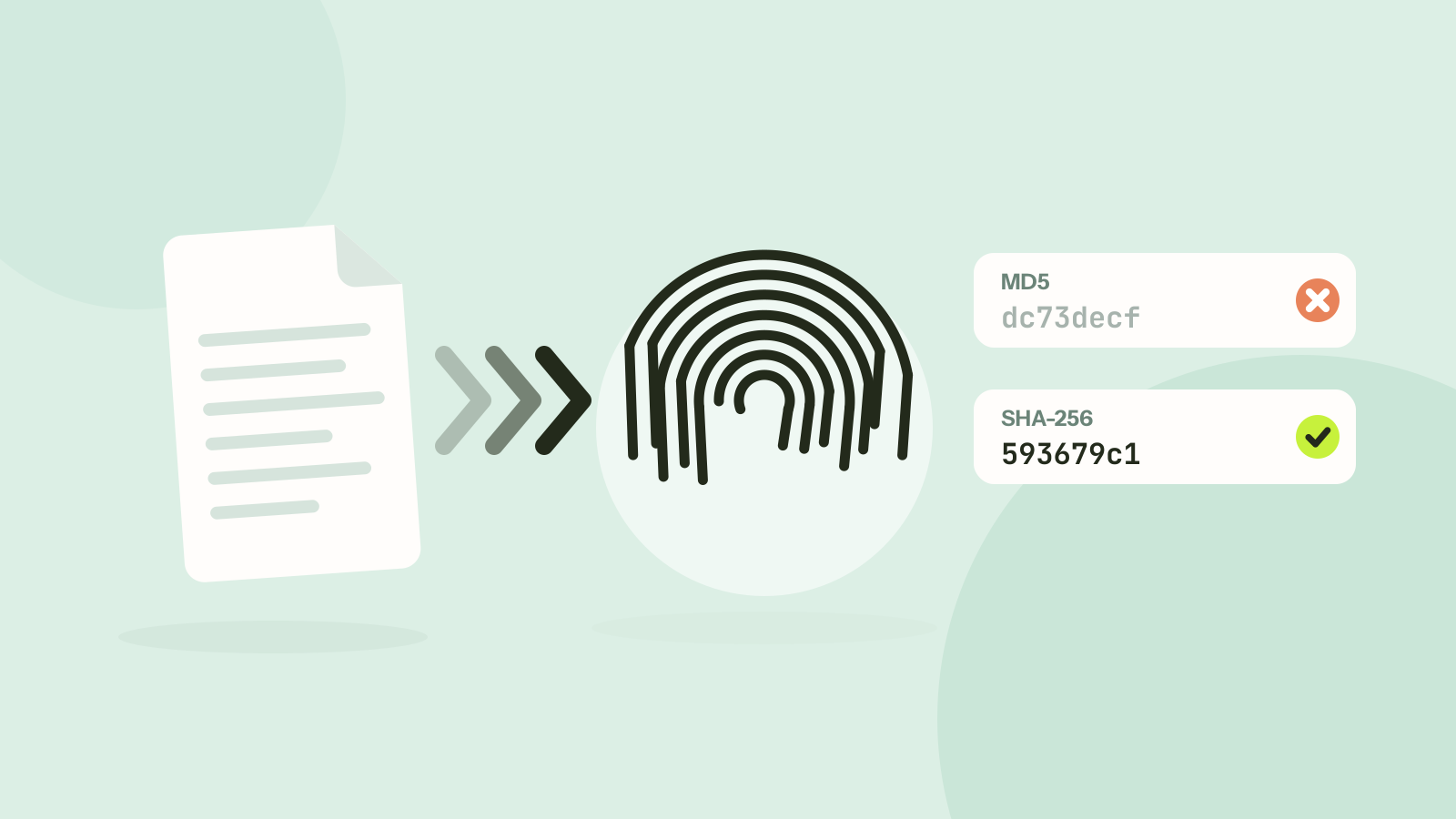
MD5 vs SHA-256: which hash should you use?
MD5 and SHA-256 both turn a file into a short fingerprint, but only one of them can still be trusted when someone might be trying to fool you. We timed seven hash functions and looked at what "broken" really means.