How it works
- Drop a PDF.
- Choose the format, resolution and page range.
- Download the images as a ZIP.
Why use it
- JPG, PNG or WebP output.
- 72 to 300 DPI.
- Page ranges such as 1-3, 5.
- No page limit, no upload.
PDF pages as pictures: uses, resolution and format
When a picture of a page is what you need
- Slides and social posts: a chart, a page of a report or a certificate shared where only pictures are accepted.
- Previews and thumbnails of documents on a website.
- Fixed appearance: a picture looks the same everywhere, with no missing fonts or reader differences.
- Editing in an image program: annotating, cropping or retouching one page.
The pages are drawn by PDF.js, the PDF engine of Firefox, at the resolution you choose, onto a white background so transparent areas never turn black in other programs.
PNG, JPG or WebP
This page starts with PNG, which keeps text and lines perfectly sharp. The best format depends on what is on the page; for the first page of three documents at 150 DPI we measured:
| Page | PNG | JPG at 90 | WebP at 90 |
|---|---|---|---|
| A page of text | 494 KB | 515 KB | 317 KB |
| Text with a large photo | 1.48 MB | 280 KB | 197 KB |
| A scanned page | 1.36 MB | 433 KB | 280 KB |
For text, diagrams and slides, PNG is as small as JPG and sharper, so keep it. For pages with photos and for scans, JPG is three to five times smaller; PDF to JPG starts with JPG selected. WebP is the smallest of the three, for pictures that will be shown on a website.
Choosing the resolution
The picture has as many pixels as the page width in inches times the DPI. The converter shows the size of a US Letter page under the slider as you move it: 1,700 by 2,200 pixels at the default 200 DPI. Use 72 to 100 DPI for thumbnails, 150 for screens and slides, 200 for sharp reading on tablets, 300 for printing or for text recognition, and 600 only for fine print or archiving, since every doubling makes four times as many pixels.
Many pages, many files
Each page becomes its own picture, named after the file and the page number with leading zeros, such as report-page-04.png, so they stay in order in any folder. Several pages download together as a ZIP. Leave the page box empty for all pages, or type ranges to pick a few. To go the other way and build a PDF from pictures, use image to PDF.
If something goes wrong
- It says the page is larger than the browser can render. Lower the DPI; posters and technical drawings may need 150 or less.
- Fonts look different from the PDF reader. The PDF does not embed its fonts, so a similar font is used. This is rare in PDFs made by modern programs.
- It says the PDF is password protected. Unlock it first with unlock PDF, if you have the right to.
Popular ways to use this tool
Questions and answers
What resolution should I choose?
150 DPI suits screens, 200 to 300 DPI suits printing and OCR.
Can I convert only some pages?
Yes, type a range like 2-4 in the pages box.
Is transparency kept?
PNG and WebP keep it where the page has any. JPG uses a white background.
Related guides
Why is my PDF so big?
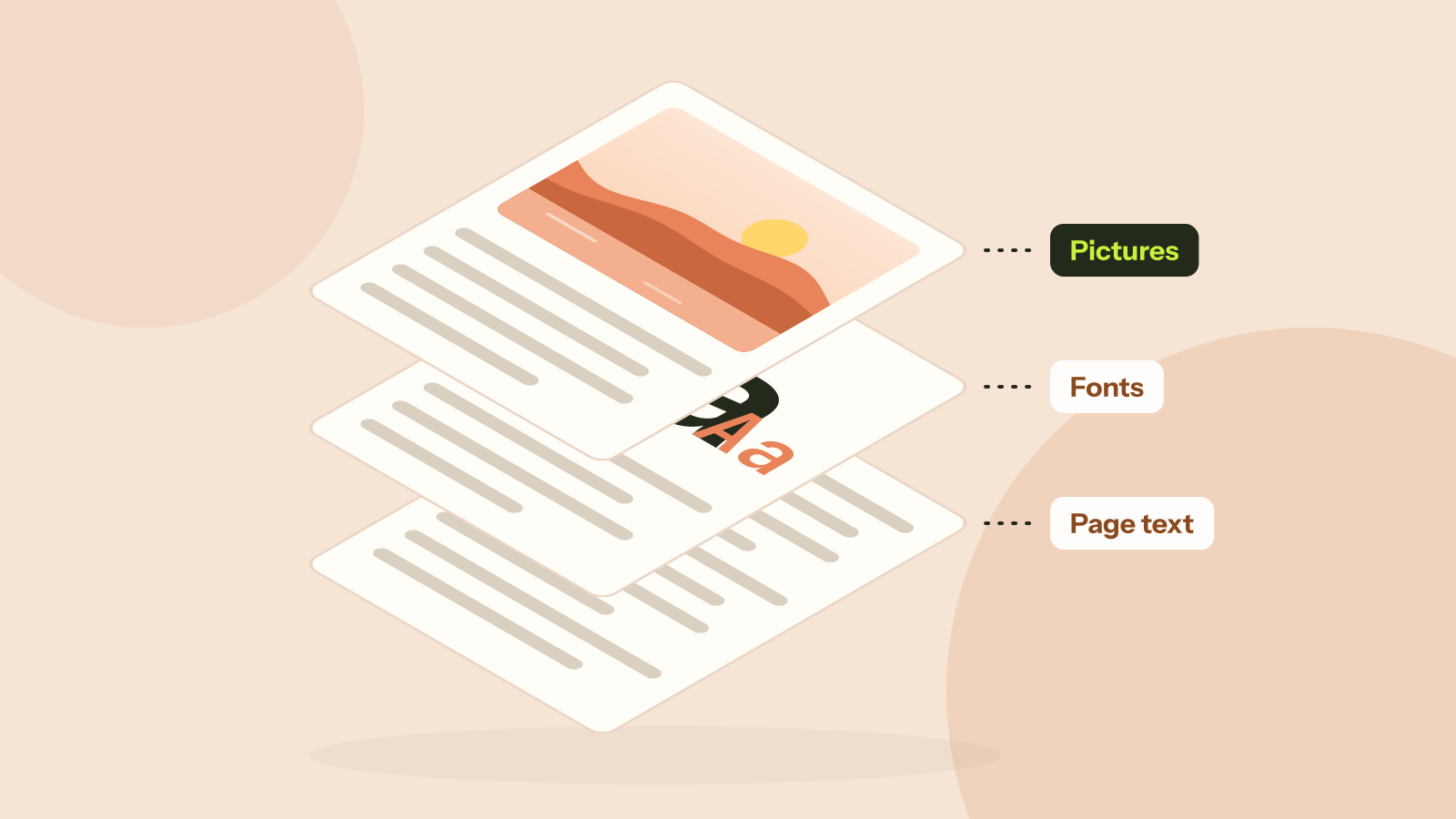
Two PDFs with the same number of pages can differ in size a thousand times. We took five real kinds of PDF apart and measured what fills them: photos, scans, fonts or drawings. Each cause has its own fix.