How it works
- Drop a PDF.
- Choose the format, resolution and page range.
- Download the images as a ZIP.
Why use it
- 72 to 300 DPI.
- Page ranges.
- Numbered files in a ZIP.
- No upload, no page limit.
PDF to JPG: resolution, format and file size
Choosing the resolution
A PDF page has no pixels until it is drawn. The resolution, in dots per inch, decides how many: the page width in inches times the DPI. An A4 page is 8.27 inches wide, so at 150 DPI it becomes a picture 1,240 pixels wide. The converter shows the size of a US Letter page under the slider as you change it.
| DPI | A4 page in pixels | Good for |
|---|---|---|
| 72 | 595 × 842 | Thumbnails and quick previews |
| 150 | 1,240 × 1,755 | Reading on screen, slides, chat |
| 200 | 1,653 × 2,339 | The default: sharp on laptops and tablets |
| 300 | 2,480 × 3,509 | Printing, and pages you will run text recognition on |
| 600 | 4,961 × 7,016 | Fine print and archives; large files |
Doubling the DPI makes four times as many pixels. Go higher only when you will zoom in or print; for a picture in an email or a document, 150 DPI is usually enough.
JPG, PNG or WebP
Which format is smallest depends on what is on the page. We rendered the first page of three PDFs at 150 DPI:
| Page | JPG at 90 | PNG | WebP at 90 |
|---|---|---|---|
| A full page of text | 515 KB | 494 KB | 317 KB |
| Text with a large photo | 280 KB | 1.48 MB | 197 KB |
| A scanned page | 433 KB | 1.36 MB | 280 KB |
For pages of text, PNG came out smaller than JPG and keeps every letter sharp, with no smudges around the edges. For photos and scans, JPG was three to five and a half times smaller than PNG. WebP was the smallest in every case, but some programs and upload forms still refuse it. When in doubt, use JPG for photos and scans and PNG for text, diagrams and slides; the PDF to PNG page starts with PNG selected.
Only some pages
Leave the page box empty to convert every page, or type the ones you want: 1-3, 5, 8- gives pages 1 to 3, page 5, and page 8 to the end. Files are numbered after the page they show, such as report-page-03.jpg, with enough leading zeros to keep them in order. Several PDFs can be dropped at once; each gets its own set of pictures.
A picture of a page is not a document
The pictures look like the pages but hold no text: you cannot search or copy from them. To get the words out, use PDF to text; to edit the document, use PDF to Word. To go the other way and turn pictures into a PDF, use JPG to PDF.
If something goes wrong
- It says the page is larger than the browser can render. Browsers cap the size of a picture. Choose a lower DPI; very large pages, such as posters and drawings, may need 150 or less.
- It says the PDF is password protected. Unlock it first with unlock PDF, if you have the right to.
- Text looks blurry when zoomed in. The resolution is too low for that zoom. Convert again at 300 DPI.
How we tested. Page 1 of three test PDFs, an 11 page text report, an 8 page brochure with camera photos and a 10 page colour scan, drawn with the code of this tool in Chrome and saved with the browser's own JPG, PNG and WebP encoders, as the tool does.
Questions and answers
How do I convert a PDF to JPG?
Drop the PDF, keep JPG selected and click Convert to images.
Which DPI is best?
150 for screens, 300 for print.
Related guides
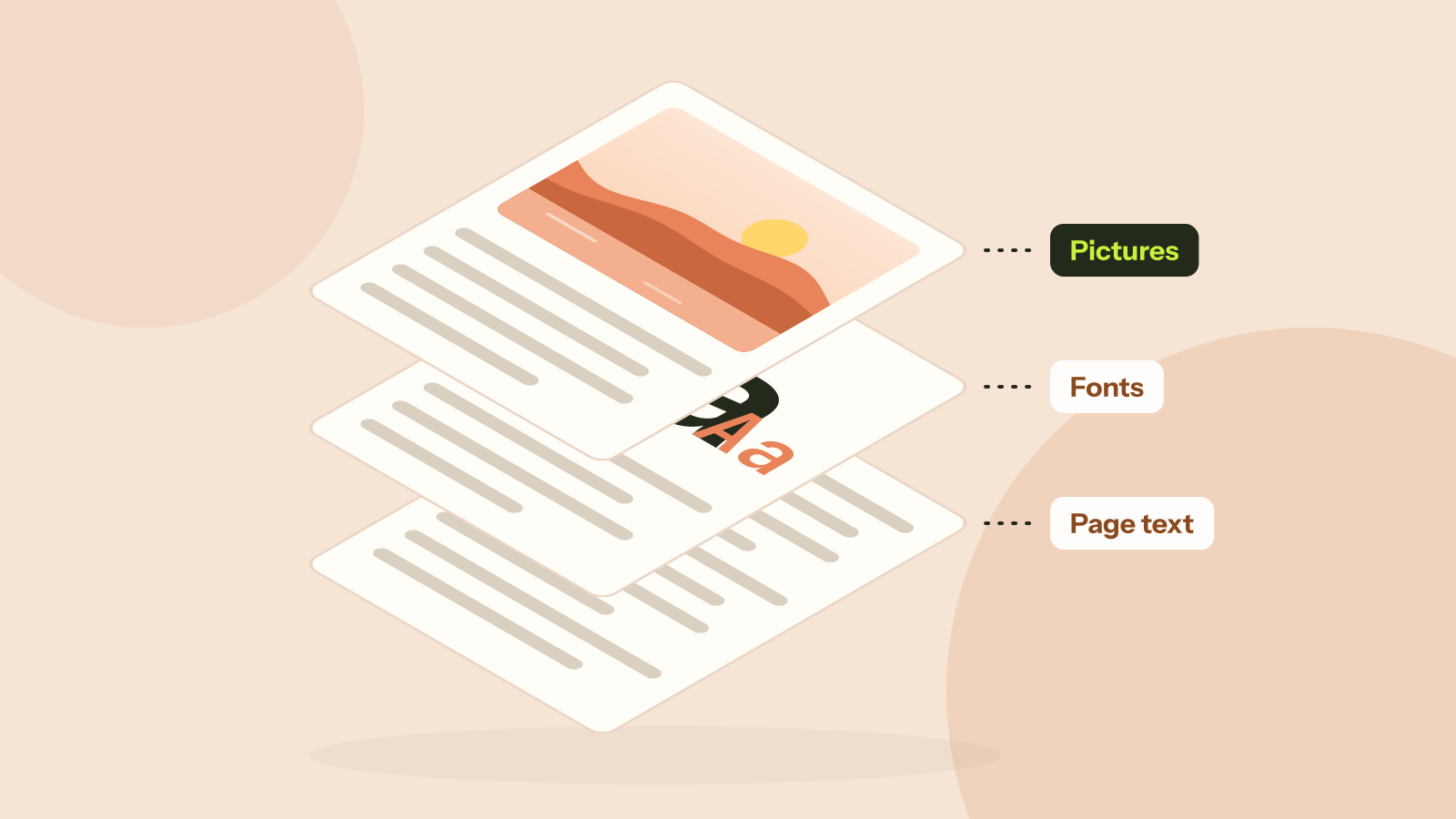
Why is my PDF so big?
Two PDFs with the same number of pages can differ in size a thousand times. We took five real kinds of PDF apart and measured what fills them: photos, scans, fonts or drawings. Each cause has its own fix.