How it works
- Drop HEIC, WebP, AVIF, GIF or BMP files.
- Choose the output format, quality and maximum size.
- Download the results as a ZIP.
Why use it
- Reads HEIC and HEIF from iPhones and recent Android phones.
- Keeps orientation and can fill transparency with a color.
- Converts in bulk and packs the results into one ZIP.
- No upload, no signup, no watermark.
Converting between image formats: which output to choose
When you need a converter
Phones and websites now save pictures in efficient formats such as HEIC, AVIF and WebP, while plenty of programs, printers and upload forms still only take JPG or PNG. This converter reads all the common formats, including HEIC from iPhones and TIFF from scanners, and writes the three that open everywhere. Drop a mixed folder and every file comes out in the same format.
Choosing the output format
| Output | Choose it for | Keeps transparency |
|---|---|---|
| JPG | Photos to send, print or upload anywhere | No, filled with white |
| PNG | Screenshots, graphics, logos, and anything you will edit again | Yes |
| WebP | Pictures for websites, smaller than both at a similar look | Yes, when Flatten transparency is off |
For a photo, JPG is the safe default. PNG keeps every pixel but makes photos several times larger, so use it for pictures with text and flat colours, where it is often smaller than JPG and sharper. Our comparison of JPG, PNG, WebP and AVIF measures all four on the same pictures.
What happens to each input
- HEIC and HEIF photos from iPhones are decoded on your device and turned the right way up. A Live Photo converts its still picture.
- AVIF and WebP convert directly. Animated files convert their first frame.
- TIFF files from scanners convert their first page, in 8 or 16 bit and the usual compressions.
- GIF converts its first frame; BMP, which is uncompressed, shrinks a lot as PNG with no loss at all.
Transparent areas become white in JPG, since the format has none. WebP output also fills them with white unless you switch off Flatten transparency to white; switch it off for logos and cut outs.
Quality and size
The quality slider, from 40 to 100 percent, applies to JPG and WebP; 92 percent, the default, looks the same as the original. Lower it to around 80 for photos you only need to share. The longest side setting scales large pictures down and never enlarges small ones, which saves more space than quality does: a photo at half the width has a quarter of the pixels.
This converter uses your browser's own encoders, which are fast. For the smallest JPG at a given look, the single pair pages such as PNG to JPG and HEIC to JPG use MozJPEG instead, and compress image can aim for an exact file size.
Metadata
Converting draws the picture onto a blank canvas and saves it fresh, so camera details, dates and location are not carried into the new file. If you need them, keep the originals. If you only want to remove them without converting, use remove EXIF data, which leaves the picture untouched.
If something goes wrong
- A file is refused or fails to decode. It may be damaged, or a variant the browser cannot read, such as a TIFF with an unusual compression. Open it and save it again in an editor first.
- A logo got a white background. The output is JPG, or WebP with Flatten on. Choose PNG, or WebP with Flatten off.
- The PNGs are huge. They are photos. Choose JPG or WebP for photos.
Popular ways to use this tool
Questions and answers
Which formats can I convert?
You can read JPG, PNG, WebP, AVIF, GIF, BMP and HEIC, and write JPG, PNG or WebP. Pages for individual pairs such as HEIC to JPG are also available.
Will conversion reduce quality?
JPG and WebP are lossy, so a high quality setting keeps them visually identical while a low one trades detail for size. PNG output is lossless.
Are my photos sent to a server?
No. All conversion happens in your browser tab, which is why it also works offline once the page has loaded.
Related guides
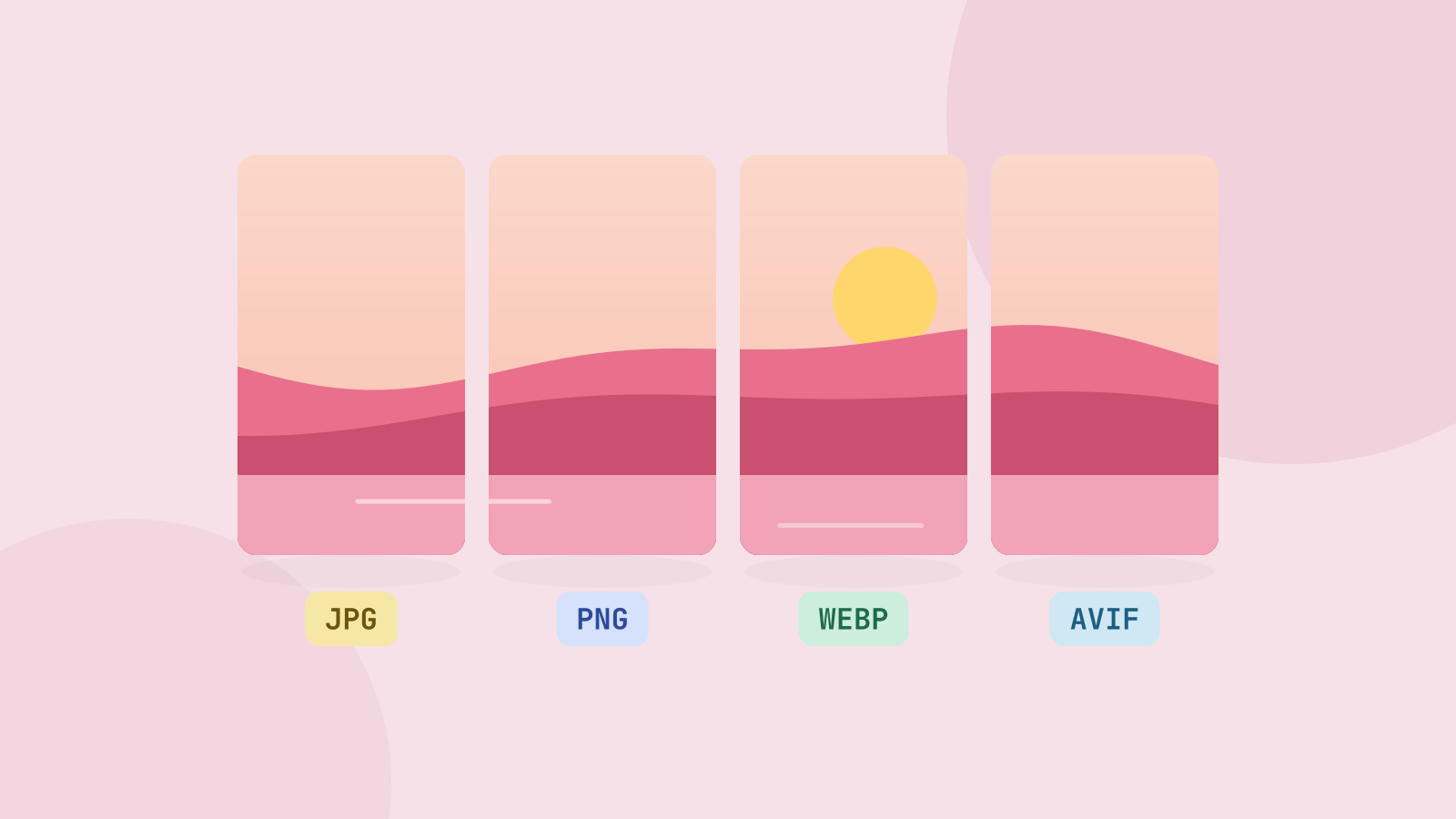
JPG, PNG, WebP or AVIF: which format to use
We saved six photos and a graphic in all four formats at the same visual quality and compared the sizes. The newer formats win on photos by a wide margin, but each format still has a job.
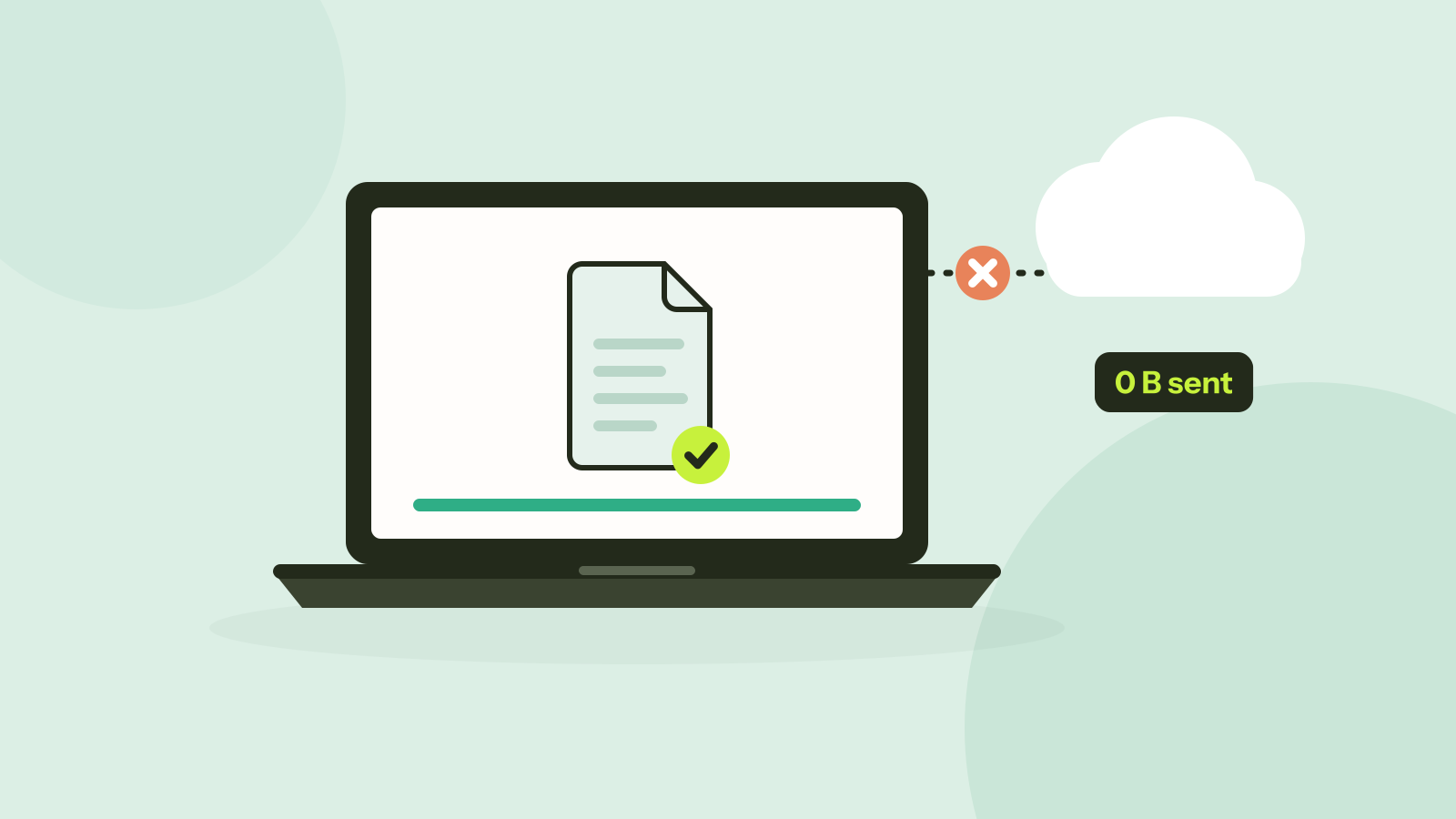
Do online converters upload your files?
Most online converters send your file to a server; some do the work in your browser instead. Here is how to tell which kind a site is in about a minute, and what every request looked like when we converted a photo on our own site.