How it works
- Drop HEIC, WebP, AVIF, GIF or BMP files.
- Choose the output format, quality and maximum size.
- Download the results as a ZIP.
Why use it
- Big size savings.
- Adjustable quality.
- Bulk conversion.
- Private.
Questions and answers
What quality should I use?
85 to 90 is a good balance for photos.
Can I keep the original size?
Yes, leave the size option on Keep original.
Related guides
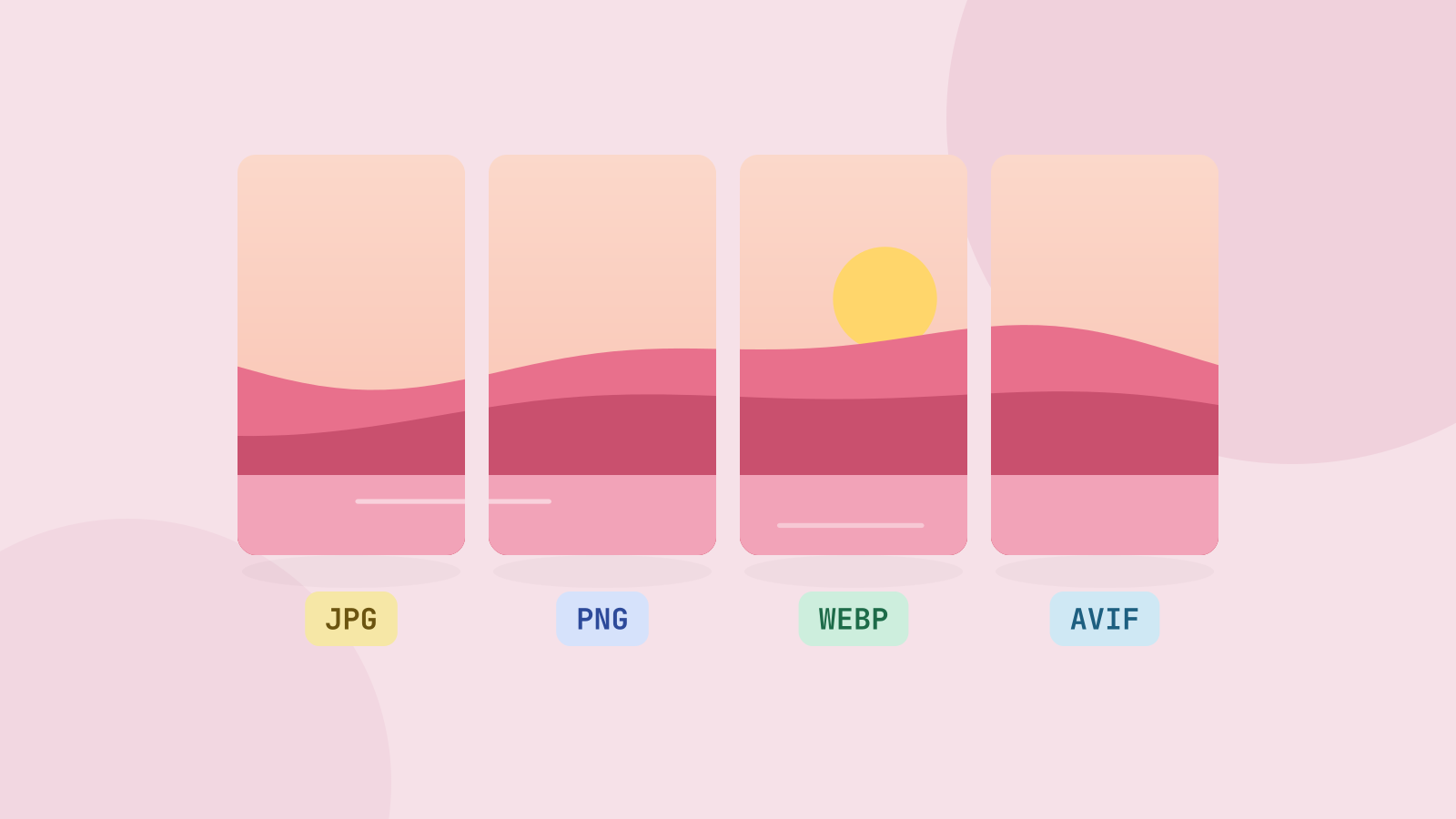
JPG, PNG, WebP or AVIF: which format to use
We saved six photos and a graphic in all four formats at the same visual quality and compared the sizes. The newer formats win on photos by a wide margin, but each format still has a job.
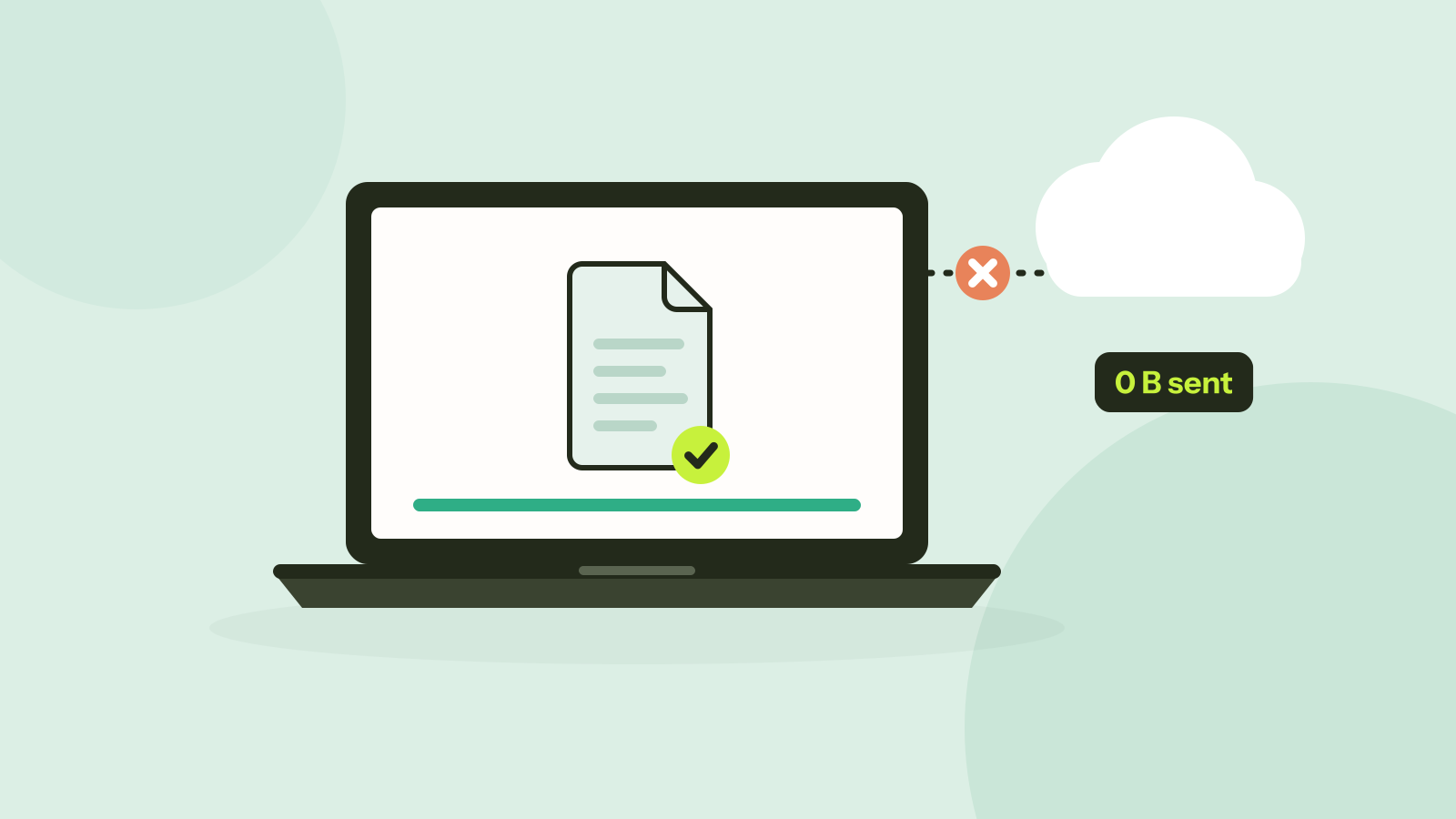
Do online converters upload your files?
Most online converters send your file to a server; some do the work in your browser instead. Here is how to tell which kind a site is in about a minute, and what every request looked like when we converted a photo on our own site.