How it works
- Drop your WebP files.
- Set quality and the fill color.
- Download the JPG files or a ZIP.
Why use it
- MozJPEG output at your chosen quality.
- Pick the color for transparent areas.
- Batch conversion.
- Private, offline capable.
WebP to JPG: making web pictures open everywhere
Why you need it
Most websites now send pictures as WebP, so a picture saved from a page, a shop or a social network often arrives as a .webp file. Browsers show it fine, but older photo editors, print services, some email apps and plenty of upload forms refuse it. JPG is the format every program and service accepts, so converting solves the problem in one step.
Expect a larger file
WebP is the more efficient format, so the same picture takes more space as JPG. We saved six photos as WebP at quality 75, a typical setting for websites, and converted them with this page's default of 90:
| Photo | WebP | JPG at 90 | Larger by |
|---|---|---|---|
| Cat, soft background | 62.2 KB | 191 KB | 3.1 times |
| Lake and forest | 353 KB | 750 KB | 2.1 times |
| Coffee in knitted gloves | 107 KB | 326 KB | 3.0 times |
| Neon sign at night | 168 KB | 563 KB | 3.3 times |
| Macaw feathers | 95.2 KB | 350 KB | 3.7 times |
| Sunset | 82.3 KB | 302 KB | 3.7 times |
The JPG cannot look better than the WebP it came from: details the website's compression removed stay removed. Quality 90 keeps what is there without adding visible JPG blocks on top. If size matters more, 80 roughly halves the JPG; our article on JPEG quality settings shows what each step costs.
Transparency
WebP can be transparent, JPG cannot. Transparent areas, such as the background of a logo or a product cut out, are filled with the colour you choose, white by default. Soft edges are blended into that colour, so pick the colour of the place where the JPG will sit. To keep the transparency, convert to PNG instead with WebP to PNG.
Animated WebP
A JPG holds a single picture, so an animated WebP becomes a still of its first frame. That is usually what upload forms want. To keep the movement in a format that opens everywhere, a GIF or a short MP4 is the usual choice.
If something goes wrong
- A logo has a white box around it. That area was transparent. Choose the background colour it will sit on, or convert to PNG.
- The file is refused here. It may not be a WebP despite its name; pictures saved from websites sometimes carry the wrong extension. Try the image converter, which recognises the real format.
- The JPG is too big for a form. Lower the quality, cap the longest side, or use compress image with a target size.
How we tested. Six CC0 photos scaled to 2048 pixels wide, saved as WebP at quality 75 with libwebp, then converted with the MozJPEG encoder and default setting of this tool in Chrome.
Questions and answers
Will the JPG look the same?
At quality 85 or higher it is visually very close. JPG is lossy, so tiny differences are normal.
What about transparent WebP?
JPG has no transparency, so transparent areas take the background color you choose.
Is there a file limit?
There is no fixed limit. Very large batches depend on your device memory.
Related guides
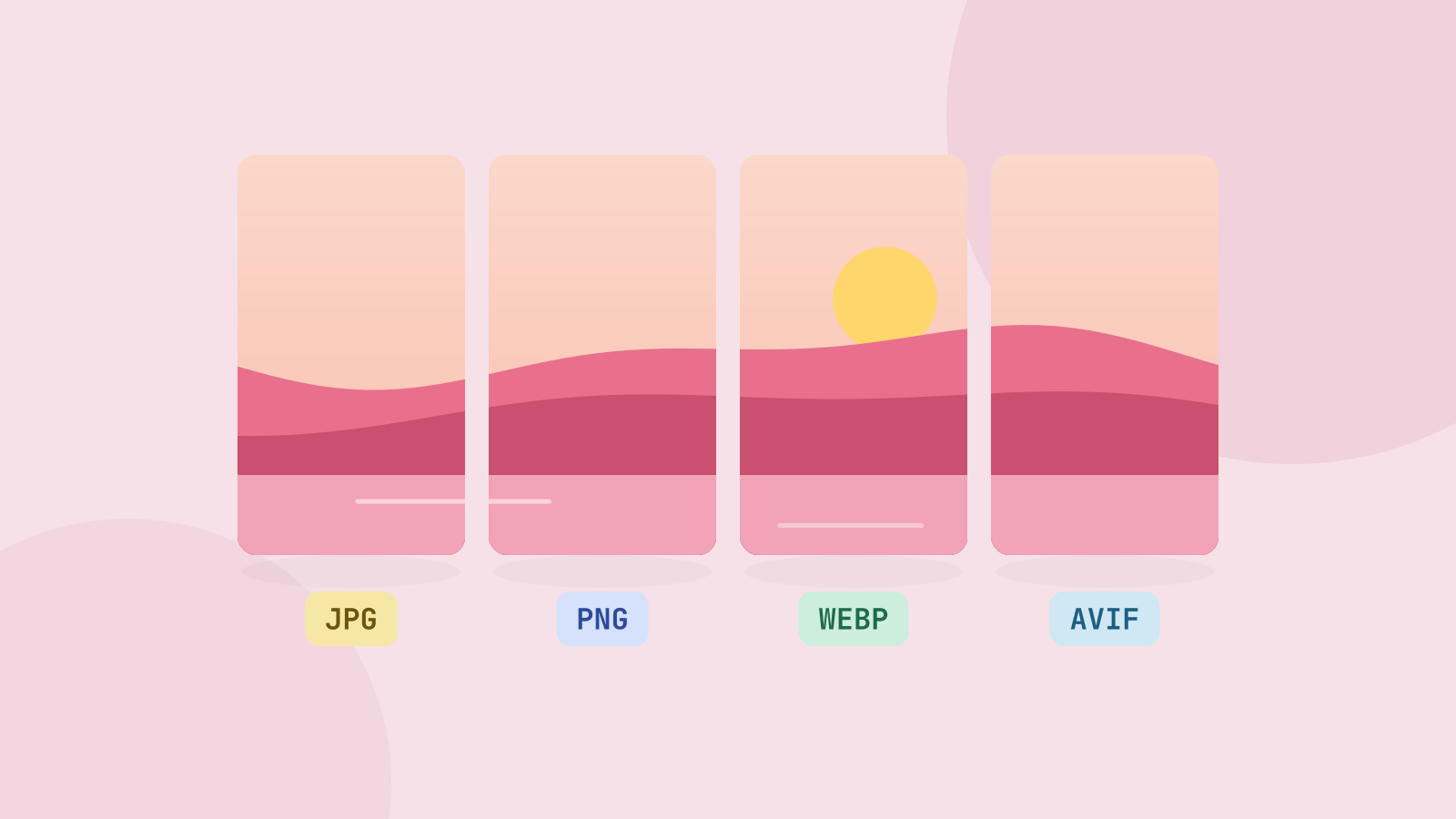
JPG, PNG, WebP or AVIF: which format to use
We saved six photos and a graphic in all four formats at the same visual quality and compared the sizes. The newer formats win on photos by a wide margin, but each format still has a job.
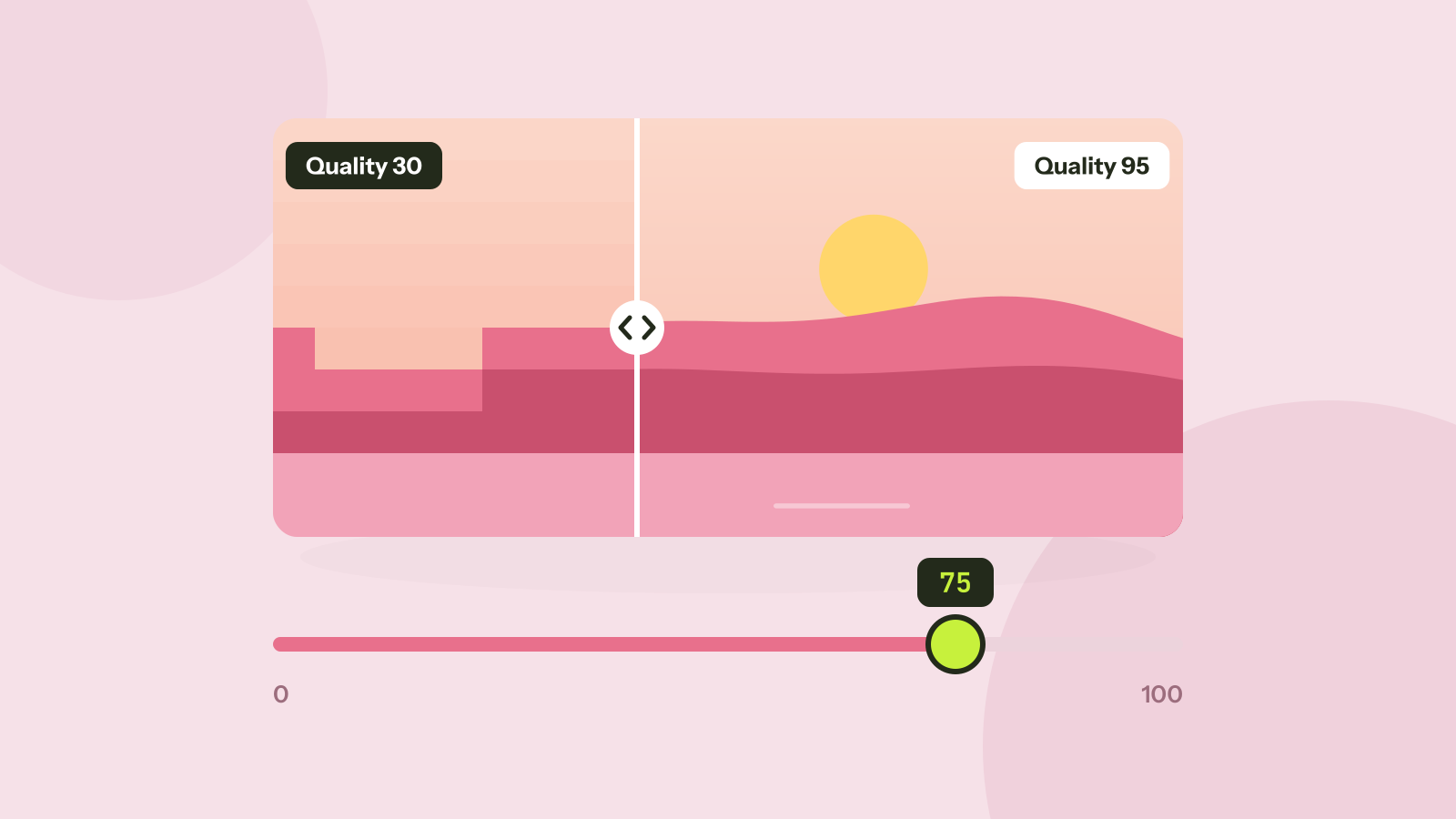
Which JPEG quality setting should you use?
Every program that saves JPEG asks for a quality from 0 to 100, and the trade between size and quality is far from linear. We saved six photos at twelve settings and measured what each step changes.