Which JPEG quality setting should you use?
Every program that saves JPEG asks for a quality from 0 to 100, and the trade between size and quality is far from linear. We saved six photos at twelve settings and measured what each step changes.
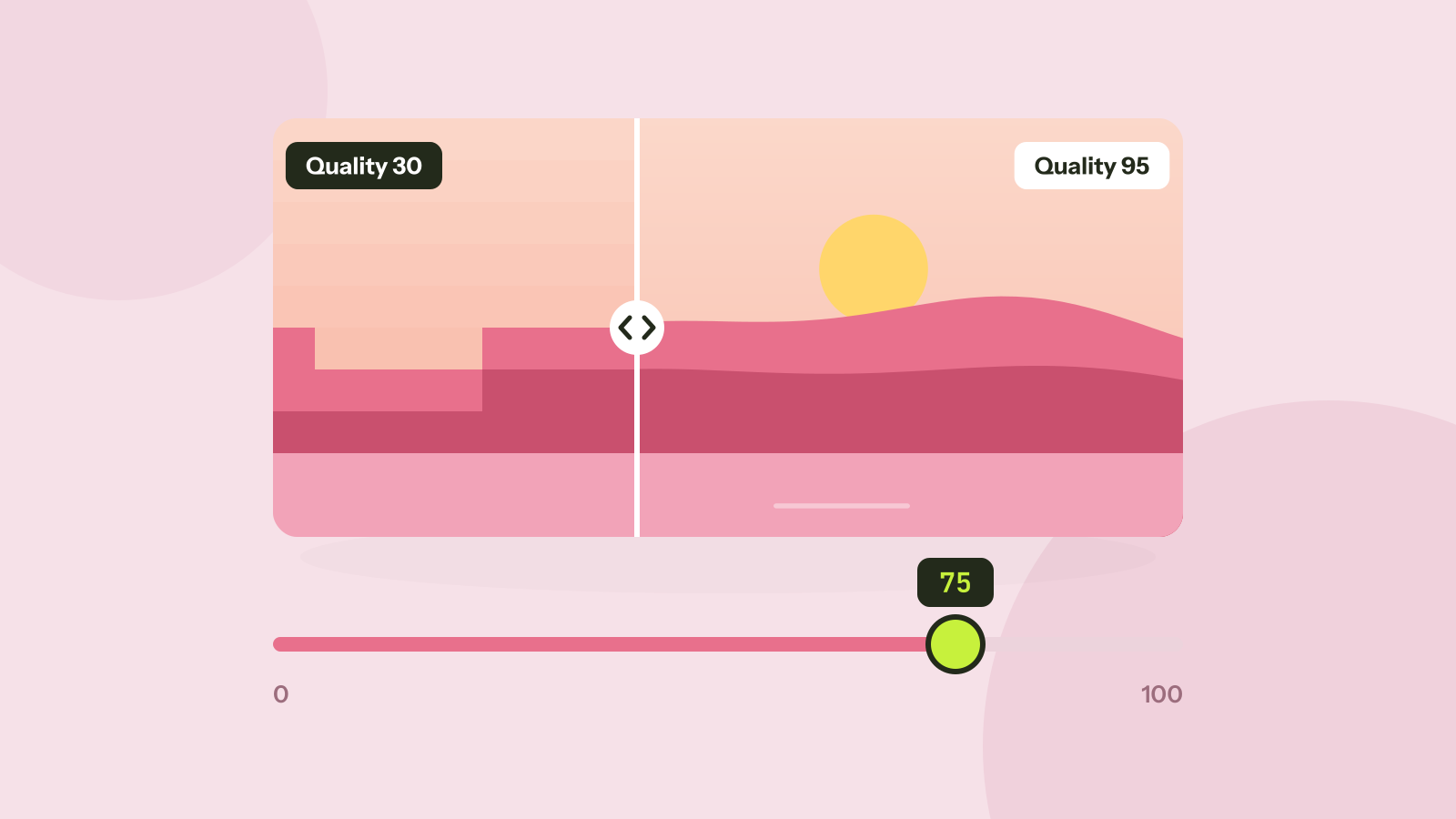
Every program that saves JPEG files asks for a quality between 0 and 100, and most people leave it wherever it was. That number decides how much of the photo is thrown away, and the trade between size and quality is far from linear. We saved six photos at twelve quality settings and measured what each step actually changes.
What the quality number does
JPEG splits a photo into blocks of 8 by 8 pixels and describes each block as a mix of simple patterns, from flat to finely striped. The quality setting decides how precisely those patterns are stored: high quality keeps the fine stripes, low quality rounds them away. Fine detail and sharp edges suffer first, which is why a heavily compressed JPEG shows blocks and halos around edges.
The number itself is not a percentage of anything, and it is not the same between programs. Quality 80 in Photoshop, in a phone camera and in a web tool can give quite different files. What follows uses MozJPEG, the encoder in our image compressor, which makes smaller files than the standard libjpeg at the same setting.
Size and quality at each setting
We saved six different photos, each 2048 pixels wide, at every setting from 20 to 100 and measured the file size and the SSIM score, which describes how similar the result looks to the original on a scale from 0 to 1. Averaged over the six photos:
The curve is gentle up to 75 and then climbs steeply. Quality 100 is more than ten times quality 75.
| Quality | Average size | SSIM | Size compared with 75 |
|---|---|---|---|
| 20 | 58 KB | 0.902 | 30% |
| 30 | 80 KB | 0.928 | 41% |
| 50 | 119 KB | 0.949 | 62% |
| 60 | 139 KB | 0.956 | 72% |
| 75 | 193 KB | 0.967 | 100% |
| 80 | 265 KB | 0.971 | 137% |
| 85 | 315 KB | 0.975 | 163% |
| 90 | 526 KB | 0.980 | 273% |
| 95 | 792 KB | 0.987 | 410% |
| 100 | 2,089 KB | 0.999 | 1082% |
Going from 30 to 75 more than doubles the file and visibly cleans up the picture. Going from 75 to 95 quadruples it for an improvement most people only notice when they zoom in. The last five steps, from 95 to 100, multiply the size by 2.6 again for a difference no one can see at normal size.
What it looks like
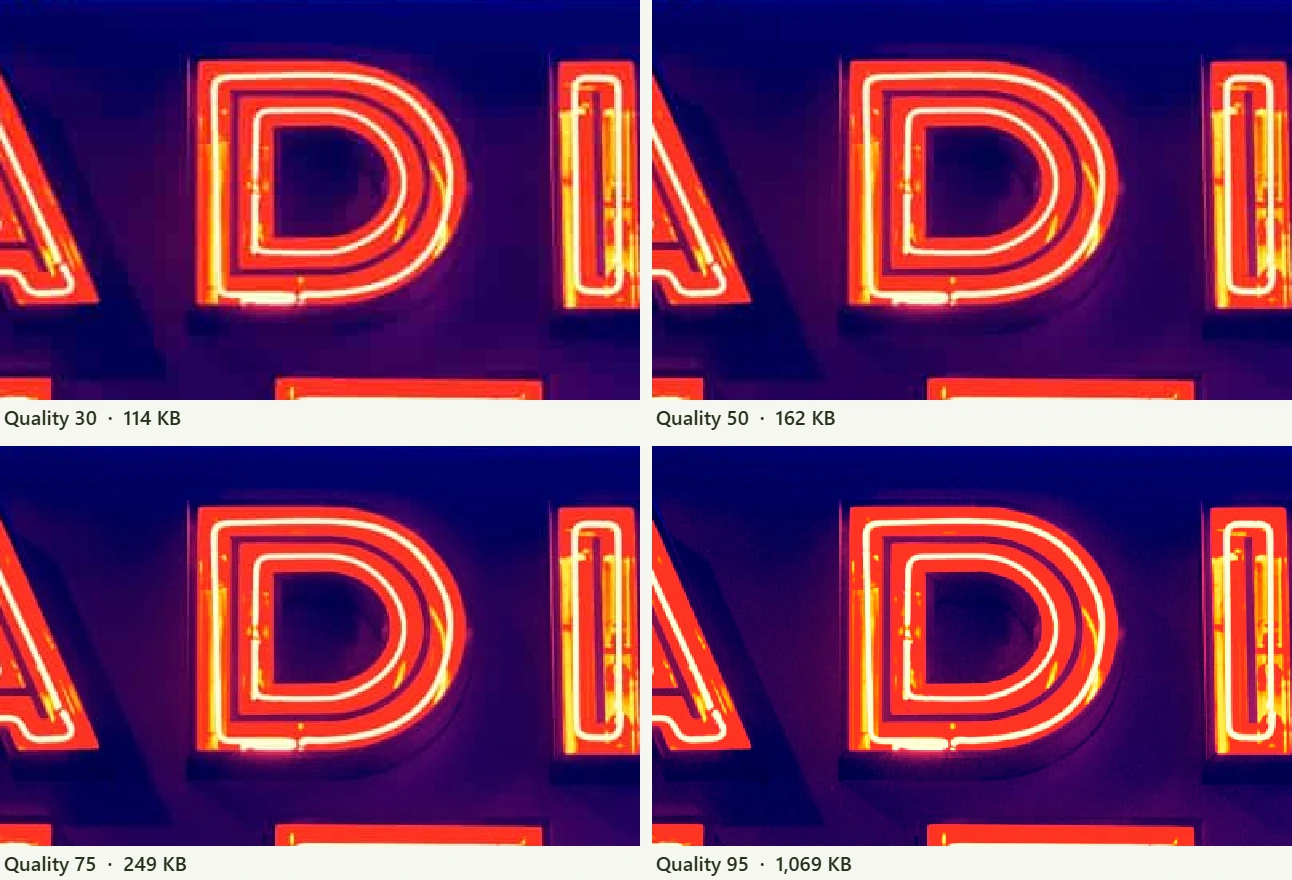
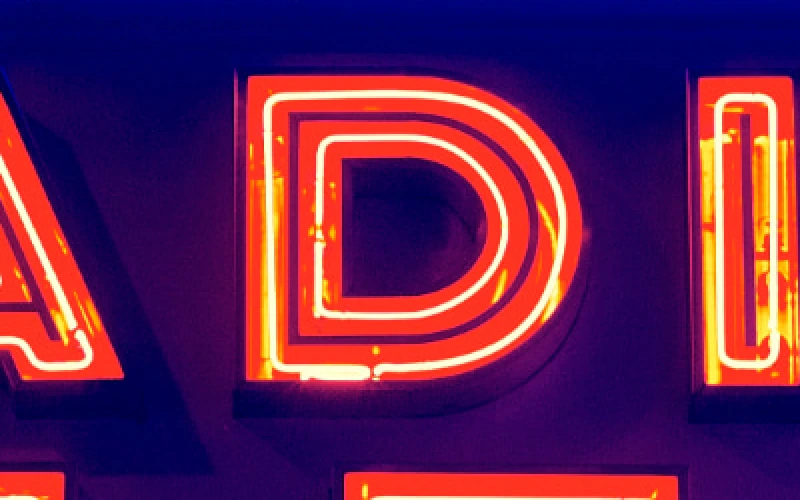
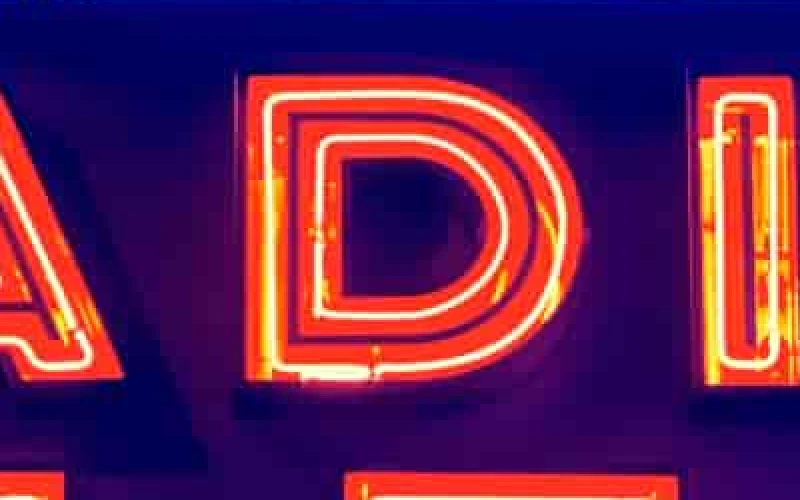
Neon letters on a dark background are a hard case for JPEG: bright, saturated colour next to near black. Here is the same part of a sign at four settings, enlarged twice so each pixel is visible. The sizes are for the whole photo.
Why sizes jump at 80 and 90
Two steps in the table are much bigger than their neighbours: 75 to 80 adds 37 percent and 85 to 90 adds 67 percent. The quality of the patterns does not change suddenly there. Something else does.
Our eyes are much less sensitive to fine detail in colour than in brightness, and JPEG exploits it with chroma subsampling: it can store the colour information at half the width (4:2:2) or at half the width and half the height (4:2:0), keeping brightness at full resolution. MozJPEG, set to choose automatically, uses 4:2:0 below quality 80, 4:2:2 from 80 to 89 and full colour (4:4:4) from 90. On the macaw photo, quality 79 gave 174 KB and quality 80 gave 220 KB; quality 89 gave 339 KB and quality 90 gave 469 KB.
For most photos the halved colour is invisible. It shows mainly on sharp edges between saturated colours, such as red text on blue, or neon. If you save screenshots or graphics as JPEG (which you usually should not), a setting of 90 or more avoids colour fringes around text.
Not every photo reacts the same
At quality 75, our photos ranged from 90 KB (the cat, soft fur on a plain background) to 394 KB (the lake, with thousands of trees). Detailed photos need more bytes at any setting, and they also show artefacts later, because busy detail hides small errors. Smooth areas such as sky, skin and studio backgrounds show blocks and banding first. When you choose a setting for a whole batch, check a photo with large smooth areas, not the busiest one.
Which setting to use
- Photos for a website or a social network: 70 to 80. Remember that most social networks recompress whatever you upload.
- Photos sent by email or chat: 75 is plenty, and it keeps attachments small.
- Photos for print, or that you will edit and save again: 85 to 90. Every save as JPEG loses a little more, so leave room.
- Archiving originals: keep the camera file. If you must convert, 95 is a reasonable ceiling; 100 wastes space.
- Anything with text, lines or flat colour: PNG instead of JPEG. See JPG, PNG, WebP or AVIF.
If you need a file under a specific size, for an upload form for example, the image compressor can search for the highest quality that fits a target such as 100 KB and shows you the result before you download. It runs in your browser, so your photos stay on your device.
Questions and answers
What is a good JPEG quality setting?
For most photos on screens, 75 to 80 with a modern encoder. In our test, 75 kept an average SSIM of 0.967 at a fifth of the size of quality 95.
Is JPEG quality 100 lossless?
No. Even at 100, JPEG rounds colour and brightness values, so the file is not an exact copy, and it was more than ten times the size of quality 75 in our test.
Does saving a JPEG again lower its quality?
Yes, each time it is saved as JPEG again, unless it is not changed at all and the program copies it as it is. Edit from an original and export once.
Why does the same quality give different sizes in different programs?
The scale is not standardised. Each encoder maps the number to its own tables and choices, such as chroma subsampling, so compare results by file size and appearance, not by the number.
Tools in this article
More from the blog
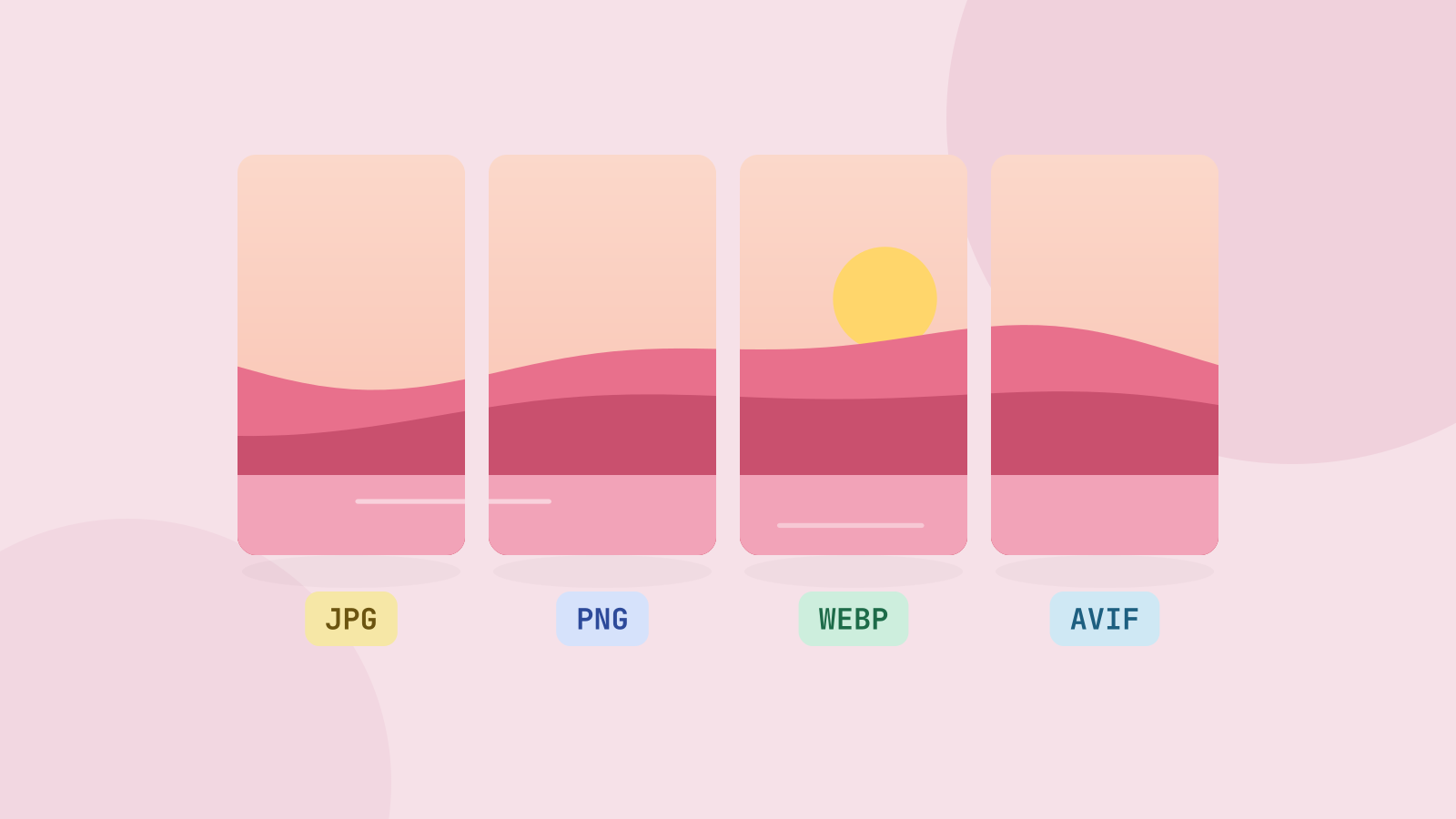
JPG, PNG, WebP or AVIF: which format to use
We saved six photos and a graphic in all four formats at the same visual quality and compared the sizes. The newer formats win on photos by a wide margin, but each format still has a job.
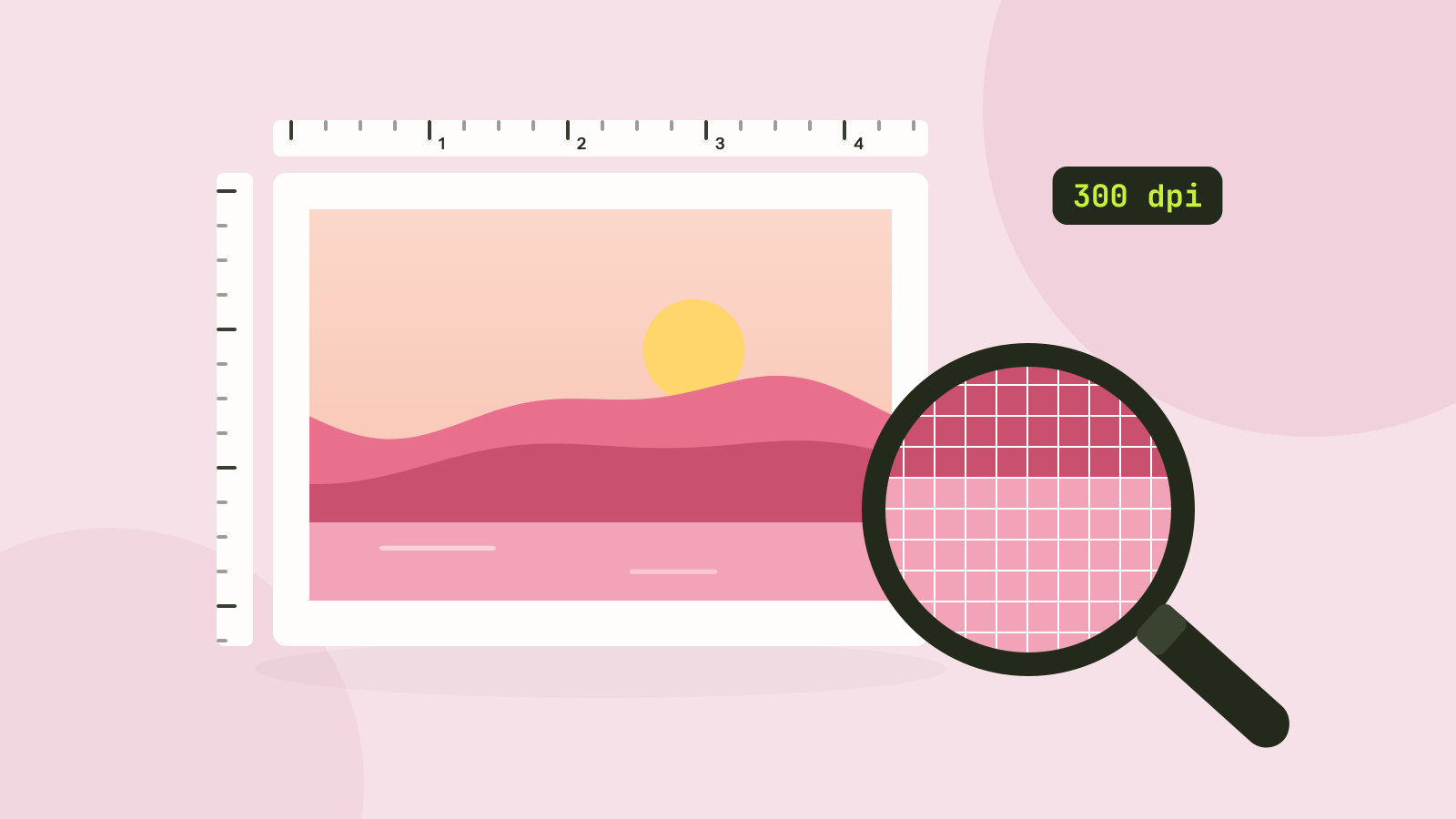
Pixels, DPI and file size: how big does a photo need to be?
Upload forms ask for 300 DPI, print shops for high resolution, and phones save 12 megapixel photos. We tested what the DPI number really does, how file size follows pixel count, and how many pixels each use actually needs.
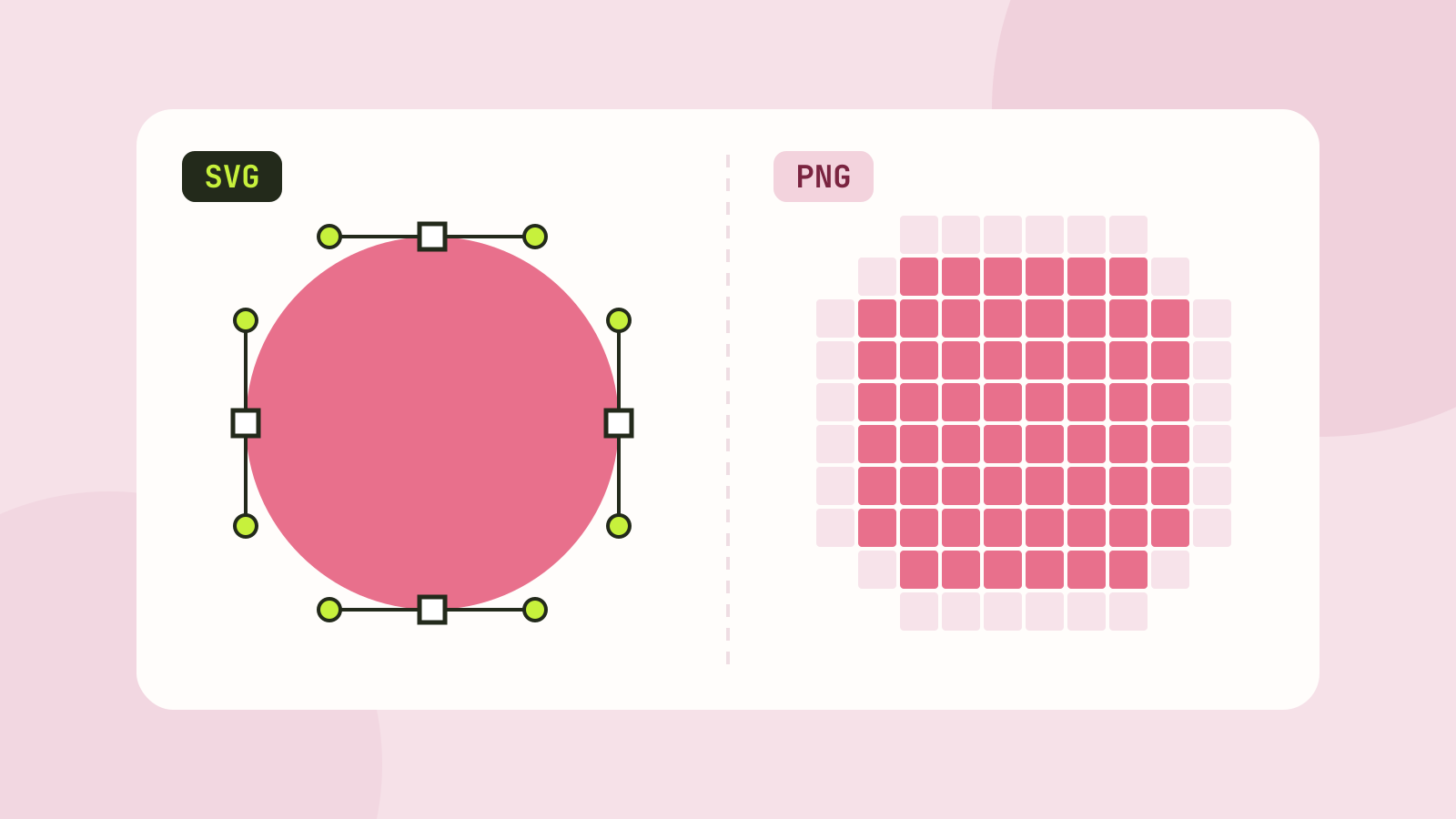
SVG vs PNG: which to use for logos, icons and illustrations
SVG stores shapes and PNG stores pixels, and that decides which one fits a job. We measured five SVGs of very different complexity against PNG copies at four sizes, and traced a logo, a seal and a photo back to SVG.