Pixels, DPI and file size: how big does a photo need to be?
Upload forms ask for 300 DPI, print shops for high resolution, and phones save 12 megapixel photos. We tested what the DPI number really does, how file size follows pixel count, and how many pixels each use actually needs.
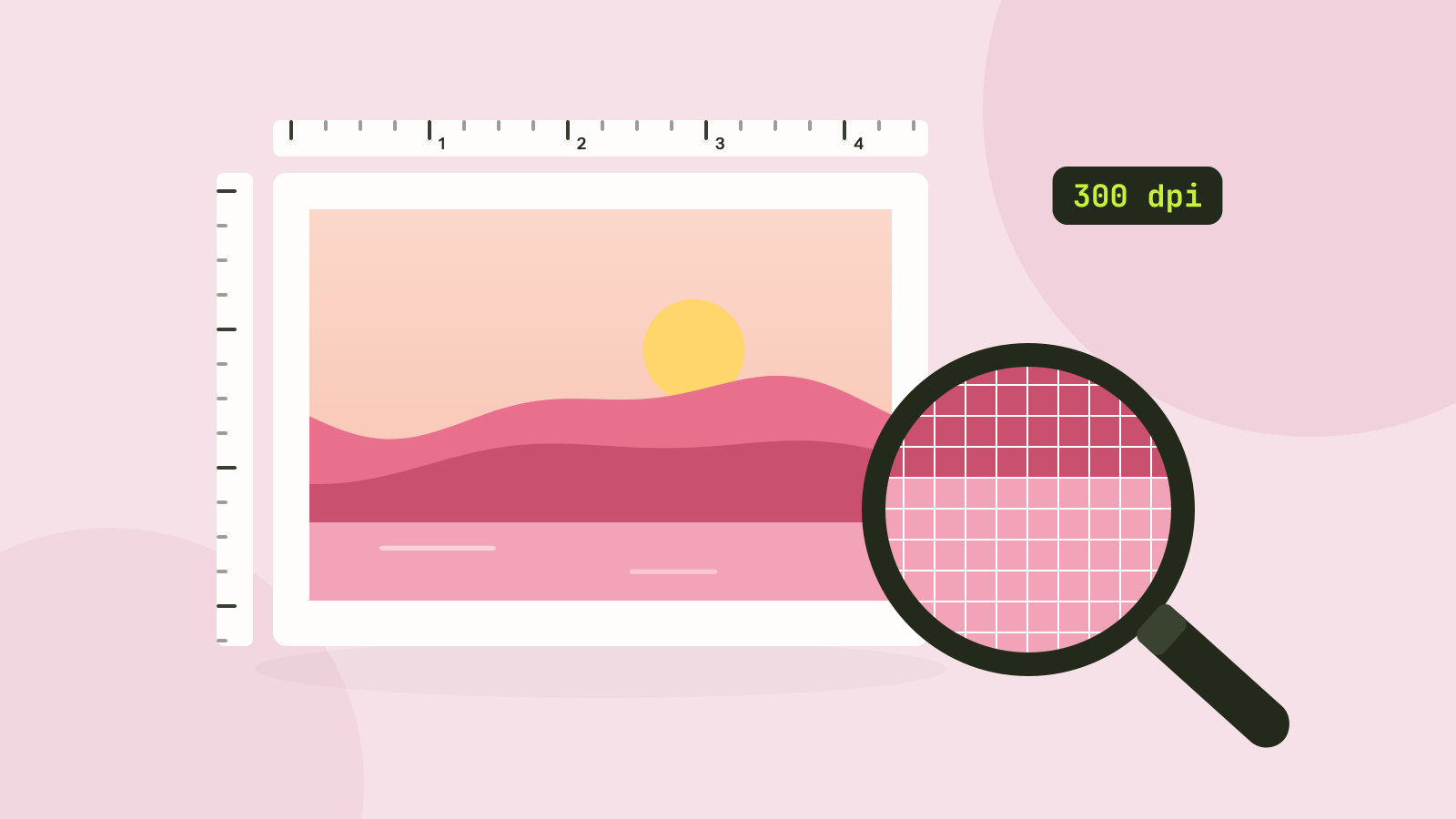
Upload forms ask for "at least 300 DPI", print shops ask for "high resolution", and phones save photos of 12 megapixels or more that are then sent as 5 MB attachments. Behind all of it are two different ideas that are easy to mix up: how many pixels a picture has, and how large it is shown. We ran a few tests with our image tools to separate the two.
Pixels hold the detail
A digital photo is a grid of pixels, for example 4032 × 3024 for a typical 12 megapixel phone camera. That grid is all the detail there is. Showing the photo larger spreads the same pixels over more space, and showing it smaller throws some of them away.
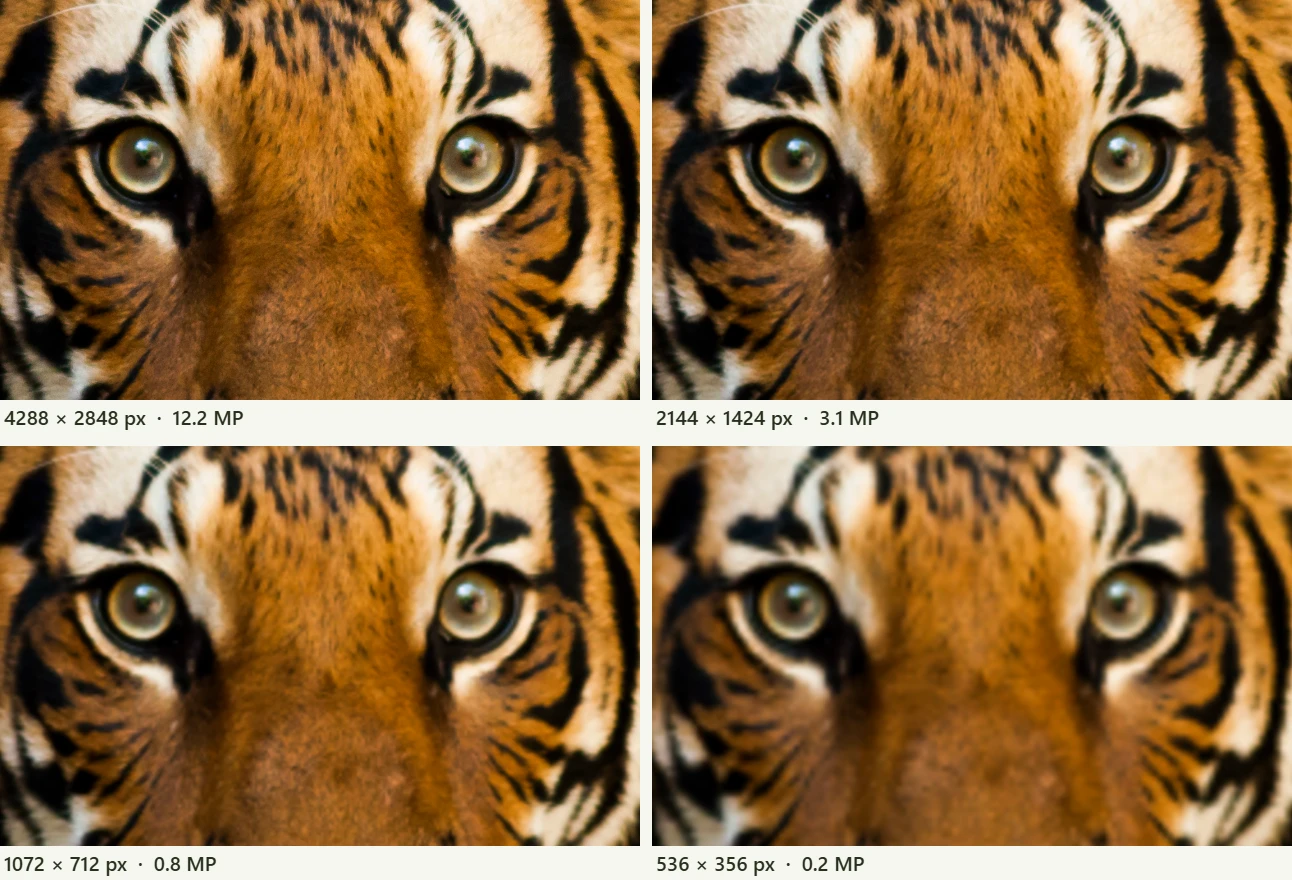
The close-ups show the key point: more pixels only help if they are shown. In the figure, each tile is about 640 pixels across, so the full 4288 pixel original and the copy with a quarter of its pixels look the same. Beyond what the screen or the print can show, extra pixels add weight and no detail.
What DPI really means
DPI (dots per inch, or PPI, pixels per inch) connects pixels to physical size: it says how many pixels go into each inch of paper. A JPEG can store a DPI number in its header, and image editors show it, which gives the impression that it is a property of the picture.
To test it, we saved one photo of a butterfly, 2048 × 1365 pixels, as a JPEG and made two copies that differ only in that header field: one says 72 dpi, the other 300 dpi. The result:
| 72 dpi copy | 300 dpi copy | |
|---|---|---|
| File size | 276,280 bytes | 276,280 bytes |
| Bytes that differ | 4 | 4 |
| Pixel values that differ | 0 | 0 |
| Printed size, by the header | 28.4 × 19.0 in | 6.8 × 4.6 in |
On a screen the two files are identical. The only thing the number changes is the size a program suggests when you print or place the photo in a document: 2048 pixels at 300 per inch is 6.8 inches, at 72 per inch it is 28.4 inches. Print software and layout programs usually let you set the size yourself anyway, and the pixels decide whether that size will look sharp.
How many pixels for print
For photos and documents held in the hand, 300 pixels per inch is the usual target. Things seen from further away need less: 150 pixels per inch is plenty for a poster, and billboards use far less. Multiply the print size by the target to get the pixels you need.
| Print size | At 300 dpi | At 150 dpi |
|---|---|---|
| 4 × 6 in (10 × 15 cm) | 1200 × 1800 | 600 × 900 |
| 5 × 7 in (13 × 18 cm) | 1500 × 2100 | 750 × 1050 |
| 8 × 10 in (20 × 25 cm) | 2400 × 3000 | 1200 × 1500 |
| A4 (21 × 29.7 cm) | 2480 × 3508 | 1240 × 1754 |
| A3 (29.7 × 42 cm) | 3508 × 4961 | 1754 × 2480 |
| Poster 24 × 36 in (61 × 91 cm) | 7200 × 10800 | 3600 × 5400 |
A 12 megapixel phone photo, 4032 × 3024 pixels, prints at 13.4 × 10.1 inches (34 × 26 cm) at 300 dpi, larger than most people ever print. If your photo has fewer pixels than the table asks for, it can still print well at a smaller size, or at a lower density on a larger print viewed from further away.
How many pixels for screens
Screens are measured in pixels directly, so the question is simply how wide the picture will be shown. Phones and many laptops have high density screens that use two or three physical pixels per layout pixel, which is why pictures are often made at twice the size they are shown.
| Use | Pixels |
|---|---|
| Instagram post | 1080 × 1080, or 1080 × 1350 portrait |
| Instagram or TikTok story | 1080 × 1920 |
| YouTube thumbnail | 1280 × 720 |
| Link preview image | 1200 × 630 |
| Full width picture on a website | 1920 to 2560 wide |
| Picture inside an email | Twice the width it is shown at, often 1200 |
| Profile picture | 400 × 400 |
Social networks resize whatever you upload to their own sizes, so uploading 6000 pixels wide gains nothing and can make their compression work harder. Resize first and you control the result.
Pixels and file size
File size grows with the number of pixels. We saved one CC0 photo of a tiger, 4288 × 2848 pixels, at seven widths with the JPEG encoder of our image compressor at quality 80:
Halving the width keeps a quarter of the pixels and, here, a little over a quarter of the bytes.
Smaller pictures cost slightly more per pixel, because each pixel then carries more detail, but the rule holds: halve the width and the file shrinks to roughly a quarter. That makes resizing the most effective way to make a photo smaller, far more than lowering the JPEG quality, which we measured in our JPEG quality test.
Enlarging does not add detail
The other direction does not work. Making a 1000 pixel photo 3000 pixels wide gives the printer more pixels, but every new pixel is calculated from its neighbours, so the result is a larger, softer copy of the same picture. Always start from the largest original you have and only make it smaller.
Step by step
- Decide where the picture will end up: a print size, a social network, a website or an email.
- Look up the pixels it needs in the tables above.
- Open the image resizer, add your photos and pick a preset, or type the width. It keeps the shape of the photo unless you choose otherwise.
- For a file size limit as well, finish with the image compressor, which can aim for a target such as 200 KB.
Both tools work in your browser, so the photos stay on your device.
Questions and answers
Does changing DPI change image quality?
No. DPI is only a number in the file header that suggests a print size. In our test, the 72 and 300 dpi copies of one JPEG had identical pixels. Only the pixel dimensions change quality.
What resolution do I need to print a photo?
About 300 pixels per inch for prints held in the hand: 1200 × 1800 pixels for 4 × 6 inches and 2480 × 3508 for A4. Posters seen from a distance look fine at 150.
What size should photos be for a website?
The width they are shown at, times two for sharp screens: often 1920 to 2560 pixels for full width pictures and 800 to 1200 for pictures in the text.
Why are phone photos so large?
Phones save 12 megapixels or more with mild compression. Resizing a 4032 pixel wide photo to 2048 pixels cuts the file to about a quarter.
Tools in this article
More from the blog
JPG, PNG, WebP or AVIF: which format to use
We saved six photos and a graphic in all four formats at the same visual quality and compared the sizes. The newer formats win on photos by a wide margin, but each format still has a job.
SVG vs PNG: which to use for logos, icons and illustrations
SVG stores shapes and PNG stores pixels, and that decides which one fits a job. We measured five SVGs of very different complexity against PNG copies at four sizes, and traced a logo, a seal and a photo back to SVG.
Which JPEG quality setting should you use?
Every program that saves JPEG asks for a quality from 0 to 100, and the trade between size and quality is far from linear. We saved six photos at twelve settings and measured what each step changes.