How it works
- Add two or more PDF files.
- Drag them into the order you want.
- Click Merge and download the combined PDF.
Why use it
- Drag to reorder, sort by name or reverse.
- Page sizes and rotation are kept.
- Keeps the title and author of the first file.
- No upload, no watermark, no account.
Merging PDFs: order, file size and what carries over
How merging works
The merger opens each PDF in the order of the list and copies its pages into a new document, one file after another. Pages are copied, not redrawn: text stays selectable and searchable, pictures keep their quality, and nothing is compressed again. Each row shows how many pages the file has, so you can check the total before you merge.
Getting the order right
Drag rows to put the files in order. Sort by name puts them in natural number order, so scan-2.pdf comes before scan-10.pdf, which is what you want for numbered scans and chapters. Reverse flips the list, useful when a scanner saved the last page first.
The merger keeps the pages inside each file in their own order. To move, delete or turn single pages after merging, open the result in organize PDF. A sideways scan stays sideways when merged; rotate PDF fixes it.
How big the merged file will be
Merging does not make anything smaller. In our test a 745 KB report and a 9.4 MB scan became a 10.1 MB file, within a kilobyte of their sum. Each file keeps its own fonts and pictures, even when two files use the same ones: the report merged with a copy of itself came out at 1.46 MB, exactly twice the size.
If the merged file is too big for email or an upload form, run it through compress PDF afterwards. Scans and photos shrink a lot; text barely changes, as there is little to remove.
What carries over, and what does not
- Every page keeps its size and rotation, so an A4 page and a US Letter page stay different sizes in the same file.
- Title and author come from the first file when the switch is on. Every other file's details are dropped.
- Bookmarks and form fields are not carried over. They belong to each document as a whole rather than to its pages. Fill in a form before merging it, or keep the original next to the merged copy.
To combine photos or scans saved as pictures, turn them into a PDF first with JPG to PDF, then merge. To take a merged file apart again, use split PDF.
If something goes wrong
- A file is password protected. The message names the file. Unlock it with unlock PDF, if you have the right to, and add the unlocked copy.
- A file is not a valid PDF or is damaged. It may be cut short by a download. Download it again, or open it and print it to a new PDF.
- The merge button stays grey. It needs at least two files.
How we tested. An 11 page report exported from Word with its fonts embedded in full (745 KB) and a 10 page colour scan at 300 dpi (9.4 MB), merged with the code of this tool in Chrome.
Questions and answers
Is there a limit on file size or pages?
No fixed limit. Very large files depend on the memory of your device.
Will links and bookmarks survive?
Pages, sizes and rotation are kept. Bookmarks and form fields are not carried over into the merged file.
Are my PDFs uploaded?
No. Merging uses pdf-lib inside your browser tab.
Related guides
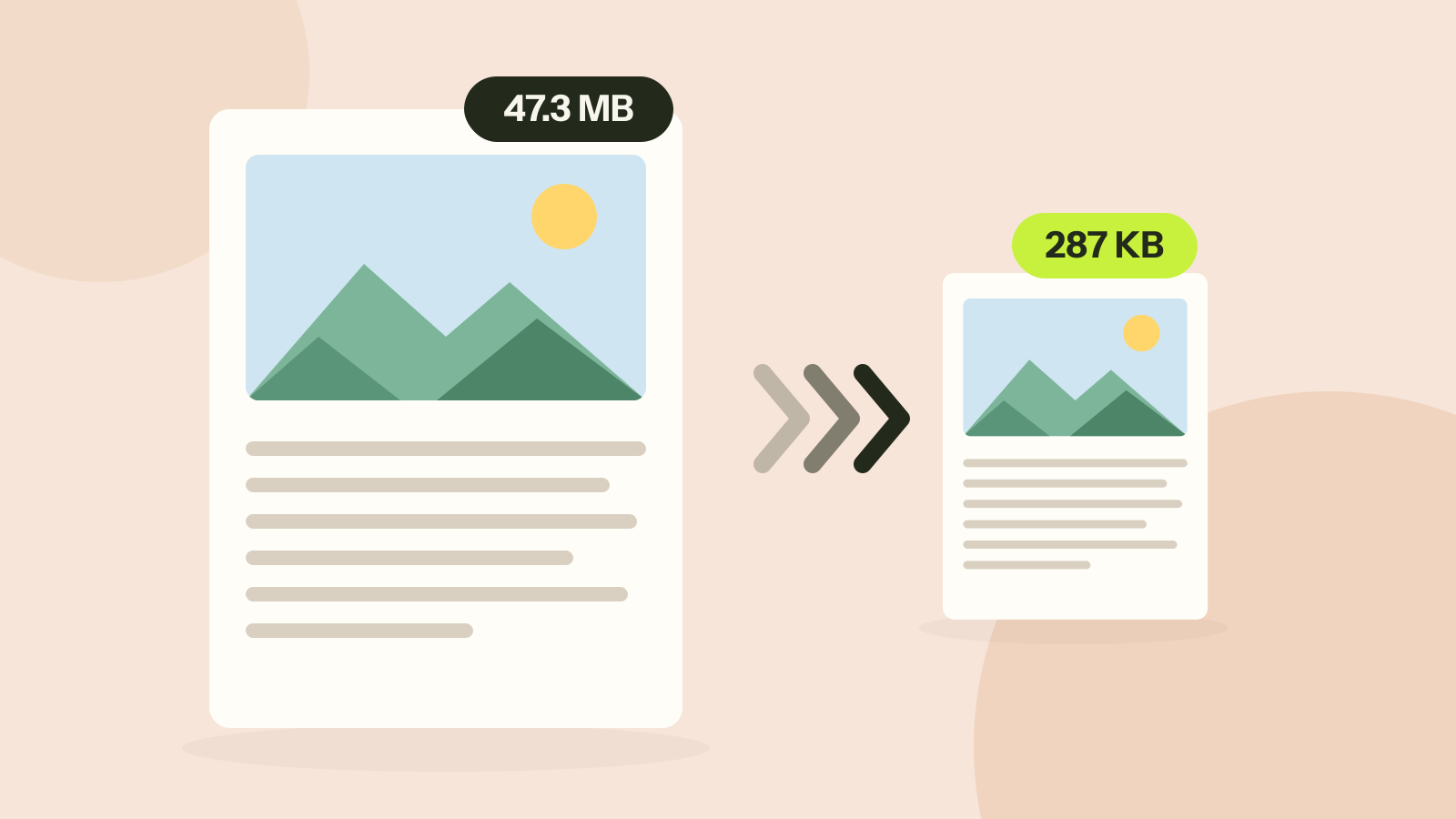
How to compress a PDF without losing quality
Compressors either shrink the pictures inside a PDF or turn every page into a picture. We ran both on three kinds of documents. One method took a 47 MB brochure to 287 KB with every word intact; the other made a text report five times larger.
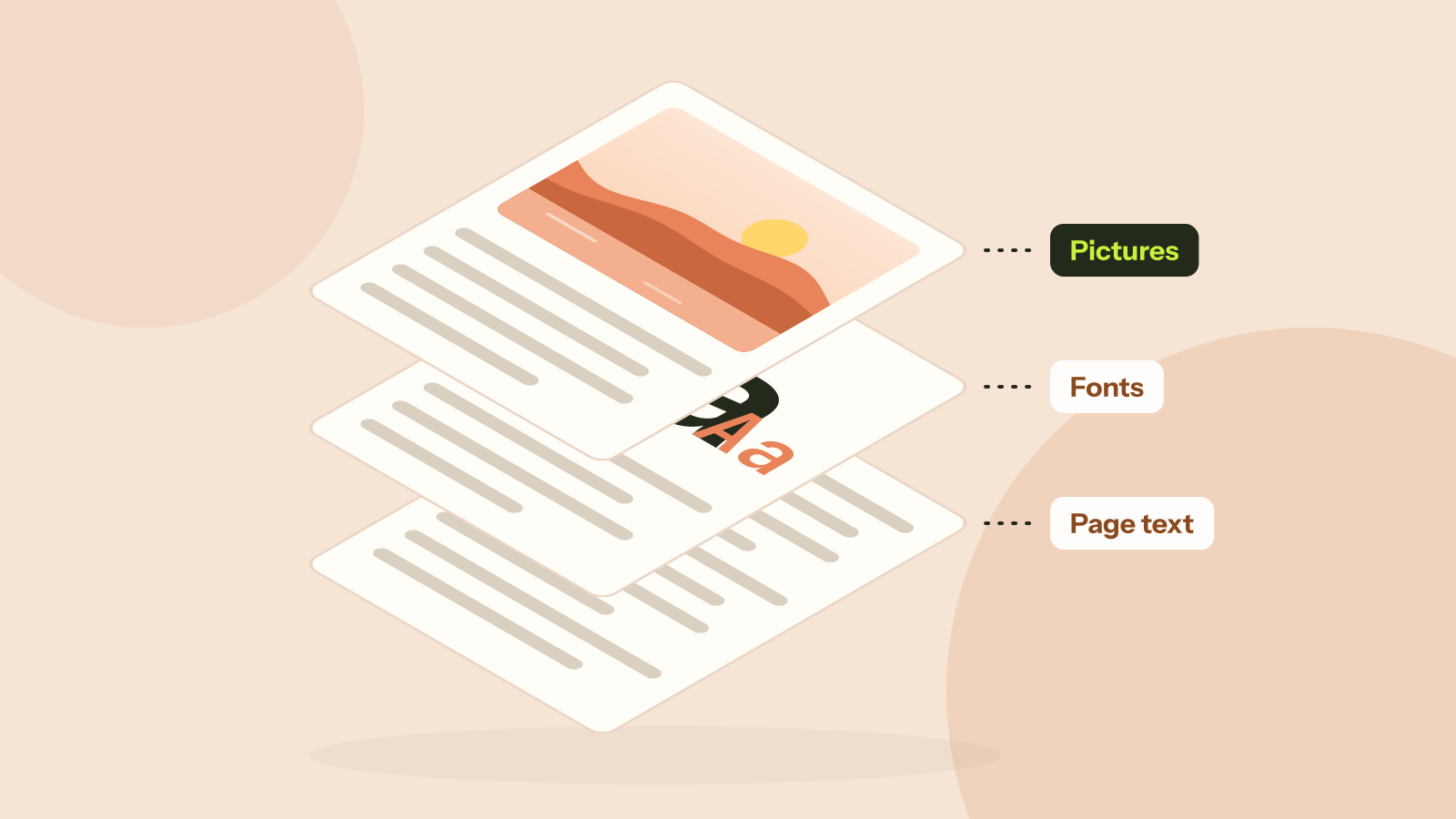
Why is my PDF so big?
Two PDFs with the same number of pages can differ in size a thousand times. We took five real kinds of PDF apart and measured what fills them: photos, scans, fonts or drawings. Each cause has its own fix.
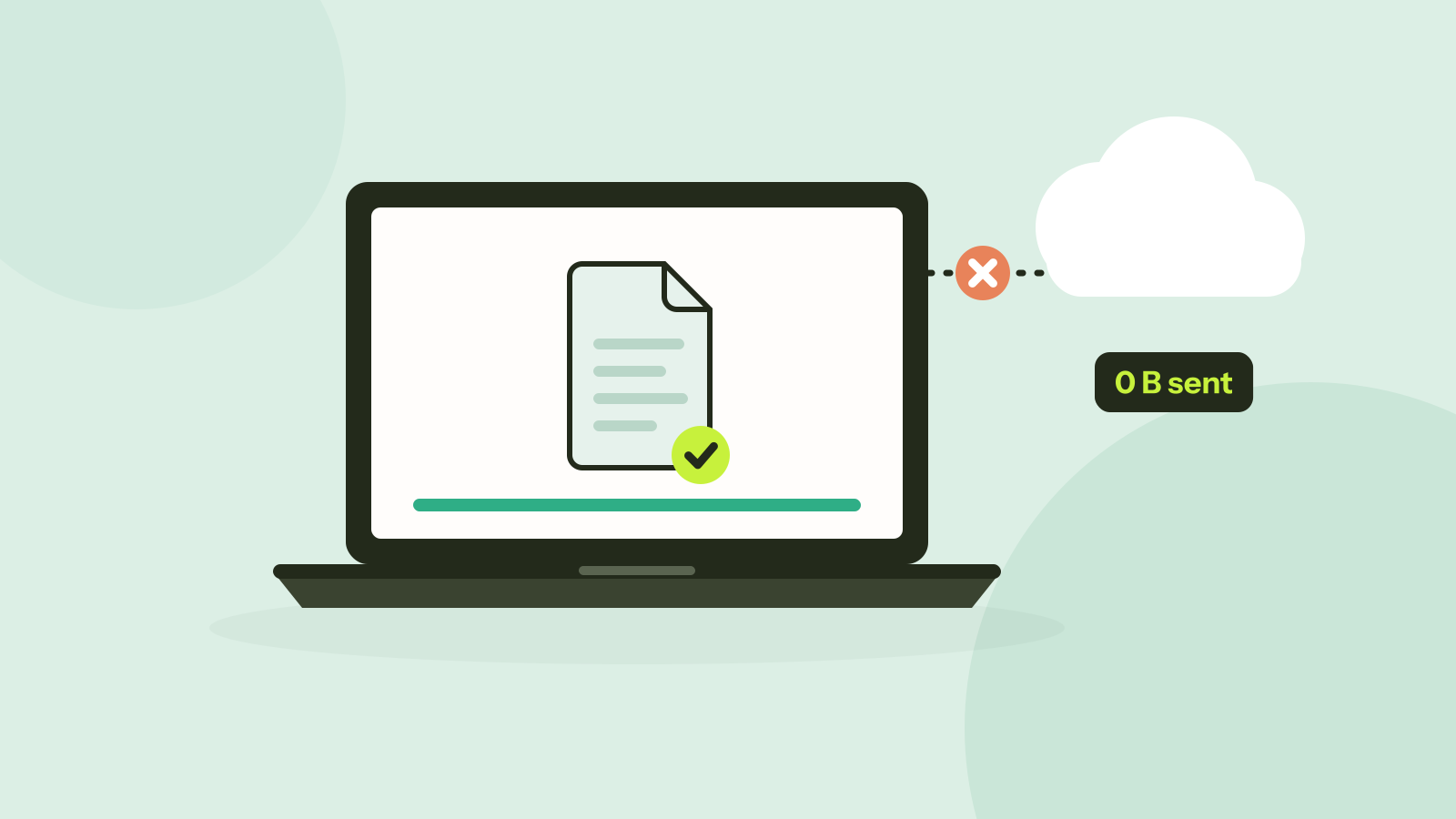
Do online converters upload your files?
Most online converters send your file to a server; some do the work in your browser instead. Here is how to tell which kind a site is in about a minute, and what every request looked like when we converted a photo on our own site.