How it works
- Drop one or more PDFs.
- Drag pages, rotate or delete them.
- Build and download the new PDF.
Why use it
- Rotate single pages or all.
- Live thumbnails.
- Permanent rotation.
- Private.
Questions and answers
Can I rotate only one page?
Yes. Hover the page and use its rotate buttons.
Is the rotation saved in the file?
Yes, the new PDF opens with the pages turned.
Related guides
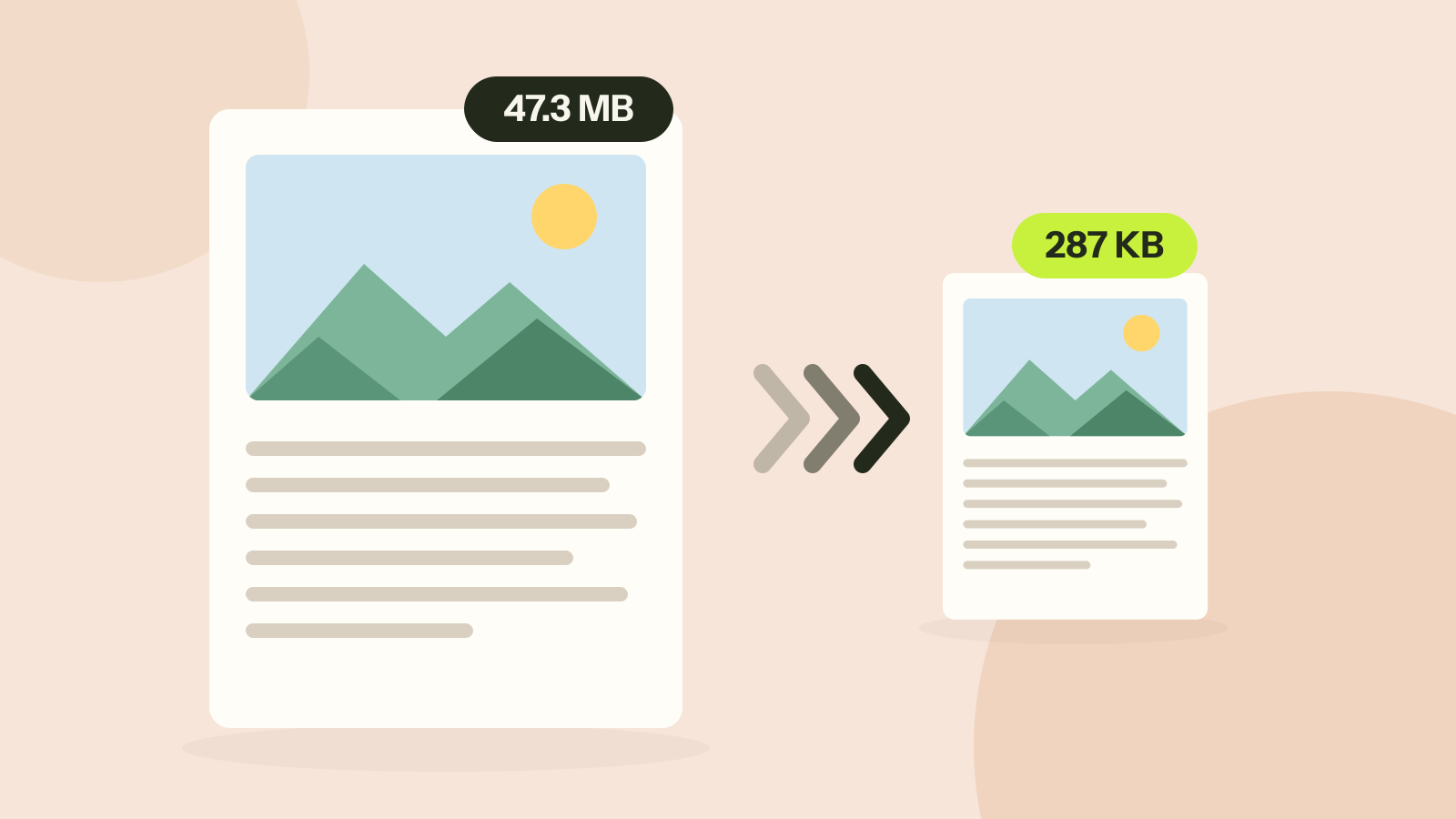
How to compress a PDF without losing quality
Compressors either shrink the pictures inside a PDF or turn every page into a picture. We ran both on three kinds of documents. One method took a 47 MB brochure to 287 KB with every word intact; the other made a text report five times larger.