How it works
- Drop a square PNG or SVG logo.
- Choose a shape, padding and background.
- Download the ZIP and paste the HTML snippet.
Why use it
- favicon.ico with 16, 32 and 48 pixel images.
- Apple touch icon with a solid background.
- Android icons, web manifest and ready to paste HTML.
- Square, rounded or circle shapes.
Favicons: which files a site needs, and how to add them
The files, and what each one is for
Browsers, phones and search engines each look for the site icon in their own place and size. The ZIP holds everything a current site needs:
| File | Used by |
|---|---|
| favicon.ico (16, 32 and 48 px inside) | Browser tabs, bookmarks, and tools that ask for /favicon.ico directly |
| favicon-16x16.png and favicon-32x32.png | Browser tabs on normal and high resolution screens |
| favicon.svg (when you start from an SVG) | Modern browsers, sharp at every size |
| apple-touch-icon.png, 180 px | iPhone and iPad home screens |
| android-chrome-192x192.png and 512x512.png | Android home screens and installed web apps |
| site.webmanifest | Tells Android and Chrome which icons to use and the site's name |
Google shows a site's favicon next to its search results, and it looks for one at least 48 pixels square, which the set covers.
Starting from the right logo
Use a square PNG or SVG at least 512 pixels across. An SVG is best: every size is drawn from the shapes, and it is also included as favicon.svg. A wide logo with a name next to the symbol does not survive at 16 pixels; use the symbol alone, or the first letter, for the icon. Check the 16 pixel version in the preview, since that is what most people see in their tabs.
Shape, padding and background
- Padding adds room around the logo inside the square, 6 percent by default. Logos that touch the edges look cramped in a tab.
- Shape cuts the icon to a square, a rounded square or a circle. It shows most with a filled background; with a transparent one, keep enough padding that the corners do not clip the logo.
- Fill the background is off by default, keeping transparency so the icon sits on light and dark browser themes. Turn it on for a logo that disappears on dark tabs, such as a black symbol.
- Apple touch icon background: iPhones do not allow transparency on home screen icons and would show black behind it, so this one icon always gets a solid colour, white unless you choose another.
Adding the icons to your site
Put all the files in the root folder of your site, next to the home page, and paste these lines inside the <head> of every page. The same lines are in install.html in the ZIP:
<link rel="icon" href="/favicon.ico" sizes="48x48">
<link rel="icon" type="image/png" sizes="32x32" href="/favicon-32x32.png">
<link rel="icon" type="image/png" sizes="16x16" href="/favicon-16x16.png">
<link rel="apple-touch-icon" href="/apple-touch-icon.png">
<link rel="manifest" href="/site.webmanifest">
If you started from an SVG, the snippet also has a line for favicon.svg. Change the name in site.webmanifest to your site's name before uploading; it is what Android shows under the icon on a home screen.
If the new icon does not show
- Browsers cache favicons for a long time. Open the icon file directly, then reload the page, or check in a private window.
- Search results still show the old one. Google updates favicons when it crawls the home page again, which can take days to weeks.
- The icon is blurry. The source logo was small. Start from an SVG or a PNG of 512 pixels or more.
Popular ways to use this tool
Questions and answers
What size should my logo be?
A square image of at least 512 pixels gives the sharpest icons. An SVG is ideal.
What is an ICO file?
ICO is the classic favicon format. It can hold several sizes, and modern browsers accept PNG images inside it.
Where do the files go?
Put them in the root folder of your site and paste the snippet from install.html into your page head.
Related guides
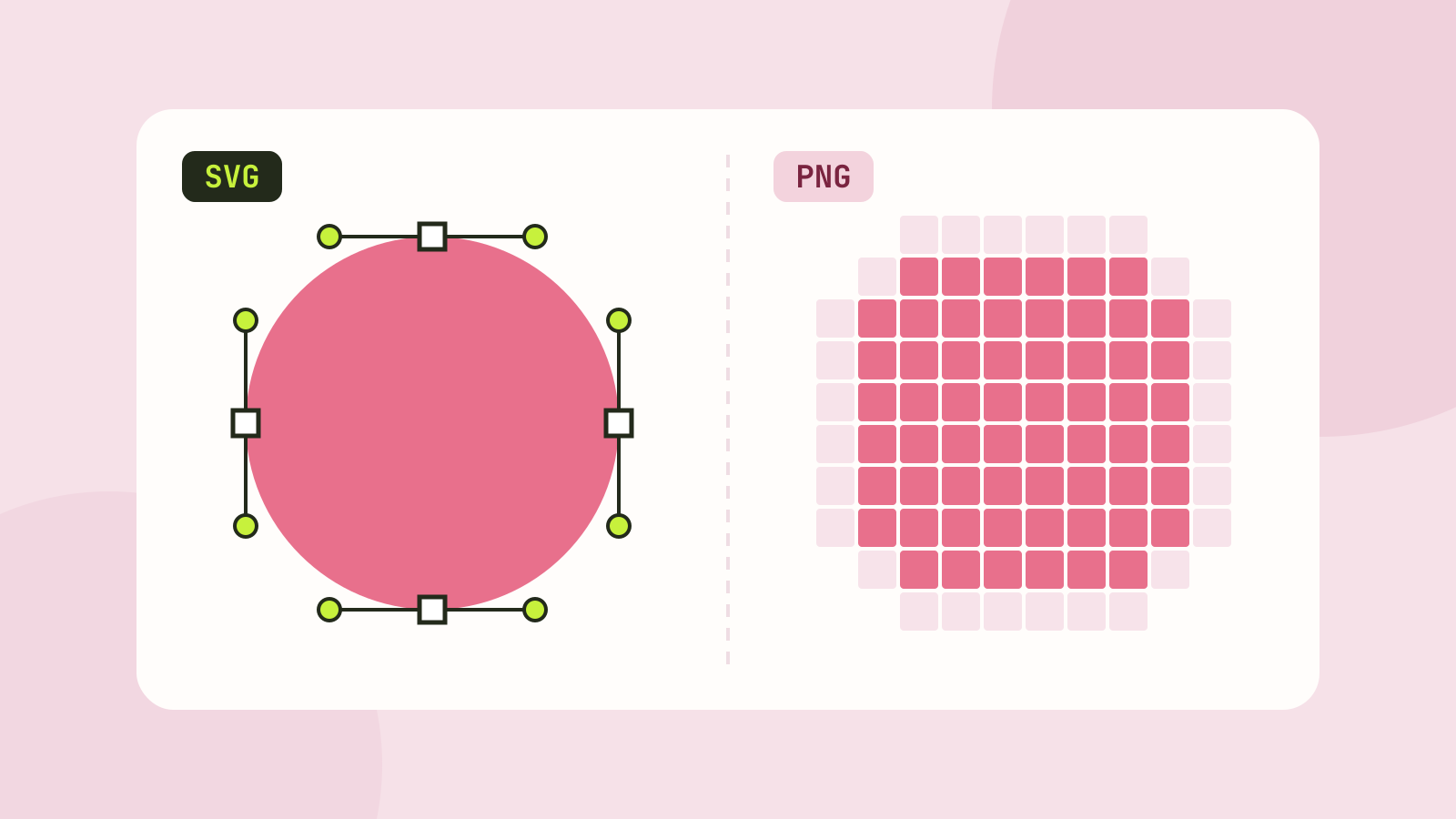
SVG vs PNG: which to use for logos, icons and illustrations
SVG stores shapes and PNG stores pixels, and that decides which one fits a job. We measured five SVGs of very different complexity against PNG copies at four sizes, and traced a logo, a seal and a photo back to SVG.