How it works
- Drop a square PNG or SVG logo.
- Choose a shape, padding and background.
- Download the ZIP and paste the HTML snippet.
Why use it
- Multi size favicon.ico.
- PNG, Apple and Android icons.
- Web manifest and HTML included.
- Private.
Questions and answers
What size should the PNG be?
A square image of 512 pixels or more.
Do browsers still use ICO?
Yes, and PNG and SVG icons too. Including all of them covers every case.
Related guides
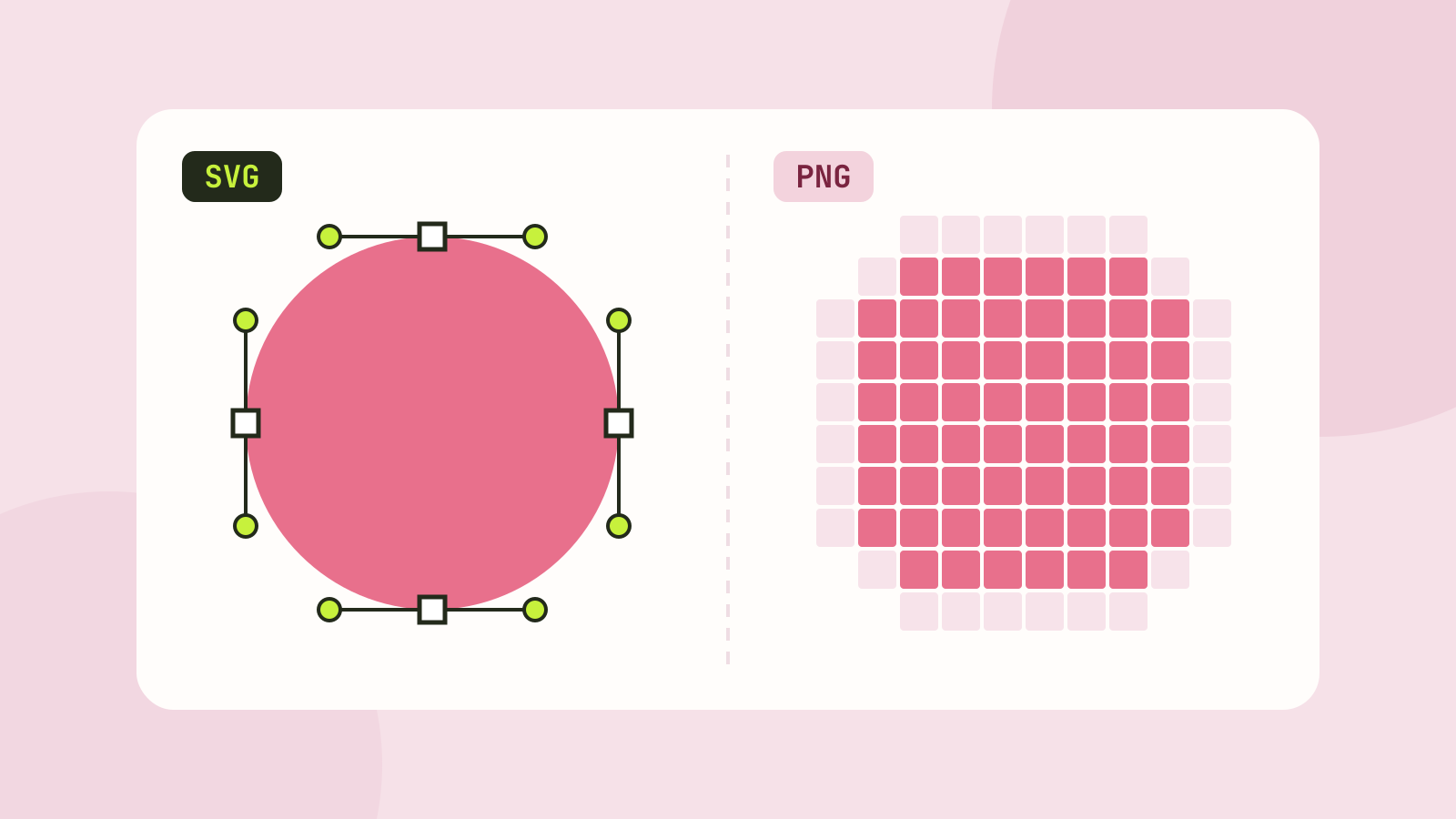
SVG vs PNG: which to use for logos, icons and illustrations
SVG stores shapes and PNG stores pixels, and that decides which one fits a job. We measured five SVGs of very different complexity against PNG copies at four sizes, and traced a logo, a seal and a photo back to SVG.