How it works
- Drop one or more PDFs.
- Drag pages, rotate or delete them.
- Build and download the new PDF.
Why use it
- Live thumbnails for every page.
- Rotate left or right, delete, reverse, select all.
- Combine pages from several PDFs.
- One PDF or one per file.
Organising PDF pages: reorder, rotate, delete and combine
One view of all your pages
Drop one PDF or several, and every page appears as a thumbnail in a single grid. From there you can fix most of what goes wrong with scanned or assembled documents: pages in the wrong order, pages scanned sideways or upside down, blank pages, and pages that belong in another file. Nothing is written until you press Build PDF, so you can rearrange freely.
Working with pages
- Reorder by dragging a page to its new place. With the keyboard, press space on a page to pick it up, move it with the arrow keys and press space again to drop it.
- Rotate a single page with the buttons that appear on it, or select several and rotate them together. Rotation turns the page in quarter turns without redrawing it, so nothing loses quality.
- Delete blank or unwanted pages the same way.
- Reverse flips the order of the whole document, which fixes a stack that went through the scanner face down.
- Undo steps back through every change.
Click a page's checkbox to select it, or use Select all, then rotate or delete the selection in one go. The thumbnail size slider makes pages bigger to read them, or smaller to see a long document at once.
Combining pages from several files
Add more PDFs at any time and their pages join the grid, so you can slot the signed page from one file into another, or build one document from parts of several. Each thumbnail shows which file it came from. When you export, choose One PDF for a single document in the order shown, or One per file to keep the pages grouped by their source file, each saved separately in a ZIP.
For simpler jobs there are quicker tools: merge PDF joins whole files in order, split PDF cuts one into parts, and delete PDF pages removes pages by number.
What is kept
Pages are copied, not redrawn. Text stays selectable and searchable, pictures keep their quality, and links on the pages keep working. Bookmarks and form fields belong to the original document as a whole, not to its pages, so they are not carried into the new file. A rotated page keeps its content exactly; only the direction it is shown in changes.
If something goes wrong
- A file was skipped. It is not a PDF, or it is damaged. Only PDFs can be organised here; turn pictures into a PDF first with JPG to PDF.
- It says a PDF is password protected. Unlock it first with unlock PDF, if you have the right to.
- Every page is gone. All pages were deleted. Undo brings them back.
Popular ways to use this tool
Questions and answers
How do I rotate one page in a PDF?
Hover the page and use the rotate buttons, or select it and click Rotate right. Then build the PDF.
Can I add pages from another file?
Yes. Add more PDFs and drag their pages into the order you want.
Is the original changed?
No. You download a new file.
Related guides
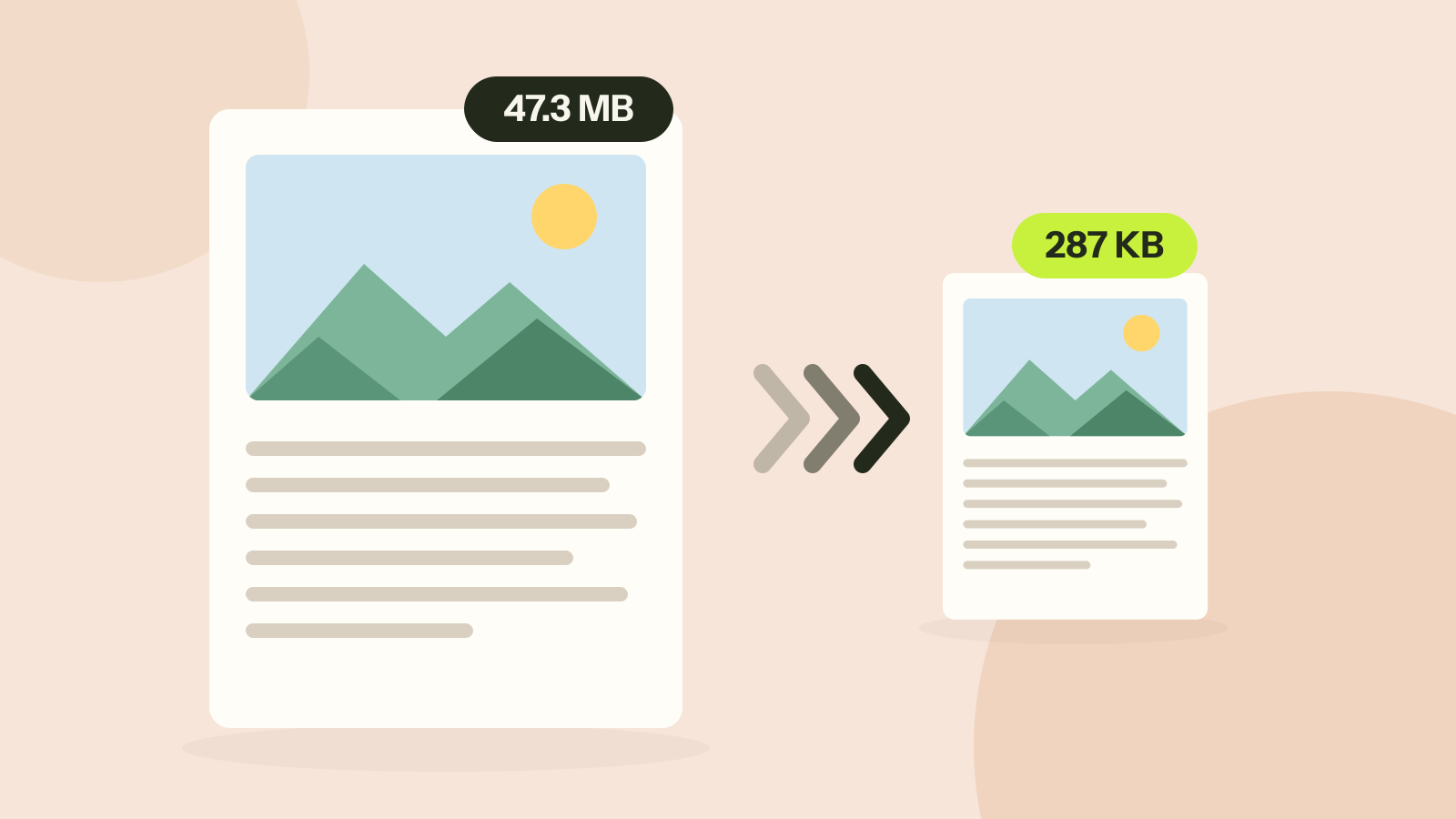
How to compress a PDF without losing quality
Compressors either shrink the pictures inside a PDF or turn every page into a picture. We ran both on three kinds of documents. One method took a 47 MB brochure to 287 KB with every word intact; the other made a text report five times larger.