How it works
- Add your images.
- Drag them into order and choose page size and margin.
- Build the PDF and download it.
Why use it
- Multiple JPGs into one PDF.
- A4, Letter and more, portrait or landscape.
- No re-compression.
- Private, no upload.
JPG to PDF: page size, quality and file size
What happens to your photos
By default, a JPG or PNG goes into the PDF byte for byte, exactly as it is. Nothing is compressed again, so the photo keeps all its quality, and the PDF is about the size of the pictures together. We put six camera photos, 51.8 MB in all, into one PDF: it came out 4 KB larger than the photos.
Other formats are converted on the way in. HEIC, WebP, AVIF, GIF and BMP pictures become JPG at 85 percent quality, transparent areas included, which turn white. A JPG that only looks upright because of a rotation tag in its data is redrawn the right way up, so it never lands sideways in the PDF.
Making the PDF smaller
Phone photos are much larger than a page needs. Switch off Keep JPG and PNG as they are and two more settings appear: the longest side of each picture, and the JPEG quality. With the same six photos:
| Setting | PDF size |
|---|---|
| Photos as they are | 51.8 MB |
| Longest side 2000 px, quality 85 | 1.97 MB |
| Longest side 1400 px, quality 85 | 1.02 MB |
On an A4 page with the default margins, the long side of a photo is printed 25 to 28 centimetres long. At 2000 pixels that is about 180 to 200 pixels per inch, which looks sharp on screen and on an office printer; 1400 pixels gives about 130 to 140. Keep the photos as they are only for professional printing or when every detail matters. A PDF you already have can be shrunk the same way with compress PDF.
Page size, orientation and fit
- Page size. A4 is the standard almost everywhere, US Letter in the United States and Canada. Same as each image makes every page exactly the size of its picture, with no margin, which suits slides and screenshots.
- Orientation. Auto puts landscape photos on landscape pages and portrait photos on portrait pages, so each fills as much of its page as possible.
- Margin. From 0 to 40 mm of white around each picture. 10 mm keeps photos clear of the edge that many printers cannot reach.
- Fit shows the whole picture with white space where the shapes differ. Fill covers the page and crops the overflow from the centre. Stretch fills the page by distorting the picture, which is rarely what you want.
Order, and one file per picture
Pages follow the order of the list: drag rows to change it. You can also paste pictures straight from the clipboard. To send each picture as its own PDF, switch on One PDF per image; the files arrive together in one ZIP. To join the result with other PDFs, use merge PDF.
If something goes wrong
- The PDF is too big to email. Switch off keeping the originals and choose 2000 or 1400 pixels.
- A photo is cropped. Fill is selected; switch to Fit to see the whole picture.
- A scan looks grey or faint. The PDF shows the picture exactly as it is. Brighten it before converting, or scan again with more light.
How we tested. Six CC0 camera photos between 1.9 and 22.8 MB, placed on A4 pages with 10 mm margins by the code of this tool in Chrome, once as they are and once resized and saved again at quality 85.
Questions and answers
How do I combine several JPGs into one PDF?
Add them all, arrange the order and click Build PDF.
Can I choose the page size?
Yes. A4, US Letter, US Legal, A3, A5 or fit each page to its image.
Related guides
Pixels, DPI and file size: how big does a photo need to be?
Upload forms ask for 300 DPI, print shops for high resolution, and phones save 12 megapixel photos. We tested what the DPI number really does, how file size follows pixel count, and how many pixels each use actually needs.
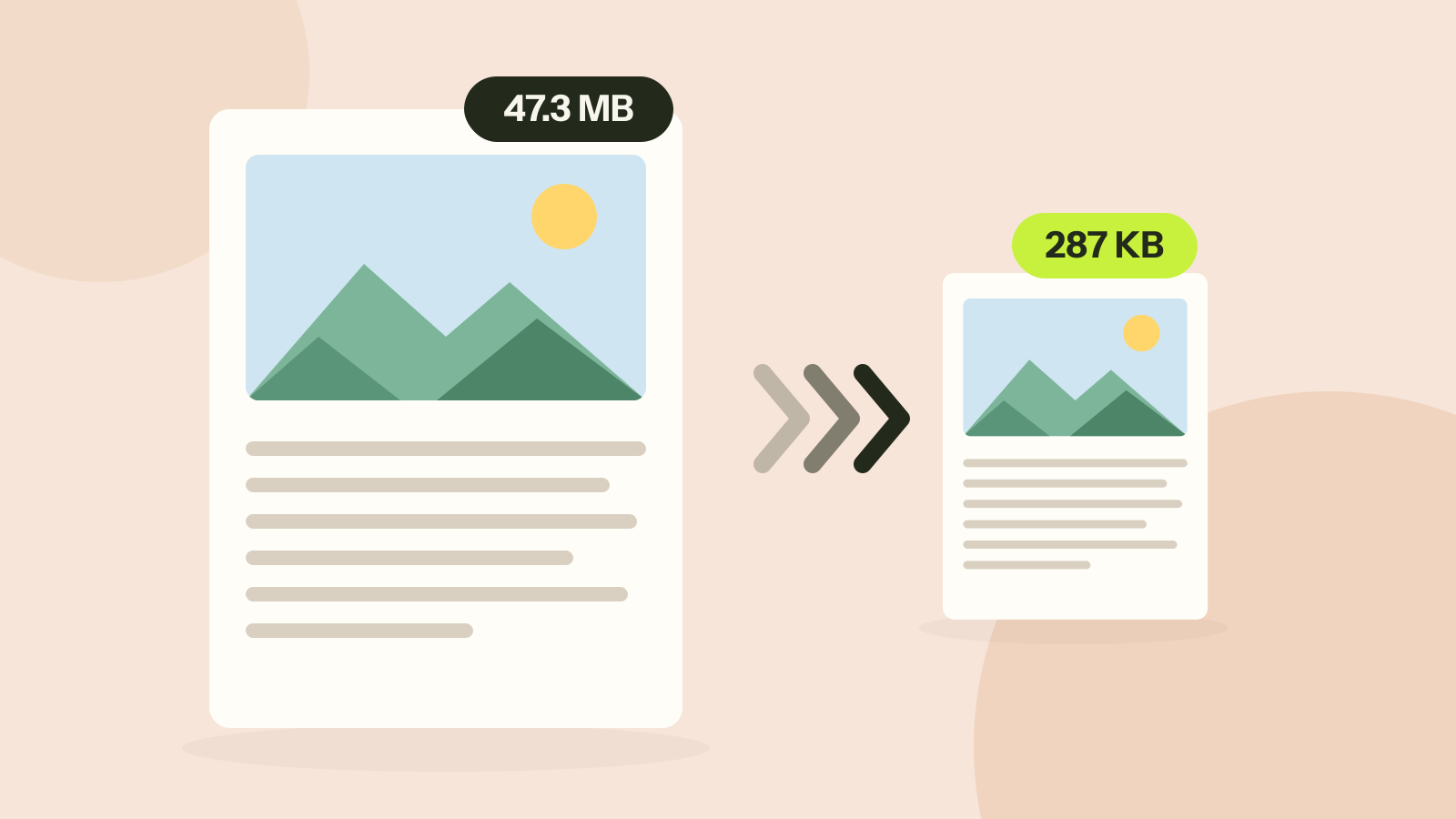
How to compress a PDF without losing quality
Compressors either shrink the pictures inside a PDF or turn every page into a picture. We ran both on three kinds of documents. One method took a 47 MB brochure to 287 KB with every word intact; the other made a text report five times larger.
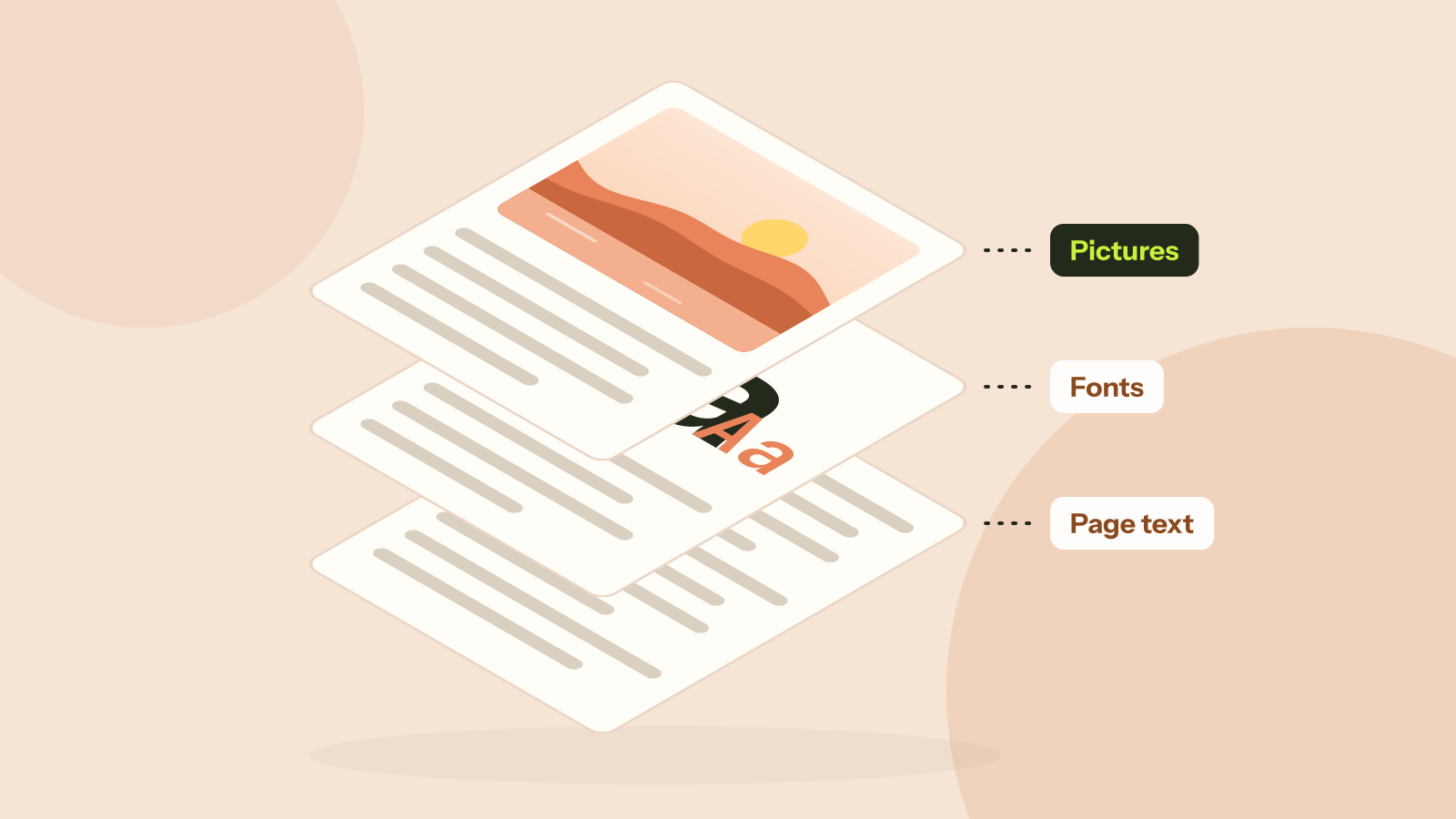
Why is my PDF so big?
Two PDFs with the same number of pages can differ in size a thousand times. We took five real kinds of PDF apart and measured what fills them: photos, scans, fonts or drawings. Each cause has its own fix.