How it works
- Add your images.
- Drag them into order and choose page size and margin.
- Build the PDF and download it.
Why use it
- Lossless embedding.
- Many images, one PDF.
- Page size and margin control.
- No watermark.
Questions and answers
Is transparency kept?
Transparent areas appear white on the page, since PDF pages have a paper background.
Can I make one PDF per image?
Yes, choose One PDF per image and download a ZIP.
Related guides
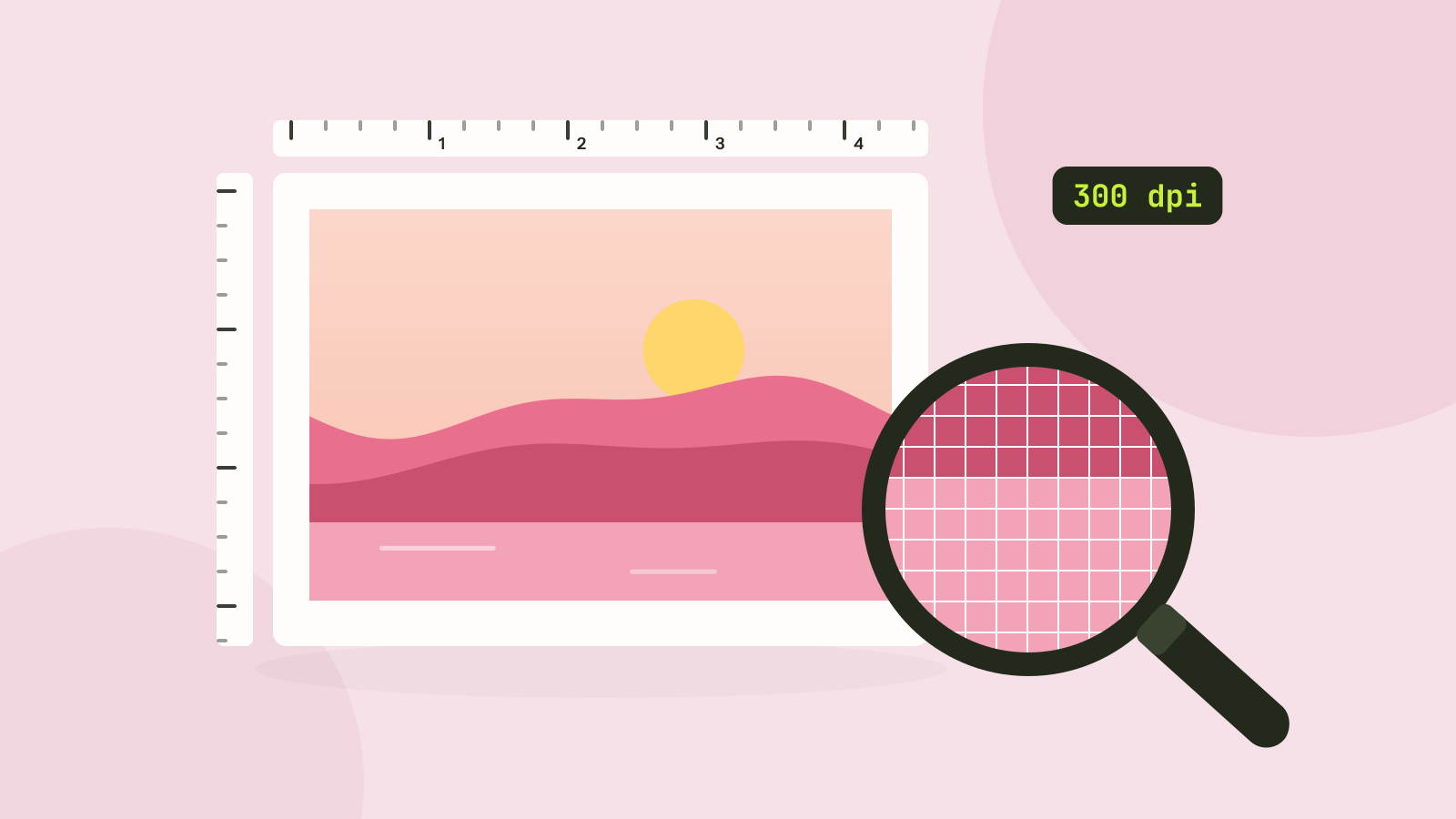
Pixels, DPI and file size: how big does a photo need to be?
Upload forms ask for 300 DPI, print shops for high resolution, and phones save 12 megapixel photos. We tested what the DPI number really does, how file size follows pixel count, and how many pixels each use actually needs.
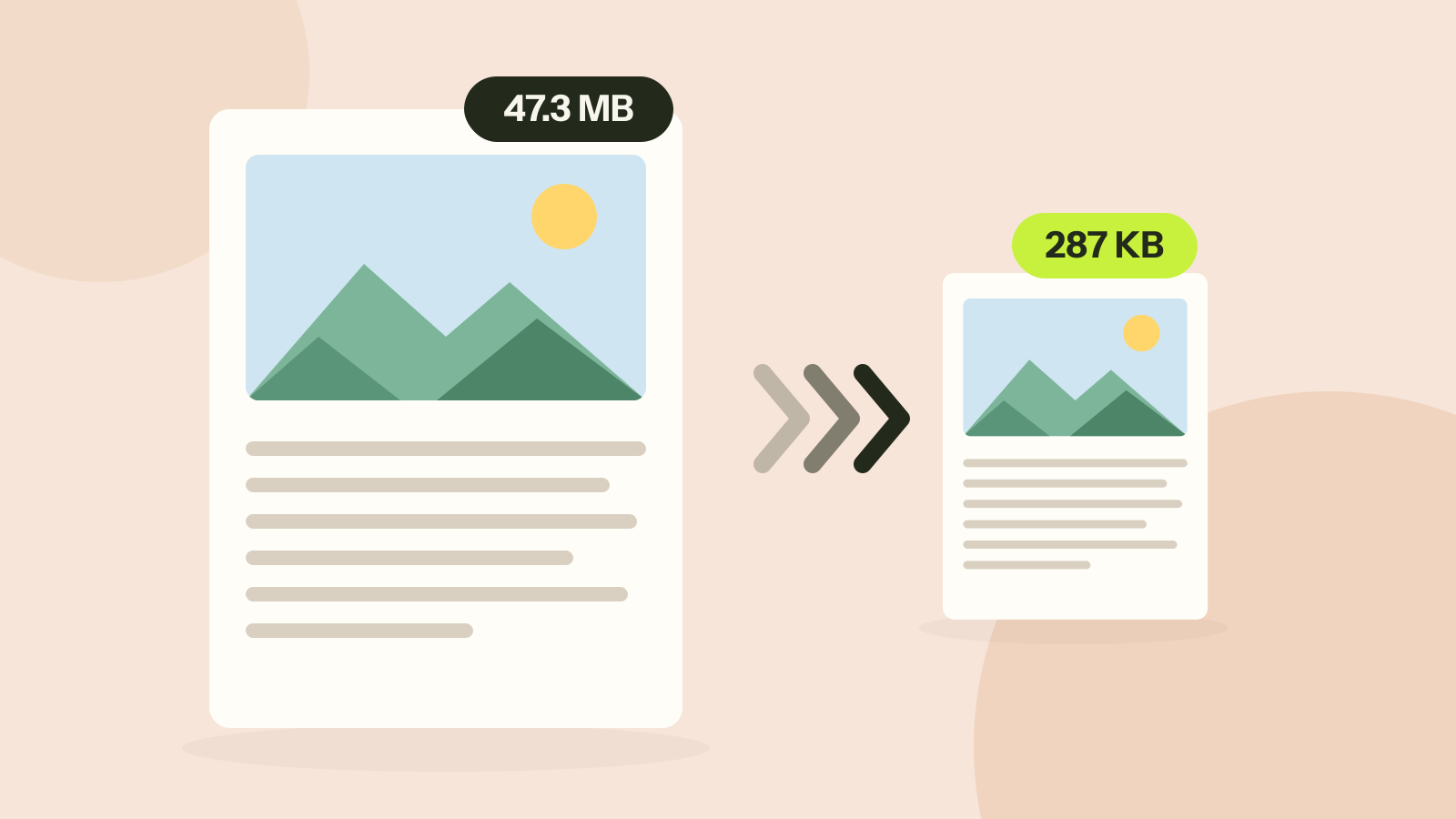
How to compress a PDF without losing quality
Compressors either shrink the pictures inside a PDF or turn every page into a picture. We ran both on three kinds of documents. One method took a 47 MB brochure to 287 KB with every word intact; the other made a text report five times larger.
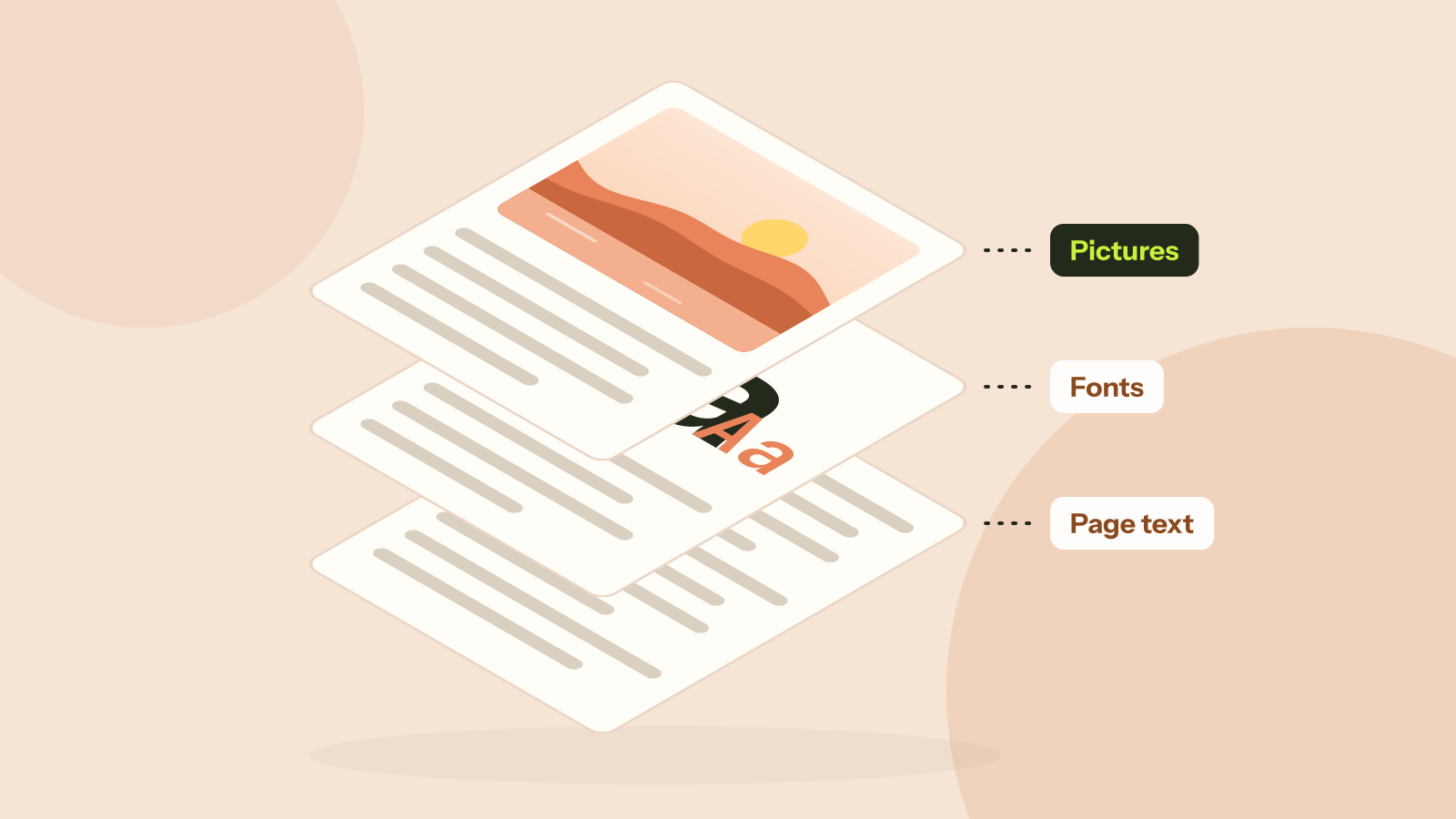
Why is my PDF so big?
Two PDFs with the same number of pages can differ in size a thousand times. We took five real kinds of PDF apart and measured what fills them: photos, scans, fonts or drawings. Each cause has its own fix.