How it works
- Drop HEIC, WebP, AVIF, GIF or BMP files.
- Choose the output format, quality and maximum size.
- Download the results as a ZIP.
Why use it
- Reads HEIC and HEIF.
- Lossless PNG output.
- Keeps orientation.
- Private, offline capable.
Questions and answers
Should I pick PNG or JPG for HEIC photos?
PNG is lossless but large. JPG is much smaller and fine for sharing. Use PNG if you will keep editing the picture.
Are Live Photos converted?
The still frame is converted.
Related guides
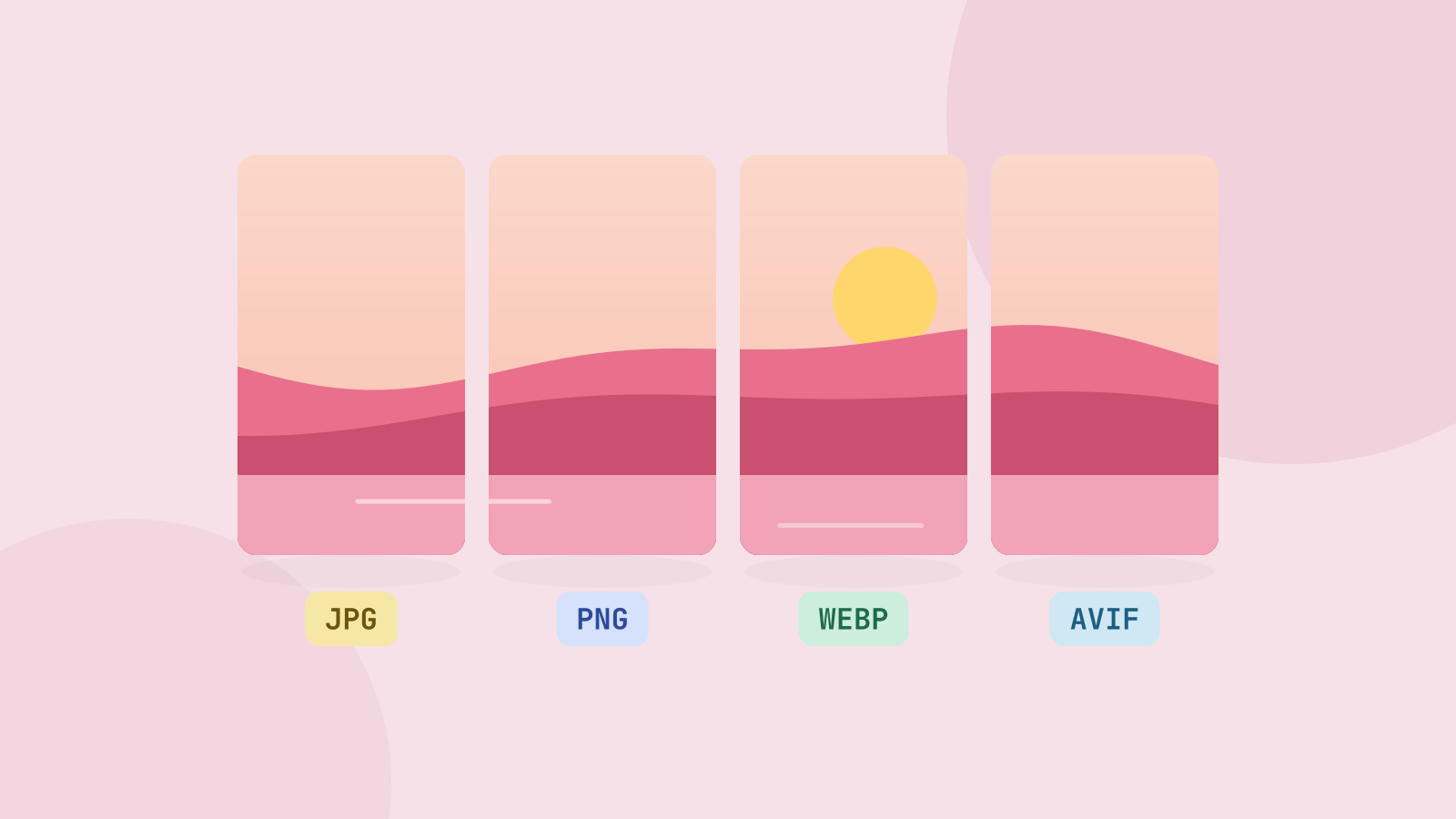
JPG, PNG, WebP or AVIF: which format to use
We saved six photos and a graphic in all four formats at the same visual quality and compared the sizes. The newer formats win on photos by a wide margin, but each format still has a job.
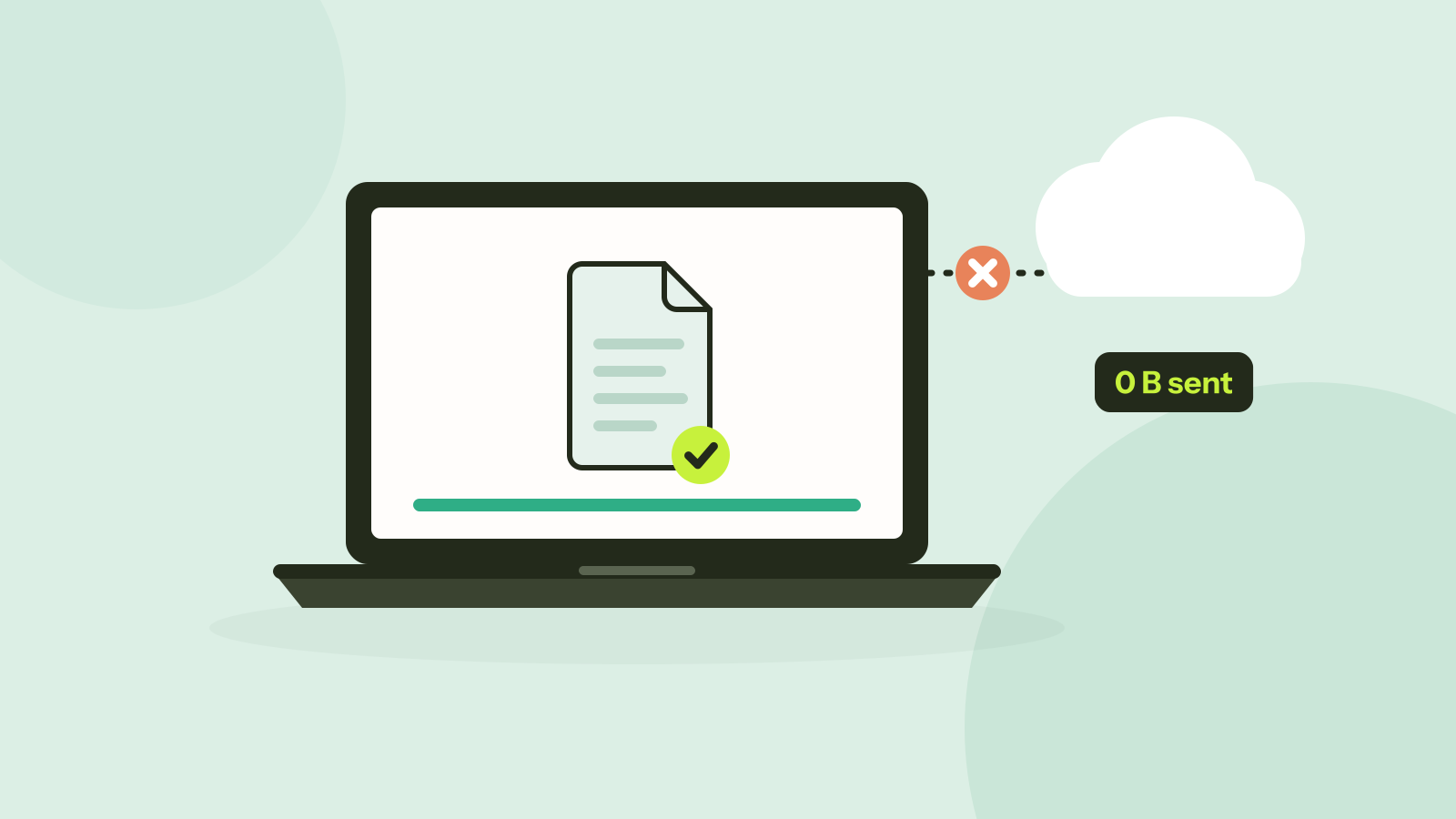
Do online converters upload your files?
Most online converters send your file to a server; some do the work in your browser instead. Here is how to tell which kind a site is in about a minute, and what every request looked like when we converted a photo on our own site.