MD5 vs SHA-256: which hash should you use?
MD5 and SHA-256 both turn a file into a short fingerprint, but only one of them can still be trusted when someone might be trying to fool you. We timed seven hash functions and looked at what "broken" really means.
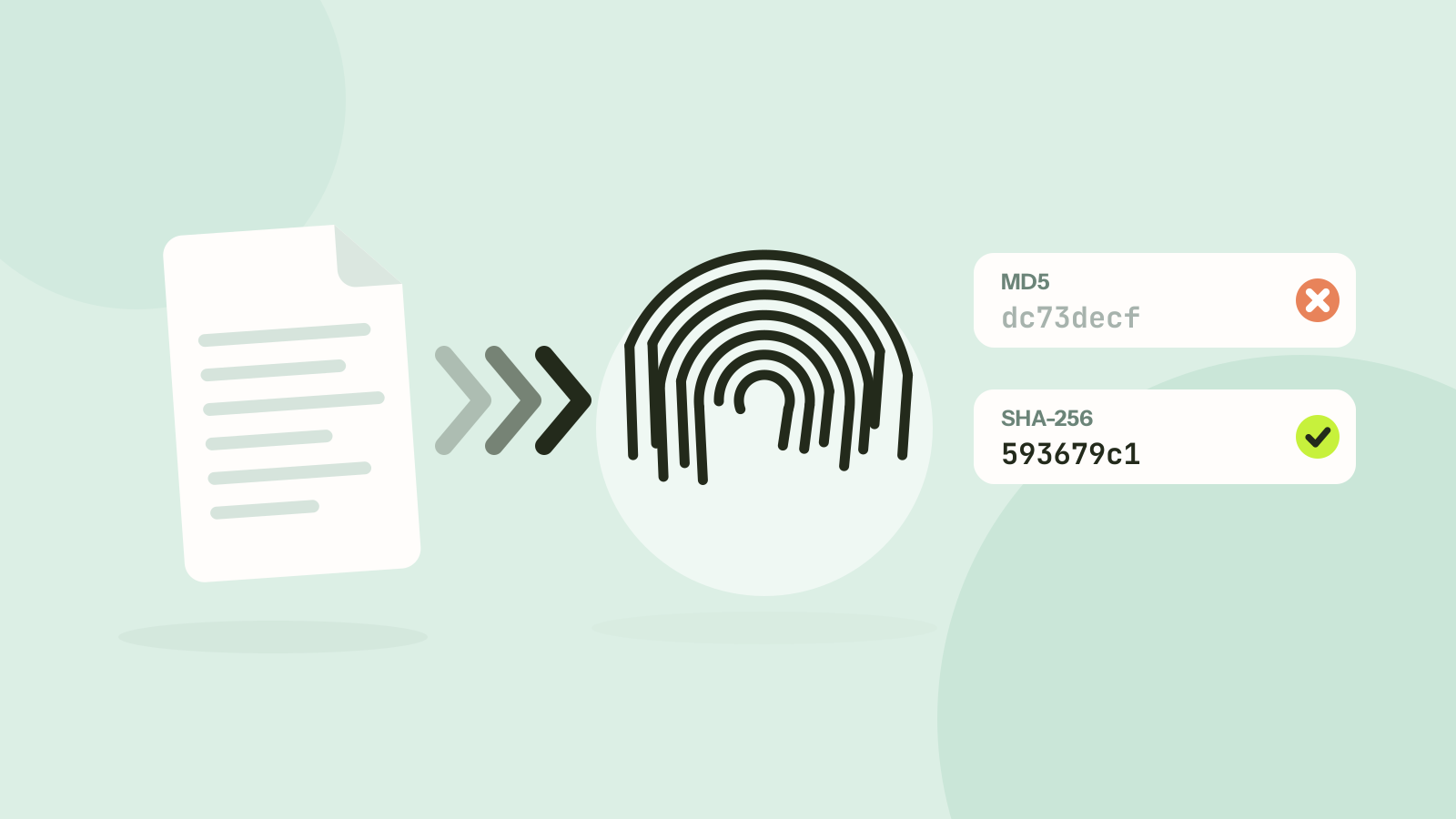
Download pages, backup tools and forensic reports all quote hashes, sometimes MD5, sometimes SHA-256, sometimes both. They look alike, long strings of letters and digits, but they are not interchangeable. We timed seven hash functions in the browser and looked at what "broken" actually means for MD5, to work out when each one is the right choice.
What a hash is
A hash function turns any amount of data into a short, fixed-length fingerprint. The same data always gives the same fingerprint, and the smallest change gives a completely different one. Changing one capital letter is enough:
MD5     Tooloat  dc73decfa67455e9850e5c5436f0f352
MD5     tooloat  3cf2985ef86fe54d497628b19ec2ffa3

SHA-256 Tooloat  593679c12c57025648598e66c6fdd88b1dcbf8b58543a3c150817e8dd48be2db
SHA-256 tooloat  31f0fbc2bb921f2f1083df2e23a4dd3bdc2a626ae71b6b8cd90849a5efc831ef
This is what makes hashes useful for checking files. If the SHA-256 of your download matches the one the publisher lists, the file is the one they published, down to the last bit.
What "broken" means for MD5
A secure hash must make it practically impossible to find two different inputs with the same fingerprint, a collision. For MD5 that stopped being true in 2004, when researchers published the first collisions. Since then the attacks have only improved:
- 2008: researchers used MD5 collisions to create a fake certificate authority that web browsers would have trusted.
- 2012: the Flame espionage malware used an MD5 collision to forge a Microsoft code signing certificate, so it looked like a Windows update.
- Today: free tools generate a pair of different files with the same MD5 in seconds on an ordinary laptop.
SHA-1 followed. In 2017 a team from Google and CWI Amsterdam published two different PDF files with the same SHA-1, and by 2020 the attack had become practical against real-world formats. SHA-256, part of the SHA-2 family, has no known collision, and neither have SHA-512 or BLAKE3.
There is an important limit to the attack. A collision means someone made two files that match each other. It does not let anyone make a new file that matches an MD5 you already have, which is a much harder problem that nobody has solved for MD5. That distinction decides when MD5 is still acceptable.
Speed
The Tooloat hash generator on a 2013 Intel Xeon, reading the file in 2 MB pieces. Reading alone ran at 325 MB/s.
MD5 was 1.8 times as fast as SHA-256 here. In everyday terms, a 4 GB video takes about 22 seconds with MD5 and about 40 with SHA-256. The difference shrinks on newer processors, many of which have instructions built in for SHA-256. The browser's own SHA-256, native code rather than WebAssembly, already reached 228 MB/s on the same old machine. On large files the disk is often the limit anyway.
SHA-512 being faster than SHA-256 is not a mistake: it works on 64 bit numbers, which suit modern processors, and handles more data per step. BLAKE3 is the newest of the group and is designed to be faster still with several cores and wide instructions, which our single-threaded test does not use.
When MD5 is fine and when it is not
| Use | MD5 or SHA-1 | Use instead |
|---|---|---|
| Checking a download against a checksum from the publisher | Only if that is all they publish | SHA-256 |
| Spotting accidental damage in backups or transfers | Fine | Any, including CRC-32 |
| Finding duplicate files on your own disk | Fine | Any |
| Digital signatures and certificates | Unsafe | SHA-256 or stronger |
| Proving a document was not changed by someone else | Unsafe | SHA-256 or stronger |
| Storing passwords | Unsafe | Argon2id, bcrypt or scrypt |
The rule of thumb: if someone might deliberately prepare a file to fool the check, use SHA-256. If the only danger is accident, such as a cable, a disk or a network flipping a bit, MD5 still catches it, and so does the much simpler CRC-32.
How to check a file's hash
- Open the hash generator and drop the file. It is read in small pieces in your browser, so even large files work and nothing is uploaded.
- Choose the algorithms you need. All of them are calculated in one pass, so adding more costs little.
- Paste the checksum from the download page into Verify against a checksum, or the whole contents of a SHA256SUMS file. The tool finds the algorithm from the match and says whether it matches.
If the checksum does not match, do not open the file. Download it again, and if it still differs, the file is not the one the publisher released.
Questions and answers
Is MD5 still safe to use?
For detecting accidental corruption, yes. For anything where someone could deliberately prepare a file, such as signatures, certificates or security checks, no: MD5 collisions can be made in seconds.
Is SHA-256 faster than MD5?
No. In our browser test MD5 ran at 186 MB/s and SHA-256 at 104 MB/s. Processors with SHA instructions narrow the gap, and the browser's built-in SHA-256 reached 228 MB/s on the same machine.
Can two files have the same SHA-256 hash?
In theory, since there are more possible files than hashes, but no such pair has ever been found, and finding one is far beyond any known method.
Which hash should I use for checksums?
SHA-256. It is the standard for published checksums, every operating system can compute it, and it is safe against deliberate tampering.
Tools in this article
More from the blog
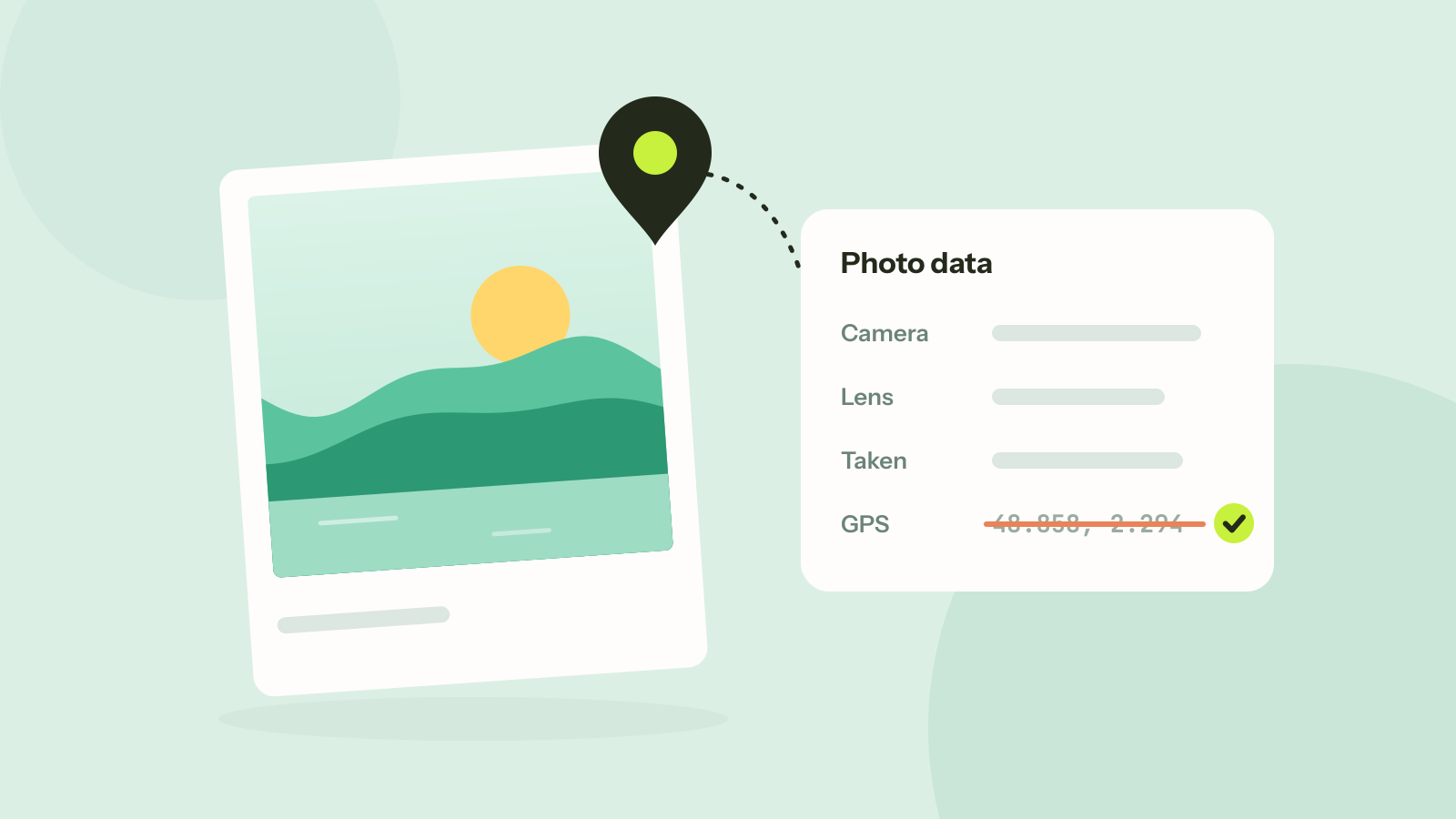
How to remove location and other metadata from photos
Every photo carries hidden data about the camera, the time and often the place. We read what nine published photos still gave away, added a location to show how precise it is, and checked that removing it leaves the picture untouched.

How long does it take to crack a password?
Password strength is about how many passwords could have been chosen, not how complicated one looks. We worked out how long common kinds of passwords hold out against a modern graphics card, and why the ones people invent fall first.
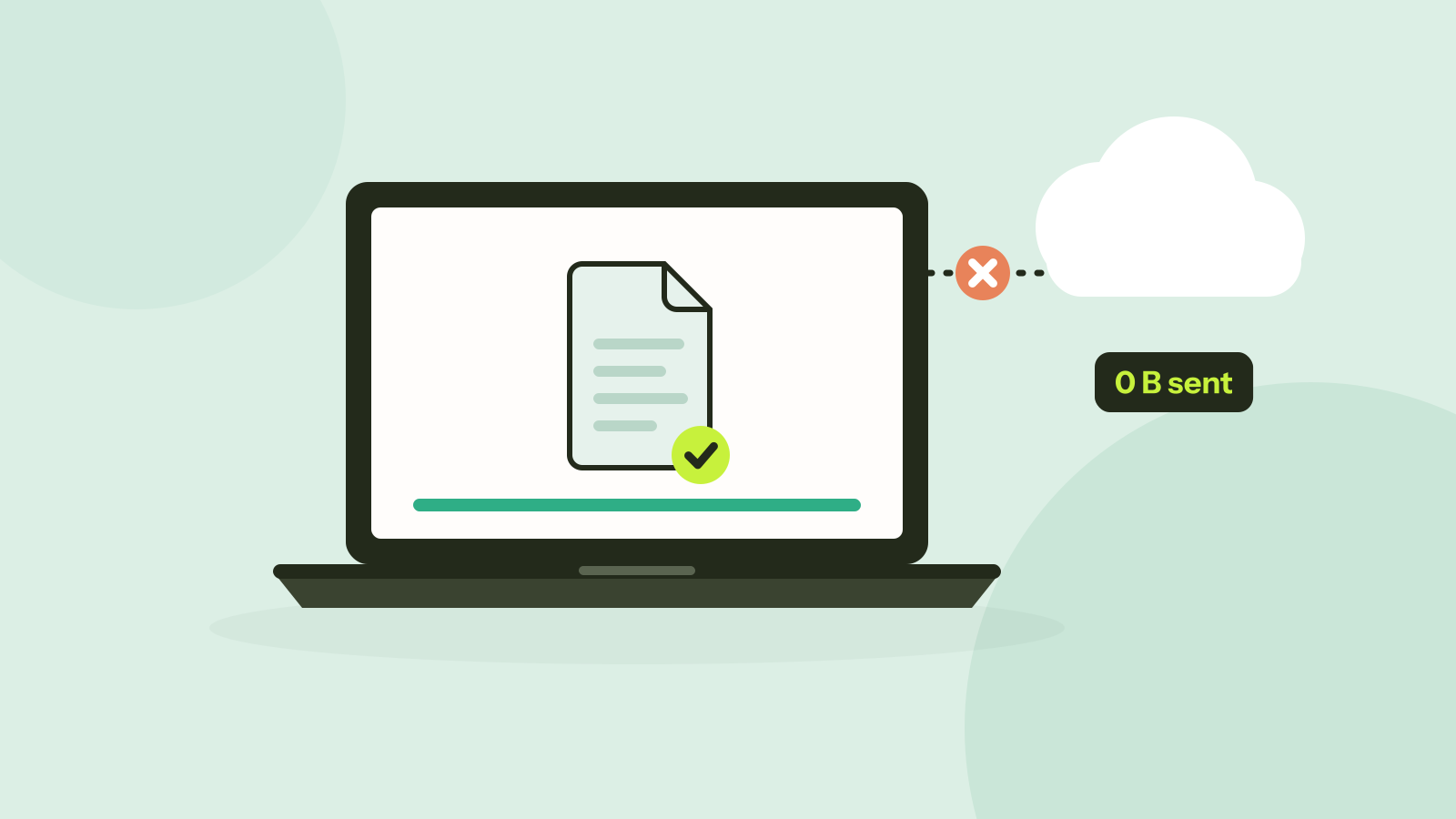
Do online converters upload your files?
Most online converters send your file to a server; some do the work in your browser instead. Here is how to tell which kind a site is in about a minute, and what every request looked like when we converted a photo on our own site.