How to remove location and other metadata from photos
Every photo carries hidden data about the camera, the time and often the place. We read what nine published photos still gave away, added a location to show how precise it is, and checked that removing it leaves the picture untouched.
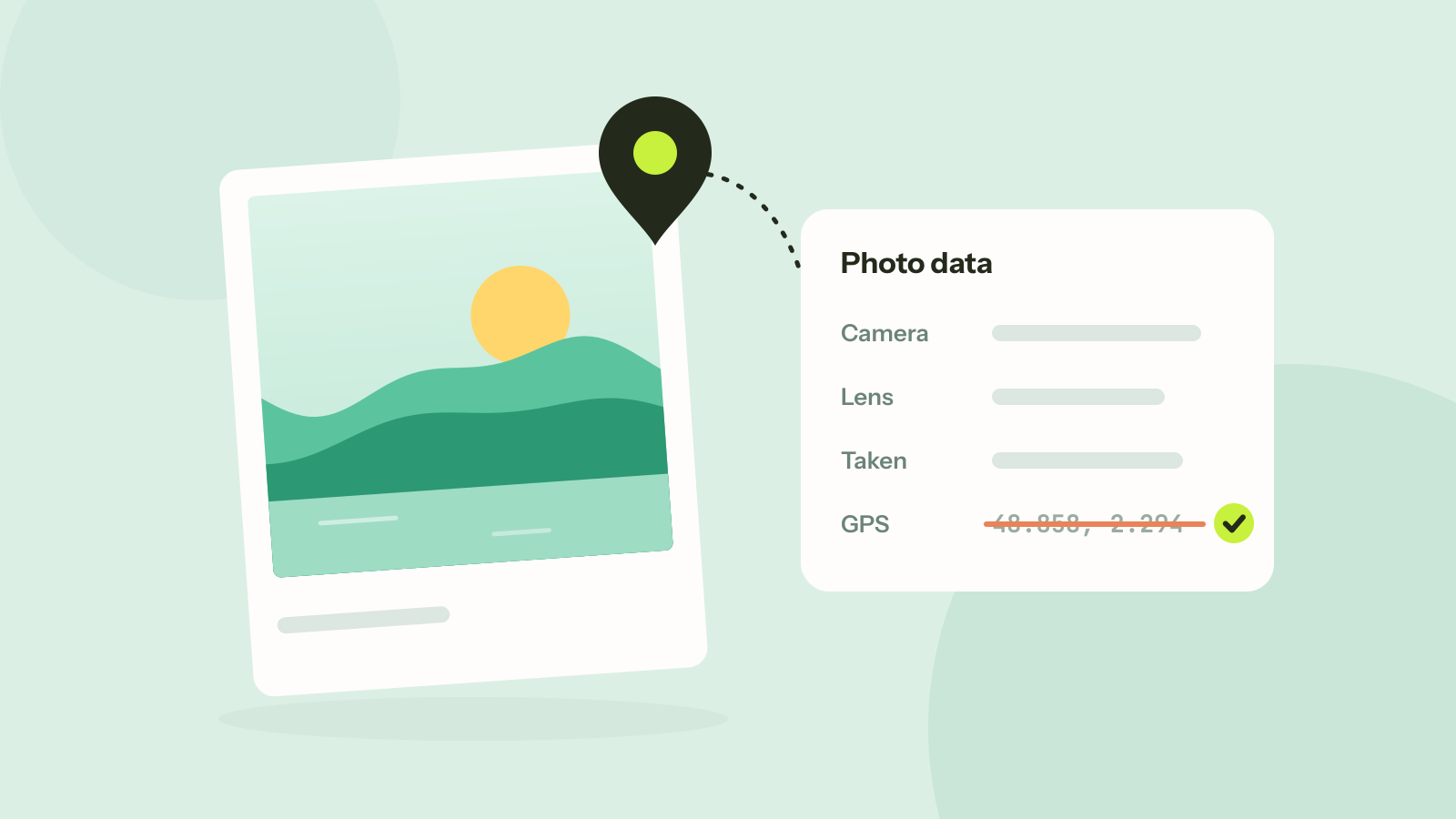
When a camera or a phone saves a photo, it writes more than the picture. A block of metadata, called EXIF, records the device, the settings, the date and time and, on phones, often the location. Most people never see it, because photo viewers hide it. Anyone who receives the original file can read it in a few seconds.
To see how much stays attached in practice, we read the metadata of nine photos that photographers had published on Wikimedia Commons, freely downloadable by anyone.
What nine published photos still told us
| Information | Photos that had it |
|---|---|
| Camera make and model | 9 of 9 |
| Date and time taken, to the second | 9 of 9 |
| Software used to edit it | 9 of 9 |
| Camera serial number | 8 of 9 |
| Lens | 7 of 9 |
| A person's name, as author or copyright | 3 of 9 |
| GPS location | 0 of 9 |
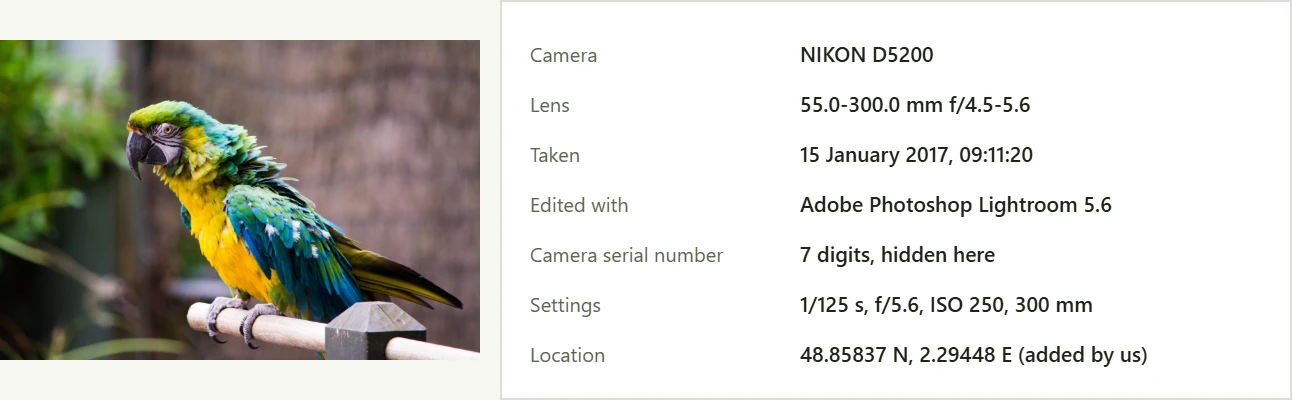
None of the nine had a location, which is what you would expect from careful photographers using cameras without GPS. Everything else was there, years after the photos were published. The serial number is the most underrated item: it is the same in every photo from that camera, so it can tie pictures posted under different names, on different sites, to one device. There are services that search the web for a serial number to find photos taken with a stolen camera, which shows how well it works as an identifier.
What a location looks like
Phone cameras save the position whenever they are allowed to use location, and most people allow it once and forget. To show what that looks like, we added a position to a copy of one photo: the Eiffel Tower, 48.85837 north and 2.29448 east. It took 138 bytes, stored as degrees, minutes and hundredths of a second, which is precise to about 30 centimetres. A phone's GPS is usually accurate to a few metres outdoors, so a photo taken at home points to the house.
Our metadata remover read it straight back as a location and listed it with the camera, the dates and the serial number before cleaning. Photos taken on a phone often add more: the phone model, the direction the camera faced, altitude and the time zone.
Does removing metadata change the photo?
It should not, and you can check. A JPEG file is a series of blocks: the metadata blocks come first and the picture data comes last. A careful remover drops the metadata blocks and copies the picture data as it is, without decoding and saving the photo again.
We cleaned all nine photos with the metadata remover and compared the picture data before and after. It was identical byte for byte in every file. The files lost between 9 and 38 KB each, the size of the metadata and the small preview pictures that cameras embed. The colour profile and the rotation flag were kept, so the photos look and turn exactly as before.
Converting or compressing a photo usually drops the metadata too, because the picture is saved again from scratch. That works, but it also changes the picture. If you only want the metadata gone, remove it without re-encoding.
When does a photo keep its metadata?
It depends on whether the file is passed along as it is, or processed on the way. As a rule:
- Usually kept: email attachments, files sent as documents in messaging apps, cloud storage links, file transfers between devices, and photos uploaded to many websites that offer the original for download.
- Usually removed: photos posted to the large social networks and sent as normal photos in the big messaging apps, which shrink and recompress them.
Services change their handling over time, and "usually" is not a guarantee. If it matters, remove the metadata yourself before the photo leaves your device, or test a service: send a photo, download it on the other side and open it in the metadata remover to see what survived.
How to remove location and metadata from photos
- Open the metadata remover and drop one or more photos. JPEG, PNG, WebP, AVIF and HEIC files work.
- Each photo shows what it carries: location, device, dates, author and serial number.
- Click Strip metadata and download the clean copies, one by one or as a ZIP.
The photos are read and cleaned in your browser and are not uploaded, which would rather defeat the purpose.
Stop the location being saved
- iPhone: in Settings, Privacy and Security, Location Services, Camera, choose Never. To keep location for yourself but leave it out when sharing, tap Options at the top of the share sheet and turn off Location.
- Android: open the camera app's settings and turn off the option to save or tag location. The name varies between phone makers.
- Cameras with GPS or a phone link: turn off location in the camera menu or in the companion app.
Questions and answers
Does removing EXIF data reduce photo quality?
Not when it is removed without re-encoding. In our test of nine photos, the picture data was identical byte for byte after the metadata was removed.
Can someone find my location from a photo?
If the photo was taken with location turned on and the file reaches them unchanged, yes, usually to within a few metres. The location sits in the EXIF data and any photo app or website can read it.
Do screenshots contain location data?
Screenshots usually do not carry a location, but they can carry the date, the device and the app that made them. They can also show private things on the screen itself.
What is a camera serial number in EXIF used for?
Cameras record it to identify the body. Because it is the same in every photo from that camera, it can link photos posted in different places to one device. Eight of the nine published photos in our test still included it.
Tools in this article
More from the blog

How long does it take to crack a password?
Password strength is about how many passwords could have been chosen, not how complicated one looks. We worked out how long common kinds of passwords hold out against a modern graphics card, and why the ones people invent fall first.
MD5 vs SHA-256: which hash should you use?
MD5 and SHA-256 both turn a file into a short fingerprint, but only one of them can still be trusted when someone might be trying to fool you. We timed seven hash functions and looked at what "broken" really means.
Do online converters upload your files?
Most online converters send your file to a server; some do the work in your browser instead. Here is how to tell which kind a site is in about a minute, and what every request looked like when we converted a photo on our own site.