How it works
- Drop images or PDFs.
- Pick the language or languages in the text.
- Copy the text or download TXT and searchable PDF files.
Why use it
- Searchable PDF output.
- 12 languages.
- Page ranges.
- No page limit.
Questions and answers
How long does OCR take?
A few seconds per page on a typical computer.
Is the PDF layout preserved?
Yes. The searchable PDF keeps the original page image and adds an invisible text layer.
Related guides
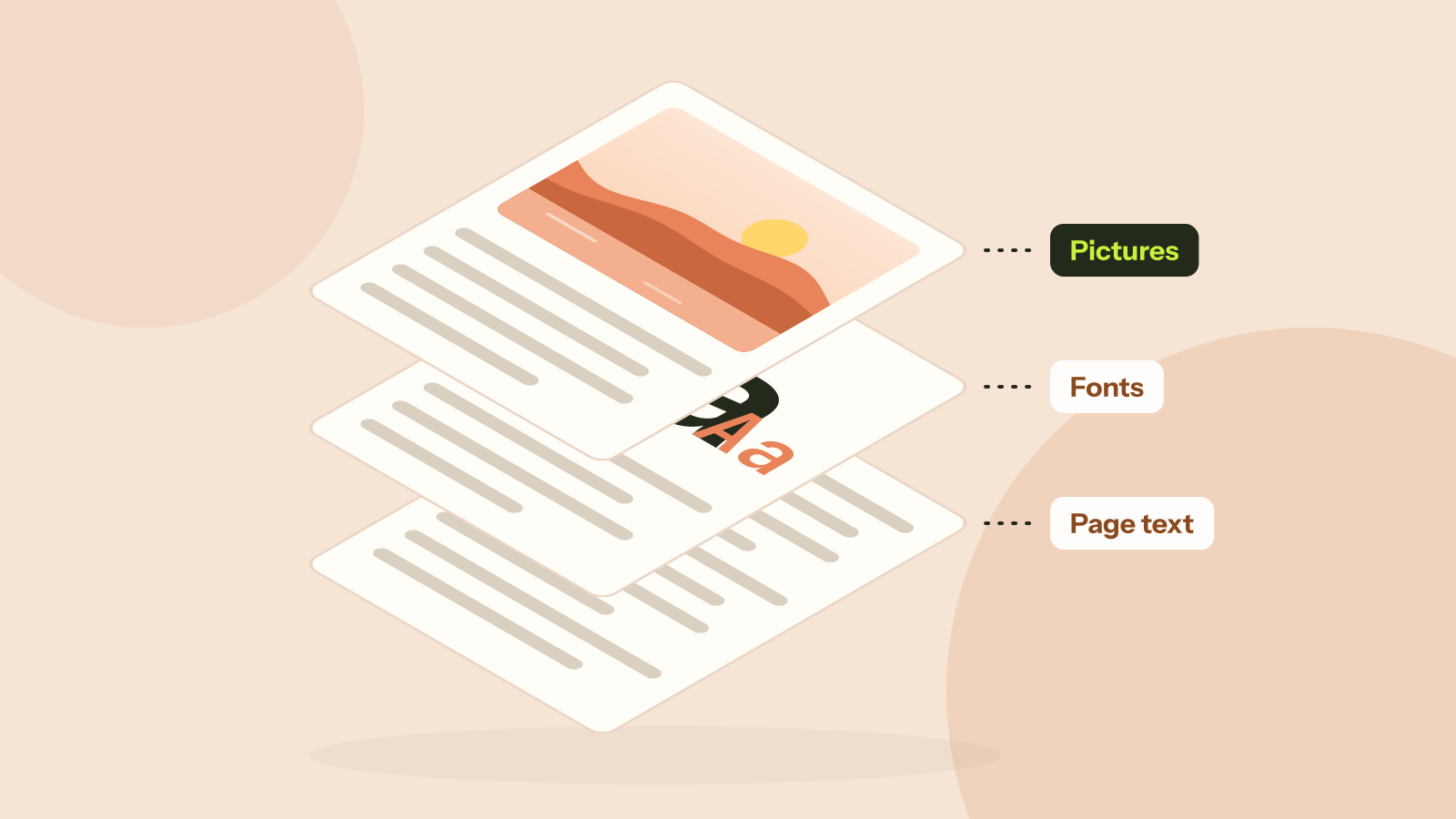
Why is my PDF so big?
Two PDFs with the same number of pages can differ in size a thousand times. We took five real kinds of PDF apart and measured what fills them: photos, scans, fonts or drawings. Each cause has its own fix.