How to redact a PDF properly
We hid the private details in a statement four different ways, then tried to get them back. Black boxes and a scanned copy gave up every detail. Only one method left nothing behind.
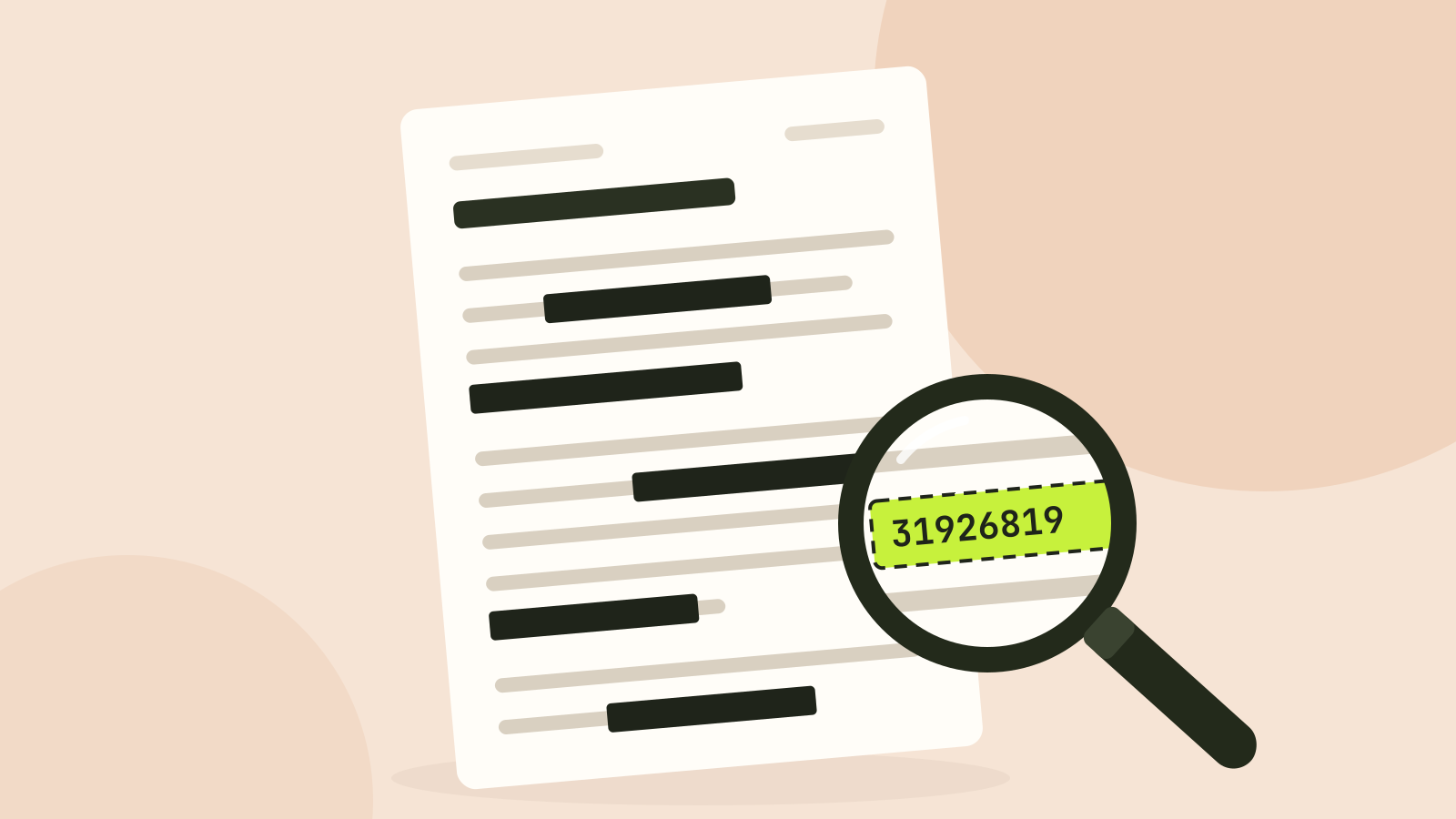
Every few years a court filing or a government report makes the news because someone copied the "blacked out" text straight out of the PDF. The mistake is easy to make: the page looks redacted, prints redacted, and is not. We hid the details in a short statement in four different ways and then tried to get them back.
The test
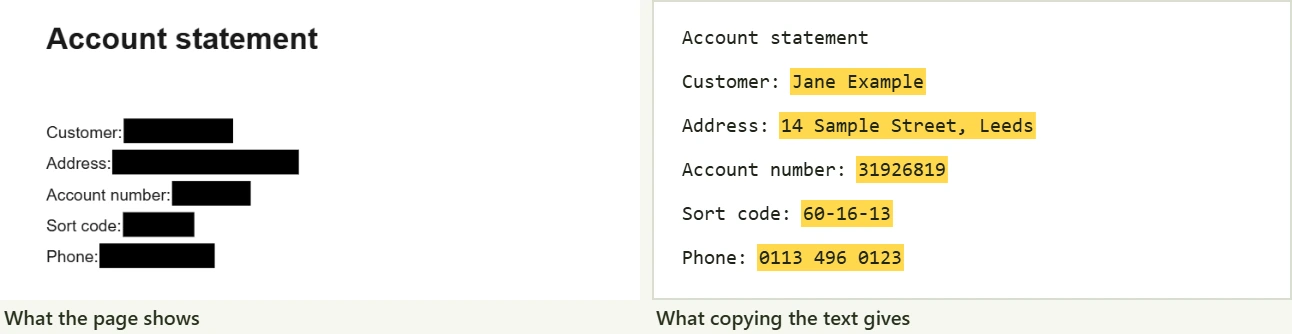
The document is a one page account statement with five details that should not leave the office: a name, an address, an account number, a sort code and a phone number. All of them are fictional. We hid them four ways:
- Black boxes drawn on top, the way the shape, highlight or comment tools of most PDF editors do it.
- A scanned copy with OCR: the page as a picture, black boxes painted on the picture, and the invisible text layer that OCR adds so a scan can be searched.
- Burned in: the page turned into a picture with the boxes painted in, which is what the PDF redaction tool does to every page you mark.
- For reference, the original with nothing hidden.
Then we pulled every character out of each file with pdf.js, the PDF reader built into Firefox and used by many websites. That is the same thing that happens when someone opens the file, selects all and copies.
What came back
| Method | Looks redacted | Hidden details recovered | Name in title or author |
|---|---|---|---|
| Original | No | 5 of 5 | Yes |
| Black boxes drawn on top | Yes | 5 of 5 | Yes |
| Scan with OCR, boxes on the picture | Yes | 5 of 5 | No |
| Burned into a picture | Yes | 0 of 5 | No |
The boxes in the second file are separate drawing instructions placed after the text. A viewer paints the text and then paints black over it, but the text is still in the file, with its position and font. Any reader that extracts text ignores the paint.
The scan is a nastier trap, because it looks like a picture and people assume pictures cannot leak. The OCR layer is real text drawn invisibly over the image. Painting over the image does nothing to it, and our extraction found every detail. Scanning apps add this layer automatically when they offer searchable PDFs.
Only the burned-in version was clean. The page became one picture with black where the details were, so there was no text left to extract: zero characters on the page.
The details that leak around the page
The page is not the only place a PDF stores information. Our test file had the customer name in its title, "Account statement for Jane Example", and as its author, because whoever made it typed it there. Viewers show this in the document properties, search engines index it, and redacting the page does not touch it. Other places worth checking:
- The file name. "Smith_divorce_settlement_redacted.pdf" says a lot on its own.
- Bookmarks and comments. A bookmark named after a person, or a reviewer's note, survives a box on the page.
- Earlier versions inside the file. PDF editors can save changes by appending them, which keeps the old text in the file. Saving a fresh copy, or burning in the redaction, removes it.
- Attachments and form fields. Both live outside the page content.
The redaction tool removes the title and author by default and builds a new document, so bookmarks, earlier versions and attachments are not carried over. Pages you do not redact are copied as they are, comments included, so delete any comments you do not want to share first.
Box sizes can give things away
Even a perfect redaction keeps the size and position of what it hides. A box that covers a name tells the reader roughly how many letters it has, and in proportional fonts, which letters are wide. When the list of possible names is short, such as the employees of a small team, that can be enough to guess. For very short or guessable details, cover the whole line or use boxes of the same width.
Do not blur or pixelate text
Blurring and pixelation look secure, but for text they are not. Both keep part of the information, and researchers have repeatedly rebuilt pixelated text by trying candidate words and comparing the pixelated results. Use solid boxes for text, in PDFs and in screenshots. The image blur tool has a solid colour option for exactly this.
How to redact a PDF properly
- Open the PDF redaction tool and add the file. It stays on your device; nothing is uploaded.
- Drag a box over each detail, or type a name or number into Find and cover text to box every match on every page.
- Check each page. Boxes found by search are estimates from the text layer, so make sure they cover the whole word.
- Save. Pages with boxes become pictures with the boxes burned in, at 200 dpi by default, and pages without boxes are copied untouched.
- Check the result: open it, select all and copy, or run it through text extraction. Nothing you covered should come back.
The trade-off is that redacted pages lose their selectable text and get larger: our one page statement went from 2 KB to 97 KB as a picture. That is the price of being sure. Dedicated editors such as Adobe Acrobat Pro can instead delete the text under each mark and keep the rest of the page as text, which also works, as long as you use the redaction feature and not a drawing tool.
Questions and answers
Can blacked out text in a PDF be recovered?
Often, yes. If the black was drawn over the text with a shape or highlighter, the text is still in the file and can be copied out. In our test every hidden detail came back.
How do I know if a PDF is properly redacted?
Select all the text on the page and paste it somewhere, or use a text extraction tool. If the hidden words appear, the redaction failed. Also check the document properties for the title and author.
Is redacting a scanned PDF safe?
Only if it has no hidden text layer, or if the redaction removes that layer too. Scans made searchable by OCR carry the words invisibly over the picture, and our test recovered all of them.
Is it safe to redact a PDF online?
Uploading a document to redact it gives an unredacted copy to someone else. The Tooloat redaction tool works in your browser, so the original never leaves your device.
Tools in this article
More from the blog
How to compress a PDF without losing quality
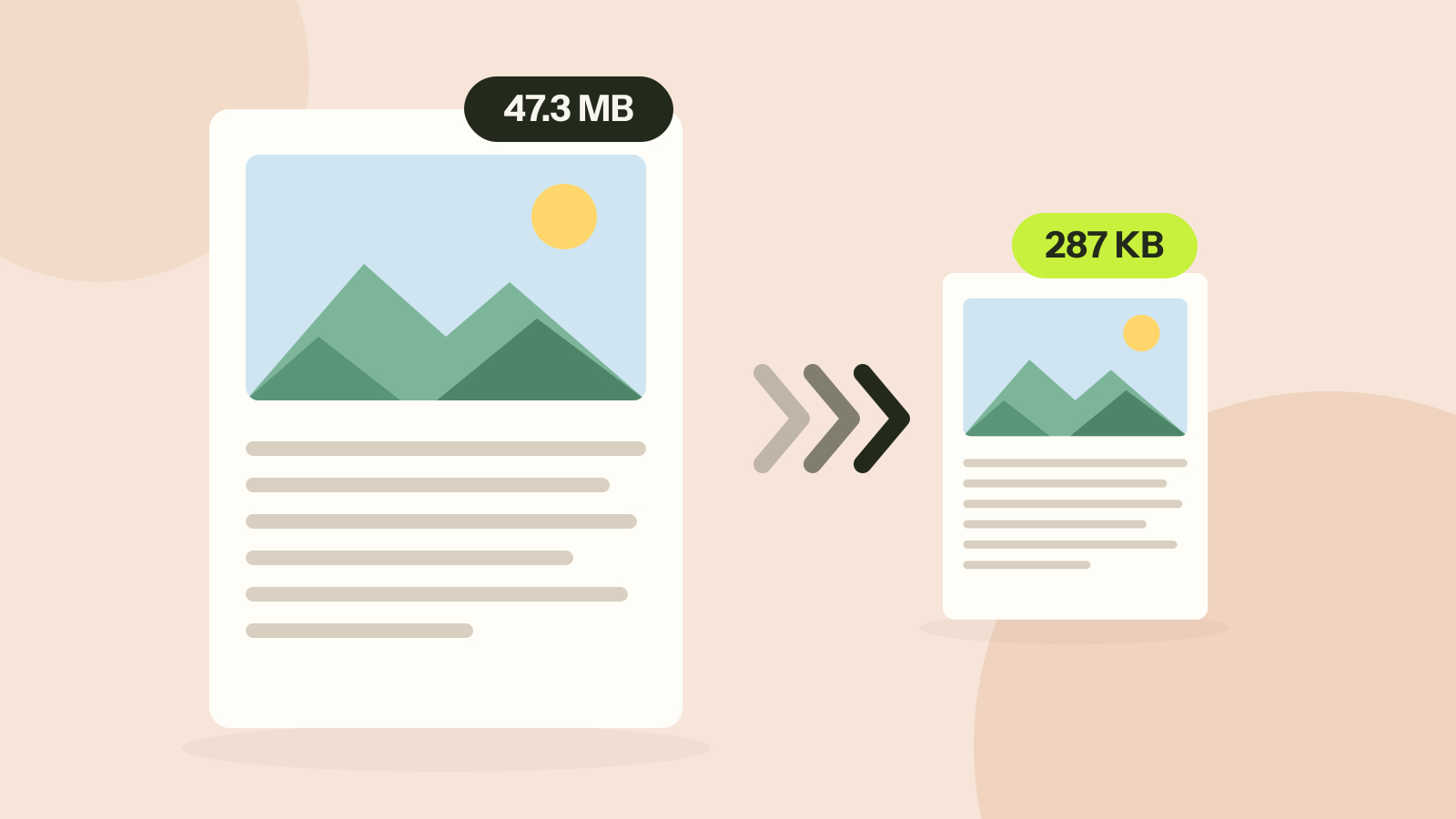
Compressors either shrink the pictures inside a PDF or turn every page into a picture. We ran both on three kinds of documents. One method took a 47 MB brochure to 287 KB with every word intact; the other made a text report five times larger.
Why is my PDF so big?
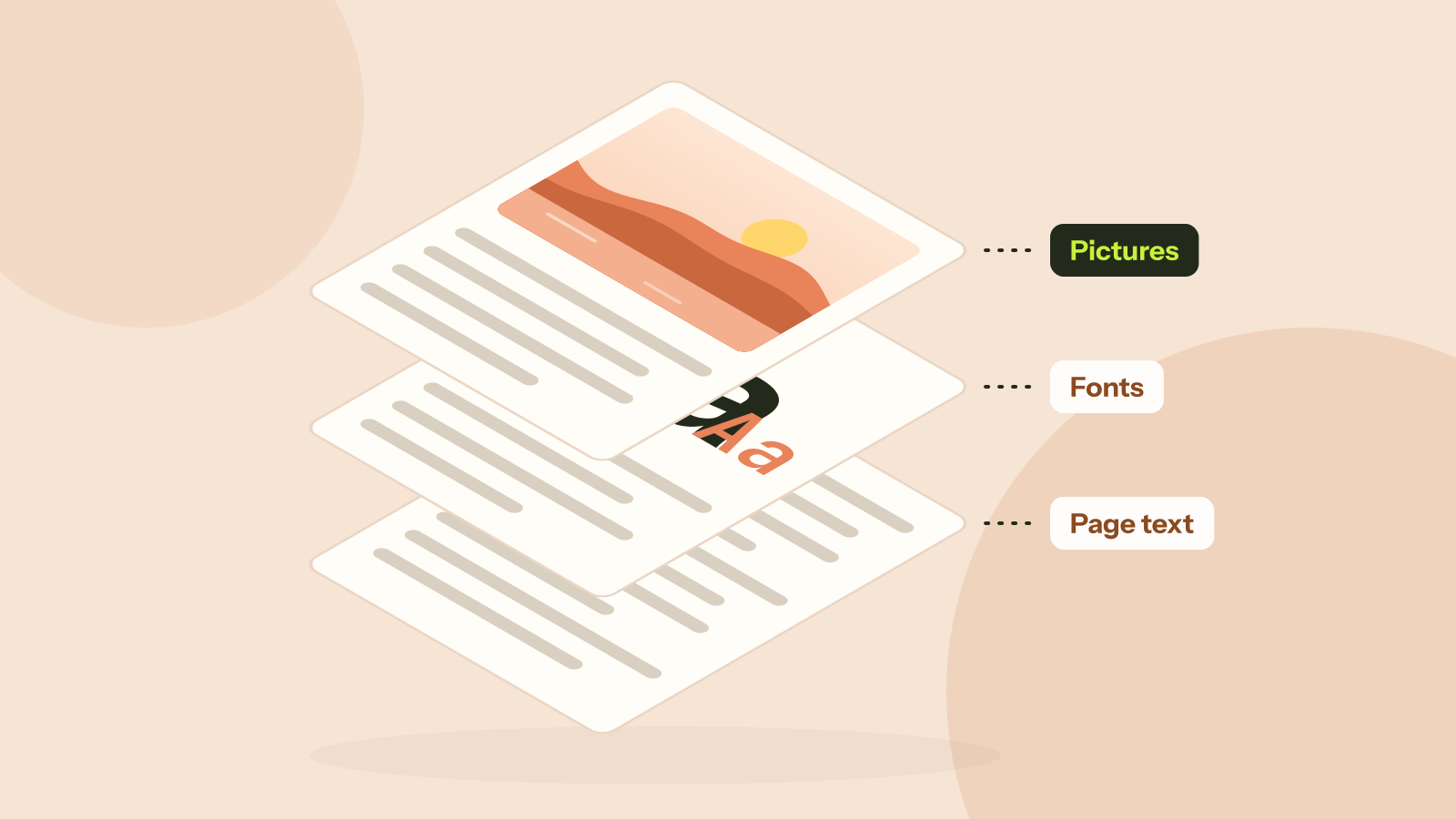
Two PDFs with the same number of pages can differ in size a thousand times. We took five real kinds of PDF apart and measured what fills them: photos, scans, fonts or drawings. Each cause has its own fix.
JPG, PNG, WebP or AVIF: which format to use
We saved six photos and a graphic in all four formats at the same visual quality and compared the sizes. The newer formats win on photos by a wide margin, but each format still has a job.