ZIP, 7z or RAR: which archive format is best?
We packed the same folders of photos, videos, documents and data into ZIP, 7z and RAR archives and measured size and speed. The winner depends almost entirely on what is inside.
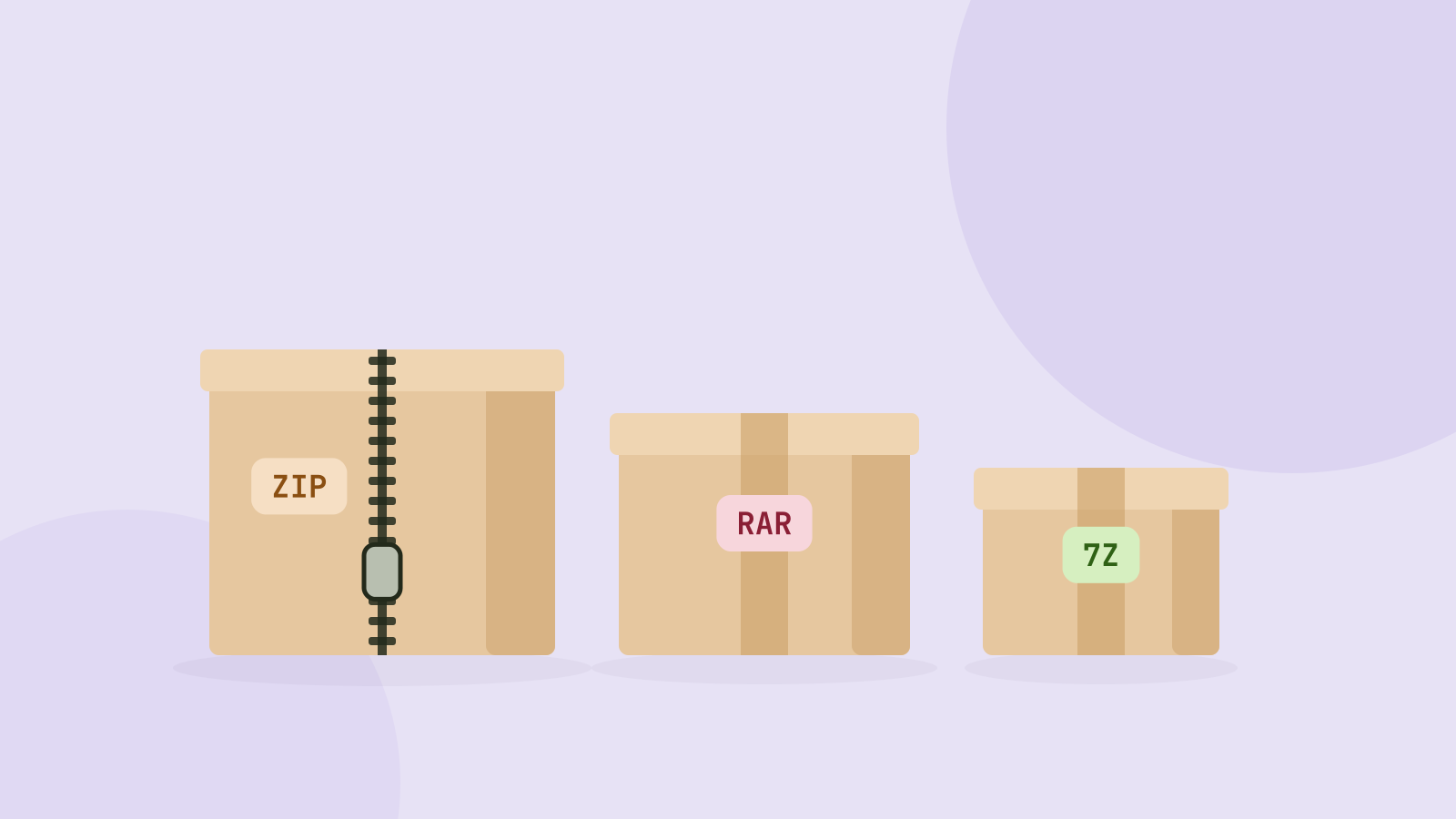
ZIP, 7z and RAR all do the same job: put many files into one and make them smaller on the way. Which one compresses best is a question that comes up in every forum, usually answered with a single number from a single test. The honest answer depends almost entirely on what is inside the archive, so we measured it by kind of file.
We packed the same 61 MB folder of everyday files with 7-Zip, WinRAR and the engine behind our own ZIP tool, at normal and maximum settings, and timed each run on the same desktop computer.
The test folder
The folder holds the kinds of files people actually send each other:
- Photos: six camera JPEGs from 2 to 24 MB, 51.8 MB in total.
- Data: a 100,000 row CSV export of sales orders, 5.0 MB.
- Books: four public domain novels as plain text, 2.5 MB.
- Documents: five PDFs with text, images and tables, 1.3 MB.
- Code: six JavaScript libraries, 0.7 MB.
Each format ran at its default setting (normal) and at its strongest (maximum for ZIP, ultra for 7z, best for RAR 5).
Results by kind of file
| Content | Original | ZIP | 7z | RAR | Tooloat ZIP |
|---|---|---|---|---|---|
| Photos (JPEG) | 51.8 MB | 99.3% | 98.8% | 99.1% | 99.3% |
| Documents (PDF) | 1.3 MB | 85.5% | 84.2% | 84.8% | 85.6% |
| Books (text) | 2.5 MB | 36.5% | 29.7% | 33.4% | 38.2% |
| Code (JavaScript) | 0.7 MB | 24.1% | 21.0% | 22.8% | 25.0% |
| Data (CSV) | 5.0 MB | 25.6% | 4.8% | 8.9% | 27.8% |
| Whole folder | 61.3 MB | 89.6% | 87.1% | 87.9% | 89.9% |
Three patterns are clear.
Already compressed files do not shrink. JPEG photos, PDFs, MP4 videos, MP3 audio and Office documents are compressed internally. An archive format cannot squeeze much more out of them: the photos went from 51.8 MB to between 51.2 and 51.4 MB whatever we used. If your archive is mostly photos or videos, the choice of format barely matters for size.
Text and data are where the formats differ. All three cut text to about a third, but 7z was best every time. The gap was dramatic on the CSV file, which is full of repeated values: 7z brought 5.0 MB down to 0.24 MB, RAR to 0.44 MB and ZIP to 1.27 MB. 7z uses LZMA2, which looks for repeats across a much larger window of the file than ZIP's Deflate, so it finds patterns that ZIP never sees.
The whole folder tells the real story. Because photos dominate it by size, the totals land close together: 54.9 MB as ZIP, 53.9 MB as RAR and 53.4 MB as 7z. That is a difference of under 3 percent, or 1.5 MB.
On repetitive data the large dictionary of 7z and RAR pays off. Text files show the same order with smaller gaps.
Speed
Compression ratio is only half of the trade. On the whole folder, at default settings:
| Format and setting | Time | Size |
|---|---|---|
| ZIP, normal | 1.4 s | 54.9 MB |
| RAR 5, normal | 2.3 s | 53.9 MB |
| RAR 5, best | 2.8 s | 53.8 MB |
| Tooloat ZIP, normal (in the browser engine) | 7.4 s | 55.1 MB |
| 7z, normal | 10.8 s | 53.4 MB |
| ZIP, maximum | 13.6 s | 54.8 MB |
RAR stood out: close to 7z in size and almost as fast as ZIP. 7z spent most of its 11 seconds trying to compress the photos, which gained it almost nothing. ZIP at maximum is the worst deal in the table, almost ten times slower than normal ZIP for a 0.2 percent smaller file.
Compatibility matters more than size
An archive is only useful if the person receiving it can open it, and here the formats are far from equal.
- ZIP opens on every computer and phone without installing anything: Windows, macOS, Linux, Android, iOS and ChromeOS all have it built in. It dates from 1989 and is the safe default.
- 7z is open source, created with 7-Zip. Windows 11 opens it natively since an update in late 2023, but older Windows versions, macOS and phones usually need an extra app.
- RAR is a proprietary format from WinRAR. Free programs can extract it, and Windows 11 opens it natively now, but creating RAR files requires WinRAR itself, which is paid software with a trial period.
In practice: send ZIP to other people, especially if you do not know what device they use. Use 7z for your own backups of text, code or data, where the extra compression is real. RAR rarely makes sense for new archives today unless you need its recovery records, which help repair damaged archives.
What about passwords?
All three can encrypt. 7z and RAR 5 use AES-256 and can also hide the file names. ZIP has two schemes: the original "ZipCrypto", which is weak and can be broken with known techniques, and AES-256 in tools such as 7-Zip and WinZip. If you protect a ZIP, choose AES, and remember that the person receiving it then needs a program that supports AES ZIP, such as 7-Zip, because built-in extractors often handle only the old scheme.
Opening archives in the browser
Our ZIP tool creates ZIP files and opens ZIP, RAR, 7z, TAR, GZ and several other formats without installing anything. You can save single files, everything into a folder, or repack the contents as a ZIP that opens anywhere, which is handy when someone sends you a RAR or 7z file. Everything happens on your device; the archive is never uploaded. It opens ZIP files protected with the classic ZIP password, but not AES encrypted ZIPs or encrypted RAR and 7z archives yet.
Pages for the common jobs: extract a RAR file, open a 7z file or convert RAR to ZIP.
Questions and answers
Which archive format compresses best?
In our test, 7z produced the smallest archives for every kind of file, with RAR close behind. The difference was large for text and data and close to zero for photos, videos and PDFs.
Why did my ZIP file come out the same size as the files?
The files were already compressed. JPEG, MP4, MP3, PDF and Office files have their own compression, so an archive mostly just bundles them.
Is 7z safe to send to other people?
It is safe, but not everyone can open it without installing something, especially on macOS, older Windows versions and phones. ZIP avoids the problem.
Do I need WinRAR to open a RAR file?
No. Windows 11 opens RAR files natively, and free tools, including our ZIP tool in the browser, can extract them. You only need WinRAR to create RAR files.
Tools in this article
More from the blog
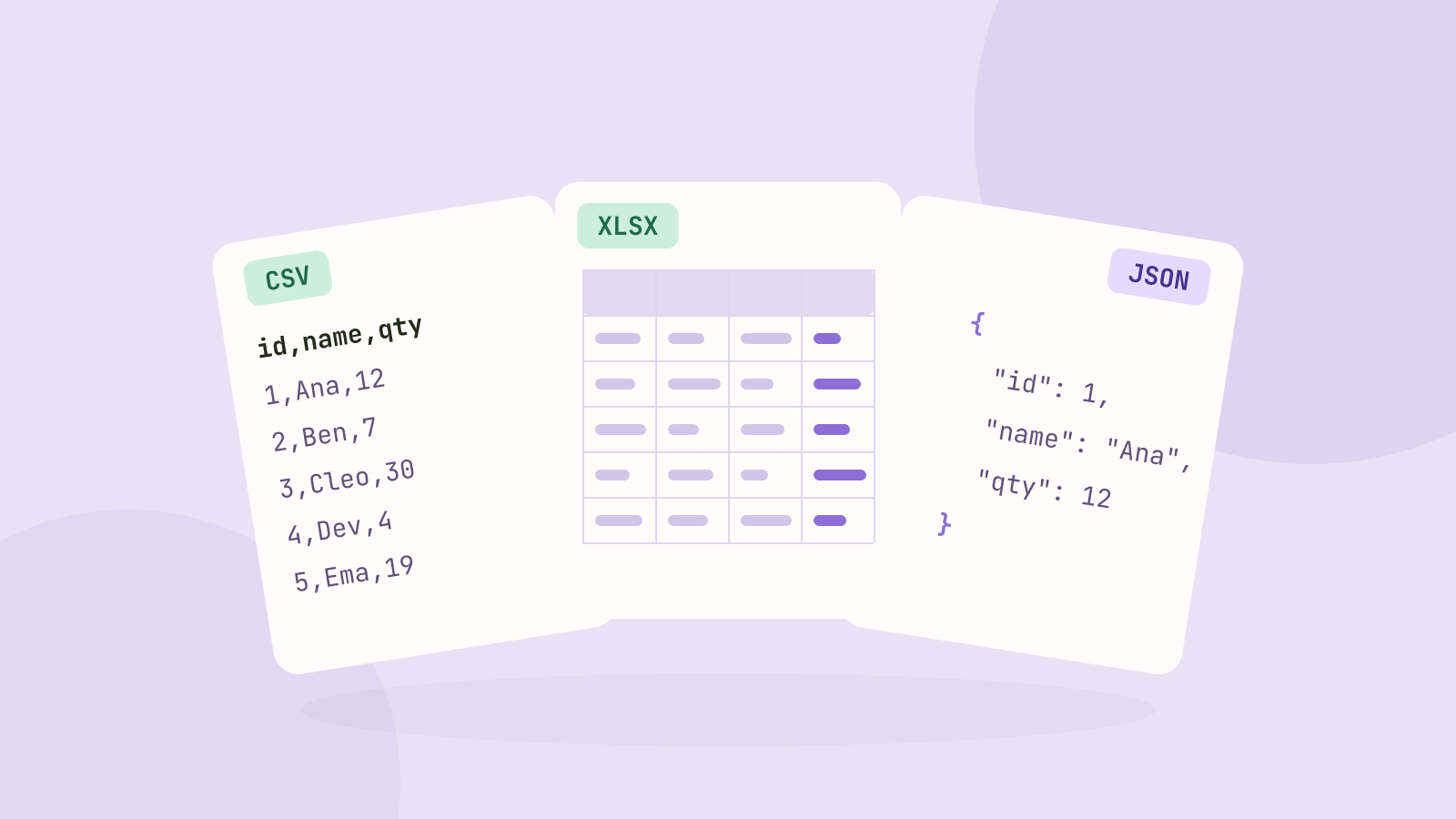
CSV, Excel or JSON: which format for your data?
We saved the same 100,000 row table as CSV, as an Excel workbook and as JSON, then compared the sizes, how fast each one reads in code, and what goes wrong with dates, leading zeros and long numbers.
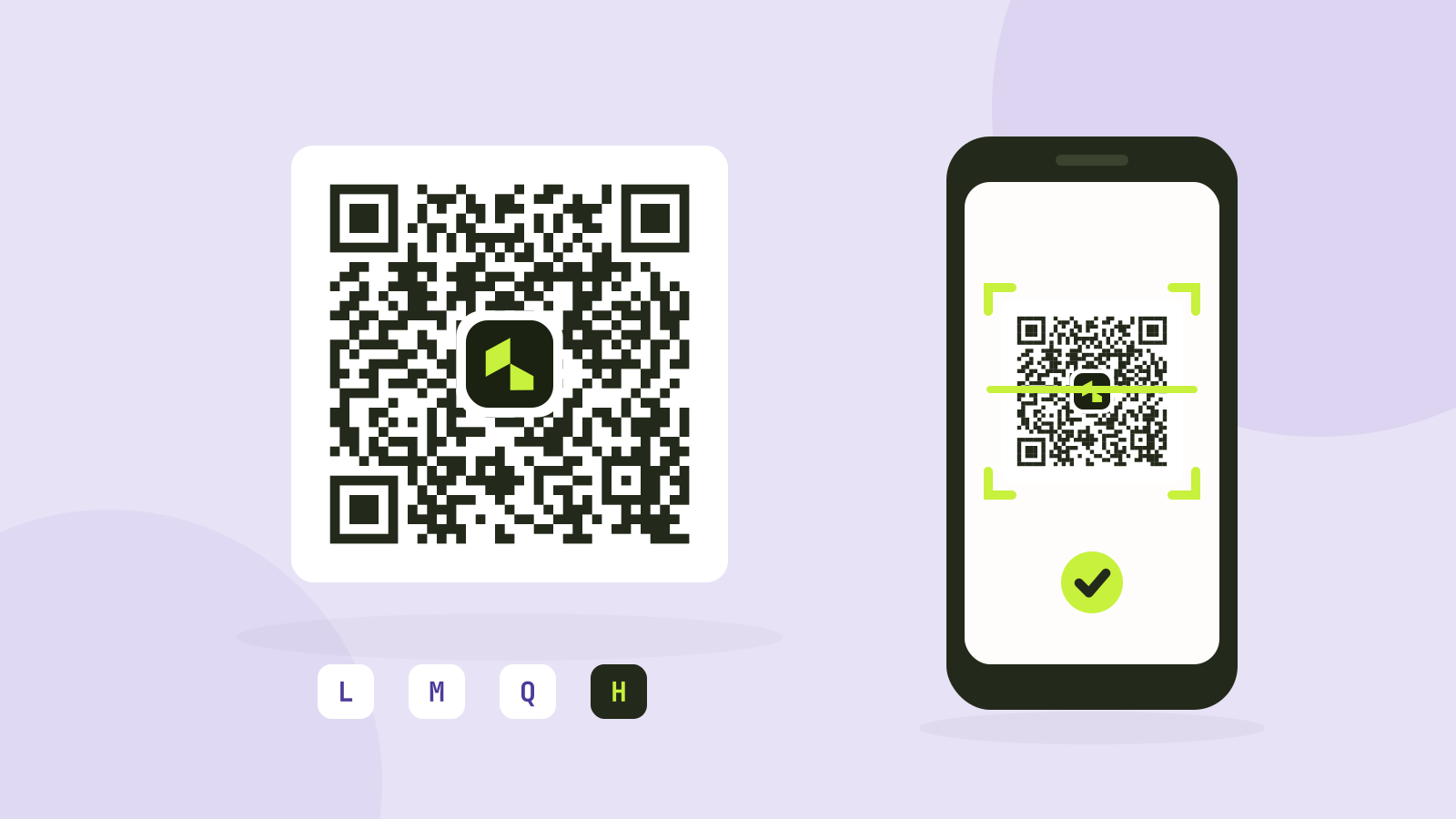
QR code error correction and size: L, M, Q and H tested
Higher error correction lets a QR code survive damage, but it also makes the code denser. We generated codes for four common kinds of content at every level and covered them bit by bit until they stopped scanning.

Unix timestamps explained
A Unix timestamp is just a count of seconds, yet it causes a steady stream of bugs. What it counts, how to tell seconds from milliseconds at a glance, what happens with time zones and leap seconds, and why 2038 matters.