Unix timestamps explained
A Unix timestamp is just a count of seconds, yet it causes a steady stream of bugs. What it counts, how to tell seconds from milliseconds at a glance, what happens with time zones and leap seconds, and why 2038 matters.
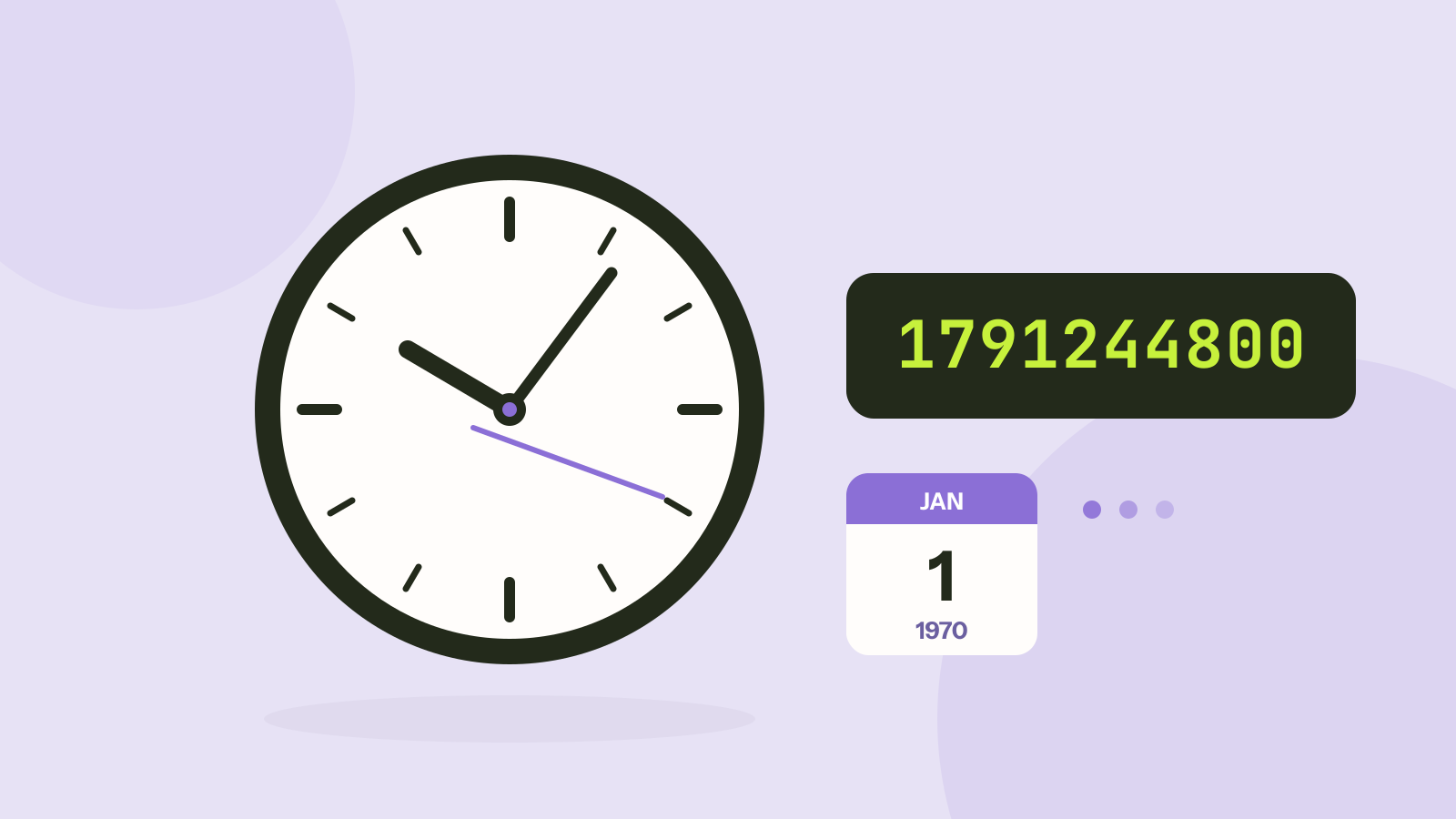
Open almost any log file, database export or API response and you will find numbers like 1791288000 where a date should be. That number is a Unix timestamp, and it is the most common way computers store a moment in time. This guide explains what the number means, how to tell its unit at a glance, where time zones come in and why the year 2038 matters.
What the number means
A Unix timestamp is the number of seconds that have passed since 1 January 1970, 00:00:00 UTC, a moment known as the Unix epoch. The choice of date is historical: it was a convenient round number when the Unix operating system was being written at Bell Labs around 1970.
The appeal is simplicity. A single integer is easy to store, sort and compare, two moments can be subtracted to get a duration in seconds, and the same number means the same instant everywhere in the world. A few landmarks help to get a feel for the scale:
| Timestamp | Moment (UTC) |
|---|---|
0 | 1 January 1970, 00:00:00 |
-1 | 31 December 1969, 23:59:59 |
1000000000 | 9 September 2001, 01:46:40 |
1234567890 | 13 February 2009, 23:31:30 |
1700000000 | 14 November 2023, 22:13:20 |
2000000000 | 18 May 2033, 03:33:20 |
2147483647 | 19 January 2038, 03:14:07 |
Negative numbers are allowed and count backwards, so dates before 1970 work too, as long as the software reading them expects it.
Seconds, milliseconds or more?
The original definition uses seconds, but many systems count finer units from the same epoch. JavaScript's Date.now(), Java's System.currentTimeMillis() and most web APIs use milliseconds. Databases and tracing tools sometimes use microseconds or nanoseconds.
For dates in our own era, the number of digits gives the unit away:
- 10 digits: seconds (this stays true until the year 2286).
- 13 digits: milliseconds.
- 16 digits: microseconds.
- 19 digits: nanoseconds.
Mixing them up is one of the most common date bugs. A seconds value read as milliseconds lands in January 1970; a milliseconds value read as seconds lands tens of thousands of years in the future. If a date in your app shows up as 1970, a missing factor of 1,000 is the first thing to check. Our timestamp converter detects the unit from the number of digits, and you can override it.
Time zones: the timestamp has none
A timestamp identifies an instant, not a wall clock reading. The value 1791288000 is the same moment in Tokyo, Paris and New York; only the local clock time differs. Converting it to a readable date always involves choosing a time zone, and most mistakes happen at that step.
The usual pattern is to store and send timestamps in UTC and convert to local time only when showing them to a person. When you convert a local date back into a timestamp, you must know which time zone that date was in. "9 March 2025, 09:00" is a different timestamp in Berlin than in Chicago, and around daylight saving changes a local time can even exist twice or not at all.
Leap seconds are ignored
The Earth's rotation is slightly irregular, so official UTC has occasionally inserted a leap second, 27 of them between 1972 and 2016. Unix time pretends they do not exist: every day is exactly 86,400 seconds. During a leap second, the Unix clock repeats or smears a second instead.
For almost every purpose this is a feature. It means the timestamp of any date can be computed with simple arithmetic, and subtracting two timestamps gives the difference in calendar seconds. Only applications that need to measure physical intervals to the second across a leap second, such as some scientific systems, have to care. International timekeeping bodies have voted to stop adding leap seconds by 2035.
The year 2038 problem
Many older systems store the timestamp in a signed 32 bit integer. The largest value it can hold is 2,147,483,647, which is 19 January 2038 at 03:14:07 UTC. One second later, the number overflows and wraps around to the most negative value, which those systems read as 13 December 1901.
This is the same kind of problem as the year 2000 bug, and it is being fixed the same way: by moving to wider numbers. A signed 64 bit timestamp lasts about 292 billion years. Modern operating systems, databases and languages already use 64 bit time, but embedded devices, old file formats and some databases with 32 bit timestamp columns will need updates before 2038. If you design a file format or a database column today, give it 64 bits.
A signed 64 bit count of seconds lasts about 292 billion years, far off this scale.
Converting by hand and in code
In most languages the conversion is one line. A few examples:
// JavaScript: seconds to a Date, and back
new Date(1791288000 * 1000).toISOString(); // "2026-10-06T12:00:00.000Z"
Math.floor(Date.now() / 1000);              // the current timestamp in seconds

# Python
from datetime import datetime, timezone
datetime.fromtimestamp(1791288000, tz=timezone.utc)

-- PostgreSQL
SELECT to_timestamp(1791288000);
Spreadsheets count days instead of seconds, from their own epoch. In Excel and Google Sheets, a Unix timestamp in cell A1 becomes a date with =A1/86400+25569 (then format the cell as a date), because 25,569 is the number of days between 1 January 1900 and 1 January 1970 in Excel's calendar.
For one-off checks, the timestamp converter shows the current timestamp ticking live, turns any timestamp into a date in the time zone you choose (with the unit detected for you), works the other way from a date, and measures the difference between two dates. It runs in your browser, so the values you paste stay on your device.
Questions and answers
Why does my date show 1 January 1970?
The program read a value of zero, or a seconds timestamp as milliseconds. Check for an empty field and for a missing multiplication or division by 1,000.
Is a Unix timestamp in UTC?
It counts from a moment defined in UTC, and it describes the same instant everywhere, so in practice yes. It only becomes a local time when you convert it for display.
Will my computer stop working in 2038?
Current desktop and phone operating systems use 64 bit time and are not affected. The risk is in older embedded devices, legacy software and data formats that still store 32 bit timestamps.
How do I get the current Unix timestamp?
In a terminal on macOS or Linux, run date +%s. In JavaScript, use Math.floor(Date.now() / 1000). The timestamp converter also shows it live.
Tools in this article
More from the blog
ZIP, 7z or RAR: which archive format is best?
We packed the same folders of photos, videos, documents and data into ZIP, 7z and RAR archives and measured size and speed. The winner depends almost entirely on what is inside.
CSV, Excel or JSON: which format for your data?
We saved the same 100,000 row table as CSV, as an Excel workbook and as JSON, then compared the sizes, how fast each one reads in code, and what goes wrong with dates, leading zeros and long numbers.

QR code error correction and size: L, M, Q and H tested
Higher error correction lets a QR code survive damage, but it also makes the code denser. We generated codes for four common kinds of content at every level and covered them bit by bit until they stopped scanning.