How it works
- Choose Create a ZIP or Open an archive.
- Add your files, or drop an archive.
- Download the ZIP, or save the selected files.
Why use it
- ZIP, RAR, 7z, TAR and GZ.
- Filter and select.
- Save to a folder in Chrome and Edge.
- Private.
Questions and answers
Can it open RAR or 7z?
Yes, RAR 4, RAR 5 and 7z. Encrypted RAR and 7z archives cannot be read yet.
Is my archive uploaded?
No.
Related guides
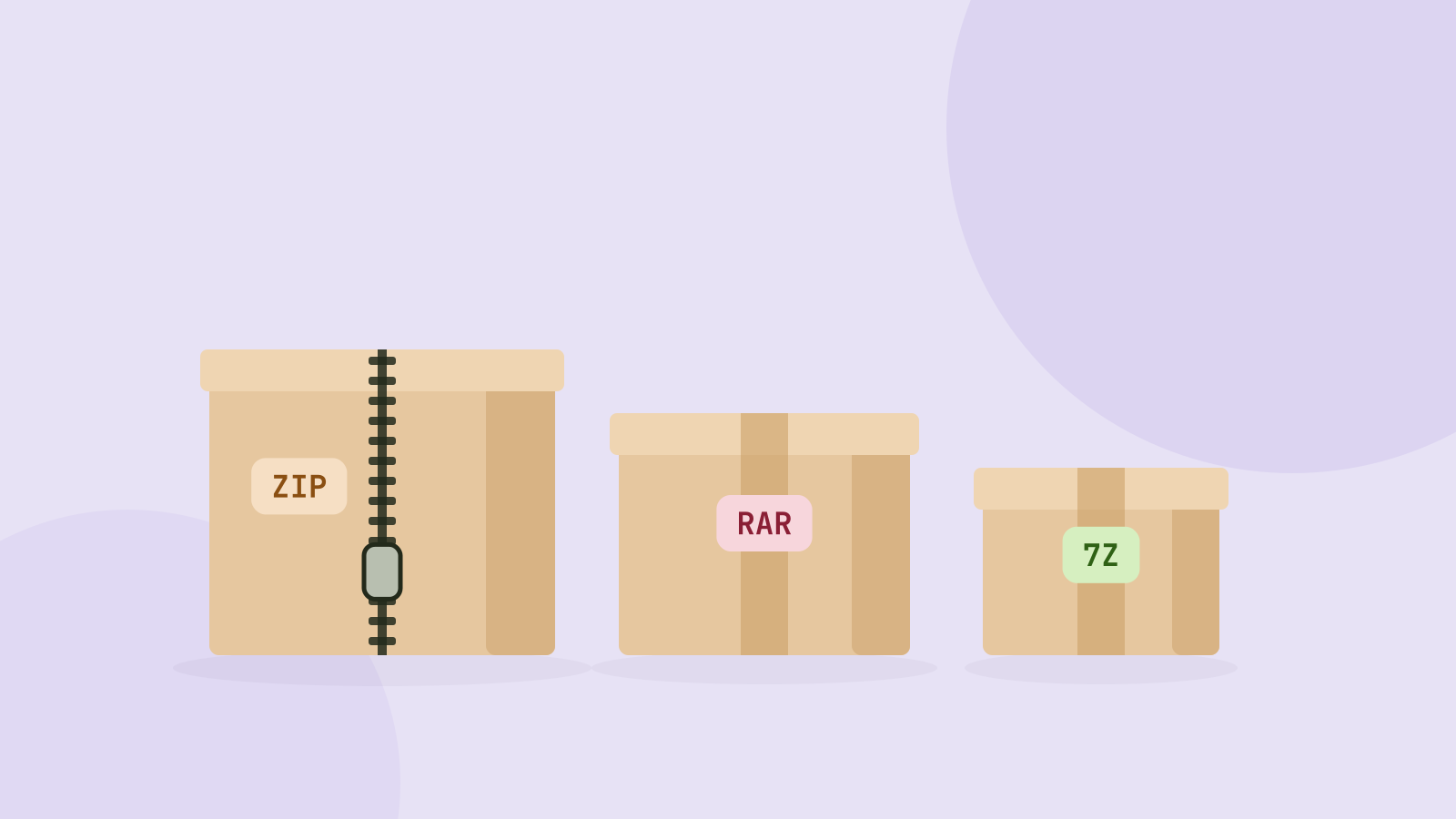
ZIP, 7z or RAR: which archive format is best?
We packed the same folders of photos, videos, documents and data into ZIP, 7z and RAR archives and measured size and speed. The winner depends almost entirely on what is inside.