How it works
- Paste your data or open a file.
- Choose the input and output formats.
- Copy or download the converted data.
Why use it
- Syntax errors shown.
- Anchors resolved.
- Pretty printed JSON.
- Private.
Questions and answers
Why did my YAML fail?
Indentation errors are the usual cause. The message shows the line.
Are comments kept?
No, JSON cannot hold comments.
Related guides
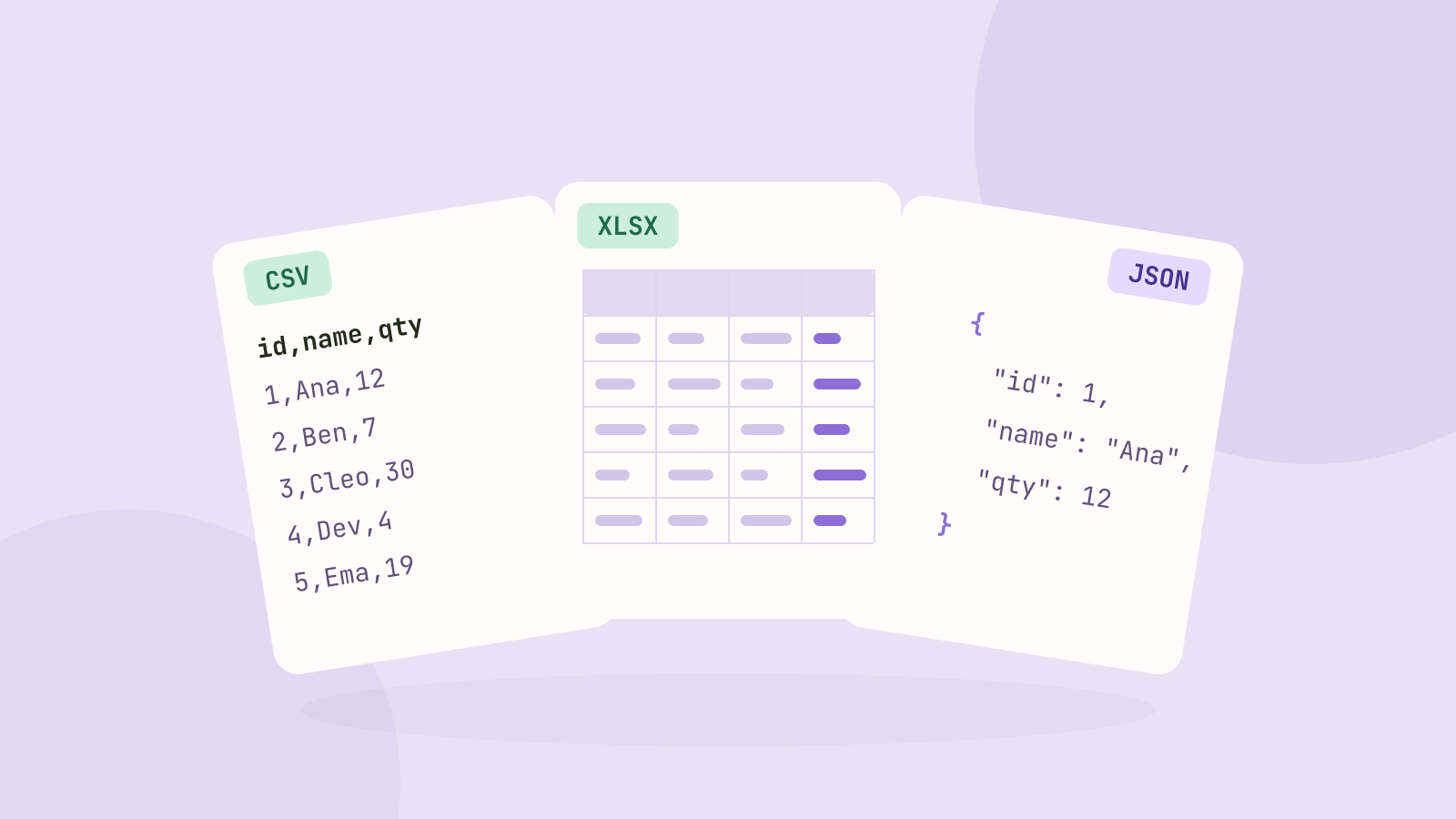
CSV, Excel or JSON: which format for your data?
We saved the same 100,000 row table as CSV, as an Excel workbook and as JSON, then compared the sizes, how fast each one reads in code, and what goes wrong with dates, leading zeros and long numbers.