Removing background noise from audio: what works
We mixed five kinds of noise into real recordings of people speaking and cleaned them with a small neural network that runs in the browser. Steady noise almost disappeared. Sudden sounds and music were another story.
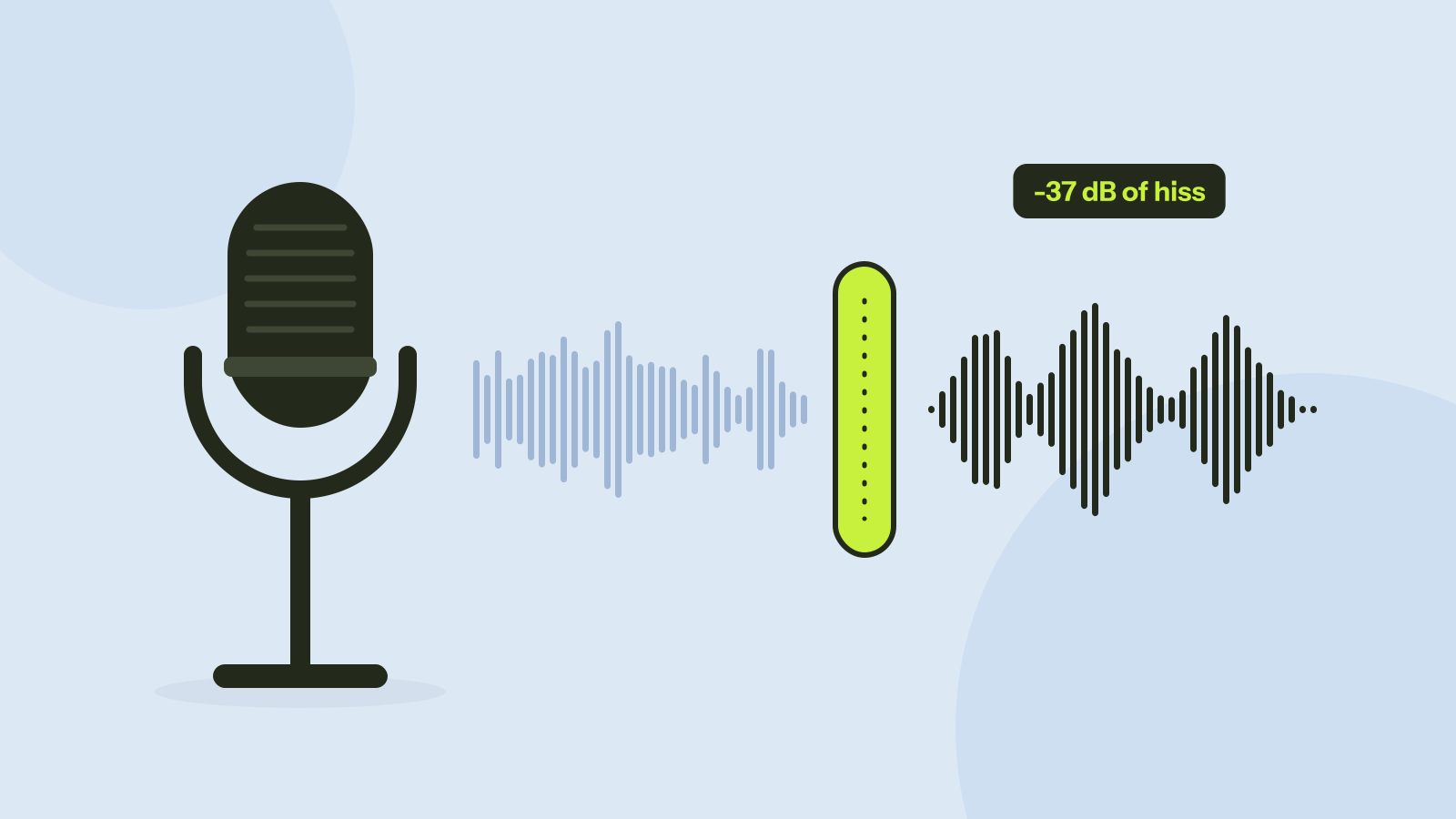
A fan in the room, the hum of a cheap microphone cable, the hiss of a laptop's built-in mic: most home recordings have some of it, and it is what makes them sound amateur. Noise removal tools promise to take it out without touching the voice. We mixed five kinds of noise into real recordings of people speaking, cleaned them with our noise remover and measured what came out.
How the noise remover works
Our noise remover uses RNNoise, a small neural network made at Mozilla and Xiph.org, the people behind the Opus audio codec. Every 10 milliseconds it looks at the sound split into frequency bands and estimates, band by band, how much of it is voice and how much is noise, then turns down the noisy bands. The whole program, network included, is a 110 KB download, which is why it runs in real time even on phones.
This design has a clear strength and a clear limit. It learns what voices sound like, so anything that does not sound like a voice and stays roughly the same over time is easy to remove. Sounds that change quickly, or that resemble voices, such as music, are much harder.
The test
We joined six short English recordings from Mozilla Common Voice, real people reading sentences into their own microphones, with short pauses between them: 40 seconds in all. To that we added five kinds of noise, each at a level 10 decibels below the voice, a typical noisy home recording:
- Hiss: even, broadband noise, like a cheap microphone or a recording turned up too far.
- Mains hum: a 50 Hz tone with its overtones, as from a poorly shielded cable.
- Fan: a low rumble with a faint tone, like a computer or air conditioner.
- Keyboard: sharp clicks several times a second.
- Music: chords from an instrument playing in the background.
We also tried hiss at 0 decibels, as loud as the voice, and at 20 decibels, barely audible. Two numbers describe each result. The first is how much quieter the pauses became, which is what you hear between sentences. The second is a standard score (SI-SDR) of how close the whole result is to the original voice, in decibels: higher is better, and every 10 decibels means ten times less leftover noise and distortion.
Results
Noise 10 dB below the voice. Every 10 dB is roughly half as loud to the ear, so 35 dB is about a tenth of the loudness.
| Noise | Score before | Score after | Pauses before | Pauses after |
|---|---|---|---|---|
| Hiss, as loud as the voice | 0 dB | 13.1 dB | -26 dBFS | -49 dBFS |
| Hiss, 10 dB below | 10 dB | 16.2 dB | -36 dBFS | -71 dBFS |
| Hiss, 20 dB below | 20 dB | 17.6 dB | -46 dBFS | -76 dBFS |
| Mains hum | 10 dB | 14.6 dB | -36 dBFS | -62 dBFS |
| Fan | 10 dB | 13.4 dB | -36 dBFS | -74 dBFS |
| Keyboard clicks | 10 dB | 14.1 dB | -36 dBFS | -42 dBFS |
| Music | 10 dB | 12.0 dB | -36 dBFS | -44 dBFS |
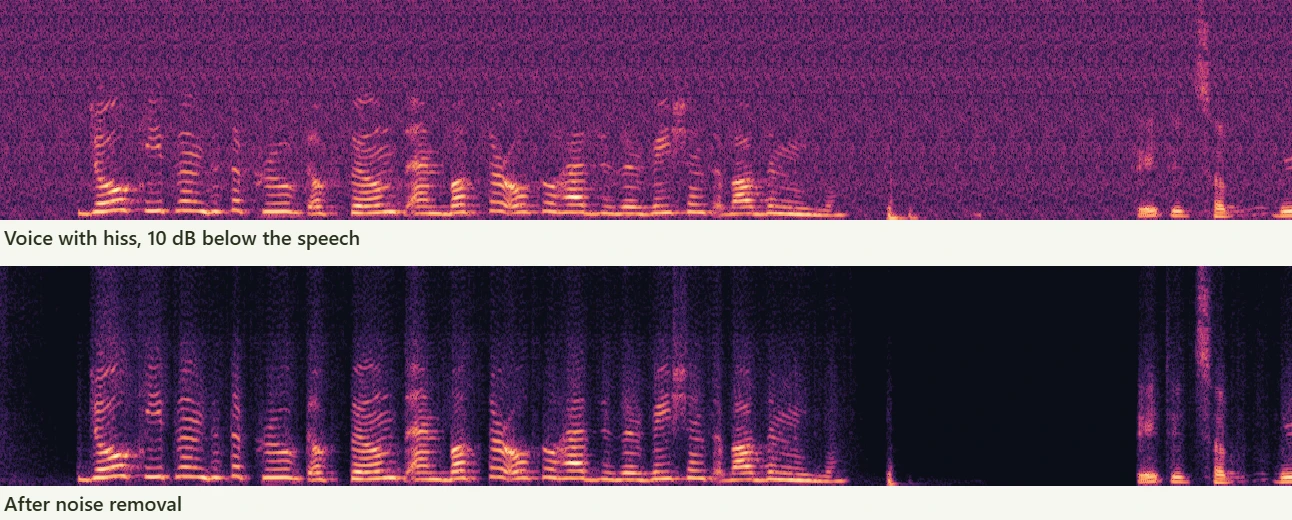
Steady noise is where this kind of tool shines. Hiss and fan noise dropped by 35 to 37 decibels in the pauses, from clearly audible to essentially silent. Hum went down by 25 decibels; its tones sit where the lowest notes of a male voice are, which may be why the model removed less of it.
Clicks and music are another story. The clicks are too short and too sudden for a model that adapts over tens of milliseconds, and music has the harmonic structure of a voice. Both were reduced by only 6 to 7 decibels in the pauses, and both remained clearly audible.
Light noise: use less strength
One result looks odd at first: with light hiss, 20 decibels below the voice, the score went down from 20 to 17.6 at full strength. The pauses still got 30 decibels quieter, but the network also removed the faint room sound that was in the original recordings and slightly reshaped the voice, and the score counts both as differences.
The Strength setting blends the cleaned sound with the original. On the light hiss, 50 percent gave a score of 21.4 dB, better than both the original and full strength. With the noise 10 decibels below the voice, 75 percent (16.6 dB) and full strength (16.2 dB) were about the same.
Tips for cleaner recordings
- Remove noise before anything else. Compressing or boosting the volume first makes noise harder to separate from the voice.
- Start at full strength for heavy noise and around 50 to 75 percent for light noise, then listen to the pauses and to the end of words, where over-cleaning shows first.
- Fix the source when you can. Turn off the fan, move away from the computer, and record closer to the microphone. A few centimetres closer raises the voice above the noise more than any tool can.
- Do not expect miracles with music or crosstalk. For a voice over a band or another speaker, this kind of tool helps a little, not a lot.
The noise remover works on audio files and on the sound of videos, keeping the picture untouched. Everything runs in your browser, about 30 times faster than real time on the 2013 desktop processor of our test, so an hour of audio takes around two minutes per channel and never leaves your device.
Questions and answers
Can background noise be removed from a recording?
Steady noise such as hiss, hum and fans, very well: in our test the pauses got 25 to 37 decibels quieter. Sudden sounds such as clicks and background music were reduced only a little.
Does noise removal reduce voice quality?
At full strength it can change a voice slightly. On a recording with only light noise, a strength of about 50 percent gave the best result in our test.
Can I remove noise from a video?
Yes. The noise remover cleans the sound of a video and puts it back with the original picture, without re-encoding the video.
What is RNNoise?
A small open source neural network for speech noise suppression, made by Jean-Marc Valin at Mozilla and Xiph.org. It is fast enough to run in real time on phones and in browsers.
Tools in this article
More from the blog

GIF vs MP4 vs WebM: the same clip in each format
We turned a camera clip and a screen recording into a GIF, an MP4 and a WebM at the same size. The GIF was up to 16 times larger and still looked worse. Here is why, and when a GIF is still the right choice.

How to compress a video: what each setting really does
A video's size is its bitrate times its length, and every setting works through that. We compressed two full HD clips at every setting and measured the size and quality of each result, including the usual advice to lower the resolution.

How to redact a PDF properly
We hid the private details in a statement four different ways, then tried to get them back. Black boxes and a scanned copy gave up every detail. Only one method left nothing behind.