GIF vs MP4 vs WebM: the same clip in each format
We turned a camera clip and a screen recording into a GIF, an MP4 and a WebM at the same size. The GIF was up to 16 times larger and still looked worse. Here is why, and when a GIF is still the right choice.
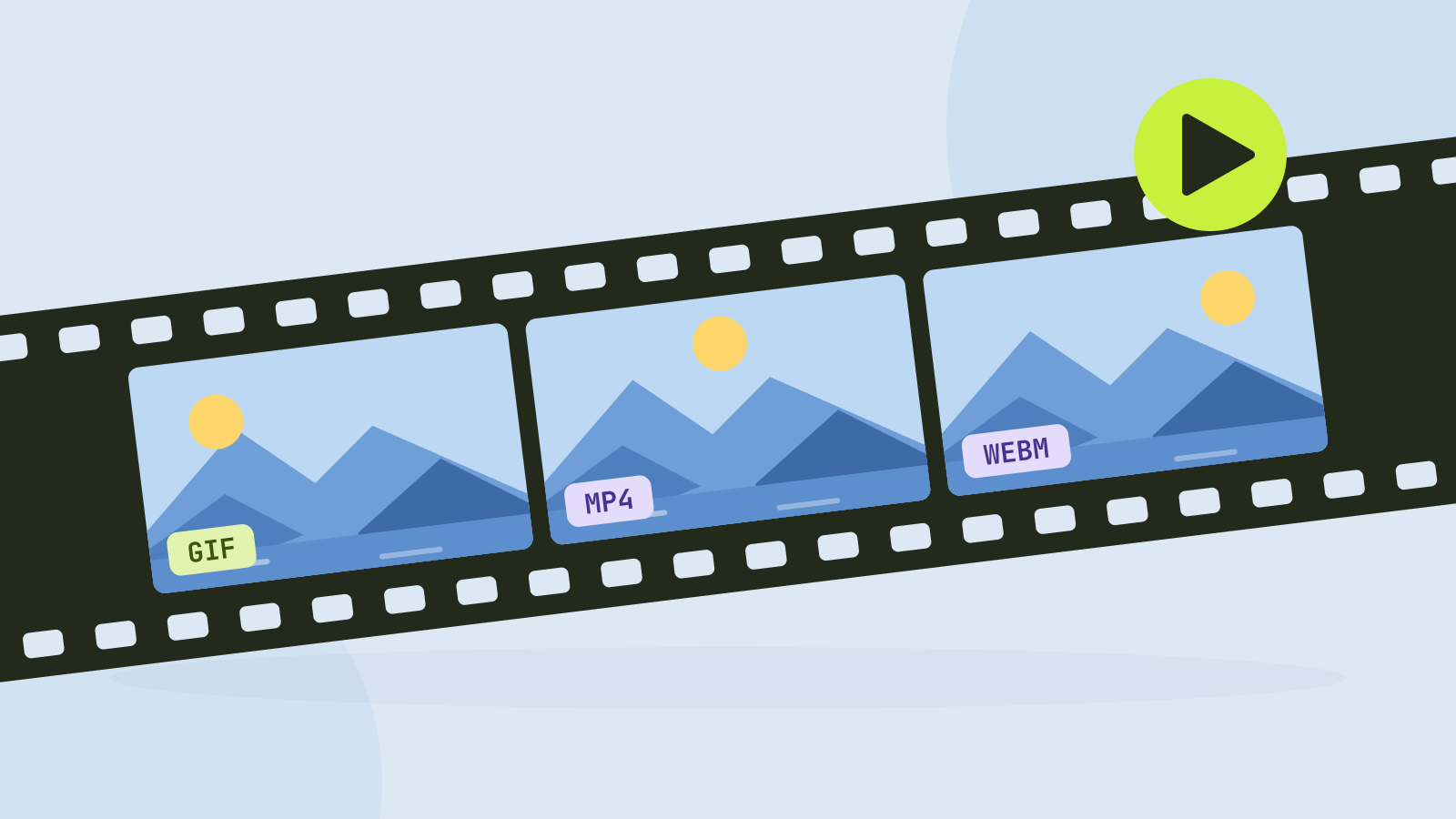
GIF is from 1987. It was designed for simple graphics on slow modems, gained animation two years later, and is still how most people share a short loop. To see what that costs, we turned two 10 second clips into a GIF, an MP4 and a WebM at the same size and compared the files.
The test
We made two clips, each 10 seconds of full HD video at 30 frames per second, drawn by code so every original frame could be redrawn later for comparison:
- A camera clip: a slow pan across a photo of a mountain lake, with light grain added, like footage from a phone.
- A screen recording: an app window with text being typed, a chart growing and a moving mouse pointer.
Each was converted at 480 × 270, a typical size for a GIF, with the same encoders as our tools: the video to GIF converter at its default 12 frames per second and 128 colours (and once at 24 frames per second), and the video converter for MP4 with H.264 and WebM with VP9, both at 231 kilobits per second. We then compared eight frames of each file with the original frames using SSIM, a score of how alike two pictures look, where 1 means identical.
Results
The videos have two and a half times as many frames as the 12 fps GIF and are still 16 to 19 times smaller.
| Clip | Format | Size | Frames per second | SSIM |
|---|---|---|---|---|
| Camera | GIF | 5.3 MB | 12 | 0.916 |
| Camera | GIF | 10.5 MB | 24 | 0.909 |
| Camera | MP4 (H.264) | 336 KB | 30 | 0.952 |
| Camera | WebM (VP9) | 292 KB | 30 | 0.955 |
| Screen | GIF | 705 KB | 12 | 0.988 |
| Screen | GIF | 1.4 MB | 24 | 0.988 |
| Screen | MP4 (H.264) | 151 KB | 30 | 0.997 |
| Screen | WebM (VP9) | 247 KB | 30 | 0.998 |
On the camera clip the gap is enormous. The GIF was 16 times the size of the MP4, showed fewer than half the frames and still scored lower. Doubling its frame rate to 24 doubled the file to 10.5 MB, more than 30 times the MP4, and did not improve the picture.
The screen recording is kinder to GIF, since flat colours and sharp text suit its 256 colour limit. It scored 0.988, close to the videos, but the file was still almost 5 times the MP4.
What the difference looks like


GIF can only use 256 colours per frame, and our converter uses 128 unless you ask for more. A photo has hundreds of thousands, so the encoder picks a palette for each frame and replaces every pixel with the nearest colour in it. Smooth areas such as the water break into bands, the fine grain of the footage turns into hard specks, and since every frame gets its own palette, still areas flicker slightly.
Why GIF is so much bigger
The main reason is that a GIF stores every frame as a picture of its own. It compresses each one without loss, but it has no way to say "this frame is the previous one, moved a little to the left". Some GIF tools save only the part of each frame that changed, which helps on screen recordings with a still background, but any camera movement changes every pixel.
Video codecs are built on that idea. H.264 and VP9 predict each frame from the ones before it, store only what the prediction got wrong, and throw away detail the eye will not miss. That is why 30 frames per second of video weigh less than 12 frames per second of GIF.
MP4 or WebM?
At the same bitrate, VP9 in a WebM file was 13 percent smaller than H.264 in an MP4 on the camera clip, with a slightly higher score. On the screen recording it was the other way round: the H.264 encoder used less than its budget on the still parts and came out smaller, both at near perfect quality. The bigger difference is compatibility:
- MP4 with H.264 plays everywhere: every browser, phone, TV, messaging app and video editor. It is the safe default.
- WebM with VP9 plays in all current browsers and is common on the web, but some apps and older Apple devices handle it poorly.
For a page you control, WebM is a good choice. For anything you send to other people, use MP4.
When a GIF still makes sense
- Email. Most email apps show GIFs and do not play video. A short, small GIF is still the way to put motion in a newsletter.
- Places that only accept images, such as some forums, chat tools and documentation systems.
- Tiny loops with few colours: a spinner, a short screen capture of a button, a sticker.
Many sites that show "GIFs", including the big GIF search services and social networks, actually deliver them as video behind the scenes, for exactly the reasons above. On your own web page you can do the same: a video element with autoplay, muted, loop and playsinline behaves like a GIF, plays on phones and costs a fraction of the data.
<video src="loop.mp4" autoplay muted loop playsinline></video>If you do make a GIF
- Keep it short. Size grows with every frame. Two to four seconds is usually enough for a loop.
- Keep it small. 480 pixels wide is plenty for most uses; every doubling of width roughly quadruples the size.
- Use 10 to 15 frames per second. More frames cost more than they add.
- Avoid camera footage where you can. Screen recordings and animations compress far better.
The video to GIF converter lets you pick the part of the video, the width, the frame rate and the number of colours, and shows the expected number of frames before you start. To turn a GIF-like clip into a much smaller video instead, use the video converter. Both run in your browser.
Questions and answers
Is MP4 better than GIF?
For anything with motion, yes. In our test an MP4 was 16 times smaller than a GIF of the same clip and looked better, at 30 frames per second against 12.
Why are GIF files so large?
A GIF stores every frame as a separate picture with at most 256 colours. Video formats store only the changes between frames, which takes far less space.
Should I use WebM or MP4?
MP4 with H.264 plays everywhere. WebM with VP9 was 13 percent smaller on our camera clip and plays in every modern browser, so it suits web pages you control.
Can a video loop like a GIF on a website?
Yes. A video element with the autoplay, muted, loop and playsinline attributes plays silently and loops like a GIF, including on phones.
Tools in this article
More from the blog
How to compress a video: what each setting really does
A video's size is its bitrate times its length, and every setting works through that. We compressed two full HD clips at every setting and measured the size and quality of each result, including the usual advice to lower the resolution.
Removing background noise from audio: what works
We mixed five kinds of noise into real recordings of people speaking and cleaned them with a small neural network that runs in the browser. Steady noise almost disappeared. Sudden sounds and music were another story.
How to redact a PDF properly
We hid the private details in a statement four different ways, then tried to get them back. Black boxes and a scanned copy gave up every detail. Only one method left nothing behind.