How it works
- Drop your audio files.
- Choose the target format and quality.
- Download the converted files or a ZIP.
Why use it
- Voice memos supported.
- Bulk.
- Adjustable bitrate.
- Private.
Questions and answers
Can I convert an iPhone voice memo?
Yes, drop the .m4a file.
Does it upload the recording?
No.
Related guides
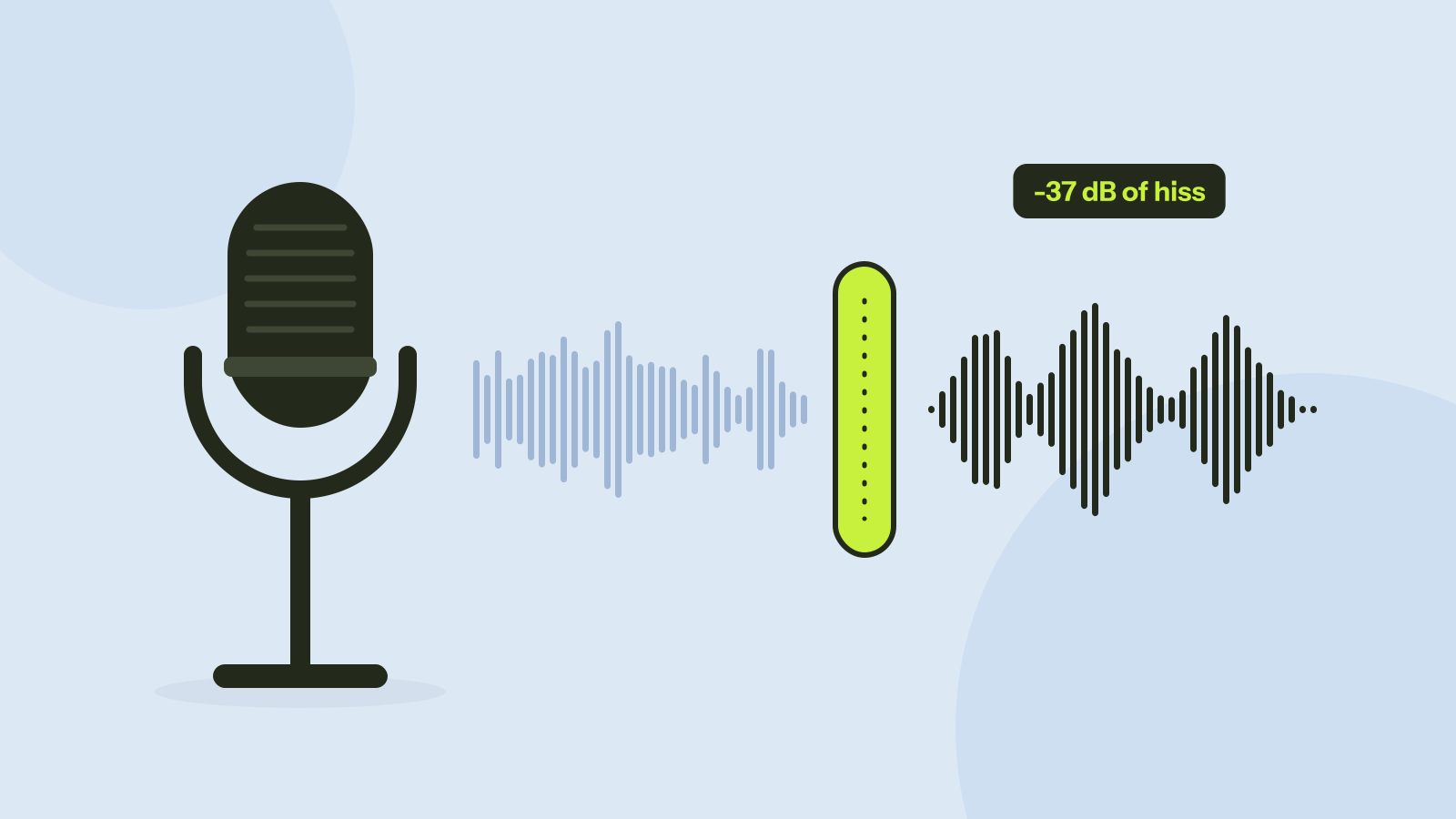
Removing background noise from audio: what works
We mixed five kinds of noise into real recordings of people speaking and cleaned them with a small neural network that runs in the browser. Steady noise almost disappeared. Sudden sounds and music were another story.
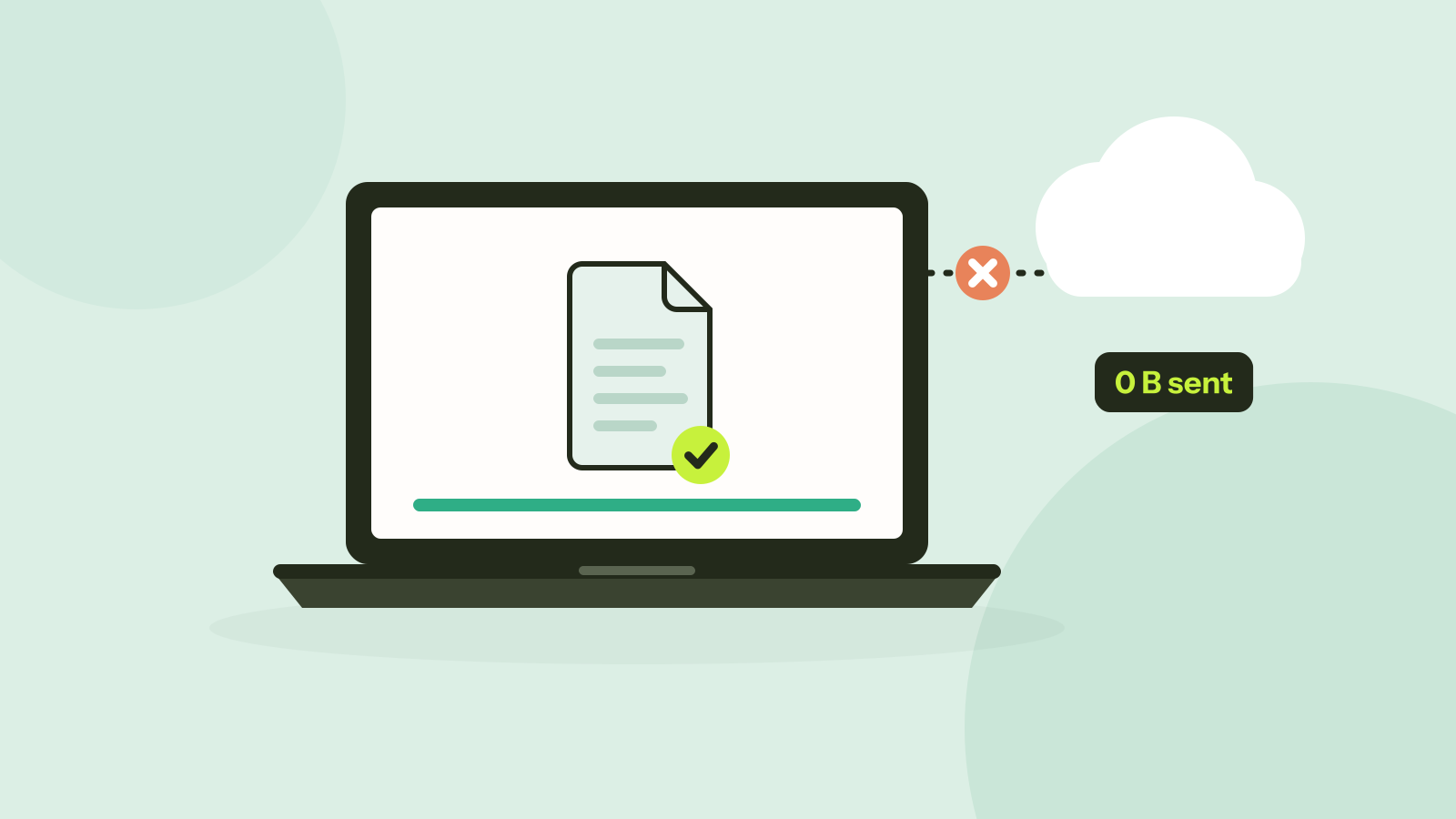
Do online converters upload your files?
Most online converters send your file to a server; some do the work in your browser instead. Here is how to tell which kind a site is in about a minute, and what every request looked like when we converted a photo on our own site.