How it works
- Drop your images.
- Set a target size or choose a quality level.
- Check the preview and download.
Why use it
- Target of 100 KB preset, editable.
- Finds the best quality that fits.
- Shows before and after.
- Batch with ZIP.
Questions and answers
How does it reach exactly 100 KB?
It tries several quality levels and, if needed, smaller dimensions until the file is under the limit.
Will my photo look bad?
Most photos stay fine at 100 KB when they are a normal phone size. Very large originals lose more.
Related guides
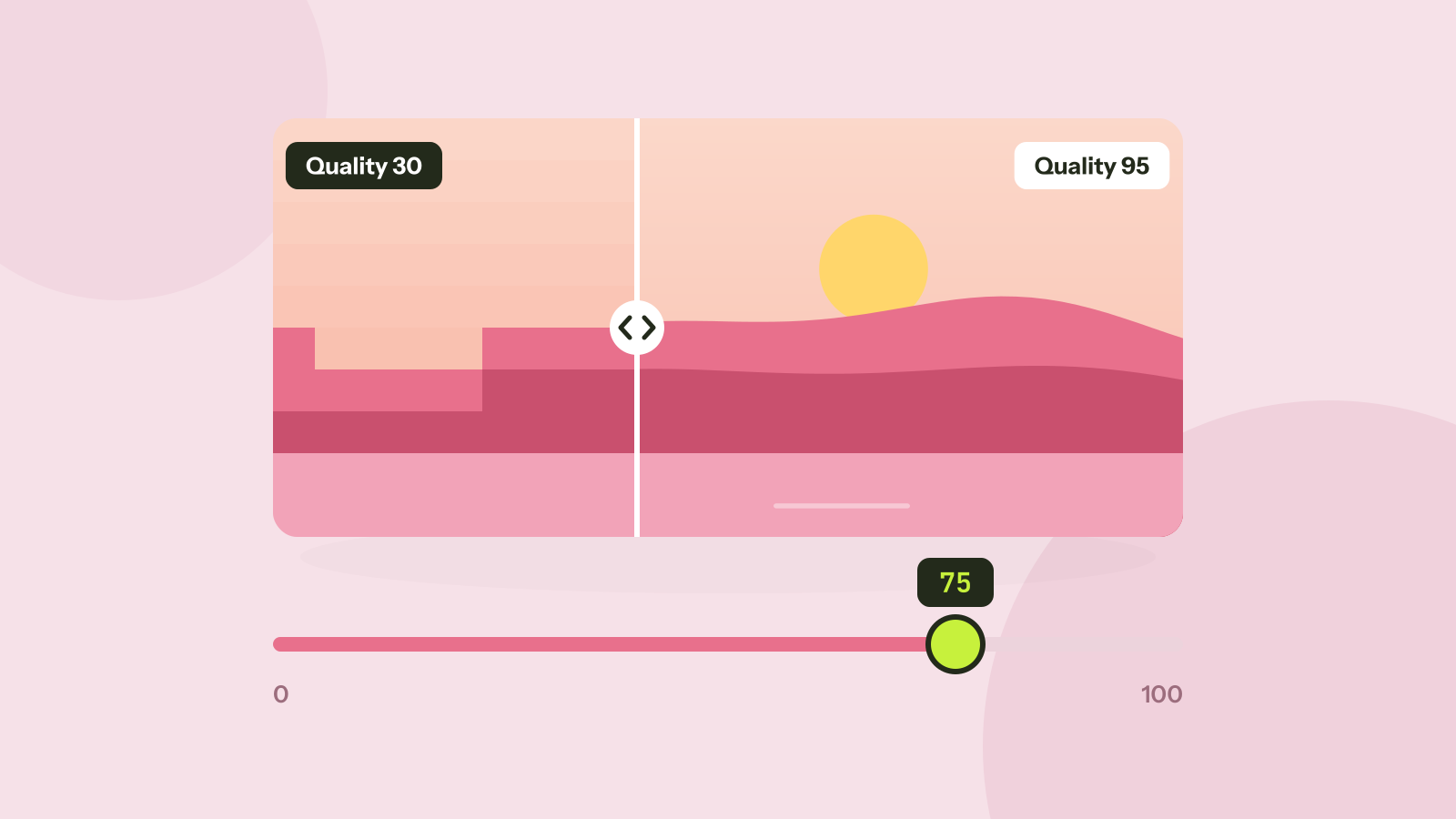
Which JPEG quality setting should you use?
Every program that saves JPEG asks for a quality from 0 to 100, and the trade between size and quality is far from linear. We saved six photos at twelve settings and measured what each step changes.
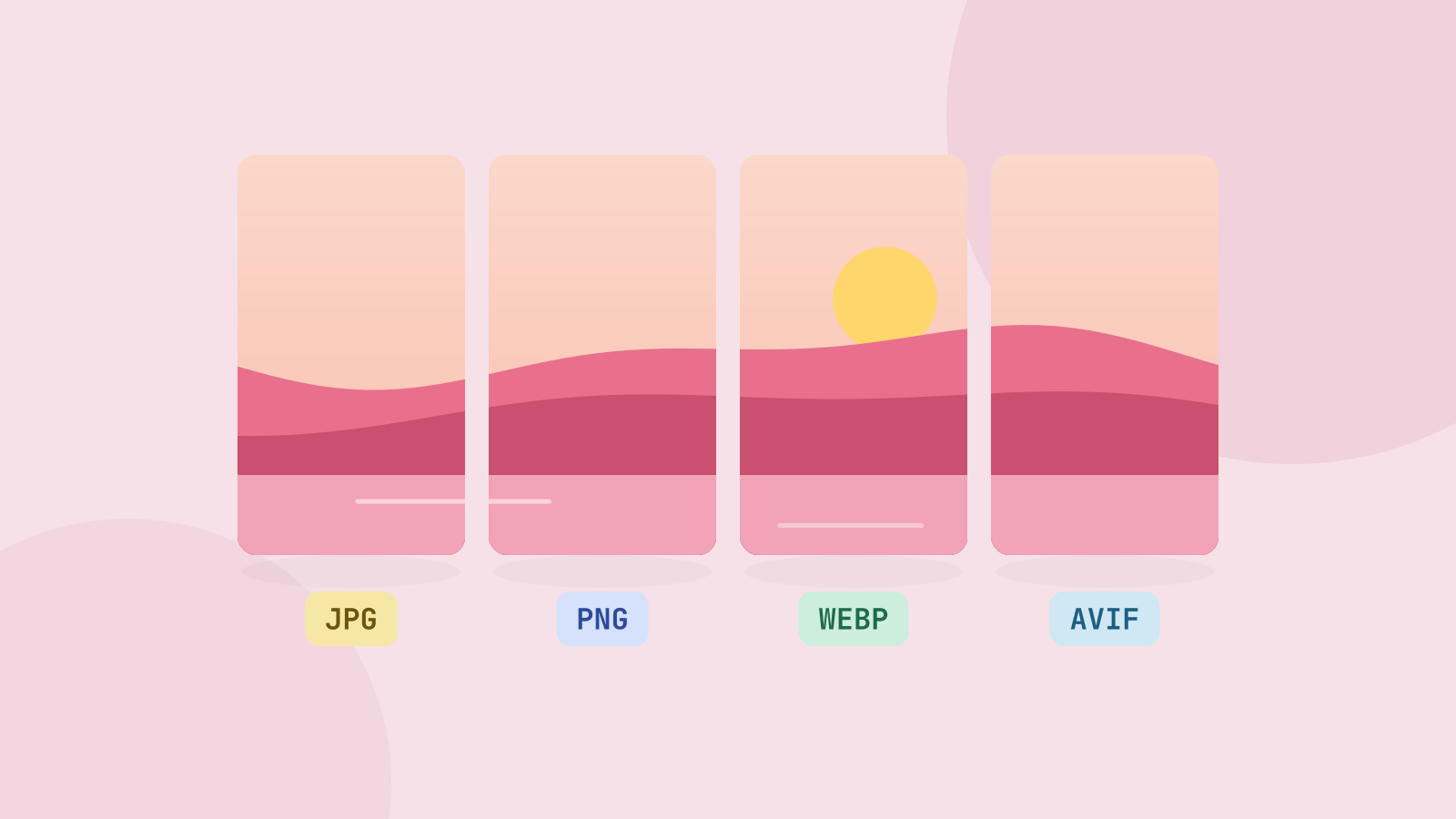
JPG, PNG, WebP or AVIF: which format to use
We saved six photos and a graphic in all four formats at the same visual quality and compared the sizes. The newer formats win on photos by a wide margin, but each format still has a job.
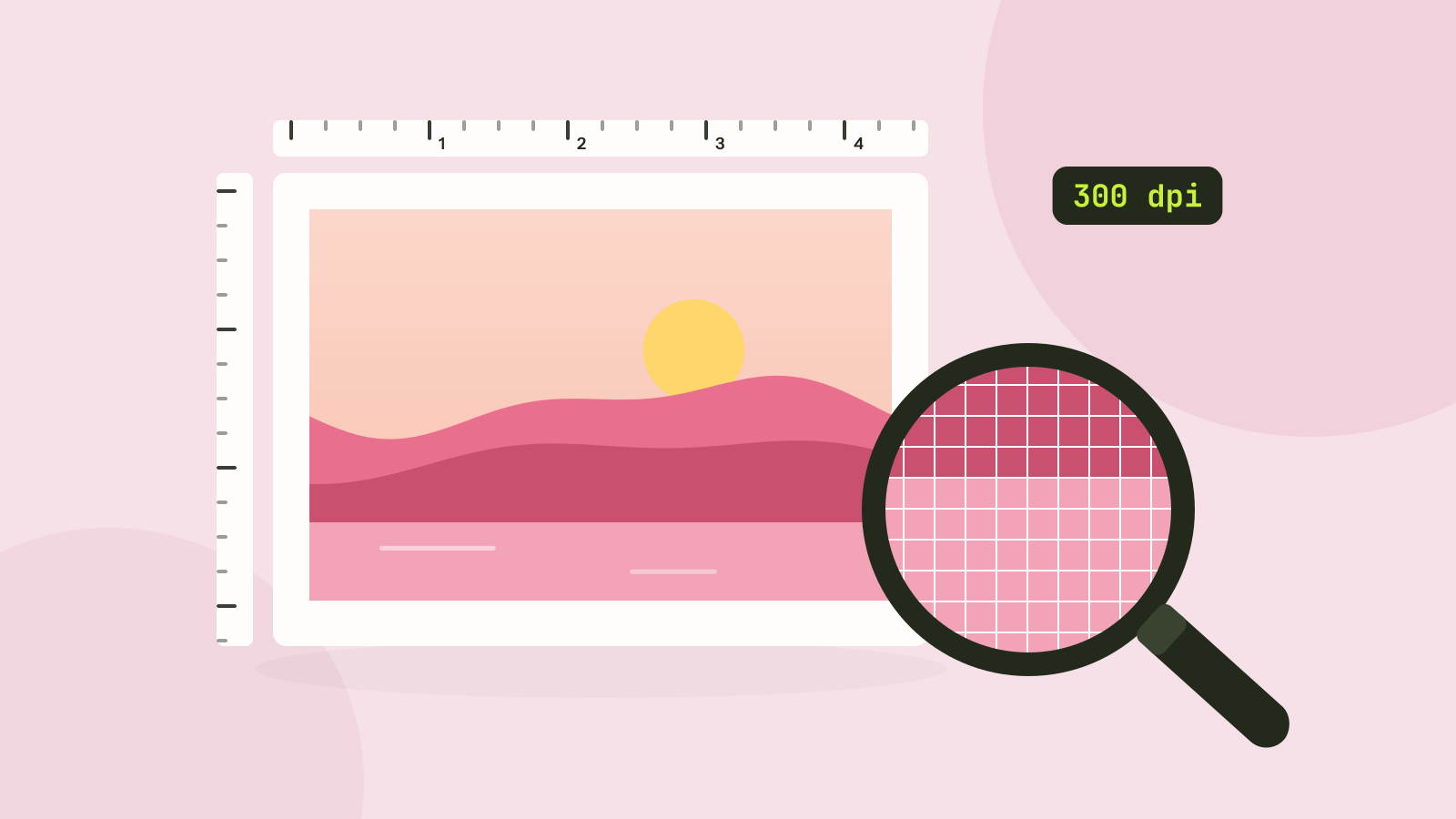
Pixels, DPI and file size: how big does a photo need to be?
Upload forms ask for 300 DPI, print shops for high resolution, and phones save 12 megapixel photos. We tested what the DPI number really does, how file size follows pixel count, and how many pixels each use actually needs.