How it works
- Drop your images.
- Set a target size or choose a quality level.
- Check the preview and download.
Why use it
- Lossless OxiPNG optimization.
- Palette reduction for graphics.
- Target size search.
- Batch with ZIP.
Questions and answers
What is lossless PNG compression?
The pixels stay identical. The file is simply encoded more efficiently.
When should I reduce colors?
For logos, icons and screenshots with flat colors. Photos look better in JPG or WebP.
Related guides
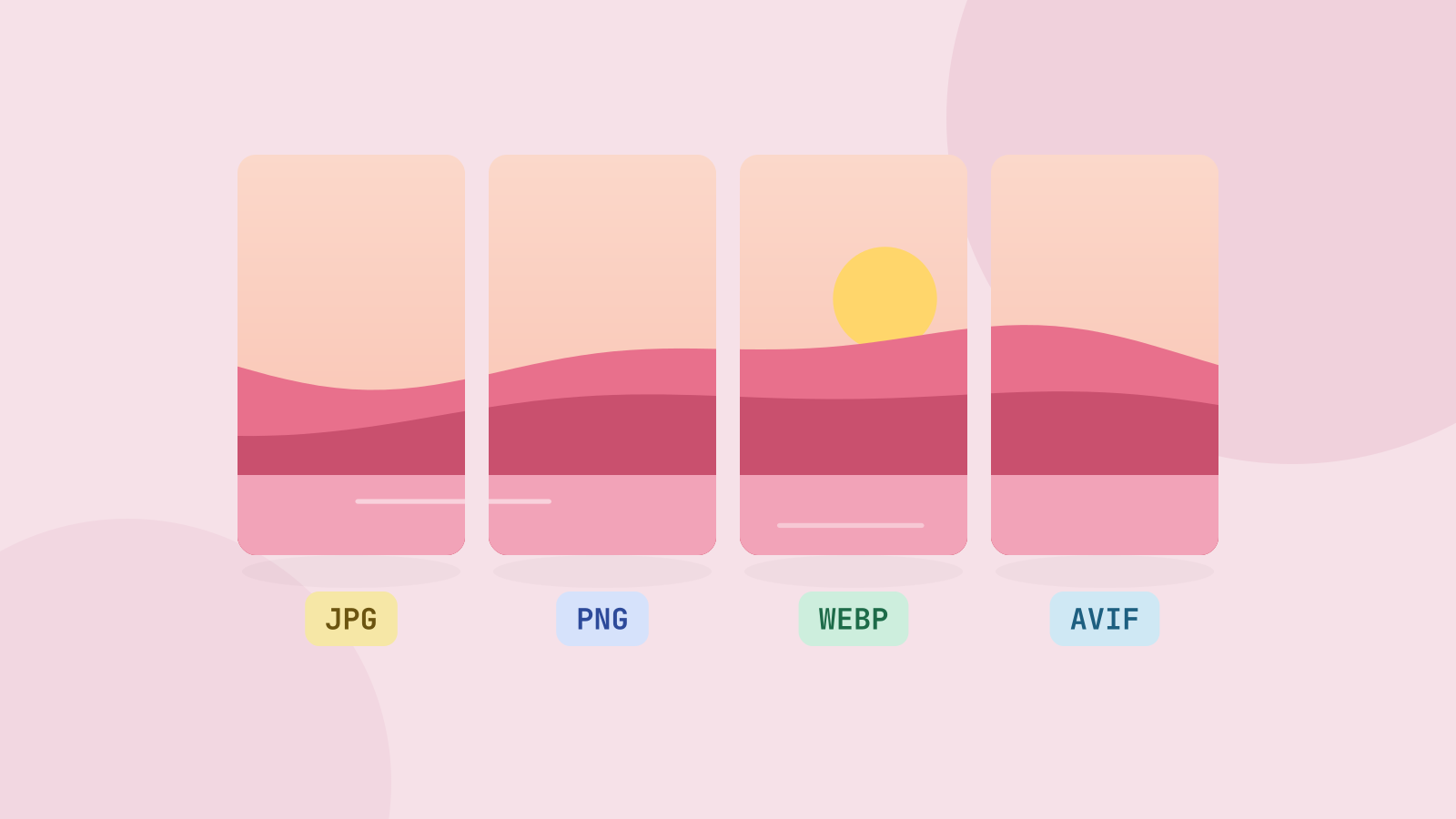
JPG, PNG, WebP or AVIF: which format to use
We saved six photos and a graphic in all four formats at the same visual quality and compared the sizes. The newer formats win on photos by a wide margin, but each format still has a job.
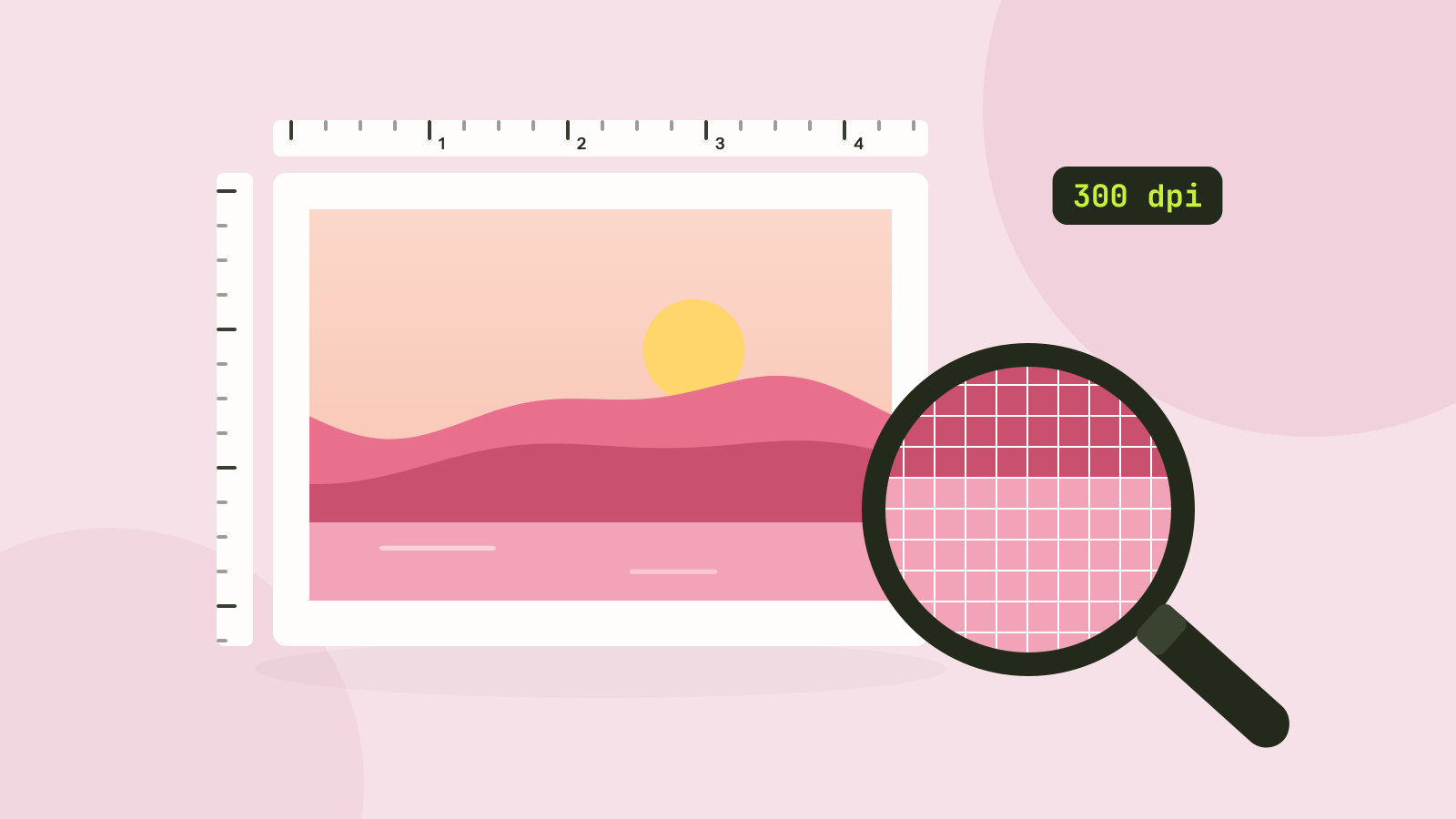
Pixels, DPI and file size: how big does a photo need to be?
Upload forms ask for 300 DPI, print shops for high resolution, and phones save 12 megapixel photos. We tested what the DPI number really does, how file size follows pixel count, and how many pixels each use actually needs.
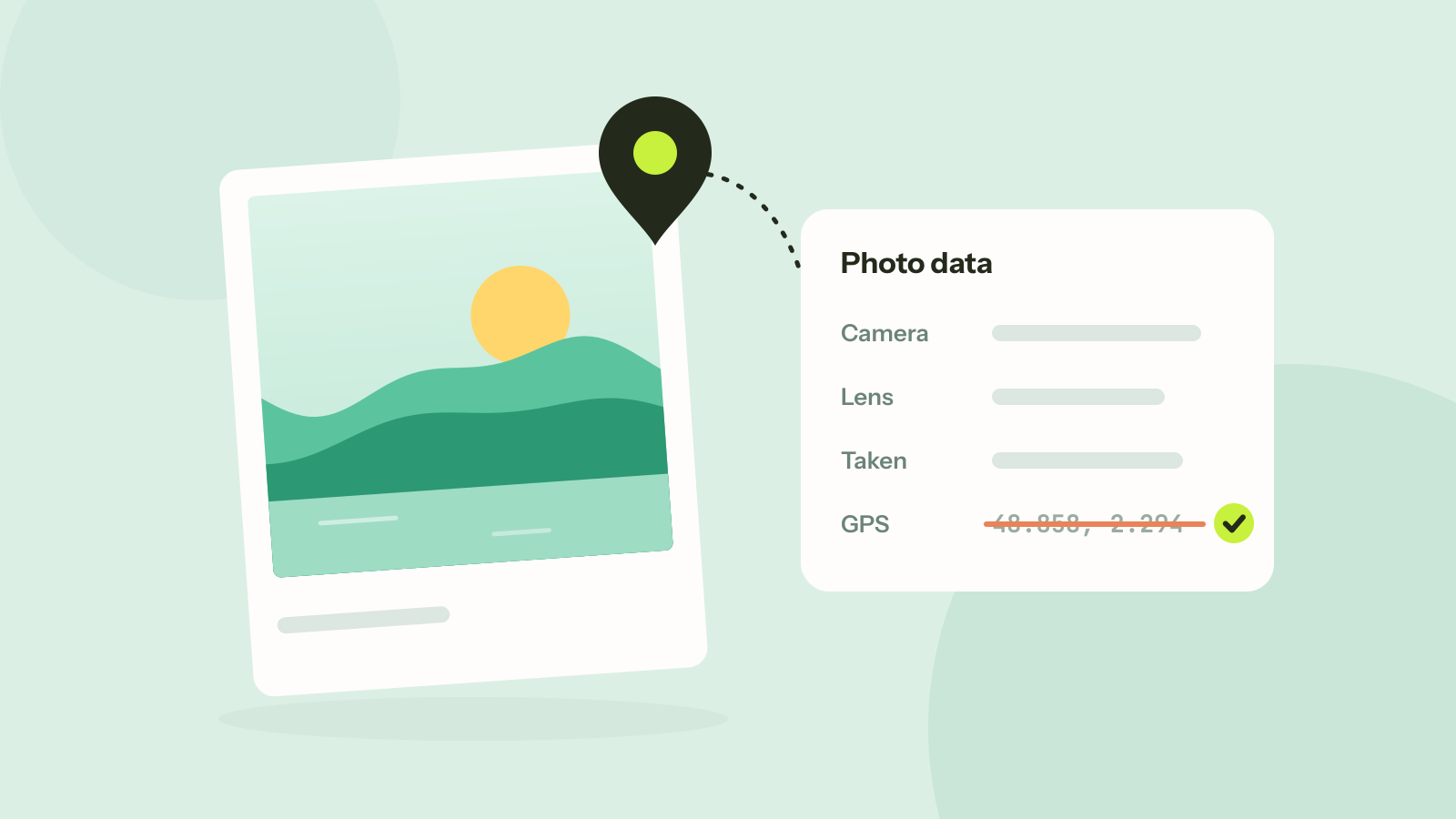
How to remove location and other metadata from photos
Every photo carries hidden data about the camera, the time and often the place. We read what nine published photos still gave away, added a location to show how precise it is, and checked that removing it leaves the picture untouched.