How it works
- Drop your videos.
- Choose the format and any resize, crop or rotate options.
- Download the converted videos.
Why use it
- Screen recordings supported.
- H.264 MP4 output.
- Bulk.
- Private.
Questions and answers
Why did my recording come out as WebM?
Browsers record in WebM by default. This tool converts it.
Does it fix missing duration?
Yes, the converted file has a proper length and seek bar.
Related guides

GIF vs MP4 vs WebM: the same clip in each format
We turned a camera clip and a screen recording into a GIF, an MP4 and a WebM at the same size. The GIF was up to 16 times larger and still looked worse. Here is why, and when a GIF is still the right choice.
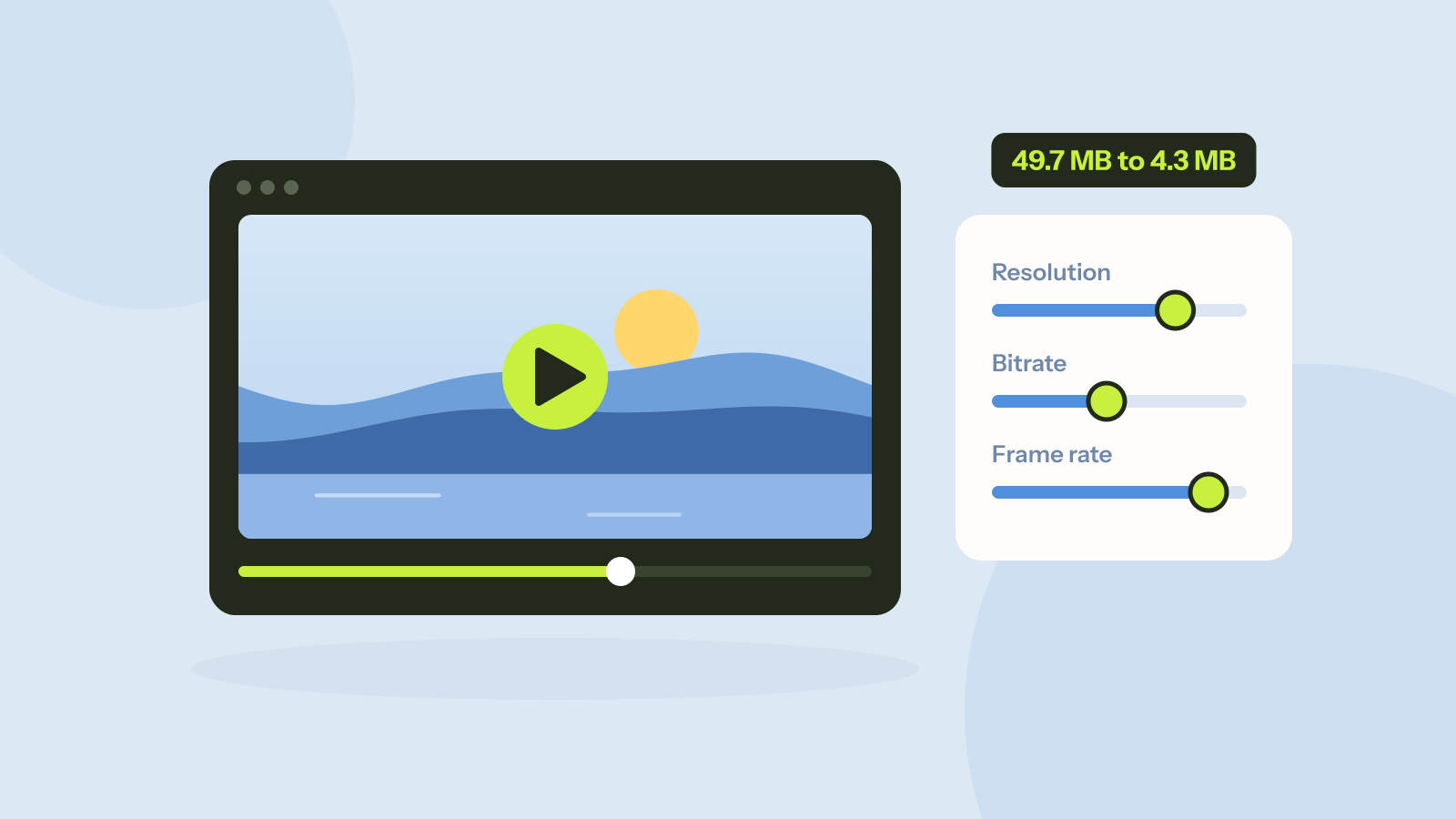
How to compress a video: what each setting really does
A video's size is its bitrate times its length, and every setting works through that. We compressed two full HD clips at every setting and measured the size and quality of each result, including the usual advice to lower the resolution.
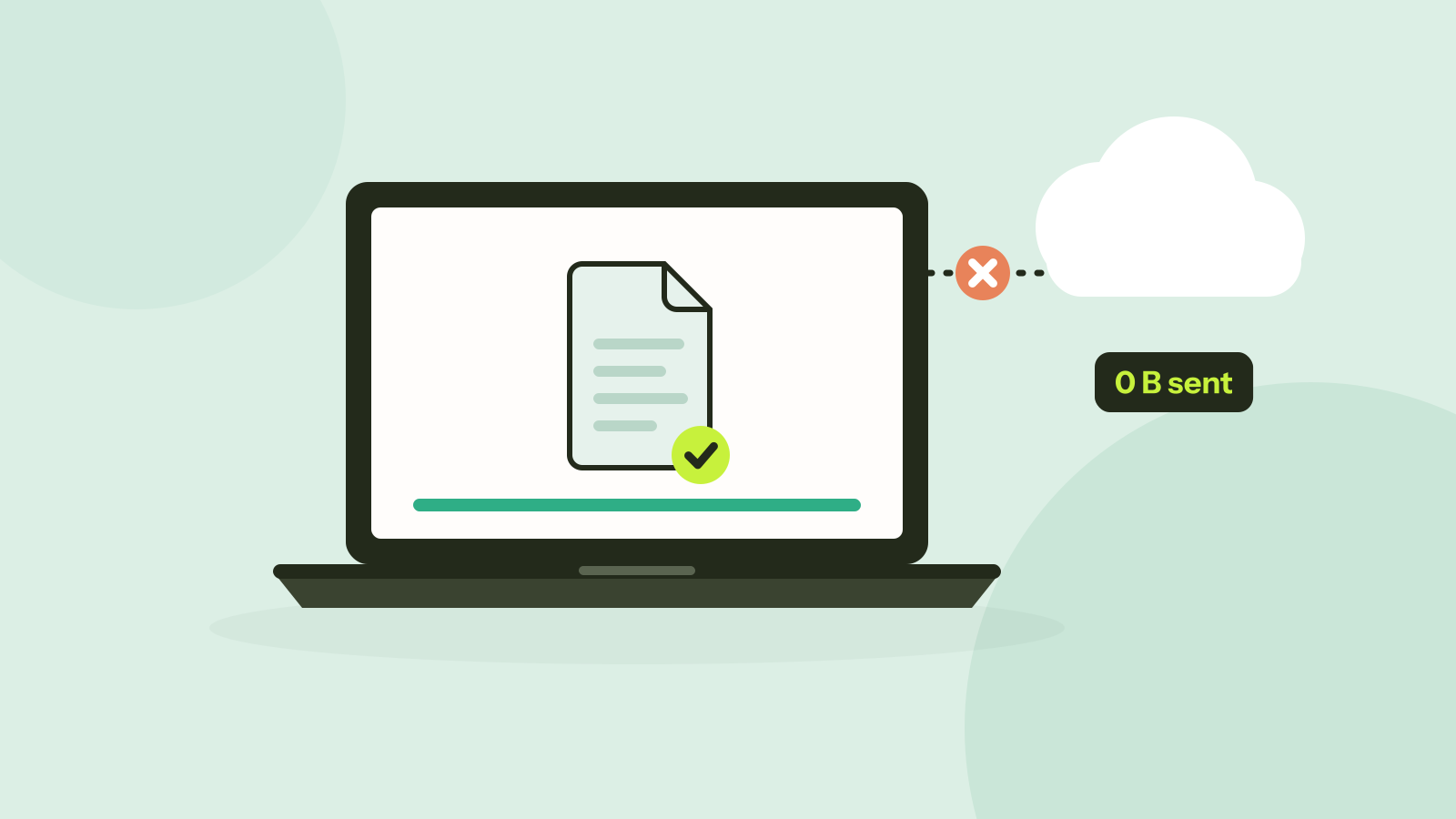
Do online converters upload your files?
Most online converters send your file to a server; some do the work in your browser instead. Here is how to tell which kind a site is in about a minute, and what every request looked like when we converted a photo on our own site.