How it works
- Drop your SVG files.
- Choose the output size and background.
- Download the PNG, JPG or WebP files.
Why use it
- Any size up to 8K.
- Background color for the transparent parts.
- Adjustable JPG quality.
- Bulk export.
Questions and answers
Why is there a background?
JPG cannot be transparent, so the empty parts of an SVG are filled. Use PNG if you need transparency.
Will it stay sharp?
Yes at the size you choose. Pick a larger size if you plan to print.
Related guides
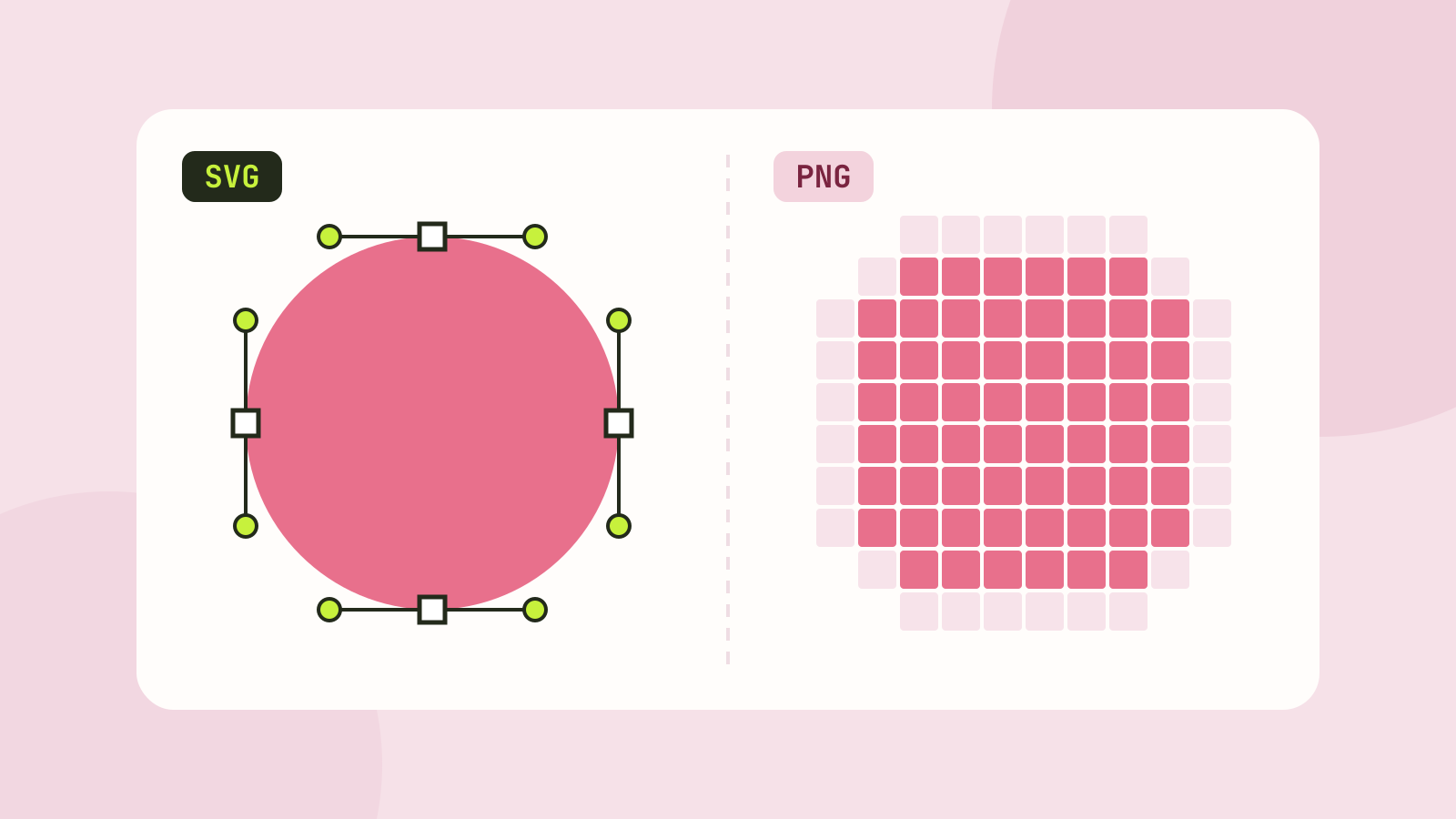
SVG vs PNG: which to use for logos, icons and illustrations
SVG stores shapes and PNG stores pixels, and that decides which one fits a job. We measured five SVGs of very different complexity against PNG copies at four sizes, and traced a logo, a seal and a photo back to SVG.