How it works
- Drop an audio file.
- Drag on the waveform to mark clips.
- Set fades and format, then export.
Why use it
- Waveform selection.
- Fades.
- Several clips.
- Private.
Questions and answers
Can I make a ringtone?
Yes. Cut the part you want and export it as MP3 or M4A.
Is the MP3 re-encoded?
Yes, at the bitrate you choose.
Related guides
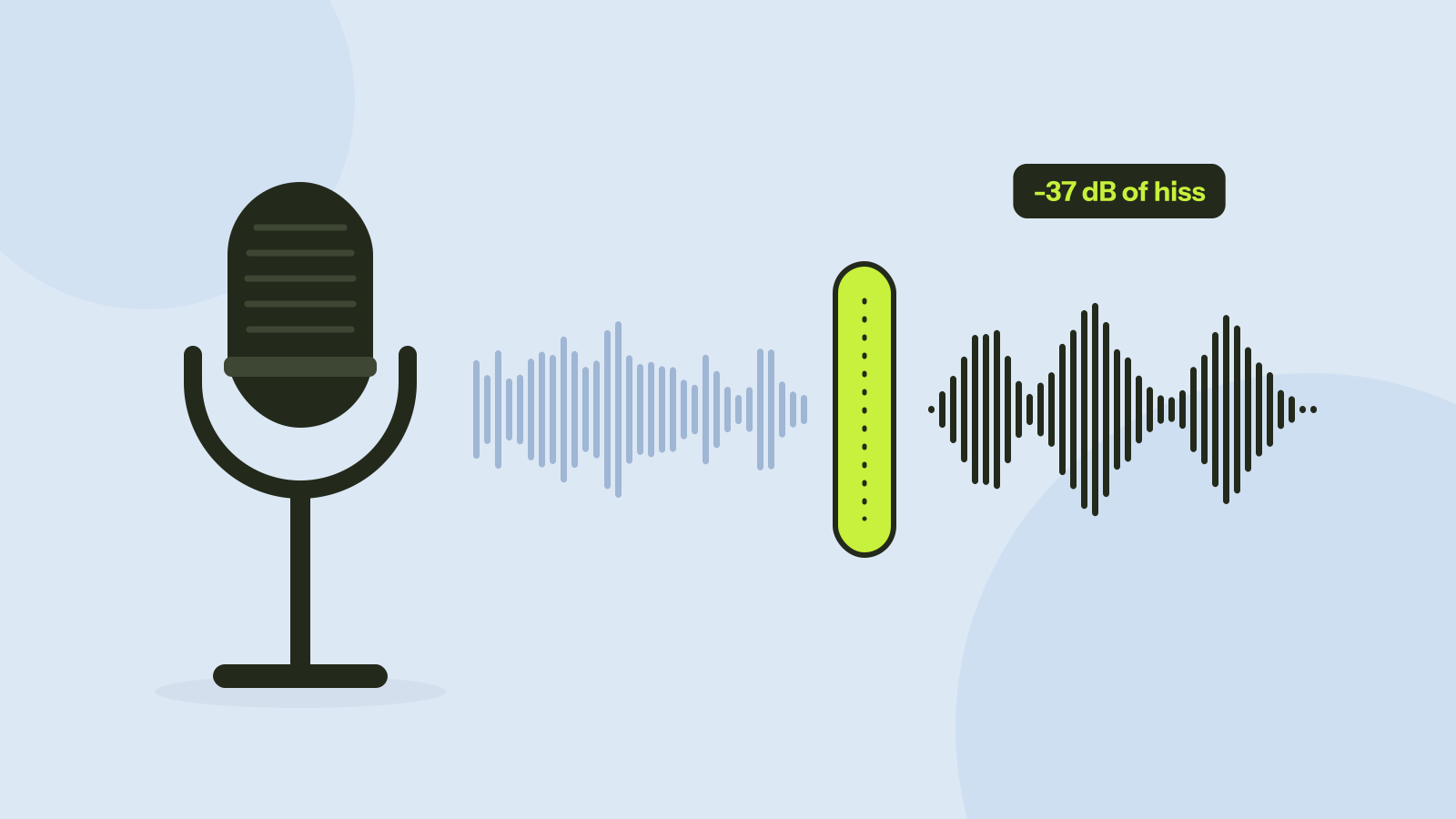
Removing background noise from audio: what works
We mixed five kinds of noise into real recordings of people speaking and cleaned them with a small neural network that runs in the browser. Steady noise almost disappeared. Sudden sounds and music were another story.